

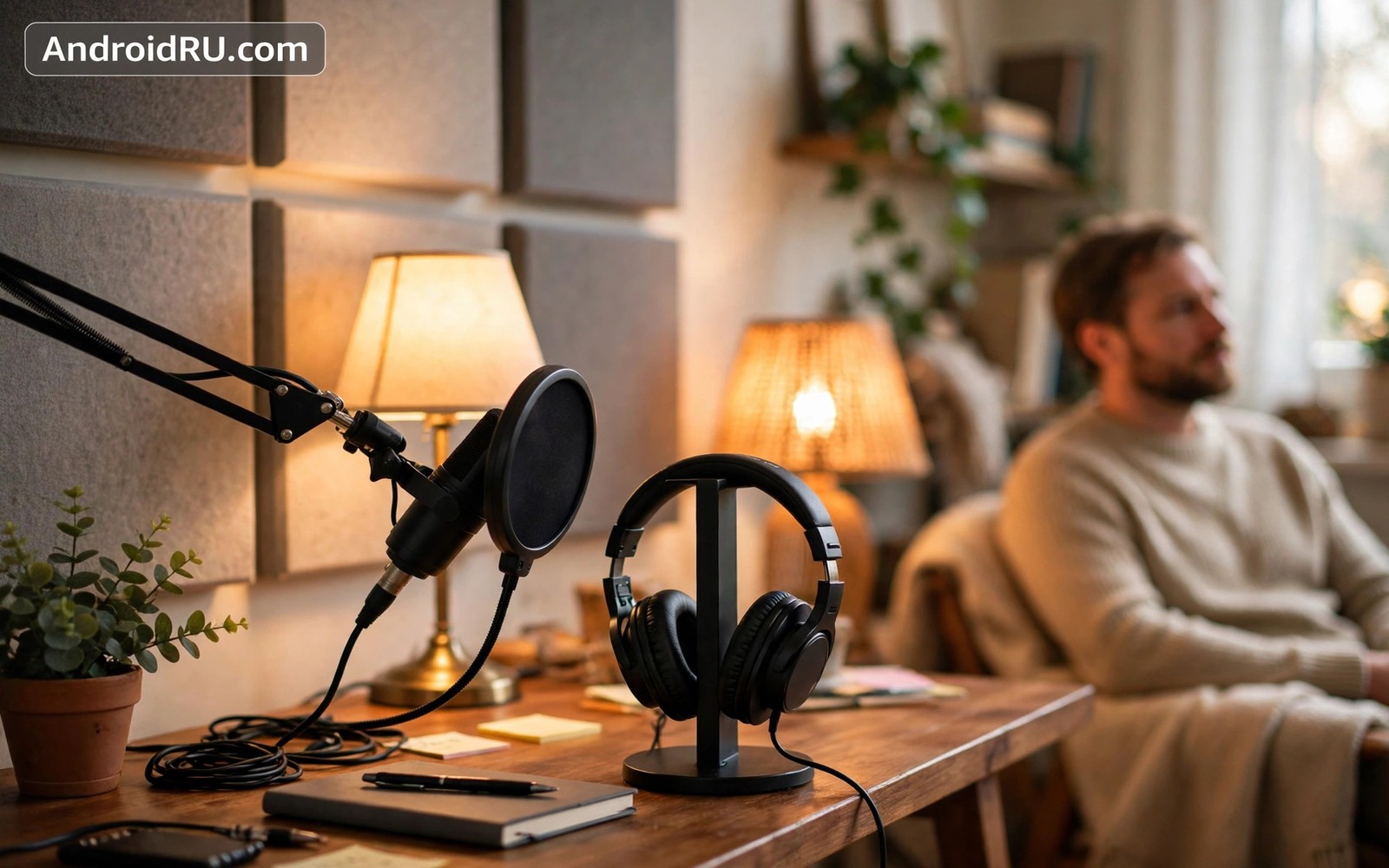
Text feeds exhaust eyes after a long screen day. Audio offers a calmer way to learn and connect. These audio social networking podcasts apps cover live rooms and recorded shows. This guide compares listening features and social features. You will learn which app fits commuting and which fits live discussion.
Start by deciding whether you want live talk or recorded shows. Live rooms suit discussion and networking. Recorded podcasts suit learning at your own pace. Also check how VoIP apps function on low bandwidth networks for audio quality basics. Many users enjoy both formats at different times of day.
Podcast apps for serious listening
Good podcast apps offer offline downloads and playback speed control. Speed control saves time on long episodes. Sleep timers protect late night listening. Chapter support helps you jump to key segments. Queue management matters when you follow many shows.
Pocket Casts and similar apps excel at queue and discovery. They sync progress across devices reliably. They also offer silence trimming to cut dead air. Test discovery features with a niche topic you love. A good app surfaces small shows and not only top charts.
Live audio rooms and social talk
Live audio apps host rooms where hosts speak and audiences listen. Listeners can raise a hand to join the stage. That format suits Q and A sessions and book clubs. It also suits language practice groups. Rooms feel more intimate than text threads because voice carries tone.
Moderation shapes room quality heavily. Good hosts set topics and manage speakers firmly. Rooms without moderation drift into noise fast. Join rooms with clear titles and active hosts first. Leave rooms that allow constant interruption.
Music social apps and shared listening
Some audio apps centre on music sharing and live DJ sets. Users share tracks and react in real time. That shared listening builds community around taste. It differs from passive streaming because chat runs alongside music. Licensing limits vary by region and by app.
Check whether shared listening works on your network and device. Some features need stable Wi-Fi for sync. Others work well on mobile data with audio only streams. Audio only social use also saves battery compared with video rooms.
Recording and starting your own show
Starting a podcast needs only a phone and a quiet room at first. Record with a simple app and edit lightly. Publish through a hosting service that distributes to major apps. Consistency beats studio quality for early growth. Listeners forgive modest audio when content is strong.
Live rooms need even less setup. Pick a topic and a time and invite five friends. Prepare three questions to start discussion. Also read best video conferencing apps for mobile work calls for host control lessons. Host skills transfer well between video meetings and audio rooms.
Discovery without algorithmic overload
Audio discovery works best through human recommendations. Ask friends for one show per month. Follow creators you already trust. Use app categories sparingly to avoid choice overload. A short list of ten shows beats a library of two hundred unwatched episodes.
Use playlists for different moods and tasks. A commute playlist differs from a workout playlist. A learning playlist differs from a relaxation playlist. Separate queues prevent decision fatigue each morning. Delete shows that no longer excite you without guilt.
Audio habits for health and focus
Audio listening pairs well with walking and chores. It turns dead time into learning time. Avoid audio during tasks that need full concentration. Complex work suffers when a podcast competes for attention. Use music for focus tasks and podcasts for routine tasks.
Protect hearing with volume limits. Long listening at high volume damages hearing gradually. Use the phone volume warning as a real limit. Also check how social media apps impact battery and data use for offline download benefits. Downloaded episodes use less battery than streaming on weak signal.
adb shell dumpsys package com.google.android.apps.podcasts | grep -i versionName
adb shell settings get system volume_music
These commands follow the standard Android developer reference pattern for checking app versions and volume settings. They only read data and they change nothing on the phone.
Building a podcast habit that sticks
Start with a tiny habit of one episode per week. Choose a show with episodes under thirty minutes. Listen during an existing routine like commuting or cooking. Attaching listening to an existing routine makes it stick. Do not start with a daily two hour show. That ambition collapses within a week for most people. After three successful weeks add a second weekly episode. Gradual growth builds a lasting habit. Track episodes in the app queue so progress feels visible. Visible progress motivates continued listening.
Curate your queue weekly on Sunday evening. Remove episodes that no longer excite you. Add two new episodes from trusted recommendations. Keep the queue under ten episodes to avoid overwhelm. A huge queue creates guilt rather than excitement. Listen in queue order to reduce decision fatigue each morning. Decision fatigue kills habits faster than boredom. A short ordered queue makes the next listen obvious. That obviousness is the secret to habit persistence over months.
Use playback features to fit listening into real life. Speed up slow speakers to 1.25 times for dense content. Slow down to normal speed for complex topics that need thought. Use sleep timers for bedtime listening without losing your place. Use silence trimming to save minutes on chatty shows. Those features adapt audio to your schedule rather than forcing your schedule around audio. Experiment with one feature per week. Mastering features gradually beats ignoring them entirely. A well tuned app feels personal after a month.
Hosting a live audio room that people enjoy
Plan a room topic in one sentence before you open it. A clear topic attracts the right audience. Vague topics attract confused listeners who leave quickly. Prepare three opening questions to start discussion. Opening questions prevent awkward silence in the first minutes. Invite two reliable speakers to join early. Early speakers model good participation for later joiners. Set a room duration of forty five minutes maximum for most topics. Shorter rooms respect listener time and keep energy high.
Moderate actively throughout the room. Welcome new speakers by name when they join the stage. Summarise key points every fifteen minutes for late joiners. That summary keeps late arrivals engaged without rewinding discussion. Mute speakers who interrupt repeatedly after a polite warning. Remove disruptive participants promptly if warnings fail. Good moderation feels invisible to well behaved participants. Poor moderation makes rooms feel chaotic and drives good speakers away. Your moderation quality decides room reputation more than topic choice.
Close the room with a clear summary and a next step. Recap the three main points discussed. Announce the next room date and topic if you plan a series. Thank speakers by name for their contributions. That gratitude encourages return participation. Save any room notes in a document for future reference. Notes turn ephemeral talk into lasting value. Share notes with participants who asked for them. A strong close converts one time listeners into regular community members over time.
Your audio listening starter checklist
Use this checklist to build an audio habit that lasts. First choose one podcast show with episodes under thirty minutes. Second download three episodes on Wi-Fi before your next commute. Third set playback speed to a comfortable level for that show. Fourth set a sleep timer if you listen at bedtime. Fifth create a queue with no more than ten episodes to avoid overwhelm. Sixth follow one live audio room host whose topic interests you. Seventh join a live room as a listener before speaking on stage. Eighth prepare one question before joining a room as a speaker. Ninth use a wired or reliable wireless headset with clear microphone quality. Tenth protect hearing by respecting phone volume warnings. Eleventh delete shows that no longer excite you without guilt. Twelfth review your queue every Sunday and add two fresh episodes. An audio habit built through this checklist turns dead time into learning time. Commutes and chores become opportunities rather than wasted hours. Live rooms add community to that learning when you want interaction. Podcasts add depth when you want polished content. Together they cover most audio needs without video fatigue. Start with one show this week and expand slowly. Slow expansion beats ambitious starts that collapse within days. A lasting habit needs a small first step and a clear routine.
Common mistakes
Subscribing to fifty shows at once creates queue guilt. Keep subscriptions to a manageable number. Listening at maximum volume for hours risks hearing damage. Respect volume warnings. Joining unmoderated rooms wastes time fast. Choose rooms with clear hosts and topics.
Recording in a noisy room without a test clip disappoints listeners. Record a thirty second test first. Skipping offline downloads on weak signal trips causes buffering. Download episodes on Wi-Fi before travel.
Expecting live rooms to feel like polished podcasts misleads. Live audio is messy and interactive by nature. Enjoy it for discussion and use podcasts for polished learning.
Frequently asked questions
Are live audio rooms better than podcasts?
Neither is better in general. Live rooms suit discussion and community. Podcasts suit polished learning at your pace. Use rooms for interaction and podcasts for depth. Many listeners enjoy both formats weekly.
Can I start a podcast with just a phone?
Yes a phone in a quiet room suffices for early episodes. Add a basic microphone later if audience grows. Focus on clear content and consistent publishing first. Equipment upgrades follow audience growth naturally.
Do audio apps use less battery than video apps?
Yes audio only apps use far less power than video apps. Screen off listening is especially efficient. Downloaded episodes use less power than streaming. That efficiency makes audio ideal for long commutes.
Conclusion
Audio social apps offer a calmer alternative to video feeds. Podcasts suit deep learning at your pace. Live rooms suit discussion and community. Shared music listening suits taste based connection. Choose formats by time of day and by task.
Your concrete next step is to download three episodes of one new show on Wi-Fi today. Listen during your next commute or walk. Note whether audio learning fits your routine better than another text feed scroll.

