

Why banking apps check for root
A banking app guards money and identity. It must decide whether the device it runs on can be trusted. A rooted device lets high level code change app behaviour. That ability could hide a keylogger or alter a transaction screen. A banking app therefore checks for signs of root and tampering before it trusts the device. Those checks protect the bank and the user from a compromised phone. They also frustrate legitimate power users who root for other reasons. That tension is the core of this topic.
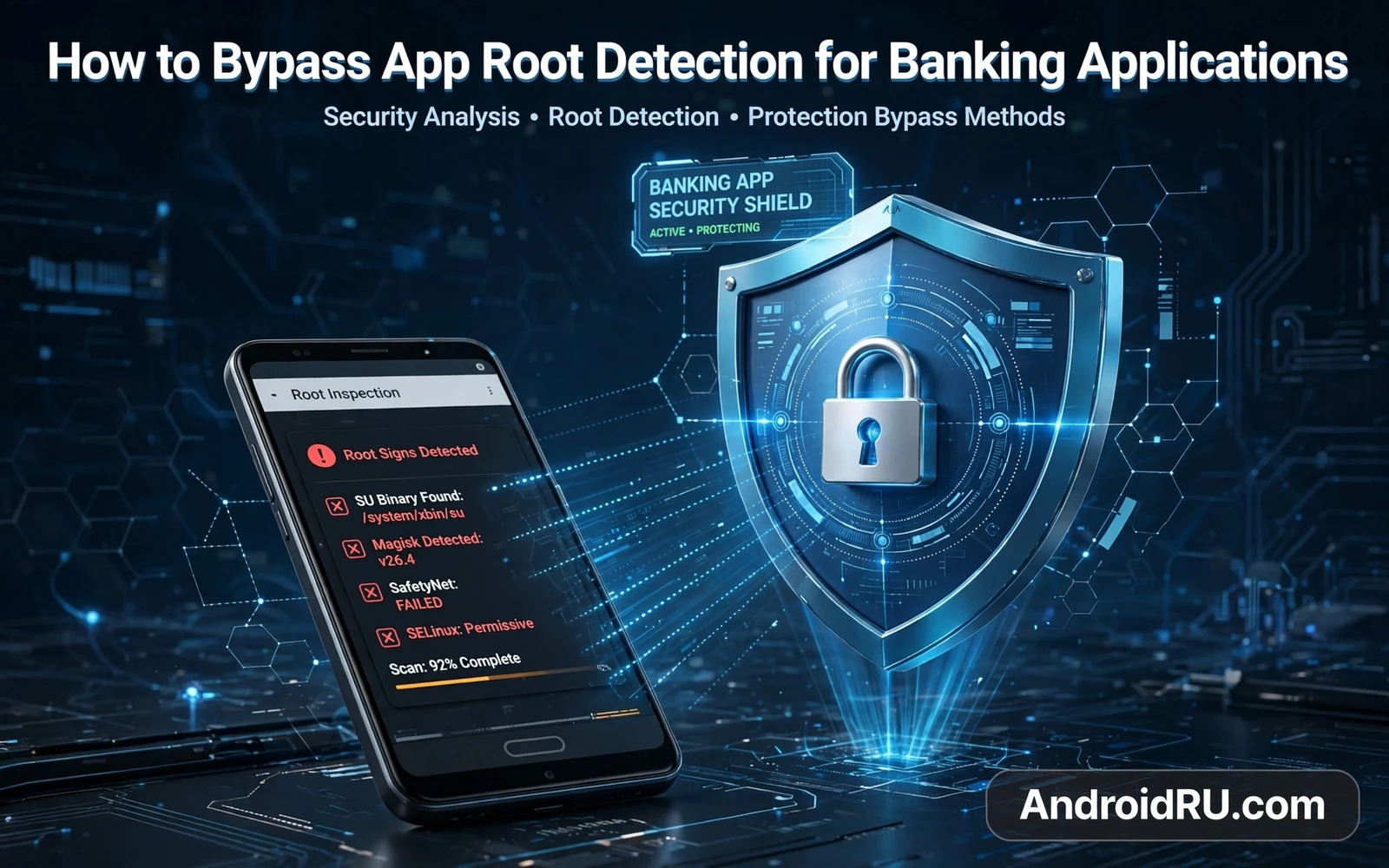
Root detection is not a single check. An app may look for a superuser binary on the device. It may look for known root manager apps. It may check whether the bootloader is unlocked. It may check whether the system partition was modified. It may test integrity through a platform attestation service. It may watch for hooking frameworks running inside its own process. A bypass that hides one signal may still fail another signal. That layered design explains why a simple hide toggle rarely works for long.
Read this warning before you try any bypass. Bypassing root detection can void the device warranty. It can cause a banking app to lock an account. It can cause loss of access to money at a critical moment. It can brick a phone when a hiding module conflicts with the system. Back up all data before you install any hiding tool. Do not test a bypass on your only phone without a spare device ready. Keep a clean unmodified device for banking when possible. A clean device is safer than a clever bypass for money tasks.
What banks actually look for
The first layer is file and app presence. An app can check common paths where superuser tools live. It can check the installed app list for root managers. Hiding tools try to mask those paths and names. That masking works until the bank updates its list. The second layer is system integrity. An unlocked bootloader or a modified boot image changes integrity signals. Masking those signals is harder because they come from low level state. A device that was once modified may keep integrity scars even after unrooting.
The third layer is runtime behaviour. An app can detect debugging tools and hooking frameworks inside its process. It can detect a modified runtime that alters method results. It can detect an emulator or a virtual environment. Those runtime checks catch many bypasses that pass file checks. A hiding module that injects code into the banking app may itself trigger a runtime check. That paradox traps many readers. The tool meant to hide tampering becomes a new tampering signal.
The fourth layer is server side risk scoring. A bank server can compare device signals across sessions. A device that changes its signals often may score as risky. A device with an unusual app set may score as risky. Server scoring is invisible to the user and hard to test. A bypass that works today may fail tomorrow after a server rule change. Do not treat a single successful login as proof of a stable bypass. Stability needs repeated logins across updates and server changes.
Safer alternatives to a bypass
The safest alternative is a separate clean device for banking. A cheap secondary phone with a locked bootloader and stock system passes checks naturally. That device holds only banking and authentication apps. It never receives root tools or hooking modules. That separation costs little compared with a locked account. It also keeps daily experimentation away from money. Many power users adopt this separation after one painful lockout. It is boring and it works.
A second alternative is the bank web site on a clean browser when the bank offers it. A web session on a clean device avoids app detection entirely. It still needs strong passwords and second factor authentication. It still needs care on public networks. It does not need any bypass tool. A third alternative is to unroot fully and restore stock firmware before banking use. That path is slower yet cleaner than hiding. It returns the device toward a state that banks trust.
If you still choose to explore hiding tools then test with a secondary account first. Never test a new hiding setup with a main salary account. Use a low balance test account when the bank allows one. Watch for login failures and feature limits and warning messages. A warning message is data rather than an annoyance. It tells you which layer detected a problem. Stop at the first warning and reassess. Pushing past warnings with more hiding tools raises the risk of an account action.
Common hiding approaches and their limits
One approach denies root access to the banking app through a root manager allow list. That approach stops the app from seeing superuser grants directly. It does not hide bootloader state or system modification. Another approach uses a hiding module that masks root signals for chosen apps. That module must stay updated with bank detection changes. An outdated hiding module can fail silently and leave the app blocked. A third approach uses a separate user profile or work profile to isolate the banking app. Isolation helps with app list checks yet rarely hides bootloader state.
Banking safety checklist
- Keep a clean device for money tasks when possible
- Never test a bypass with a main account
- Stop at the first warning message
- Update hiding tools before banking app updates
- Prefer full unroot over hiding for long term use
Integrity attestation deserves special caution. A platform attestation result reflects bootloader state and system integrity. Strong attestation cannot be faked by a simple module. Attempts to fake attestation often trigger deeper checks. A device that fails strong attestation may lose access to many secure apps at once. That loss can include payment apps and work apps. Weigh that broad loss against the narrow gain of one banking login. A bypass that breaks five apps to save one app is a poor trade.
Updates break bypasses on a regular cycle. A banking app update can add a new detection layer overnight. A system update can change integrity signals. A hiding module update can lag behind both. Plan for breakage rather than hoping for permanence. Keep a clean device ready for the day a bypass fails. Keep bank support contact details saved outside the phone. Keep alternative payment methods ready for that day. A bypass without a fallback plan is a fragile plan.
Hooks inside a banking app create a direct conflict with detection. The LSPosed API hooking walkthrough explains how a module runs inside a target app process. That placement is exactly what runtime detection looks for. A reader who scopes a general module to a banking app invites a detection failure. Keep hooking modules away from money apps entirely. Use hooking for customisation in low risk apps only. That separation protects both the hook project and the banking account.
The cleanest long term path for a modified phone is a full return to stock. The unroot and stock restore walkthrough explains how to remove root and restore stock firmware. That path removes the need for hiding tools. It restores integrity signals as far as the hardware allows. Some devices keep a permanent tamper flag even after a full restore. Read that guide before you promise yourself a perfect return. Honest expectations prevent a second disappointment.
Every bypass discussion starts with the gate that created the detection problem. The bootloader unlocking tutorial explains why an unlocked bootloader changes trust signals. That background clarifies why hiding root alone cannot restore full trust. The bootloader state is a separate signal from root presence. A reader who understands both signals can judge bypass claims more sceptically. Many bypass guides hide that distinction. This guide keeps it visible on purpose.
If an account gets locked
Stop changing the device the moment a lock appears. Further hiding attempts during a lock can look like evasion to a risk system. Contact bank support through a clean channel and explain the device state honestly. Ask what verification steps restore access. Follow those steps without adding new tools in the middle. Save every support reference number on paper. A calm and honest support path restores access faster than a technical arms race. The bank cares about identity proof more than about clever device tricks.
After access returns decide whether the experiment is worth repeating. A second lock often carries stricter review. A pattern of locks can affect trust scoring for a long time. Many readers choose separation after a first lock. They keep experimentation on one device and money on a clean device. That choice ends the bypass cycle. It also ends the anxiety before every login. A stable banking routine is worth more than a rooted banking app.
How detection changes over time
Detection methods evolve as banks learn new hiding tricks. A method that hides root today may be detected after a server update tomorrow. A hiding tool author must then release a counter update. That cycle repeats indefinitely. A user inside the cycle must update tools promptly and test after each update. A missed update can leave a banking app blocked at an awkward moment. The cycle itself is a cost that rarely appears in bypass guides. Count that ongoing cost honestly before joining it.
Device attestation keeps raising the bar for hiding tools. Strong attestation ties trust to hardware state rather than to software claims. A software module cannot easily fake a hardware rooted trust signal. That direction of travel favours clean devices over clever hiding. A reader who bets long term on hiding fights a rising tide. A reader who chooses separation rides with that tide. Long term planning should follow the direction of attestation rather than the latest bypass headline.
Teach family members the clean device rule when they ask about banking on a modified phone. A short explanation saves them from a locked account later. Explain that a rooted phone can be a fine hobby device. Explain that money deserves a separate clean device. Offer to help set up that clean device. That help is more useful than a hiding tutorial. It protects their money and their peace of mind in one step.
A final banking habit is a monthly clean device check. Open the banking app on the clean device and confirm login works without warnings. Check that the clean device still receives official updates. Check that no experimental tool migrated onto it by accident. That monthly check catches drift before a payment deadline. It also confirms that the separation strategy still holds. A clean device that is never checked can drift silently toward the same risk it was meant to avoid.

