

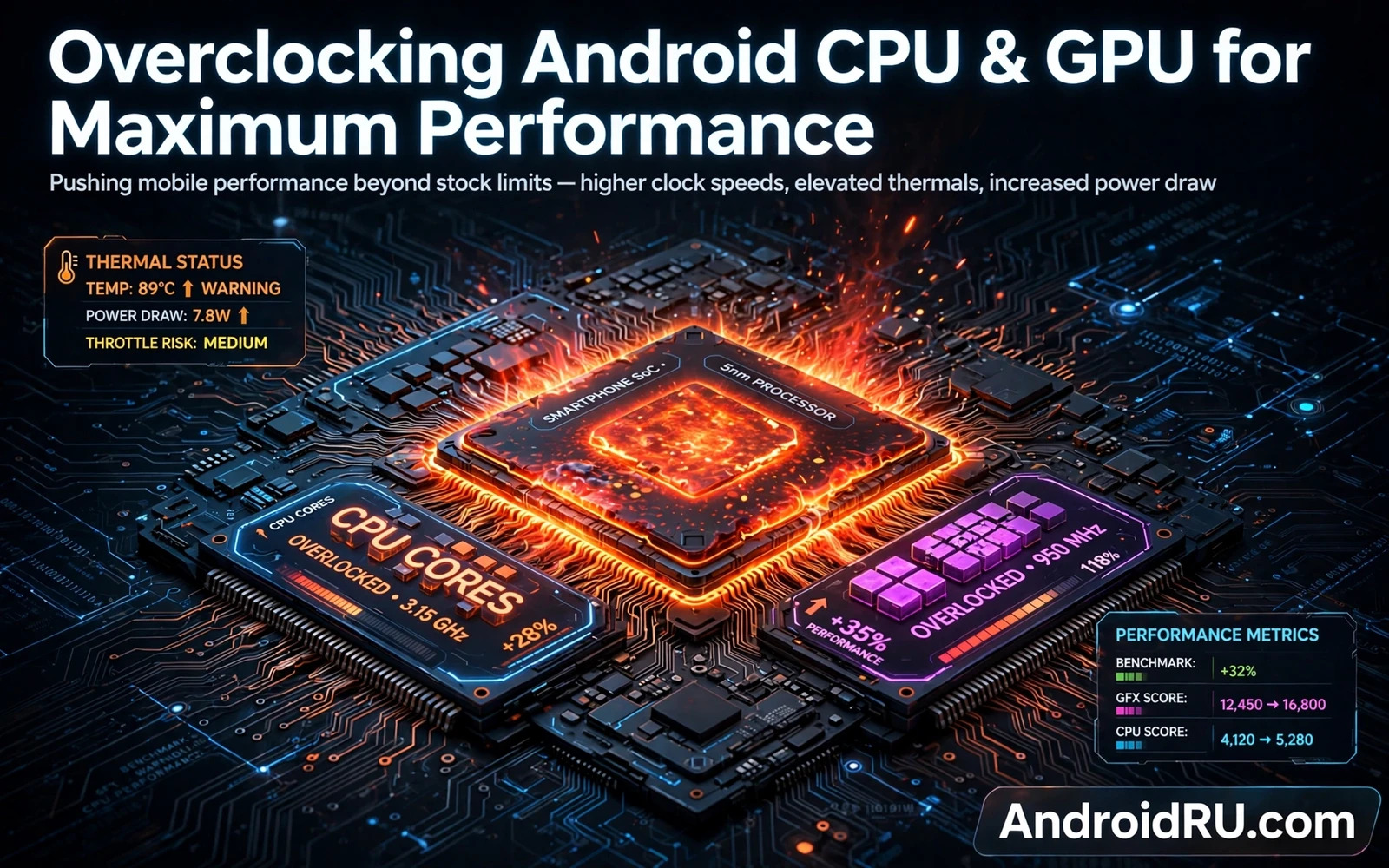
What overclocking means on a phone
Overclocking raises the operating speed of a processor or a graphics unit beyond its stock speed. A phone chip runs at speeds set by the maker for a balance of speed and heat and battery life. Raising that speed can make games and heavy apps feel smoother. It can also raise heat sharply within minutes. A phone has far less cooling space than a desktop computer. That small cooling space is the central limit of phone overclocking. Speed gains that look good in a short test can vanish under sustained heat.
Overclocking on Android usually needs a custom kernel and root access. The stock kernel often locks speed tables to maker limits. A custom kernel can expose higher speed steps and new controls. That exposure does not guarantee stability at those steps. Each chip differs even within the same model. One phone may hold a higher speed with ease. Another phone of the same model may crash at the same speed. That variation is normal in chip manufacturing. Treat every overclock as an experiment on your specific unit.
Read this warning before you change any speed setting. Overclocking can void the device warranty. It can cause overheating and sudden shutdowns. It can cause data loss when a crash corrupts a file write. It can shorten the life of a battery and a chip. It can brick a phone when a bad kernel leaves the device unable to boot. Back up all data before you flash a custom kernel. Do not overclock your only phone without a spare device ready. Keep a stock kernel and stock firmware nearby for recovery. Speed is never worth a dead main device.
How phone speed and heat interact
A phone processor raises speed when work is heavy and lowers speed when work is light. That dynamic behaviour protects battery life and controls heat. A fixed high speed removes that protection. The chip then draws more power even during light work. Heat builds in the metal frame and near the battery. The system may then throttle speed hard to protect itself. That hard throttle can feel worse than the stock behaviour. A smart overclock keeps dynamic behaviour and raises only the top steps slightly.
Graphics speed follows a similar pattern during games. A graphics unit renders frames and then rests between frames. A higher graphics speed can raise frame rates in short bursts. Sustained gaming heats the whole device and the graphics unit shares heat with the processor. Shared heat means both units throttle together under load. A cooling case or a fan can delay throttling but cannot remove the physical limit. Judge an overclock by a long gaming session rather than by a short test. A short test flatters almost any aggressive setting.
Battery drain grows with speed in a steep way. A small speed rise can cost a large amount of extra power under load. That cost shows up as faster drain and warmer charging. A phone that charges while hot can throttle charging speed for safety. That slower charging can frustrate daily use more than a small speed gain pleases. Measure battery behaviour over several days after any change. A single day of mixed use hides the real cost. A week of normal use reveals whether the gain is worth the drain.
Preparation before any speed change
Start from a stable stock system with a verified backup. Note the stock behaviour first. Play a demanding game for a set session and note heat and smoothness in plain words. Use the phone for normal tasks for a few days and note battery drain. Those notes become your baseline. Without a baseline you cannot judge whether an overclock helped or hurt. A baseline also helps you revert with confidence when a change disappoints. Do not skip the baseline because it feels boring. The baseline is the experiment control.
Choose a custom kernel made for your exact model and exact software build. A kernel for a sibling model can boot yet break cameras or sensors or mobile data. Read the kernel notes for known issues before flashing. Check whether the kernel supports your current system version. Check whether it needs a specific recovery or a specific root method. Keep the stock boot image saved on a computer. That image is your return ticket when the custom kernel fails. Flashing without a return ticket turns a test into a gamble.
Overclock safety routine
- Verify a full backup before flashing
- Save the stock boot image on a computer
- Raise speed in small steps only
- Test stability after each step
- Revert at the first sign of heat trouble
Raise speeds in small steps and test after each step. Change one unit at a time. Change the processor speed first and test it alone. Change the graphics speed later and test it alone. Changing both at once hides which change caused a crash. Run a demanding app for a long session after each step. Watch for freezes and reboots and visual glitches. Watch for heat that stays high after the app closes. Stop at the first step that shows any instability. The last stable step is your limit for that unit.
Stability testing that tells the truth
A stability test should mimic real use rather than a synthetic peak. Play a game you actually play for a full session. Edit a video or render a heavy task that you actually do. Use maps navigation while charging on a warm day when that matches your routine. Those real tasks expose heat and power problems that a short test misses. Note any app crash and any reboot and any heat warning. A single reboot during testing is enough to reject a speed step. Stability means no crashes across repeated sessions.
Watch thermals with the phone in your hand rather than through numbers alone. A frame that feels warm is normal during gaming. A frame that feels too hot to hold comfortably is a warning. A battery that stays hot after use is a warning. A phone that shuts down during a game is a clear failure. Let the phone cool fully between tests. Testing a hot phone skews the next result. Patience between tests gives each speed step a fair trial.
Revert without pride when a setting fails. Flash the stock boot image or restore the last stable kernel settings. A revert is not a defeat. It is proof that the safety routine worked. Many readers keep pushing a failing speed because they already invested time in it. That sunk cost thinking leads to corrupted data and damaged hardware. A stable stock phone beats an unstable fast phone every day. Keep the stable profile saved so you can return to it in minutes.
Kernel controls deserve a deeper study than a speed slider alone. The custom kernel tuning walkthrough explains governors and schedulers and voltages as a connected system. Speed alone cannot fix a poor governor choice. A governor that ramps too slowly can feel laggy even at a high top speed. A scheduler that starves background work can cause stutters. Read the kernel guide before you raise another speed step. It turns blind overclocking into informed tuning.
Overclocking usually starts with an unlocked bootloader and a custom kernel path. The bootloader unlocking tutorial explains that first gate and its data wipe risk. That context matters because a kernel flash without an unlocked gate cannot proceed on most devices. It also matters because the wipe warning applies before any speed work begins. Read the unlock logic early even when a kernel tutorial seems more exciting. The gate decides whether the whole project is possible on your unit.
A terminal can help you monitor a phone during long stability sessions. The Termux terminal walkthrough shows how a Linux terminal engine runs on Android. Terminal tools can log behaviour during a gaming session without adding heavy overlay apps. That logging habit supports honest testing. It does not replace the hand test for heat. It complements that test with a record you can review after cooling. Use the terminal as a notebook for your overclock experiment.
When overclocking is the wrong tool
Overclocking cannot fix a slow app that is limited by storage speed or by network speed. It cannot fix a game that is limited by poor optimisation. It cannot fix a phone with a worn battery that sags under load. Diagnose the real bottleneck before raising speeds. Clear storage pressure and close heavy background apps first. Test on a cool device with a charged battery first. If the bottleneck is elsewhere then overclocking only adds heat. A correct diagnosis saves the chip from needless stress.
For most daily use the stock speeds already match the work. Messaging and browsing and video playback rarely need peak speed. An overclock tuned for gaming can hurt daily battery life when it leaks into light tasks. Keep a daily profile and a gaming profile separate when the kernel tool allows it. Switch to the gaming profile only for heavy sessions. Return to the daily profile afterwards. That discipline preserves battery life and keeps heat under control. Speed on demand beats speed always on.
Cooling habits for heavy sessions
Cooling starts with the environment around the phone. A phone on a soft bed traps heat under the device. A phone on a hard table sheds heat more freely. A thick case traps heat during gaming. Removing a thick case for a heavy session can lower temperatures noticeably. A fan blowing across the table helps during long sessions. Those simple habits matter more than exotic cooling gear for most readers. Environment is the first cooling system.
Charging behaviour also shapes heat during gaming. Charging while gaming adds heat from the battery to heat from the chip. A phone that charges and games at once can throttle sooner. Play on battery for a heavy session when the charge allows it. Charge during a break instead of during play. That separation keeps peak heat lower. It also protects battery health over months of gaming. Small habit changes compound into real thermal headroom.
Rest days for an overclocked phone sound odd yet they help diagnosis. Return to stock speeds for a few days each month and compare daily feel. A stock interval reveals whether battery drain crept up unnoticed. It reveals whether heat during normal use changed. It gives the battery a cooler period. That comparison keeps the overclock honest. An overclock that only feels good because stock was forgotten is not a proven gain. Regular comparison is good science on a personal device.
A final overclock habit is a written limit card for the phone. Write the last stable processor step and the last stable graphics step on that card. Write the heat feeling at those steps in plain words. Keep the card with the stock boot image on the computer. That card stops a future session from retesting a failed step. It also helps a helper who inherits the phone understand its limits. A limit card turns an experiment into a documented profile rather than a forgotten gamble.

