

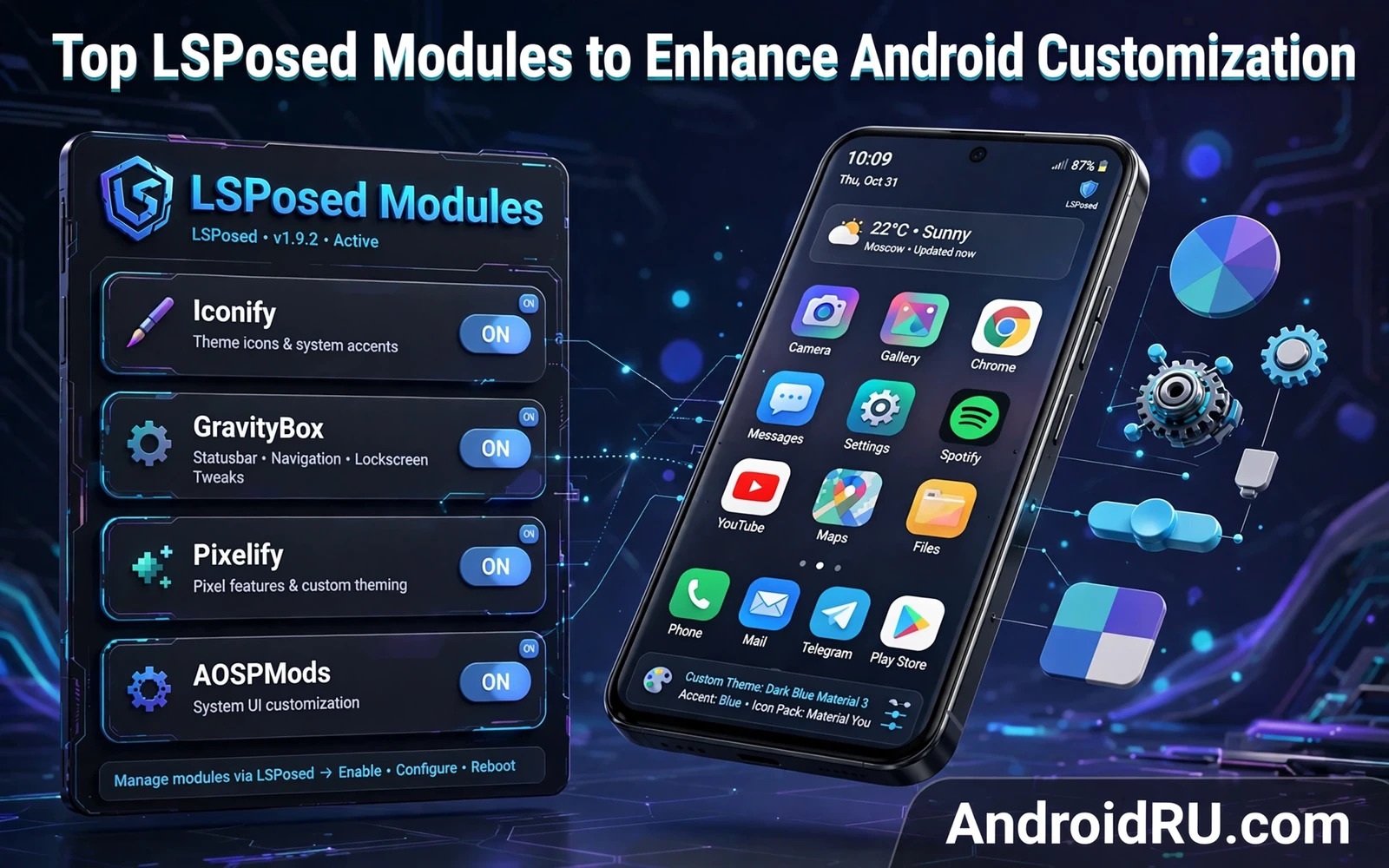
LSPosed modules change Android behavior app by app without replacing system files. A good module fixes one annoyance well. A good module adds one feature cleanly. A good module stays narrow in scope. This guide groups the most useful module types by purpose. It explains what each type does. It explains the scope each type needs. It explains the risks to watch. Test each module alone before you keep it. A module list should stay short and purposeful.
Module quality varies by Android version and by maintainer. A module that worked on an older Android version may fail on a newer version. A module that worked on one phone maker skin may fail on another skin. Check the module update date. Check stated Android version support. Check recent user reports for your device. A stale module can crash the system interface. A stale module can drain battery. A stale module can break a single app in confusing ways.
Interface And Theming Modules
Interface modules change how the phone looks and feels. One well known example is GravityBox. GravityBox style modules adjust status bar icons and quick settings tiles and lock screen behavior. They can add double tap actions. They can adjust navigation behavior. They can change notification display rules. Scope such modules to the system interface app and the settings app when the module asks for them. Avoid scoping an interface module to every app on the phone.
Theming modules go further than stock theme menus. They can change colors beyond the stock palette. They can change icon shapes in the launcher. They can change font behavior in some apps. They can adjust animation speed. Pair a theming module with stock theme habits for a coherent look. The Material You customization guide shows how wallpaper colors and widget layout shape the home screen without any module. Use stock theming first and add a module only for a gap that stock theming cannot fill.
Launcher modules deserve a separate note. Launcher modules can change grid size and gesture actions and app drawer behavior. Launcher modules should scope to the launcher app only. A launcher module scoped too broadly can interfere with other apps. Test launcher changes for a full day before you judge them. A layout that looks good at first can slow daily use when icons move.
Privacy And Permission Modules
Privacy modules control what apps can learn about your phone. AppOps style modules manage permissions at a finer level than stock settings. They can block a permission for one app while allowing it for another app. They can set a permission to ask each time. They can log permission use so you can spot abuse. Scope a privacy module to the apps that you want to control. Review its logs once in a while.
Identifier control modules limit what apps can read about the device. They can return empty or fake values for identifiers that an app does not need. They can block clipboard access for apps that read the clipboard in the background. They can block sensor access for apps that misuse sensors. Use these modules with care. Blocking an identifier that an app truly needs can break sign in or sync. Test one control at a time and revert when an app breaks.
Permission modules also help with background behavior. They can stop an app from starting other apps in the background. They can stop an app from waking the phone too often. They can limit background location checks. These controls can improve battery life. These controls can also delay messages when set too strictly. Exclude messaging apps from aggressive background limits.
Notification And App Behavior Modules
Notification modules fix small daily annoyances. They can hide persistent notifications that cannot be dismissed normally. They can group notifications more cleanly. They can change notification sound rules per app. They can add reply actions to apps that lack them. Scope notification modules to the system interface and the target apps only. A broad scope can delay notifications in unexpected ways.
App behavior modules change how a single app works. They can force an app to stay in a chosen orientation. They can change download behavior inside an app. They can remove an annoying popup inside an app. They can adjust playback behavior. Scope each behavior module to its target app alone. A behavior module scoped to the wrong app does nothing useful and can cause crashes.
Screenshot and screen modules solve practical problems. They can allow screenshots in apps that block them for policy reasons. They can change screenshot file naming. They can add quick actions after a screenshot. Think about privacy before you bypass a screenshot block. Some apps block screenshots to protect sensitive data. Use this power only on your own device and your own data.
Ad Blocking And Content Control Modules
Ad blocking modules work at different layers. Some modules block ad hosts at system level. Some modules hide ad views inside specific apps. System level blocking can speed up browsing and save data. System level blocking can also break an app that refuses to run without ads. App level hiding is narrower and safer for a single app. Start with the narrow approach.
Content control modules can clean up feeds and menus. They can hide sponsored entries in some apps. They can hide suggested content that you never open. They can simplify a cluttered interface. Results vary by app version because app layouts change often. A module that hides one element today may miss it after an app update. Update the module when the app layout changes.
Do not expect ad blocking to fix every app. Streaming apps and games change ad delivery often. Banking apps and work apps may detect content changes. A module that breaks a critical app is not worth keeping. Keep ad blocking for browsers and casual apps where a failure costs little.
System Utility Modules
Utility modules add tools that stock Android lacks. They can add advanced reboot options. They can add clipboard history. They can add quick toggles for system settings. They can add file actions to share menus. Utility modules should scope to the system interface and the specific tool app. A utility module with a clear job is easy to test. A utility module with fifty jobs is hard to trust.
Automation modules link triggers to actions. They can change settings when you connect to home Wi-Fi. They can silence the phone at a set time. They can launch an app when you plug in headphones. Automation scope should cover only the apps that the automation touches. Test each automation rule for a few days. A rule that fires at the wrong time can silence an important call.
Performance modules through LSPosed differ from Magisk modules. LSPosed modules change app behavior. Magisk modules change system level behavior. A performance gain from an LSPosed module usually comes from stopping wasteful app behavior. A performance gain from a Magisk module usually comes from system tuning. Do not stack both types for the same job without testing. Stacked changes hide the true cause of a gain or a crash.
Building A Safe Module List
Start with one module from one category. Install it and set narrow scope. Reboot and test for a day. Add a second module only when the first module proves stable. Keep a written list of modules and versions and scope choices. A written list turns troubleshooting from guesswork into a short checklist.
Remove modules on a regular schedule. Open the module list each month. Ask if each module still earns its place. Ask if stock Android now covers the same feature. Ask if the module still receives updates. Remove any module that fails one of those checks. A short list stays stable across system updates. A long list breaks at the worst moment.
Framework setup shapes module success. The installing LSPosed framework on Android steps cover root method choice and scope control and active status checks. Follow those steps before you expand the module list. A correct framework base prevents most module problems.
Root method choice also shapes module success. The Magisk and KernelSU and APatch root methods comparison weighs injection support for framework use on different devices. A root method with clean framework support keeps hooks stable. A root method with weak framework support turns every module into a troubleshooting session.
End with a simple rule for module shopping. Prefer focused modules with recent updates. Prefer narrow scope over broad scope. Prefer one module per job. Test alone and test in real use. Remove fast when trouble appears. That rule keeps LSPosed useful instead of fragile. A phone with five trusted modules beats a phone with thirty untested modules every time.
Gaming And Media Modules
Gaming modules through LSPosed focus on app behavior rather than hardware tuning. A gaming module can show frame information inside a game. A gaming module can adjust touch response settings for a single game. A gaming module can block notifications during a gaming session. Scope gaming modules to the game alone. A gaming module scoped broadly can interfere with other apps and can trigger anti cheat checks in competitive games. Test a gaming module in casual play before ranked play.
Media modules adjust playback and volume per app. A media module can set a different volume level for each app. A media module can add playback controls to apps that lack them. A media module can keep audio playing when the screen turns off for apps that stop playback. Scope media modules to the target media app only. A media module that touches every app can break call audio. Test calls after you enable any media module.
Reading and browsing modules solve small text problems. A reading module can force a preferred font size inside one app. A reading module can adjust line spacing inside one app. A reading module can remove a distracting banner inside one app. These changes help users who read for long sessions. Scope reading modules to the reading app alone. A font change scoped too broadly can break layout in unrelated apps.
Module Maintenance Routine
A monthly module review keeps the setup stable. Open the module list and read each entry. Ask whether you used the module in the last month. Ask whether stock Android now covers the same feature. Ask whether the module received an update recently. Remove any module that fails those checks. A review takes ten minutes and prevents most surprise crashes after system updates.
Back up before every module update round. Update modules one at a time rather than all at once. Test the target app after each update. Note the new version in your module list. A single update round with five changes hides the faulty update. A single update round with one change at a time finds the faulty update fast. Patience during updates saves hours of troubleshooting later.

