

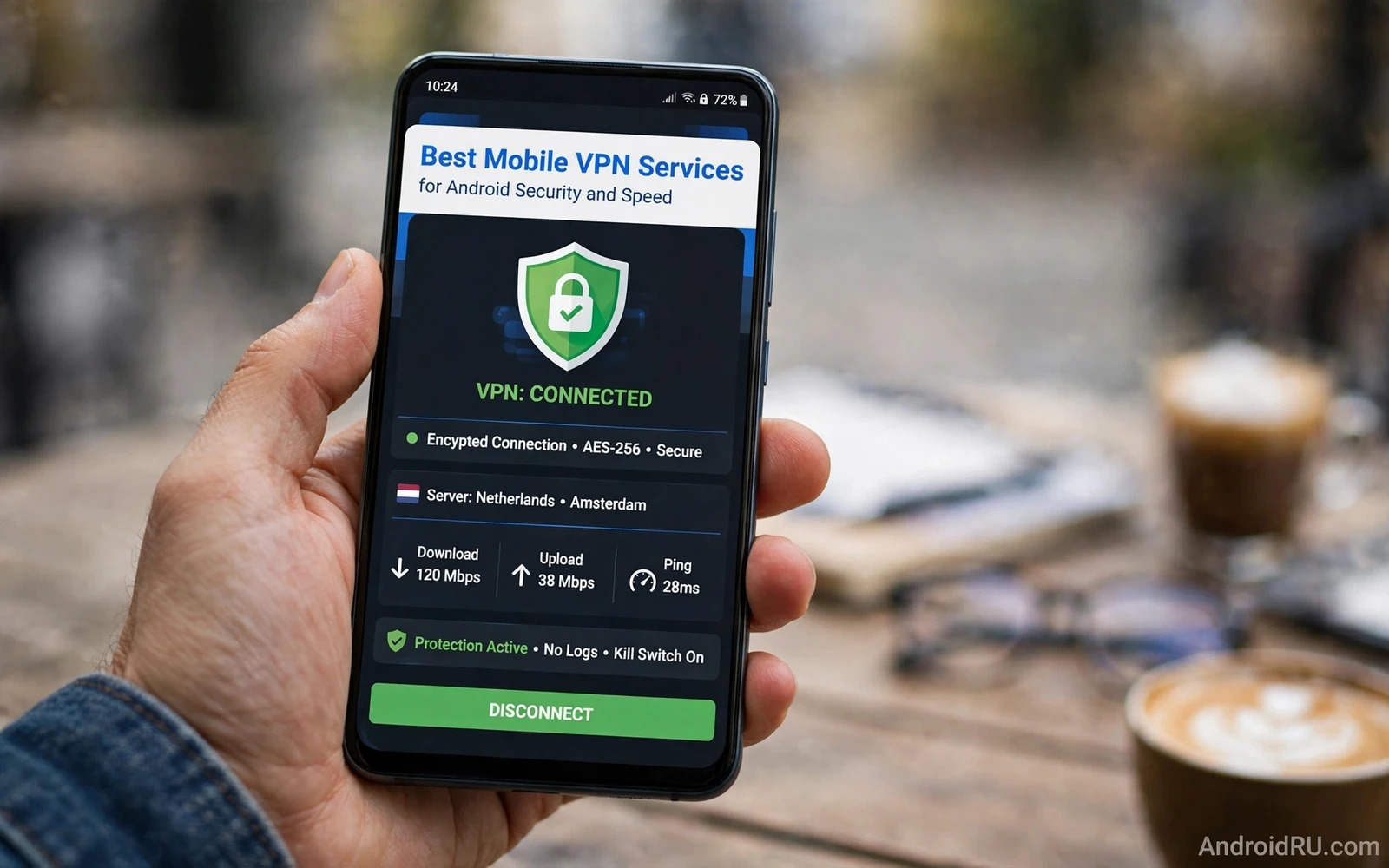
A mobile VPN creates an encrypted tunnel between your phone and a server run by the VPN provider. Traffic inside that tunnel stays hidden from the local network and from anyone watching that network. That protection matters most on public Wi-Fi in cafes and airports and hotels where the network itself cannot be trusted. A VPN does not make you anonymous and it does not replace careful browsing or strong passwords. It shifts trust from the network operator to the VPN provider and that shift is the central decision in choosing a service.
Speed matters because a VPN that slows your phone to a crawl will soon be switched off and then it protects nothing. Encryption adds overhead and routing through a distant server adds latency. A good service minimises both costs with modern protocols and nearby servers and enough capacity to handle peak hours. A poor service adds long delays and frequent drops that break video calls and downloads. Judging a VPN means judging security and speed together because a secure service you refuse to use offers no real protection.
How A VPN Protects You And Where It Stops
On an untrusted network a VPN hides the contents of your traffic and the destinations you visit from local observers. It also hides your real network address from websites because they see the VPN server address instead. That combination helps against snooping on open Wi-Fi and against crude tracking based on network location. It does not hide your activity from the VPN provider itself and it does not stop a website from tracking you through cookies or account sign-in. It does not scan for malware or block phishing by itself unless the provider adds those features separately.
Traffic that already uses strong end-to-end encryption gains less from a VPN because its contents were already hidden from the network. Messaging and banking apps with proper encryption protect content even without a tunnel. A VPN still hides metadata such as which services you contact and it still protects older or weaker connections that lack their own encryption. Understand the boundary so you do not treat a VPN as a licence to ignore other protections. It is one layer in a wider set of habits that includes updates and permissions and cautious sign-in behaviour.
Security Features Worth Comparing
Protocol choice is a useful starting point because modern protocols balance speed and security better than older ones. Look for services that offer current open protocols and that explain their choices in plain documentation. A kill switch matters greatly on mobile because it blocks traffic if the tunnel drops unexpectedly. Without a kill switch a brief dropout can expose traffic on the open network before you notice. Split tunnelling lets you route only chosen apps through the VPN while banking or local services use a direct connection where that works better. Automatic connection on untrusted networks removes the need to remember to enable protection at exactly the moment you need it.
Encryption strength alone tells only part of the story because key management and server configuration matter just as much. Providers that run servers without persistent storage reduce the data left behind after a session ends. Providers that publish independent audit results give you evidence beyond marketing claims. Providers that explain their logging policy in specific terms deserve more trust than providers that repeat vague promises about privacy. Read the policy for what is collected during connection such as timestamps or bandwidth totals and for how long that data is kept. Specific and limited collection beats broad reassurance every time.
Privacy Policy And Jurisdiction In Plain Terms
A no-logs claim means little without detail about what counts as a log. Some providers keep no activity logs but keep connection metadata for troubleshooting. Others keep no logs of either kind. The difference matters for users who care about long-term privacy. Look for policies that name each data type collected and state a retention period for each. Look for warrant transparency reports and audit reports that test the policy against reality. A provider that welcomes external scrutiny signals confidence in its own practices.
Jurisdiction describes which legal system can compel the provider to share data. Providers based in countries with broad surveillance alliances face different pressures from providers elsewhere. Jurisdiction alone does not prove good or bad behaviour because a provider in a favourable location can still keep poor practices. Treat jurisdiction as one factor among several rather than as a deciding score. Ownership transparency matters too because a provider owned by a large data broker raises questions that an independent provider may avoid. Clear ownership and clear policy together build a stronger case than either alone.
Speed Factors You Can Test Yourself
Server distance dominates latency so choose a server near your physical location for daily use. A server on another continent will always feel slower for interactive tasks even with excellent infrastructure. Server load matters at peak times so test during evening hours as well as quiet mornings. Protocol choice affects throughput on mobile hardware so try each offered protocol for a day and compare browsing and video behaviour. Device hardware and network quality set a ceiling that no VPN can exceed so test with realistic expectations rather than chasing a single speed number.
Run a simple before-and-after test using the same speed test tool and the same server location at similar times of day. Record download speed and upload speed and ping for each run. Repeat the test with the VPN on and off and with two or three nearby servers. Small differences within normal variation mean little while consistent large drops point to a real problem. Video streaming and video calls reveal practical speed better than a single number because they expose stutter and buffering that a brief test may miss. Choose the service that feels smooth in your actual daily use.
Free VPN Services And Their Hidden Costs
Free VPN services must pay for servers and bandwidth somehow and the payment method often involves your data or your attention. Some free services limit speed and data and server choice while funding the free tier from paying customers. Others sell usage data or show intrusive ads inside the app. A free tier from a reputable paid provider with clear limits is generally safer than a completely free service with no visible business model. Read the privacy policy of any free service with extra care because the absence of a price often means you are the product in some form.
Free services can still suit brief occasional use on a trusted basis such as a short trip with light browsing. They suit that use only when the provider is transparent and the limits are honest. Avoid free services that request excessive permissions on your phone or that install additional profiles or certificates without clear explanation. A VPN app needs VPN permission by design but it does not need contacts or location or storage access to function. Excessive permission requests from a privacy tool are a warning sign that deserves immediate rejection.
Setup And Daily Use On Android
Setup usually involves installing the provider app and signing in and granting VPN permission when Android prompts. Android shows a persistent notification and a key icon while a VPN is active so you can confirm protection at a glance. Enable the kill switch and automatic connection in the app settings before relying on the service. Add the VPN to any battery optimisation exception list only if the system kills the connection repeatedly because aggressive battery saving can drop tunnels. Test the connection after setup by checking your visible network address through the provider app or a trusted checker inside the app itself.
Daily use should feel mostly invisible once setup is complete. Turn the VPN on automatically for public Wi-Fi and keep it on for general browsing if speed allows. Use split tunnelling for apps that break through a VPN such as local banking apps that flag foreign addresses. Remember that a VPN complements broader phone protection and the habits in essential Android security settings for everyday protection still decide much of your overall safety. A VPN protects the pipe while lock screens and permissions and updates protect the device and the accounts at each end of that pipe.
Choosing For Travel Work And Streaming
Travellers benefit most from a VPN because hotel and airport networks vary wildly in trustworthiness. Choose a provider with servers in your home region so local services remain reachable while abroad. Remote workers should check whether an employer already provides a corporate VPN because mixing personal and work tunnels can create confusion about which traffic goes where. Streamers should test whether a chosen server maintains smooth playback during peak hours rather than trusting a marketing claim about streaming support. Each use case weights speed and server choice differently.
Browser-level protection adds another layer alongside a VPN and the techniques for stopping pop-up ads and trackers in Android browsers reduce tracking that a VPN alone cannot remove. Trackers follow accounts and cookies across networks so a VPN cannot erase them by itself. Combine a VPN with tracker blocking and careful cookie habits for a stronger result. The best service for you is the one whose policy you understand and whose speed you tolerate and whose app you keep enabled. Test two or three reputable providers during trial periods and keep the one that survives a full week of real daily use.
A VPN app asks for a single powerful permission by design yet that fact makes its other requests worth a close look. Judging a privacy tool also means checking what else it requests beyond its core tunnel permission because a service that also wants contacts or storage raises a question no speed test can answer. Reject any privacy app whose extra requests lack a clear and specific explanation.
- Require a kill switch and automatic connection on untrusted networks.
- Read the logging policy for specific data types and retention periods.
- Test nearby servers at peak times before committing to a plan.
- Prefer paid or transparent freemium providers over opaque free services.
- Combine a VPN with tracker blocking and strong account protection.
- Keep the VPN enabled daily so protection becomes a habit rather than a chore.

