

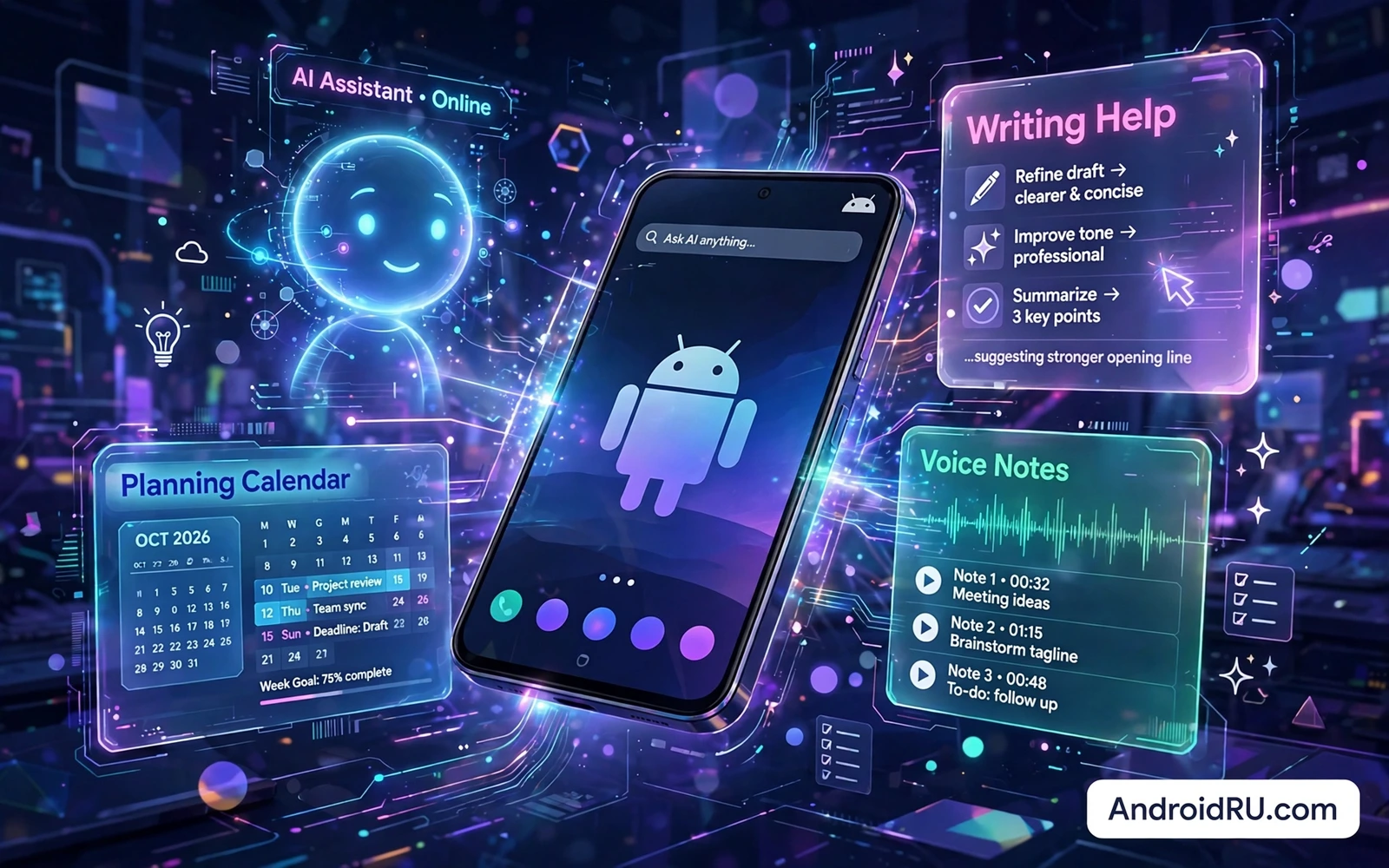
AI apps on Android now cover writing and planning and image editing and voice notes and learning and search. The best AI tools do not replace thinking. The best AI tools remove repetitive drafting and summarizing and organizing so human attention can focus on decisions and creativity. A writing assistant can turn rough notes into a clean draft. A planning assistant can turn a long meeting transcript into tasks. An image tool can remove a distraction from a photo. Each tool saves minutes that add up across a week of work.
Start with one clear job before installing a collection of AI apps. Choose the job that consumes the most repetitive time in your week. The job may be drafting emails or summarizing articles or transcribing voice notes or organizing ideas. Test one AI app for that job for two weeks and measure time saved and errors introduced. An app that saves time but introduces factual errors into drafts needs careful review before it earns trust. An app that produces fluent text with hidden mistakes is more dangerous than an app that openly admits uncertainty.
Data privacy shapes AI choice more than raw capability. An AI app may send prompts and files to a cloud service for processing. An AI app may store conversations for training or for history. An AI app may process some tasks on device without sending data anywhere. Read the data policy before pasting sensitive work or personal health details into an AI tool. Keep confidential documents out of general AI chat tools unless the service offers clear enterprise controls. Privacy settings deserve a check in the first session rather than after months of use.
Writing Summaries And Everyday Drafts
Writing assistants help most when the user provides a clear brief. State the audience and the purpose and the tone and the length before generating a draft. A vague prompt produces generic text that needs heavy editing. A specific prompt produces a draft that needs only light correction. Paste source material that the assistant should use and ask it to stay close to those facts. Review every claim in the draft against the source before sending it to anyone. A draft is a starting point rather than a finished product.
Summaries turn long material into usable decisions. A summary of a long article should keep the main argument and the key evidence and the open questions. A summary of a meeting should keep decisions and owners and deadlines. A summary that drops deadlines or changes numbers is worse than no summary at all. Compare the summary with the original for any item that affects money or health or legal commitments. Use summaries to navigate faster while keeping the original as the record for important facts.
Translation and language help extend AI value beyond drafting. An AI tool can suggest simpler phrasing for a complex paragraph. An AI tool can draft a polite version of a blunt message. An AI tool can translate a short message for travel or for a colleague. Check translations for tone as well as words because a literal translation can sound rude in another language. Keep human review for any message that affects a relationship or a contract.
Voice Notes Transcription And Planning
Voice capture turns spoken ideas into text that can be searched and organized. Speak in short sentences and pause between topics for cleaner transcription. Review the transcript promptly while the conversation is still fresh in memory. Correct names and numbers immediately because transcription errors cluster around proper nouns and figures. Tag the transcript with a project name so it joins related notes. A voice note that stays unreviewed in an app is no better than a forgotten paper note.
Planning assistants help when a day contains competing priorities. Feed the assistant a list of tasks with deadlines and estimated durations. Ask for a proposed order that protects deep work before reactive messages. Treat the proposed order as a suggestion and adjust it for energy levels and real constraints. A plan that ignores travel time or meeting preparation will fail by midday. A plan that leaves buffer time between tasks survives small delays without collapsing.
Habit and learning apps use AI to adapt practice to progress. A language app can repeat weak vocabulary more often. A study app can schedule review just before forgetting sets in. A fitness app can adjust a plan when a workout is missed. Adaptive practice works only when progress data is honest. Log completed work accurately and do not inflate results to please the app. Honest data produces a plan that matches real ability rather than a flattering fantasy.
Daily task discipline still anchors AI assistance because top must-have Android apps for maximum productivity keep deadlines and notes visible while AI drafts and summaries change around them. An AI summary that is not tied to a task list disappears into chat history. A task list turns a summary into an action with an owner and a date. The combination matters more than either tool alone because planning without action is just another inbox.
Images Audio And Creative Assistance
Image AI tools help with cleanup and variation rather than replacing photography skill. Remove a distracting object from an otherwise strong photo. Expand a background slightly for a better crop. Generate a variation of a graphic for testing different layouts. Keep the original file untouched and save AI edits as a new version. Label AI generated imagery clearly when it appears in work that readers may mistake for a real photograph. Honest labeling protects trust in creative work.
Audio AI tools help with cleanup and accessibility. Noise reduction can rescue a voice note recorded in a busy room. Transcription can turn a lecture into searchable text. Voice enhancement can clarify a quiet speaker without inventing words. Check enhanced audio against the original for any passage that matters legally or medically. AI audio tools should clarify what was said rather than guess what might have been said. When clarity is uncertain keep the original recording as the evidence.
Creative brainstorming benefits from AI as a sparring partner. Ask for ten varied angles on a topic and keep the two that spark a real idea. Ask for counterarguments to test a weak proposal. Ask for simpler explanations of a technical concept for a general audience. Discard most generated ideas without guilt because volume is the point of brainstorming. The value lies in the few ideas that survive human judgment rather than in the total number generated.
Photo work shows the same pattern of human judgment over automation and top photo editing apps for professional results on Android provide manual controls that keep AI enhancements from over-smoothing skin or oversaturating color. An AI filter that looks impressive at thumbnail size may look artificial at full size. Manual controls let you dial back an effect to a natural level. Professional results come from restraint applied after automation rather than from automation alone.
Risks Costs And Sensible Limits
Hallucination is the central risk of AI text tools. An AI model can produce a confident answer with invented names and dates and citations. Never copy an AI claim about health or law or finance without checking a primary source. Never submit AI generated code without testing it in a safe environment. Never trust an AI summary of a contract without reading the original clauses. Build a verification habit for high stakes output and use AI freely only for low stakes drafting where errors are easy to spot.
Subscription costs accumulate quickly when several AI apps charge monthly fees. List every AI subscription and its monthly price and its actual weekly use. Cancel tools that duplicate a feature already inside a tool you pay for. Prefer a single versatile AI app over five narrow apps when the versatile app covers most jobs well. Watch for free tiers that limit daily generations in ways that interrupt work at a critical moment. A predictable cost with reliable access beats a cheap tier that stops mid task.
Battery and storage costs matter on a phone even for cloud AI tools. Frequent uploads and long generations keep the radio active and drain battery faster. Large AI apps with offline models consume storage that video and photos also need. Use cloud processing for heavy jobs and on device processing for quick private jobs. Close AI apps after a long session instead of leaving them running in the background. A phone that stays cool and charged supports AI work better than a phone pushed to thermal limits.
Secure conversations also set limits for AI helpers because top high-security encrypted messaging apps for Android protect chat content while a general AI assistant may store prompts in a separate history. Do not paste private chat content into an AI tool unless you understand where that prompt goes and how long it is stored. Keep sensitive summaries inside the secure app when possible. The boundary between helpful AI and leaking AI is a settings choice made before pasting rather than after.
AI apps boost daily workflow when they serve a clear job and respect privacy and stay under human review. Choose one tool per repetitive job and test it for two weeks. Provide specific briefs and verify high stakes output. Combine AI drafts with a trusted task system and manual creative controls. Cancel duplicate subscriptions and protect sensitive prompts. That disciplined approach turns AI from a novelty into a quiet productivity partner that saves time without quietly introducing errors.
- Pick one repetitive job before installing AI tools
- Give specific briefs with audience purpose and length
- Verify high stakes claims against original sources
- Review transcripts promptly for names and numbers
- Keep original files before AI image or audio edits
- List AI subscriptions and cancel duplicates
- Keep sensitive prompts out of general AI history
- Turn AI summaries into tasks with owners and dates
A simple AI habit review at the end of each week keeps tools honest. List the tasks where AI saved time and the tasks where AI introduced errors that needed correction. Keep tools with a clear net gain and drop tools that merely shift work from drafting to verification. A tool that saves ten minutes of drafting but costs fifteen minutes of fact checking is not a productivity gain.

