

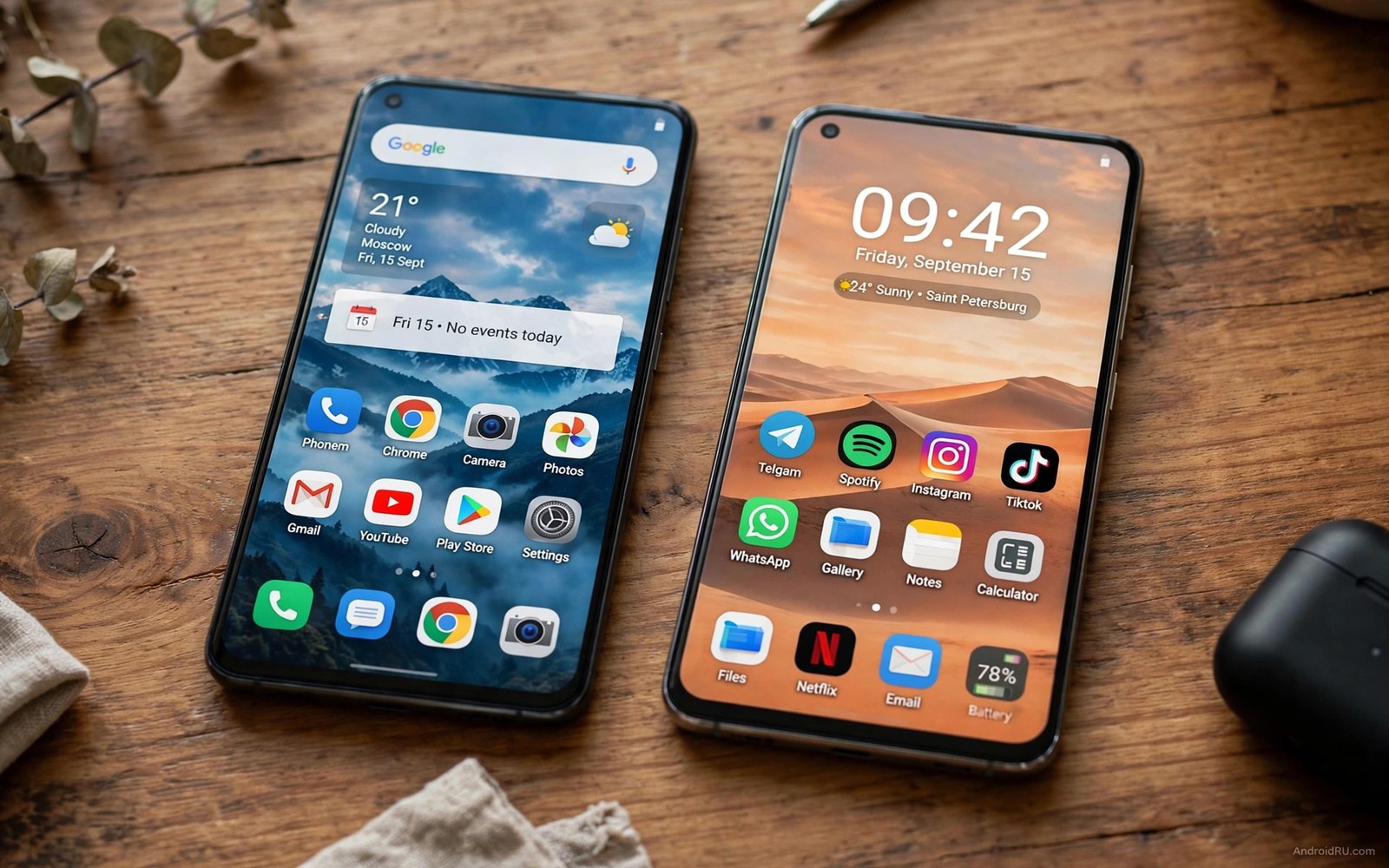
Two Android giants offer very different software journeys. One system packs features and customisation into a bold interface. The other system refines a familiar interface with deep ecosystem tools. Your long term happiness depends on update speed and clutter and consistency over years.
Launch reviews rarely capture software ageing. An interface that feels fresh on day one can feel cluttered after three years of updates. A clean interface can also gain features slowly and feel stale. Long term software quality emerges from update discipline and design restraint.
This guide compares update promises and interface feel and bloat and ecosystem depth. You will learn which system suits tinkerers and which suits buyers who want quiet reliability. Your patience for menus decides much of the answer.
Update promises and delivery record
Update promises vary by model tier within each brand. Flagships from both brands now promise several years of upgrades. Mid-range models often receive shorter promises. Check the exact promise for your model rather than trusting a brand headline.
Delivery speed also differs by region and carrier. Unlocked models usually receive updates before carrier models. Security patches may arrive monthly on flagships and quarterly on budget lines. A promise means little when delivery lags for months.
Research the previous model in the same line before buying. A maker that updated the older model promptly will likely repeat that behaviour. A maker that delayed updates last year may delay again. History predicts delivery better than launch marketing.
Interface feel in daily use
One interface emphasises visual flair and deep customisation. Themes and icon packs and gesture options let owners reshape the phone completely. That freedom delights tinkerers and overwhelms buyers who want simplicity. Menus can feel dense when every option stays visible.
The other interface emphasises consistency and polish across apps. Settings follow predictable patterns and system apps share a coherent design. That coherence helps new users learn quickly. Power users sometimes miss deeper customisation options.
Try both interfaces with your own tasks for fifteen minutes. Set a wallpaper and find battery settings and organise the home screen. An interface that feels intuitive in a store will feel better after a year. Confusion in a store rarely improves with time.
Bloat and advertising friction
Preinstalled apps and duplicate tools affect storage and daily friction. One brand historically shipped more duplicate apps and promotional content on some models. The other brand ships its own ecosystem apps that some users value and others delete. Your tolerance for clutter shapes the experience.
Check whether preinstalled apps can be uninstalled or only disabled. Disabled apps still occupy storage and sometimes run background services. A clean setup process matters for buyers who value a tidy phone. Spend time during setup removing what you never use.
Advertising inside system apps deserves attention on certain models. Promotional suggestions can appear in folders or security scans on some devices. Flagship models usually reduce this friction. Budget models may carry more promotional content to offset price.
Ecosystem and continuity features
Ecosystem depth matters when you own a tablet or a watch or earbuds. One brand offers strong continuity across its own tablets and wearables. The other brand offers broad compatibility and popular global services. Your existing devices should guide this choice.
Features like device linking and clipboard sharing and call handoff save time daily. Test these features with your actual devices before committing. A feature that works only with same brand gear may disappoint mixed device owners. Open standards often serve mixed households better.
Consider repair and service networks in your country too. A brand with strong local service resolves faults faster. Software excellence means little when hardware service lags. Local support completes the long term picture.
Score long term software fit
A short script can score both systems on updates and interface and bloat and ecosystem traits. Rate each trait after hands-on trials rather than from marketing. The script below adds up the software traits for a direct comparison.
systems = {
    "System A": {"updates": 8, "interface": 7, "bloat": 6, "ecosystem": 8},
    "System B": {"updates": 9, "interface": 9, "bloat": 8, "ecosystem": 9},
}
for name, scores in systems.items():
    print(name, sum(scores.values()))
This snippet was written for this guide so you can total long term software traits for two interfaces after your own trials. Replace the sample scores with your experience from setup and daily use.
Weight updates heavily when you keep phones for four years or longer. Weight interface feel heavily when you use the phone for hours daily. Your weights should reflect your ownership length and your patience.
Switching systems without losing data
Switching between systems feels daunting but careful migration preserves almost everything. Start with a full backup of photos and messages and contacts before any transfer. Verify the backup by opening it on another device when possible. A verified backup removes migration fear.
Photos and videos transfer easily through cloud backup or a direct cable copy. Check that original quality survives the transfer rather than compressed copies. Large libraries need time and a stable connection. Start photo migration the night before switching day.
Messages and call history transfer less smoothly across systems. Some messaging apps offer built-in transfer tools for chats. Others require third party tools or manual exports. Test your most important chat app transfer before committing to a switch.
App equivalents deserve research before switching day. Most popular apps exist on both systems with similar features. Niche apps may lack equivalents or store data differently. List your ten essential apps and confirm each one on the new system.
Smart home devices and wearables need re-pairing after a switch. Budget an hour to reconnect watches and earbuds and home hubs. Keep old phone access until every device works on the new system. Parallel running prevents a painful gap.
Give the new system two full weeks before judging it fairly. Early frustration often reflects habit rather than design flaws. Muscle memory adapts and shortcuts become natural with use. A fair trial reveals whether the switch truly serves you.
Interface settings that age well
Animation scale affects perceived speed more than many settings. Slightly faster animations make an older phone feel responsive. Extreme animation cuts can feel jarring during transitions. A moderate reduction balances speed and polish.
Notification management prevents clutter from growing over years. Audit app permissions every few months and silence noisy apps. A quiet notification shade reduces daily stress sharply. Clean alerts age better than feature packed chaos.
Home screen discipline also preserves long term usability. Keep frequently used apps on the first screen and folders for the rest. A tidy layout survives app growth without becoming a maze. Layout habits matter as much as launcher choice.
Permission hygiene protects privacy as apps update. Review location and microphone access for apps you rarely use. Revoke background access for apps that demand too much. Regular audits keep either system trustworthy over time.
Dark mode and text scaling choices affect comfort during long use. Larger text reduces eye strain for many owners. Dark mode saves battery on suitable screens and eases night use. Comfort settings deserve setup time equal to feature hunting.
Common mistakes
Many buyers judge software only from a launch review. Launch software differs from year three software after many updates. Research how older models from each brand aged. Ageing behaviour predicts your future experience better than launch polish.
Another mistake is ignoring regional update differences. A global model and a carrier model can diverge sharply on update timing. Check forums for your exact model and region before buying. Regional history reveals delivery truth.
Shoppers also underestimate setup clutter. A phone with many duplicate apps demands cleanup time and storage management. Spend setup time wisely and disable what you never use. A tidy start preserves speed and sanity.
Finally avoid choosing a system solely for one exclusive feature. Exclusive features often arrive on rival systems within a year. Choose the overall update discipline and interface coherence instead. Long term quality outlasts feature novelty.
Frequently asked questions
Which brand updates faster?
Update speed varies by model tier and region rather than by brand alone. Flagships from both brands usually update promptly. Carrier models lag behind unlocked models in many countries. Check delivery history for your exact model and region.
Can I remove preinstalled apps?
Many preinstalled apps can be uninstalled while some system apps can only be disabled. Disabled apps stop running but still occupy storage. Check uninstall options during setup for each app you dislike. A tidy setup improves daily use noticeably.
Does interface choice affect resale value?
Interface reputation can affect resale demand slightly but hardware condition matters more. Popular brands with long support tend to hold value better. Keep the phone updated and in good condition for best resale. Software support length supports resale strongly.
Conclusion
Long term software success comes from prompt updates and coherent design and manageable clutter. One system rewards tinkerers with depth while the other rewards simplicity seekers with polish. Choose the system whose daily feel you enjoy after a real trial.
Your concrete next step is to trial both interfaces for fifteen minutes each using your own setup tasks and then check the update promise for the exact models you shortlisted. Buy the system that felt effortless rather than the one with the longer feature list. Update focused buyers should compare software update guarantees by brand and flagship shoppers can weigh a flagship comparison for context while patient owners can learn why older phones still serve well and value seekers can read why mid-range phones challenge flagships before deciding.

