

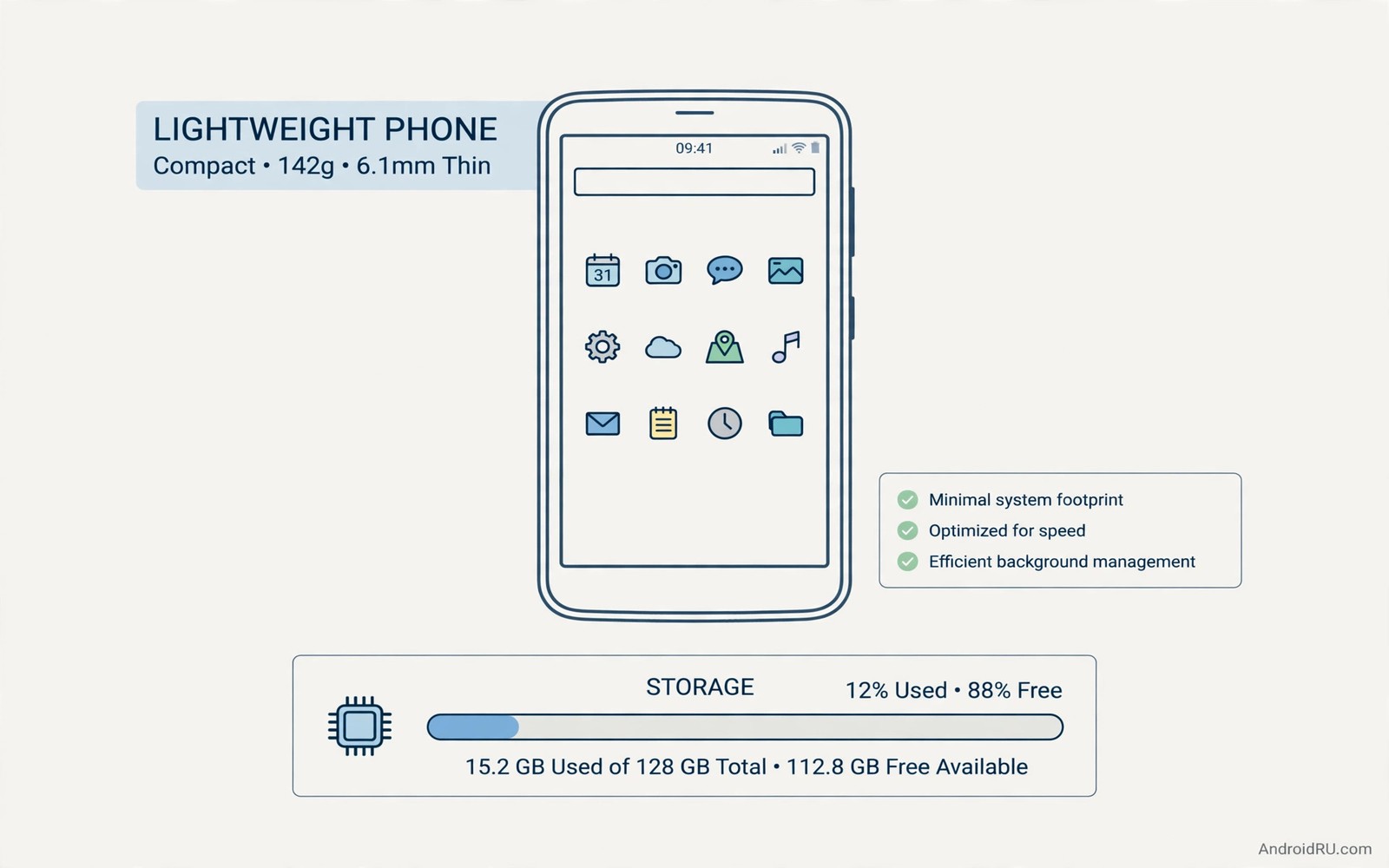
A phone with little storage forces hard choices every week. Large apps push out photos and updates and new downloads. Lightweight apps solve that squeeze by doing one job in a tiny package. A ten megabyte app can still open fast and work offline. This guide shows how to build a light app set without giving up the tools you use daily.
Size matters most on a phone with 32 or 64 gigabytes of total storage. The system itself takes a large share before you install anything. A few heavy social and media apps can take the rest in a month. Light apps leave room for photos and system updates. That breathing room prevents the dreaded storage full warning during an important update.
Light does not mean weak when the developer focuses on one job. A light browser can load pages fast by skipping heavy scripts. A light player can handle local media without a social feed. A light editor can crop and adjust colour without a cloud studio. Focus keeps the code small and the interface fast. Bloat usually comes from features you never asked for in the first place.
Check size before and after install rather than trusting a store figure alone. An app can download extra data on first launch that doubles its footprint. An app can also grow its cache over weeks of use. Measure the installed size after a week of real use. That real figure tells you whether the app stays light in practice.
Where lightweight apps shine brightest
Browsing is a strong light category because a simple browser loads pages with less overhead. It may lack sync and extensions but it opens instantly on weak hardware. It also uses less data on a slow connection. Test a light browser on a news site and a shop site before you switch. A browser that breaks your daily sites is not worth its small size.
Messaging and social clients also benefit from a light build. A light client shows messages and media without stories and games and shops built in. It loads faster on a slow network and uses less battery in the background. It may miss a niche feature like a sticker store. That miss rarely matters when the core job is reading and sending messages.
Utilities shine as light apps because their jobs are narrow by nature. A calculator and a compass and a flashlight need almost no code to work well. A QR scanner needs a camera view and a result screen. A unit converter needs a simple input and a clear output. Those tools should never weigh tens of megabytes. If one does then a lighter rival almost certainly exists.
Ten lightweight categories to build around
Start with browser and launcher and keyboard as the daily core. A light launcher draws the home screen with minimal animations. A light keyboard types fast without a huge theme store. Together they shape every interaction on the phone. Small gains here multiply across hundreds of unlocks each day.
Add a light gallery and player and reader for media. A gallery should sort photos by date without uploading them. A player should play local audio and video without a login. A reader should save articles for offline reading with clean text. Those three cover entertainment and learning without heavy social layers.
Add a light notes app and file manager and cleaner for work. A notes app should open to a blank page instantly. A file manager should search and move files without a dashboard. A cleaner should target cache with a clear preview before deletion. That trio keeps daily work fast on a phone with limited space.
Finish with a light weather app as a simple daily check. It should show today and tomorrow without a video background. It should update on a schedule you control rather than constantly. A weather app that weighs more than a game has lost its purpose. Swap it for a simpler rival and notice the faster load on a weak signal.
adb shell pm list packages -f | sortThis simple command was written to list installed packages with their file paths. It shows a simple command that lists installed packages with their file paths on a connected device. You can use the output to locate large app files before you decide which ones to replace.
A light set also pairs well with a lean first install plan. When you set up a phone you choose which essentials earn a place first. The guide to essential apps power users install first offers a useful contrast because it focuses on power rather than size. Compare the two lists and keep only the apps that serve both goals on a small storage phone.
Building a light phone step by step
Start the light build by listing every app you installed in the past year. Mark each app as daily or weekly or forgotten based on honest use. Daily apps deserve a light rival only if the rival handles the core job well. Weekly apps deserve a light rival because they cost storage even when idle. Forgotten apps deserve deletion without a replacement search. That honest list prevents a light build from becoming another collection exercise.
Replace the largest app first because one large swap can free more space than five small swaps. A heavy social app replaced by a light client can free hundreds of megabytes at once. A heavy media app replaced by a local player can free a similar amount. Measure storage before and after that first swap to see the real gain. A visible gain motivates the rest of the light build far better than a theoretical promise.
Keep a light browser and a light launcher as the foundation because those two shape every interaction. A light launcher draws the home screen quickly even on weak hardware. A light browser loads pages with less data on a slow connection. Together they make an old phone feel responsive again. That responsiveness matters more than any single feature a heavy app might offer.
Keeping a light phone light over time
Apps grow after install through cache and downloaded content and updates. A light app that grows to triple its install size over six months may no longer deserve the light label. Check installed size and cache size together once a month. Clear cache for apps that rebuilt it wastefully and replace apps that keep growing without a clear reason. Monthly size checks keep a light phone from slowly becoming heavy again.
Updates deserve the same scrutiny as first installs. An update can add features that double an app size overnight. Read the update notes before you accept a large update for a light app. Delay an update that adds a feature you never requested until you can test it. A delayed update costs nothing while a bloated update costs storage you may not recover.
A light set works best alongside a lean first install plan for any new device. Power users choose essentials first and add extras only when a real need appears. That discipline is the heart of essential apps power users install first and it pairs naturally with a size limit. Combine a core list with a size limit and a small storage phone stays fast for years.
Light apps for travel
Travel exposes every weakness in a heavy app set because networks are slow and storage fills with photos. A light browser loads a hotel page on a weak hotel network while a heavy browser times out. A light map companion and a light translator help without draining battery during a long day. Pack a travel set of light apps before departure rather than installing them at an airport. A prepared travel set turns a slow connection into a minor inconvenience.
Offline capability matters more than size alone during travel. A light app that needs a constant connection fails on a plane or in a rural area. A light app that works offline for its core job earns a travel place even if a heavier rival offers more features. Test each travel app in airplane mode before departure with a real task. A travel test in airplane mode reveals dependencies that a home test hides.
File handling during travel also benefits from light tools because photos accumulate fast. A light manager that moves photos into daily folders keeps a trip organised without a laptop. That is why file managers that go beyond the basics helps a traveller sort photos each evening. Sort daily and the return home brings an organised album rather than a thousand unsorted files.
Cleaning hidden trash also helps a light phone because cache growth can erase the gains from light swaps. That is why cleaning hidden storage trash belongs in a monthly routine beside a light app set.
Light apps for older Android versions
Older Android versions lack some features that modern apps assume as standard. A light app built for older versions often uses simpler code that runs reliably on old hardware. Check the minimum Android version on a light app before you install it on an old phone. An app that requires a recent version will not appear or will crash on launch. A light app with a low minimum version usually signals careful compatibility work.
Security updates matter even for light apps on older phones. An old phone may no longer receive system updates so app level security becomes more important. Choose light apps that still receive fixes for their own code. A light app with recent updates protects you better than a heavier app abandoned years ago. Size and security together define a good light app for an old device.
Common mistakes
The biggest mistake is judging an app only by its download size on the store page. Data downloaded after install and cache growth over time change the real footprint. Measure size after a week and check cache separately. A truly light app stays small after real use rather than only on day one.
Another mistake is replacing every app with the lightest possible version at once. A light app that lacks a feature you need daily will frustrate you more than a slightly larger app. Replace one category at a time and test the light rival for a week. Keep the larger app only where the light rival fails a real task.
Frequently asked questions
Are lightweight apps secure?
Size alone says nothing about security. Check permissions and update history just as you would for a large app. A small app with broad permissions deserves the same scepticism as a large one.
Can a light app work offline?
Many light apps work offline by design because they avoid cloud features. Test the core job in airplane mode before you rely on it during travel. A light app that needs a connection for a local job is a poor choice.
How much storage can light apps really save?
Replacing ten heavy apps with light rivals can free several hundred megabytes. The exact saving depends on your current apps and their caches. Measure before and after the swap to see your real gain.
Conclusion
List your ten largest apps today and find a light rival for the three you use least often. Test each rival for a week on real tasks. Keep the light version only if it handles your daily job without missing a feature you truly need.

