

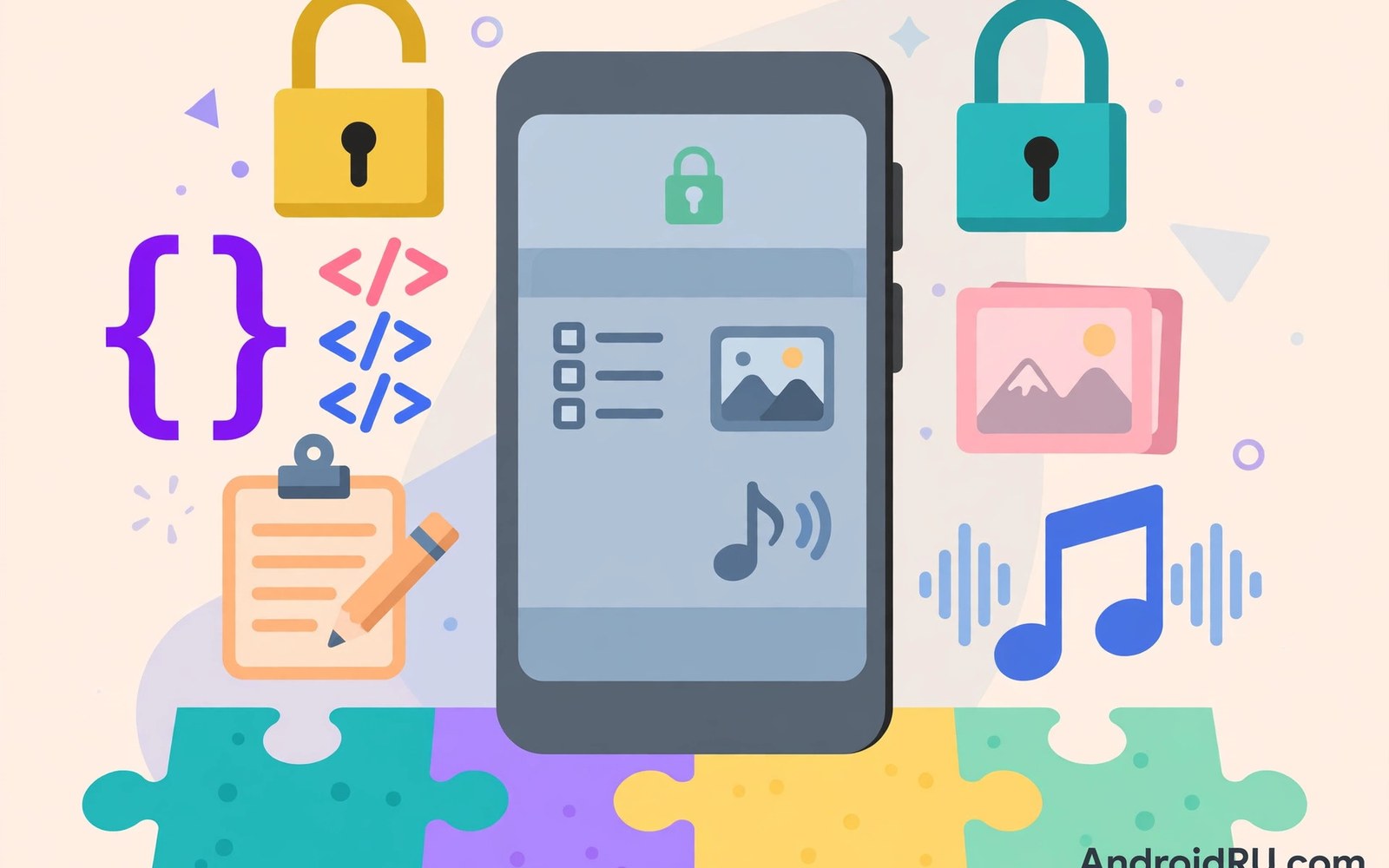
Subscription fatigue drives many users toward open source. Open source apps cost nothing and their code is public. Communities maintain them without monthly fees. For many everyday tasks an open source app matches or beats its paid rival.
This guide maps open source alternatives across major app categories. It explains where open source shines and where it falls short. It also covers how to find trustworthy projects and support them. Escaping subscriptions does not mean accepting inferior tools.
Why Open Source Apps Cost Nothing
Open source developers publish their code freely for anyone to use. Volunteers and donors fund development instead of subscribers. Some projects receive grants or corporate sponsorship. Others survive on small donations from grateful users.
No subscription means no billing and no lockout. You keep full access forever even if development slows. Your data stays in open formats that other tools can read. That freedom is the core advantage of open source beyond the zero price.
Notes and Writing Alternatives
Open source note apps offer folders and tags and search and sync. Many support markdown for clean portable notes. Some sync through your own cloud storage so no vendor holds your data. That combination rivals paid note apps for most users.
Check export options before committing to any note app. Your notes should leave in standard formats at any time. Test sync across your devices during the first week. A note app that fails sync fails its main job regardless of price.
Photo Editing Without a Subscription
Open source photo editors cover cropping and filters and color correction. Advanced tools offer layers and masks and raw editing. Mobile open source editors are less polished than desktop ones. But they handle everyday edits without monthly fees.
For quick edits a simple open source editor suffices. For professional work a desktop companion may help. Pair a mobile editor with a desktop tool from the same project family. That pairing covers both quick fixes and deep edits for free.
Music and Media Players
Open source media players play local files without ads or tracking. They support many formats and offer equalizers and playlists. Some stream from your own server for a personal cloud music setup. That setup replaces a streaming subscription for users with existing music libraries.
Podcast players are another strong open source category. They offer subscriptions to shows and playback speed controls and offline downloads. All without monthly fees. If you mainly listen to podcasts then an open source player saves money immediately.
File Managers and Privacy Tools
Open source file managers offer full local control without ads. They browse storage and manage documents and connect to network shares. Privacy tools from open source projects include password managers and authenticators. These security tools benefit most from public code review.
Public code means anyone can inspect the security claims. That transparency builds trust that closed apps cannot match. For password management that trust matters enormously. Choose tools with active development and recent security audits where available.
Where Open Source Falls Short
Open source apps sometimes lack polish. Interfaces may feel dated next to commercial rivals. Support comes from community forums rather than dedicated teams. New features arrive slower when volunteers drive development.
Cloud heavy services are the weakest open source area. A mapping app needs live traffic data. A translation app needs massive language models. Those services cost money to run and subscriptions fund them. Open source alternatives exist but they may lag on live data quality.
How to Judge an Open Source Project
Check the last update date before installing any open source app. Active projects update within recent months. Check the number of contributors and open issues. A healthy project shows steady activity and responsive maintainers.
Read user reviews for stability warnings. Open source apps sometimes ship rough edges that reviews reveal quickly. Test the app with real daily tasks for a week. A week of real use tells you more than any feature list. Users comparing paid options can also weigh lifetime purchase options as a middle path between subscriptions and free tools.
Supporting the Projects You Use
Free does not mean costless to maintain. Developers donate time and servers cost money. Donate to the projects you rely on daily. Even a small one-time donation helps maintainers continue their work. Report bugs clearly and politely when you find them.
Non-coders can help too. Translations and documentation and testing all strengthen projects. Community help keeps open source alive for everyone. That support model replaces subscription revenue with goodwill and shared effort. It also aligns with supporting independent developers through direct funding rather than recurring billing.
Migrating From a Paid App Safely
Export your data from the paid app before cancelling. Confirm the export opens correctly in the open source replacement. Run both apps side by side for two weeks. That overlap catches missing features before you lose access to the old tool.
Cancel the paid subscription only after the replacement proves itself. Keep the export file as a backup regardless. Data portability is a habit worth building for every app switch. It protects you from any vendor change in the future.
Cloud Storage Alternatives
Self hosted storage replaces cloud subscriptions for technical users. Open source server software runs on a home computer or a small rented server. Mobile apps sync files to your own storage instead of a vendor cloud. That setup costs effort but removes monthly fees entirely.
Less technical users can pair open source apps with basic cloud storage. Many open source note and file apps sync through standard cloud folders. You pay only for raw storage rather than for a full app subscription. Compare that approach with cloud storage costs to see which total is lower for your needs.
Finding Trustworthy Open Source Apps
Reputable app repositories curate open source Android apps with security checks. Those catalogs list licenses and update histories openly. Stick to well known repositories and official project pages. Avoid random download sites that repackage open source apps with added trackers.
Verify the developer identity when possible. Established projects link to public code repositories. Those repositories show real development history. A project with no public code is not truly open source regardless of its marketing claims.
The Bottom Line on Free Alternatives
Open source alternatives cover most everyday needs without subscriptions. Notes and photos and music and files all have strong free options. Cloud heavy services remain the hardest to replace. For those cases a paid subscription may still be justified.
Start with one category and test a replacement for a month. Expand gradually as confidence grows. Each successful switch removes a monthly bill permanently. Over a year those savings compound into real money. Freedom from subscriptions starts with a single switch.
Open Source Keyboards and Launchers
Keyboards and launchers shape every interaction with your phone. Open source keyboards offer privacy focused typing without cloud uploads. Open source launchers offer customization without ads or tracking. Both categories have mature free options worth trying.
Keyboard privacy deserves special attention. A keyboard sees everything you type including passwords. Open source keyboards let anyone verify they do not transmit keystrokes. That transparency is a strong reason to prefer them over closed alternatives.
Open Source Browsers and Privacy
Open source browsers block trackers and ads without subscriptions. They offer tab sync through self hosted options or encrypted services. Privacy focused browsers from open projects often lead on tracker protection. Commercial browsers sometimes lag because advertising funds them.
Test a privacy browser for a week with your daily sites. Check that logins and bookmarks work smoothly. Most users find the switch painless after a short adjustment period. The privacy gain lasts far beyond the adjustment.
Open Source Fitness and Health Apps
Fitness trackers from open projects record workouts without cloud accounts. They store data locally and export standard formats. That local storage protects sensitive health data from vendor breaches. Serious athletes may miss advanced coaching features but basic tracking works well.
Pair a local fitness app with manual export backups. Weekly exports protect years of workout history. That routine replaces cloud sync with personal control. Your health data stays yours in every sense.
Contributing Without Coding
Open source projects need more than code. Bug reports with clear steps help developers fix problems faster. Translations open apps to new languages and users. Documentation improvements help newcomers adopt the tool.
Donations remain the simplest contribution for most users. A yearly donation equal to one month of a commercial subscription sustains many projects. Spread donations across the tools you use most. That habit funds the free ecosystem you benefit from daily.
Open Source Navigation and Maps
Open source maps use community contributed data for streets and places. They work offline with downloaded regions. That offline ability suits travel in areas with poor connectivity. Coverage varies by region depending on community activity.
Urban areas usually enjoy excellent open map coverage. Rural areas may lag behind commercial maps. Test coverage in your area before relying on open maps for a trip. Carry a commercial map as backup until confidence grows.
Open Source Email and Calendar Clients
Open source email clients support standard protocols for any provider. They offer encryption and local folders without subscriptions. Calendar clients from open projects sync through standard protocols too. That standards based approach avoids vendor lock in entirely.
Setup takes slightly more effort than a commercial app. You enter server details manually for some providers. That effort pays off in long term independence. Your email and calendar stay portable across any future tool you choose.
Open Source Camera and Gallery Apps
Open source camera apps offer manual controls without subscriptions. They capture raw photos and offer clean interfaces. Gallery apps from open projects organize photos locally with tags and albums. Both avoid cloud uploads by default.
Local photo management protects privacy for personal images. Your photos never leave the device unless you choose to share them. That privacy advantage grows as cloud photo services raise prices. Local tools plus personal backups cover most needs.
Migration Checklist Script
The snippet below shows a simple migration checklist for switching apps. It tracks export and import and testing steps for each replacement. Adapt it whenever you move from a paid app to a free alternative.
steps = [
    "Export data from old app",
    "Import data into new app",
    "Test daily tasks for two weeks",
    "Cancel old subscription",
]
for number, step in enumerate(steps, start=1):
    print(number, step)
The snippet above is a simple organizational example. It does not move any data by itself. Use it only as a checklist alongside the export tools of the apps involved.

