

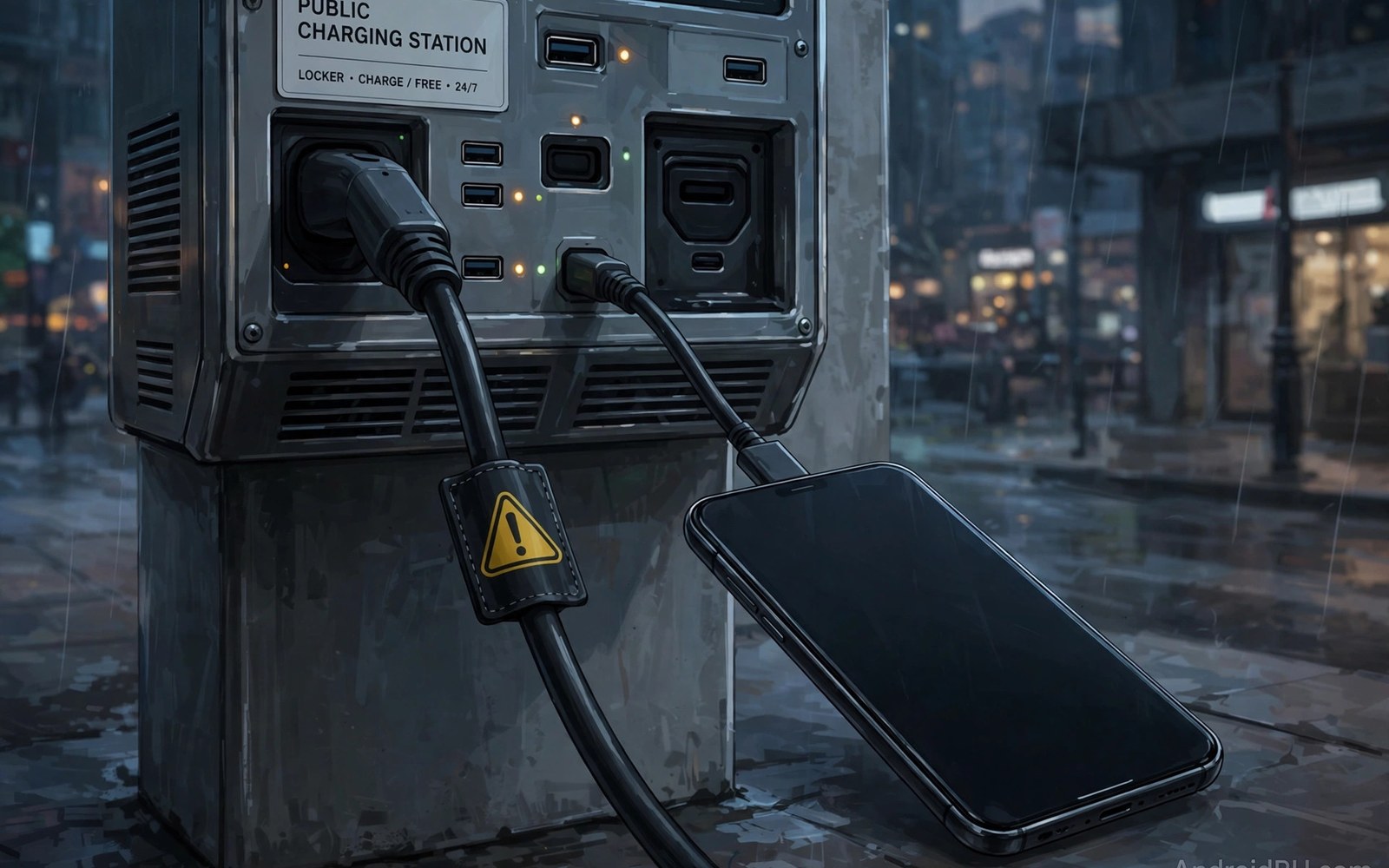
Public charging stations offer free power in airports and malls and hotels. That free power can carry a hidden risk. A USB cable carries both power and data. A compromised charging port can use the data lines to attack a phone. This attack is often called juice jacking. It can install malware or steal data. It can also lock a phone with ransomware. The risk is low but real. Simple tools block it fully. This guide explains the risk and the defences.
USB was designed for both charging and data transfer. A phone cannot tell a charger from a computer by the plug shape alone. It trusts the USB connection to negotiate power and data. A normal charger uses only power lines. A compromised port may use data lines too. When you plug in the phone may ask about data transfer. That prompt is a critical defence. A careless tap on allow can open the data channel. An attacker on the other end can then push files or read data. Read that prompt every time you plug in anywhere.
How a public port attack works
A compromised port may hide a small computer inside the charging station. That computer acts like a trusted host. It sends commands over USB data lines. It may try to install an app silently. It may try to copy photos or contacts. It may try to exploit a flaw in USB handling. The attack needs only a few seconds of connection in some cases. It needs the data channel to be open. A charge only connection blocks it because data lines are physically absent.
Some attacks use a compromised cable rather than a port. A cable can hide a small chip inside its plug. That chip acts as a keyboard or a storage device. It can type commands into the phone. It can present a fake storage device. A free cable from an unknown source can carry such a chip. A cable left in a public place can also be swapped for a malicious one. Use only your own cable from a trusted source. Never use a free cable left in a public place.
Other attacks use a fake charging station that mimics a real one. It may show a normal screen and offer fast charging. It may ask you to tap allow for faster charging. That tap opens the data channel. The station then attacks the phone. A station that asks for data access to charge faster is lying. Charging does not need data access. Deny any data prompt at a public station. Power alone is enough for charging.
What the phone prompt means
When you plug into a USB host the phone shows a prompt. It may ask whether to allow data transfer or to charge only. Always choose charge only at a public station. Charge only blocks data lines in software. It is a strong defence when you choose it correctly. Do not choose file transfer at a public station for any reason. File transfer opens the data channel fully. An attacker needs only that open channel to act. A single tap on file transfer can undo all other defences.
Some phones remember a USB choice per device. A remembered file transfer choice can auto apply next time. Check USB preferences after any public charge. Reset the default to charge only. That reset prevents an old choice from opening data later. Check the setting after you return home too. A clean default protects the next public charge. Make charge only your permanent default for unknown hosts.
Watch for prompts that appear without a clear cause. A prompt that appears seconds after plug in deserves a read. A prompt that appears while the phone is locked deserves extra care. Do not tap allow while distracted in an airport. Put the phone down and read the prompt fully. A rushed tap is the attacker best friend. A calm read is your best defence. If in doubt unplug at once. No charge is worth a data breach.
Tools that block USB data
A USB data blocker is a small adapter that passes power only. It physically disconnects data lines. Plug it between your cable and the public port. Data cannot flow through it at all. Malware cannot use a channel that does not exist. A data blocker costs little and fits in a pocket. Carry one for travel. Use it at every public station. It turns any port into a safe power source.
A charge only cable is another option. It contains power wires only and no data wires. It cannot transfer data even if a port asks for it. Label your charge only cable clearly. Keep it separate from your data cable. Use the charge only cable for public charging. Use the data cable only at home with your own computer. That separation prevents a mix up at a busy airport. A labelled cable is a simple and reliable tool.
A portable power bank is the safest public charging tool. Charge the power bank at a public station. Charge your phone from the power bank. The phone never touches the public port. The power bank acts as a buffer. Even a compromised port can only reach the power bank. It cannot reach your phone data. Carry a power bank for long travel days. It gives power without any USB data risk at all.
Signs of a USB attack after charging
Check the phone after any public charge. Look for new apps you did not install. Look for changed settings. Look for a new VPN profile or a new device admin app. A USB attack may install an app silently. It may change a setting to allow future access. A quick app list check after charging catches many attacks early. Do it before you use the phone for banking or messages.
Check battery and data use after a public charge as well. A new background app will drain power and use data. A spike after a public charge points to that charge as the source. Remove suspects in safe mode if normal removal fails. Run a built in scan after removal. For a removal routine see removing spyware and adware step by step and follow it after any suspect charge.
- Always choose charge only at any public station.
- Carry a USB data blocker for travel charging.
- Use a charge only cable for public ports.
- Prefer a power bank as a buffer between phone and port.
- Check apps and settings after every public charge.
Charging safely in different places
Airports and malls carry the highest public charging risk. Many strangers use the same ports. A compromised port can affect many victims. Use a power bank in airports. Use a data blocker if you must use a wall port. Never use a loose cable left in a public port. Bring your own cable and your own blocker. That kit makes airport charging safe.
Hotels carry a lower but real risk. A hotel room USB port may be compromised by a previous guest. A hotel lobby station faces the same risk as an airport. Use your own wall charger plugged into a power outlet instead of a USB port. A wall charger with your own cable is safe. It uses mains power only. It has no data host on the other end. Prefer a wall outlet over a USB port whenever you can.
Rental cars and public transport also offer USB ports. Treat them like public stations. Use charge only mode or a data blocker. A rental car port may sync with the car system. That sync can copy contacts in some cases. Deny any sync prompt in a rental car. Charge only is enough for a car trip. For a broader infection check see how to know if your phone is infected and complete it after a risky charge.
What to do after a risky charge
If you tapped file transfer at a public station by mistake then act fast. Unplug at once. Check the app list for new apps. Check device admin apps for new entries. Remove suspects in safe mode. Change passwords from a clean device if you suspect data theft. Start with email and banking accounts. A fast response limits damage. Do not wait for symptoms to appear. Symptoms may take days to show.
Report a suspect station to the venue staff if you can do so safely. A report helps the venue inspect the port. It may protect other users. Keep the report factual. Note the location and the time. Note what prompt appeared. Venue staff can disable a suspect port until it is checked. Your report is a public service. For deep scan steps after a risky charge see how to run a deep malware scan and complete it before normal use.
Build a travel charging kit
Build a small travel charging kit and keep it packed always. Include your own cable and a USB data blocker and a power bank. Add a wall charger with your own plug. Pack the kit in the same bag every trip. A ready kit removes the temptation to use a loose public cable. It also removes the need to borrow a cable from a stranger. A borrowed cable can be compromised just like a public port. Your own kit is a known safe set. Pack it once and reuse it every trip.
Label each item in the kit clearly. Mark the charge only cable with tape. Mark the data cable as home only. A clear label prevents a mix up in a dark airport. Test the kit at home before travel. Plug the data blocker into a computer port and confirm that no data prompt appears. A tested blocker gives confidence on the road. An untested blocker may be faulty. Test once and trust it thereafter. Replace any item that fails the home test at once.
Charge the power bank fully before each trip. A full power bank covers a full travel day without any public port. Top it up at a wall outlet in your hotel room. A wall outlet with your own charger is safe. Avoid hotel USB ports even in the room. A room port can be compromised by a previous guest. Your own wall charger plus your own cable plus a full power bank gives three safe layers. Travel with those layers and public charging risk falls to near zero.
Check hotel and office charging ports
Office charging ports deserve the same caution as airport ports. A shared office port may be used by many people. A compromised office port can attack many phones in a day. Use your own wall charger at your desk. Keep a data blocker in your office drawer for shared ports. A workplace habit of charge only charging protects company data as well as personal data. Tell colleagues about the data blocker trick. A team that charges safely protects shared networks too. Public caution applies wherever a port is shared.
Public charging kit:
Own cable + USB data blocker + Power bank
Plug in > Choose Charge only > Never File transfer
After: App list check > Admin check > Scan
Home rule: Wall charger + own cable = safest
The steps above follow the approach described in the official developer documentation for Android security and app permissions. That guidance stresses charge only defaults and user control over USB data access. It also stresses physical data blockers for untrusted hosts. Use those controls at every public station.
Public charging is convenient and mostly safe with the right tools. A data blocker or a charge only cable or a power bank removes the data risk. A charge only choice on the prompt adds a software layer. A quick check after charging catches any attack early. Carry the kit and choose charge only every time. Then public power stays free and safe.

