

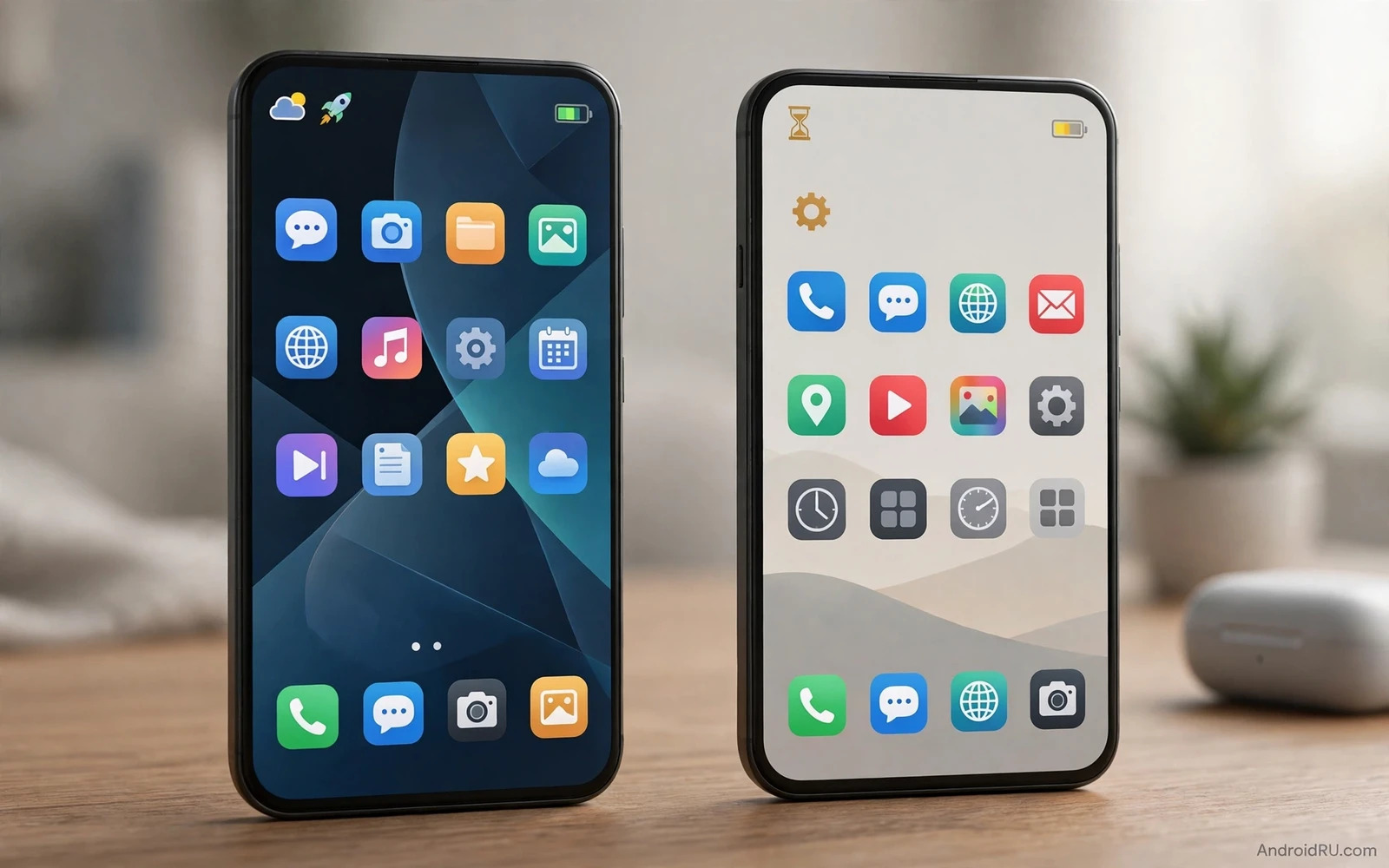
What A Launcher Actually Controls
A launcher controls your home screens and your app drawer and your widgets and your gestures. It decides how icons look and how folders behave and how swipes navigate. It runs constantly in the background because every return to home passes through it. That constant role makes launcher choice more consequential than a theme choice. A heavy launcher can slow every home return. A light launcher can make an older phone feel new again.
Stock launchers ship tuned to their phone hardware. The maker optimises memory use and animation speed for that exact device. Custom launchers ship for many devices at once. They trade some device specific tuning for far greater freedom. That trade defines the whole debate. Freedom costs resources in some cases and saves resources in others depending on launcher design and user settings.
Performance In Daily Use
Daily launcher performance shows in app opening speed and in home return speed and in animation smoothness. A well built custom launcher matches stock speed closely on modern hardware. Differences appear on weaker hardware or with heavy customisation. Animated widgets and live wallpapers and complex gestures all add work. A home screen crowded with widgets scrolls slower than a clean home screen regardless of launcher brand.
Memory use tells a clearer story than raw speed on strong phones. Stock launchers often use less memory because they integrate with system services efficiently. Custom launchers use more memory when they offer icon pack engines and gesture engines and backup engines. The gap rarely matters on phones with generous memory. It matters on phones with tight memory where every megabyte affects app reloading. Older phone owners should favour light launchers with minimal background services.
Battery Impact Honestly Measured
Battery impact from launchers is usually modest compared with screen and radio and gaming drain. A launcher does not drain power while the screen sleeps except for widget updates. Widget update frequency decides most launcher battery cost. A weather widget that updates every few minutes uses more power than a static clock widget. A news widget that refreshes constantly uses more power than a simple calendar widget. Launcher brand matters less than widget choices in most battery tests.
Animations and live wallpapers add measurable cost during active use. A live wallpaper that animates constantly drains power while you stare at the home screen. Most users spend little time staring at the home screen so the cost stays small. Users who linger on home screens or who use always on widgets will notice more. Disable live wallpapers and reduce widget refresh rates before blaming a launcher brand for battery drain. That simple audit often restores endurance without sacrificing customisation.
Customisation Freedom Worth The Cost
Custom launchers offer freedom stock launchers rarely match. Icon packs transform the whole visual identity. Grid size controls density for small or large hands. Gestures launch apps and actions from swipes and taps. Folder styles and drawer styles organise hundreds of apps sensibly. Backup and restore moves a complete home setup to a new phone in minutes. Power users who rebuild setups often gain huge time savings from these tools.
Stock launchers offer polish that custom launchers struggle to copy. System animations integrate perfectly with stock launchers on many phones. Gesture navigation feels smoothest with the stock launcher on some devices because the maker optimises that path. Material You theming adapts colours from wallpaper most coherently on stock launchers. Users who value seamless system feel over deep customisation often stay stock happily. Software skin context appears in the Samsung versus Pixel software comparison where stock launcher feel differs by maker philosophy.
Gesture Navigation And Smoothness
Gesture navigation interacts with launchers in subtle ways. Stock launchers usually deliver the smoothest back gestures and home gestures because the system recognises them as first party. Custom launchers can show slight animation stutters on some devices during gesture navigation. Button navigation avoids most of these issues and custom launchers feel equally smooth with buttons. Users who love gestures should test a custom launcher thoroughly before committing to it as a daily driver.
Animation speed settings can rescue perceived smoothness. Reducing animation duration in developer options makes any launcher feel snappier. Increasing animation duration makes transitions feel luxurious but slower. Custom launchers often expose animation controls directly without developer options. That accessibility helps casual users tune feel without technical steps. Skin tuning context also appears in the HyperOS versus Hello UI comparison where stock launcher animations shape first impressions.
Storage And Backup Considerations
Launcher storage use stays small compared with games and photos. Icon packs and widget data add modest space. Backup size stays manageable for most setups. The real storage story involves app organisation. A launcher that hides unused apps and groups similar apps reduces home clutter without deleting anything. That organisation saves time daily because finding an app quickly beats scrolling through chaos.
Backup and restore deserves emphasis for phone switchers. A custom launcher backup can recreate folders and gestures and icon packs on a new phone quickly. Stock launcher backups vary by maker and may restore less completely. Users who switch phones yearly gain real value from portable launcher backups. Users who keep one phone for years gain less because setup happens once. Interface comparison context also appears in the OxygenOS versus ZenUI comparison where clean stock launchers appeal to minimalists.
Tuning A Launcher For Speed And Battery
- Limit home screen widgets to those you check daily
- Reduce widget refresh rates for weather and news widgets
- Avoid live wallpapers when battery endurance matters most
- Use a light icon pack rather than a huge animated pack
- Disable unused gesture engines and background services
- Test gesture smoothness for a full day before finalising a switch
Final Verdict
Stock launchers win for seamless system feel and for lowest resource use on their own phones. Custom launchers win for freedom and for portable setups and for older phones that benefit from a light custom home. Battery cost from a sensible custom launcher stays small when widgets stay restrained. Performance cost stays small on modern hardware and on light launchers. Choose stock when polish and gesture smoothness top your list. Choose custom when control and backup portability top your list. Either choice beats a cluttered home screen that wastes your time every day.
Icon Packs And Visual Consistency
Icon packs transform home screen identity more dramatically than wallpapers alone. A coherent icon pack unifies hundreds of mismatched app icons into a single visual language. That unity pleases users who value tidy aesthetics. It also helps scanning because consistent shapes and colours let the eye find apps faster. Inconsistent icon styles force the brain to parse each icon individually which slows app finding subtly across hundreds of daily glances.
Icon pack quality varies enormously. Good packs cover thousands of apps with hand drawn icons that match the pack style. Weak packs cover popular apps only and leave the rest in default style which breaks visual unity. Check pack coverage for your specific apps before buying a paid pack. A pack that leaves your most used banking app unthemed will annoy you daily. Free packs can excel but they may update slower when new apps launch.
Adaptive icon shapes add another consistency layer. A launcher that forces icons into a chosen shape such as squircle or circle creates uniformity even for unthemed apps. That shaping helps when a pack lacks an app because the default icon still matches the overall geometry. Some users dislike forced shapes because they crop icon details. Test a shape for a day before committing because initial novelty can hide long term readability loss. Legibility should outrank novelty for apps you open dozens of times daily.
Widget styling completes visual consistency. Widgets from different makers clash in fonts and colours and corner radii. A launcher theme that standardises widget appearance helps but it cannot fully unify third party widgets. Choose widgets from a small set of makers with a shared design language when visual calm matters. Alternatively accept widget variety as functional diversity rather than as a flaw. A home screen that serves you quickly beats a home screen that merely photographs beautifully.
Foldables And Large Screen Launchers
Foldable phones challenge launchers with two screen states that demand different layouts. A folded cover screen suits a simple layout with large touch targets and few widgets. An unfolded inner screen suits a dense layout with many widgets and a wide app grid. A good launcher adapts layouts per screen state automatically. A poor launcher forces one layout onto both states which wastes inner screen space or crowds the cover screen. Test a custom launcher on both states before committing on a foldable.
Taskbar and dock behaviour also changes on large inner screens. A persistent taskbar speeds app switching during multitasking. A hidden dock maximises content space for reading and video. Custom launchers often expose taskbar controls that stock launchers hide. Power users who multitask heavily on foldables gain real productivity from those controls. Casual foldable users may prefer stock simplicity because extra controls add learning friction without daily benefit. Match launcher complexity to multitasking habits rather than to novelty.
Launcher Updates And Long Term Stability
Launcher updates bring new features but they can also disrupt a carefully tuned home screen when layouts change or when gestures behave differently. A launcher that updates frequently may introduce welcome improvements and unwelcome surprises in equal measure. Back up your launcher layout before major updates so a disrupted setup restores in minutes rather than hours. Read update notes briefly before installing when a launcher offers beta channels because beta builds can break widget rendering or gesture recognition temporarily. Stable channel users generally enjoy smoother long term experience at the cost of waiting longer for new features. That tradeoff suits users who depend on their home screen for work because reliability outranks novelty when the phone serves as a daily tool rather than as a hobby project.

