

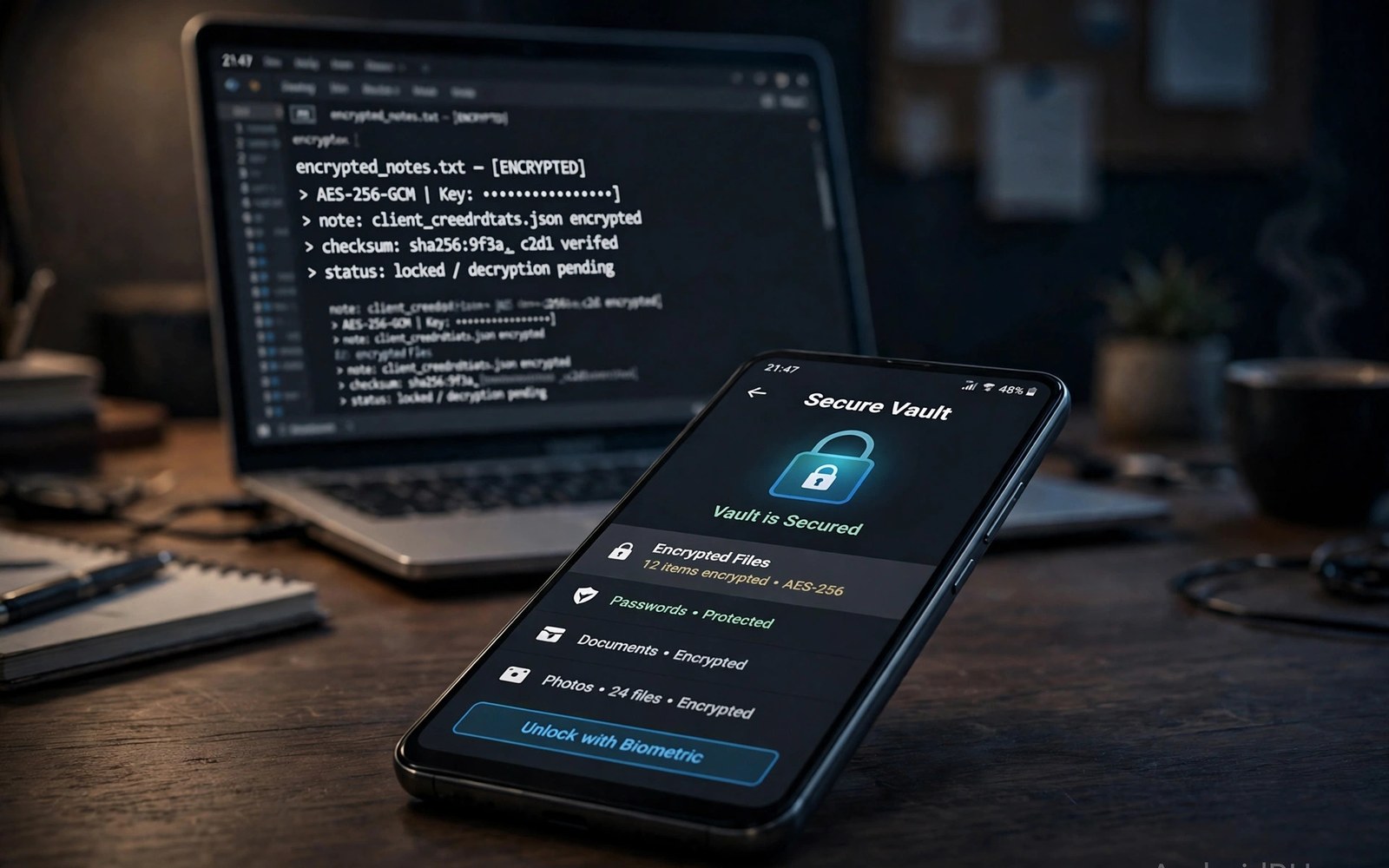
Best password and note encryption apps for Android must protect secrets even when a phone is lost or stolen. A good vault stores passwords and secure notes behind one strong master password and strong encryption. This article shows how to judge vaults and encryption without trusting marketing claims alone.
Many people reuse one password across many accounts and that habit turns one leak into many losses. A password manager breaks that chain by giving every account a unique strong password. A secure notes vault does the same job for private text that should never sit in plain notes.
Start by listing the secrets you actually store on your phone. Work logins and personal accounts and private notes each need a vault with a clear purpose. A single vault for everything can work when access controls and backups are strong. A closer look at cloud syncing apps can help you compare daily tools before you commit to one setup.
What matters most
Encryption strength matters but the design around it matters more. A vault with strong encryption and a weak master password is still weak in practice. A vault that locks after failed attempts and hides content from screenshots protects real use.
A master password must be long and memorable and unique to the vault alone. A phrase made of random words can be strong and still easy to remember. Never reuse the vault password for email or banking or any other account.
Autofill must work smoothly on Android or users will copy passwords by hand and weaken security. A vault that fills logins inside apps and browsers saves time and avoids clipboard exposure. Test autofill in your most used apps before you commit to a vault.
How to choose the right setup
Cloud vaults sync across devices and they suit people with many phones and computers. Local vaults keep data on one device and they suit people who distrust cloud storage. A cloud vault with a strong master password can be safe when the provider cannot read vault contents.
Secure notes need the same encryption as passwords and a clear way to find notes fast. A note vault that hides notes behind many taps will push users back to plain notes. Search and tags inside the vault keep secure notes usable every day.
Team vaults need sharing controls that limit each person to needed secrets only. A shared vault with full access for everyone creates risk when a team member leaves. Remove access at once when a role changes and audit shared items monthly.
A practical daily routine
Start by moving the most reused passwords into the vault and changing them to unique passwords. Change banking and email passwords first because those accounts unlock many others. A slow migration over a week beats a rushed migration that creates errors. A related look at automation apps can show how a second tool fits the same workday without adding clutter.
Use the vault generator for every new account and save the login at once. A generated password that is never saved will lock you out of a new account. Save first and test login second to confirm the vault entry works.
Review the vault monthly for old accounts and duplicate passwords and weak entries. A monthly review takes twenty minutes and it keeps the vault honest. Delete accounts you no longer use so the vault stays focused on live secrets.
Costs and privacy and limits
Free password managers often limit devices or sharing or secure storage. One person with one phone may manage well on a free plan. Families and teams usually need a paid plan for sharing and emergency access.
A vault provider breach does not automatically expose vault contents when encryption is strong. The risk grows when the master password is weak or reused elsewhere. A strong unique master password remains the most important protection.
Emergency access matters when the vault owner cannot access the vault. A trusted contact with delayed access can recover a vault without sharing the master password. Set emergency access early rather than during a crisis.
A useful example
A quick device check confirms whether storage encryption and a strong lock are active. The commands below show lock type and crypto state for the device. Use the same check after a reset because encryption settings can change with a new setup.
adb shell settings get secure lockscreen.password_type
adb shell dumpsys device_policy | grep -i encryption
adb shell getprop ro.crypto.state
This device encryption check pattern follows the approach described in the official Android developer documentation for device security settings. The same documentation explains how device encryption and lock settings protect stored data.
What to check after a week
After a week check autofill in your top five apps and browsers. A vault that fails in a key app will push you back to manual copying. Fix autofill settings or switch vaults before bad habits return.
After a week check secure notes by finding a note under time pressure. A vault that hides notes too well will fail during a real need. Tags and search inside the vault should surface a note in seconds. A practical look at keyboard apps with text expansion can help you judge whether your current setup still earns its place on your phone.
After a week check backup and recovery options for the vault. A vault without a tested recovery path can lock you out forever. Test recovery on a second device before you store critical secrets only in the vault.
Deeper checks for careful users
Two factor codes inside the same vault as passwords reduce separation of factors. A separate authenticator app keeps a second factor independent from the password vault. Use a separate app for high value accounts even when the vault offers built in codes.
Biometric unlock adds convenience but it does not replace a strong master password. A fingerprint can unlock a vault quickly on a trusted device. A master password remains needed after a restart and for recovery on a new device.
Clipboard history can leak a copied password to other apps on Android. A vault that clears the clipboard after a short time reduces that risk. Avoid copying passwords by hand when autofill can fill them directly.
Making the choice stick
A vault habit sticks when autofill works in the apps you open most each day. Test autofill in banking and email and shopping apps during the first week. A vault that fails in a key app will push you back to manual copying. A vault that fills smoothly will feel like a convenience rather than a chore. Fix autofill settings early because early friction kills vault habits fast.
A master password needs a memory plan that does not rely on writing it on paper near the phone. Use a memorable phrase built from random words that you can recall without a note. A phrase written on paper near the device defeats the vault purpose. A phrase practised daily for a week will stick in memory reliably. Test recall after a week without looking at any note.
Emergency access deserves setup before any crisis rather than during one. Choose a trusted contact and set a delay period that gives you time to deny a false request. A delay of several days protects against a mistaken or malicious request. A trusted contact with no delay could access the vault too easily. Review emergency access yearly and update the contact when relationships change.
A vault audit each month should check for reused passwords across important accounts. A reused password on banking and email together is a serious risk. Change reused passwords one by one starting with the highest value accounts. A monthly audit that fixes two passwords will transform security within months. A vault without audits will slowly fill with old weak entries again.
Secure notes need the same backup thinking as passwords because loss can be permanent. Test vault restore on a second device before storing critical notes only in the vault. A restore test reveals recovery gaps while they are still easy to fix. A test skipped will reveal gaps during a real phone loss. Keep an encrypted offline backup for the most critical notes.
A vault earns a permanent place when it feels faster than memory and safer than reuse. Measure login time with the vault against typing a remembered password. A vault that saves time will get used for every new account. A vault that feels slow will lose to the old habit of reuse. Keep the vault that wins on both speed and safety in daily use.
A week of practice
Day one of practice should move banking and email passwords into the vault with unique replacements. Test login with the vault autofill for each account at once. A smooth autofill proves the vault fits daily use. A failed autofill shows a setting to fix before more passwords move. Move only accounts that pass the autofill test.
Day three of practice should test secure notes by finding a note under time pressure. Search for a note you stored on day one and time the retrieval. A retrieval in seconds proves the vault search works. A slow retrieval shows a tag or title problem to fix. Rename notes with clear titles if search struggled.
Day five of practice should test vault recovery on a second device. Restore the vault with the recovery method you set up. A successful restore proves the recovery plan works. A failed restore reveals a gap while it is still easy to fix. Fix recovery before storing any more critical secrets.
Day seven of practice should review the vault for reused passwords that remain. Change two reused passwords to unique generated passwords. A weekly fix of two passwords will transform security within months. A vault audit that fixes nothing will slowly fill with old weak entries again. Decide on evidence and keep the vault that felt fast and safe.
Common mistakes
Most vault failures come from habits rather than from encryption flaws. The list below names the mistakes that weaken even strong vaults.
- Reusing the vault master password for email or banking accounts.
- Storing passwords in plain notes because vault access feels slow.
- Skipping a recovery test until the vault locks you out.
- Putting two factor codes and passwords in the same vault for key accounts.
- Sharing a full vault with a team instead of limited items.
- Ignoring monthly reviews that leave old and weak passwords in place.
Each mistake above is easy to avoid with a strong unique master password and a tested recovery path. A vault that feels fast will get used every day. Keep the vault simple and let it hold every secret rather than most secrets.
Frequently asked questions
Are password managers safe on Android?
Password managers on Android are safe when they use strong encryption and a strong unique master password. A vault breach does not expose contents when encryption holds and the master password stays secret. Test autofill and recovery before you trust a vault fully.
Should secure notes live in the same vault as passwords?
Secure notes can live in the same vault when search and tags keep them easy to find. A separate note vault suits highly sensitive text that needs extra isolation. Use one vault for daily use and a separate vault only for rare sensitive records.
What happens if I forget my vault master password?
A forgotten master password can lock a vault forever when encryption has no back door. Recovery options and emergency access must be set before a lockout happens. Test recovery on a second device early in vault use.
Conclusion and next step
A password and encryption vault works when it is fast and strong and recoverable. Encryption alone cannot save a weak master password or a missing recovery plan. A vault used for every secret will protect work far better than a vault used for half of them.
Your concrete next step is to set up a vault today and move banking and email passwords first with unique generated replacements. Test recovery on a second device this week. A trusted vault will change security habits within days.

