

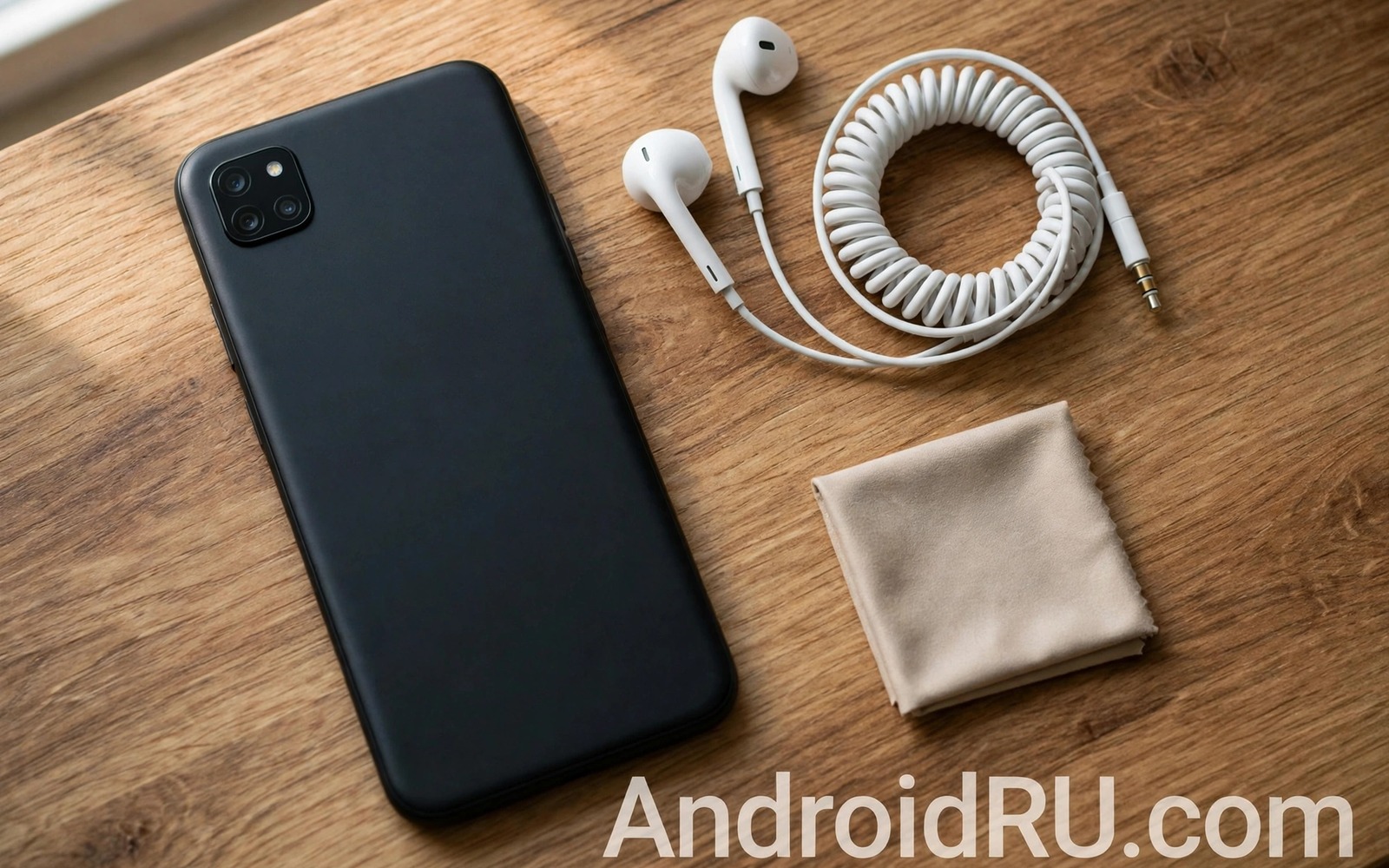
Crackling from a wired headphone jack is annoying and it is often fixable without a repair shop. The sound may cut in and out or it may carry a faint static hiss behind the music. Sometimes one ear goes quiet when the cable moves. These symptoms point to different causes and each cause needs a different fix. This guide walks through the causes in order from simplest to hardest. You will learn what to clean and what to test and when to stop and seek help.
Start by separating the cable from the phone. A damaged cable causes many crackling cases. The fault often sits near the plug where the cable bends every day. A loose plug inside the jack causes a similar symptom. Dirt inside the jack causes another similar symptom. Testing with a second pair of headphones quickly narrows the list. If the second pair sounds clean then your first cable is the problem. If both pairs crackle then the jack or the phone setting is more likely at fault.
Clean The Jack Safely
Pocket lint is the most common cause of a poor jack connection. Lint packs into the bottom of the jack and stops the plug from seating fully. A plug that sits shallow will crackle when it moves. Power the phone off before you clean the jack. Use a wooden toothpick or a plastic pick to lift lint gently. Avoid metal tools because they can scratch contacts or short pins. Work in good light and stop if you feel strong resistance.
Compressed air can help after loose lint is removed. Use short bursts and hold the can upright. Do not blow with your mouth because moisture can enter the jack. Do not pour liquid cleaner into the jack. A tiny amount of contact cleaner on a thin cotton swab can help a dirty contact but excess liquid can cause harm. Let the jack dry fully before you plug headphones in again. Test with gentle cable movement after cleaning to see if the crackle is gone.
Test Cable And Software Next
Bend the cable gently near the plug while music plays. If crackling spikes at one bend point then the cable is breaking inside. Replace the cable if your headphones allow it. If the cable is fixed then the whole headphone set needs care or replacement. Try the headphones on another device to confirm the fault follows the headphones. That single test saves you from cleaning a healthy jack again and again.
Software can also create crackle that looks like hardware damage. A faulty equalizer setting can clip the signal and sound like static. Turn off all equalizers and sound effects and test again. Restart the phone to clear a stuck audio process. Try a different music app to rule out one app fault. If you use wireless audio as well then compare results with wireless earbuds mic audio sounding muffled to see whether the fault is limited to the wired path.
Know When The Jack Itself Is Faulty
A jack that crackles with every headphone after cleaning may have worn contacts. Repeated plugging can loosen the spring contacts inside the jack. A plug that feels loose or wobbly is a warning sign. Do not force a plug that will not seat. Forcing it can bend contacts further and make repair harder. A repair shop can replace a jack module on many phones. Ask for a quote before you agree because the cost varies widely by model.
Water damage needs a different response. If the phone was exposed to water then do not charge it through a wet port and do not use heat to dry it. Let it dry in open air and seek advice if sound stays distorted. A swollen battery or a hot phone is a safety issue and not a cleaning job. Stop using the phone and seek professional help in that case. Most crackling cases are simple but safety always comes before a quick fix.
adb shell dumpsys audio
adb shell cat /proc/asound/cards
The snippet above shows a standard Android audio check and it was adapted for this jack guide so you can verify the wired audio path safely.
Inspect The Plug And Adapter
The plug itself deserves close inspection before you blame the phone. Look for bent metal or a cracked plastic collar near the plug. A bent plug will not seat straight and it will crackle under slight movement. Look for green corrosion on the metal rings if the headphones were exposed to sweat or rain. Corrosion adds resistance and it creates intermittent contact. Clean a lightly corroded plug with a dry soft cloth and test again. Replace a heavily corroded plug rather than scraping it with abrasive material. Abrasive cleaning can remove plating and make corrosion return faster.
Adapters add another failure point that many users forget. A USB to headphone adapter contains its own small audio chip and its own jack. Test the adapter on another phone if you can. Test the headphones without the adapter if your phone still has a jack. Those two tests separate adapter faults from phone faults cleanly. A cheap adapter can also introduce hiss that sounds like jack crackle. Spending a little more on a reputable adapter often removes that hiss entirely.
Software Effects That Mimic Crackle
Some sound effects clip the signal when bass is boosted heavily. Clipping sounds like crackle on loud passages and it disappears on quiet passages. That pattern points to software rather than a loose connection. Turn off bass boost and virtual surround effects and test a loud track again. If the crackle disappears then the effect was overdriving the output. Reduce the boost level instead of disabling effects entirely if you enjoy them. A modest boost rarely clips while an extreme boost often does.
Volume normalisation in a music app can also create odd artefacts on some tracks. Disable normalisation for one test and compare the same passage. A faulty audio driver after an update can create similar artefacts across all apps. Restart the phone after an update and test before changing hardware. If crackle started right after an update then software is a strong suspect. Wait for a patch or report the issue rather than opening the phone yourself.
Daily Checklist For Wired Sound
Keep a simple wired sound checklist for future problems. Test a second headphone set first and note the result. Clean the jack gently second and note the result. Disable effects third and note the result. Try another app fourth and note the result. That order prevents random changes that hide the true cause. Write the results down if the problem returns later. A written history helps a repair shop diagnose the fault faster and it stops you from repeating failed fixes.
Store wired headphones with care to prevent future crackle. Wrap the cable loosely rather than winding it tightly around the phone. Tight winding stresses the cable near the plug where failures start. Keep headphones out of pockets full of lint and keys. A small case protects both the plug and the cable. Those habits cost nothing and they extend the life of wired gear noticeably.
Test In Real Conditions Not Just Quiet Rooms
A jack that sounds clean on a desk can crackle badly in a pocket. Movement changes contact pressure and a shallow plug loses connection with every step. Test crackling while walking and while the cable hangs naturally from your pocket. That movement test separates a desk clean jack from a truly reliable connection. A plug that crackles only when you move may still have lint near the bottom of the jack. A plug that crackles even when perfectly still points to a deeper contact or software problem. Record which movement triggers the crackle because that detail guides the next fix.
Temperature also affects wired connections in subtle ways. Cold metal contracts slightly and a loose contact can worsen on a winter walk. Heat from a phone under heavy load can expand parts and change contact pressure as well. Test after the phone warms up during gaming or navigation if crackle appears only at those times. A pattern tied to heat or cold helps a repair shop find the fault faster. Note the pattern in writing before you visit a shop so you can describe it clearly.
Keep Settings Stable After Updates
System updates can change audio handling and create new crackle patterns. An update that alters audio routing can expose a marginal jack contact that previously worked. Check wired sound after every major update with the same test track. That habit separates update faults from hardware wear quickly. If crackle starts immediately after an update then test other apps before cleaning again. A driver fault affects many apps while a jack fault follows the hardware. That distinction saves unnecessary cleaning and unnecessary repair visits.
Document your working setup once crackle is fixed. Note the headphone model and the adapter model and the effect settings you use. That record helps you restore sound quickly after a reset. It also helps a repair shop understand what changed since the last visit. A stable wired setup is worth a short note because the details fade fast.
Common Mistakes
The worst mistake is jamming a metal pin into the jack to scrape out lint. Metal can scratch the contacts and it can short the jack. Another mistake is pouring alcohol into the jack in large amounts. Liquid can travel to nearby parts and cause new faults. A third mistake is buying a new phone before testing a second headphone set. A simple cable test costs nothing and it often reveals the true fault.
People also blame the music app when the cable is at fault. Changing apps will not fix a broken wire. Test hardware first and software second when movement changes the crackle. If your phone uses a USB adapter for wired sound then test that adapter separately. An adapter fault can mimic a jack fault exactly. For related wireless checks read about car stereo Bluetooth audio quality only after the wired path is ruled out.
Frequently Asked Questions
Can lint really cause crackling?
Yes lint is a very common cause. Lint stops the plug from seating fully and a shallow plug loses contact when it moves. Gentle cleaning often restores clean sound at once. If cleaning does not help then test another headphone set before you assume a deeper fault.
Is it safe to use compressed air in the jack?
Short bursts from an upright can are generally safe. Keep the nozzle away from the jack and avoid long blasts that can drive dust deeper. Never use a high pressure workshop airline on a phone. Let the jack sit for a minute after cleaning and then test with music.
When should I visit a repair shop?
Visit a shop when every headphone crackles after careful cleaning and software tests. A loose plug or a wobbly jack also points to worn contacts. Get a written quote first and ask whether the jack module can be replaced without a full board repair. That question can save a large bill.
For a related audio topic that pairs well with this one, explore spatial audio head tracking and compare how its setup choices affect everyday listening.
Conclusion
Most headphone crackling comes from lint or a damaged cable or a simple software effect. Clean gently and test with a second set and check your equalizer before you spend money. Your concrete next step is immediate. Power off your phone and inspect the jack in bright light today. If you see lint then remove it gently and test again. That five minute check resolves a surprising number of crackling cases.

