

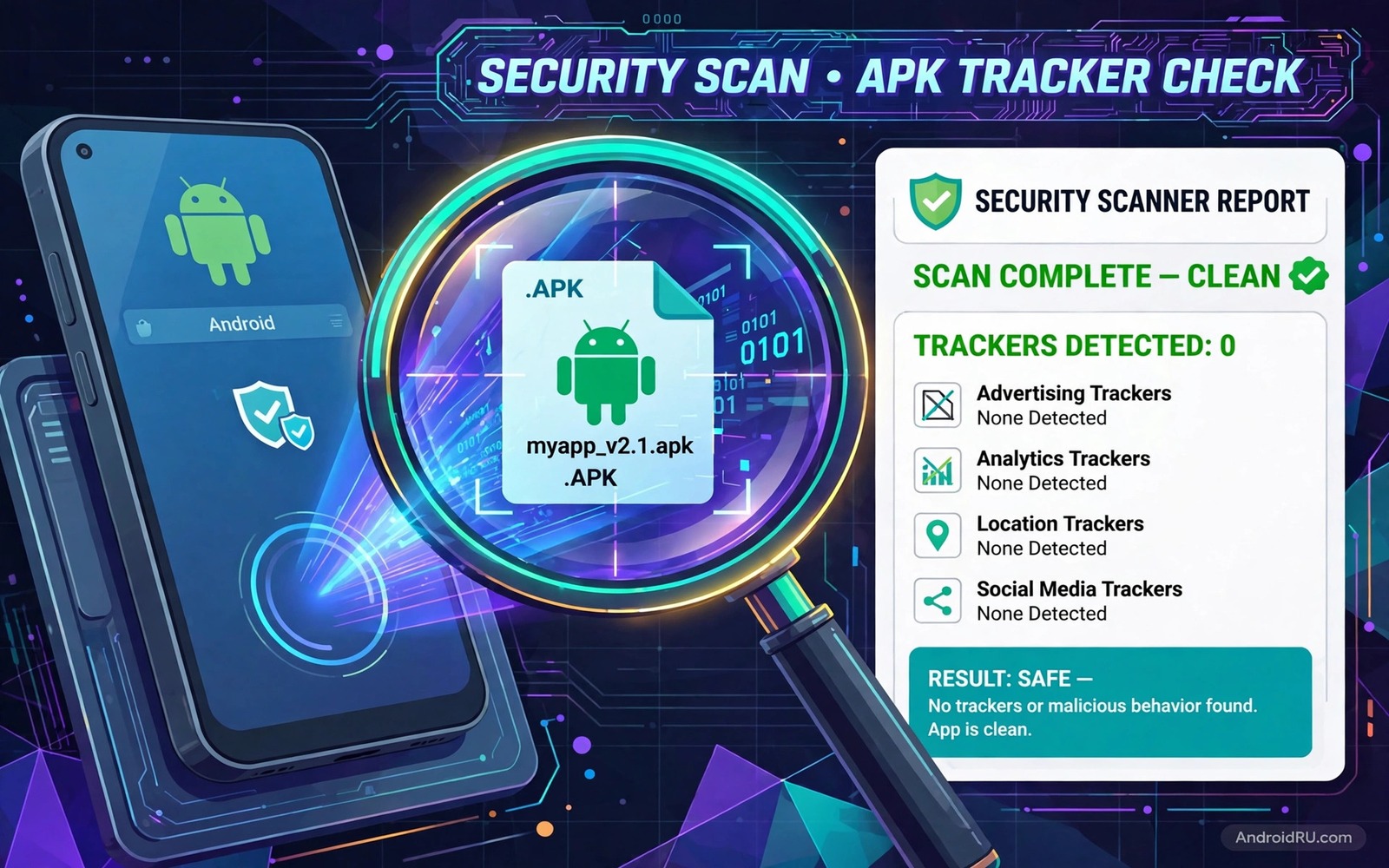
An app can look clean and still contain trackers. Trackers are small libraries that report your behaviour to a third party. They can log which screens you open and how long you stay and which device you use. They can also link your activity across apps. A single tracker is rarely dramatic. Many trackers together build a detailed picture of your habits. Scanning an APK file before install reveals those trackers while you still have a choice.
A tracker scanner reads an APK file and lists the tracker libraries inside it. It does not need to install the app to do that job. That pre install view is its main value. You can compare two versions of an app and pick the one with fewer trackers. You can also decide that an app is not worth its tracker load. That decision is yours to make with evidence instead of guesswork. If you are new to manual files then first learn how to sideload apps safely so your scan starts from a trusted file.
What Trackers Actually Do
Trackers fall into a few clear groups. Analytics trackers measure how users navigate an app. Advertising trackers build profiles for ad targeting. Crash trackers report errors to help developers fix bugs. Social trackers link app activity to a social account. Each group has a different privacy cost. Analytics and crash trackers are often low risk when they use anonymous data. Advertising trackers are higher risk because they aim to identify you across services.
A tracker does not automatically mean that an app is malicious. Many legitimate apps use analytics to improve their design. The question is how many trackers an app contains and what data each one collects. An app with two analytics trackers is different from an app with fifteen advertising trackers. A scan report lets you see that difference in numbers. Without a scan you would never know.
How A Scanner Reads An APK File
An APK file is a package that contains code and resources and a manifest. A scanner unpacks that package in memory and searches for known tracker signatures. A signature is a pattern that identifies a tracker library. When the scanner finds a signature it adds that tracker to the report. The report lists the tracker name and its category and sometimes its purpose. A good scanner also shows the app permissions alongside the tracker list. Permissions and trackers together give a fuller privacy picture.
Scanning is not perfect. A new tracker with no known signature will not appear in a report. A tracker hidden through code obfuscation may also escape detection. A clean scan report therefore means no known trackers were found. It does not prove that no tracking exists. Treat a scan as a strong signal and not as a guarantee. Combine it with a permission audit for a better verdict.
A Scan Routine Before Every Sideload
Download the APK file to a folder you control. Run the scanner on that file before you open the installer. Read the tracker list and count the advertising trackers separately from analytics trackers. Compare the count with a previous version if you have one. A sudden jump in tracker count after an update deserves a question. Read the update notes for an explanation. If none exists then consider staying on the older version.
- Download the APK file to a folder you control first.
- Run a tracker scan before you open the installer.
- Count advertising trackers separately from analytics trackers.
- Compare the count with the previous version when possible.
- Check permissions alongside the tracker list for a full picture.
- Skip or replace an app whose tracker load outweighs its value.
If the scan shows many advertising trackers then look for an alternative app with the same core feature. Open source alternatives often contain far fewer trackers. A lite version of the same app may also contain fewer trackers. A web version may contain different trackers but fewer device level trackers. Compare those options before you accept a heavy tracker load.
Read A Scan Report Without Panic
A long tracker list can look scary at first glance. Break it down by category before you react. Analytics trackers for crash reports are common and often harmless. Advertising trackers that build cross app profiles deserve more attention. Social trackers deserve attention when you did not sign in with that social account. Focus your worry on the categories that match your privacy concerns. A report with ten analytics trackers and zero advertising trackers is calmer than it first appears.
Also check whether the tracker list matches the app purpose. A game with many advertising trackers is expected because games often rely on ads. A calculator with many advertising trackers is suspicious because a calculator has no ad driven content. Purpose matching is a powerful test. It catches apps that collect data far beyond their job.
Trackers After Install And How To Limit Them
Scanning before install is the best moment to act. After install you can still limit trackers through permissions and settings. Turn off ad personalisation in system settings if your phone offers it. Limit background data for apps that do not need it. Use a private DNS or a tracker blocking tool if you understand its tradeoffs. Those steps reduce tracker reach but they do not remove trackers from the app code.
The most effective post install step is still removal. If a scan after install reveals a tracker load you missed then remove the app and find an alternative. Keeping an app out of habit after a bad scan is a poor trade. Your data habits deserve the same discipline as your install habits. A tracker heavy app that you rarely use should be the first to go.
Check A Scanned File With Simple Commands
The commands below list installed packages and show details for one app. They help you confirm which version is installed after a scan. They do not scan for trackers by themselves. They are checks for your own device.
adb shell pm list packages -f
adb shell dumpsys package com.example.app
adb shell pm path com.example.app
adb shell cmd package list packages
The commands above are original examples written for this guide. They show safe checks you can run on your own device. They do not come from any outside publication.
Build A Personal Tracker Budget
A tracker budget is a simple rule for how many advertising trackers you will accept per app. For example you might accept up to three advertising trackers for a free game and zero for a utility app. That budget makes decisions fast. An app that exceeds the budget needs a strong justification or an alternative. Without a budget every scan becomes a debate. With a budget the decision is clear.
Adjust your budget by app type. A free social app will almost always exceed a strict budget. A paid utility should meet a strict budget easily. A game funded by ads sits in the middle. Write your budget down and revisit it every few months. As your privacy awareness grows your budget may tighten. That tightening is a sign of learning and not of paranoia.
Share your budget idea with friends who install many apps. A shared budget makes it easier to recommend apps to each other. You can say that an app passes your budget or fails it. That shared language is more useful than a vague warning about trackers. It turns privacy into a measurable habit.
Compare Tracker Loads Across App Versions
Tracker loads change over time and a version comparison reveals that trend. Keep scan reports for the versions you use. When a new version appears scan it and compare the tracker count with the old report. A small increase for a new feature may be acceptable. A large increase without a new feature deserves a question. That comparison turns a single scan into a trend that you can act on.
Some apps remove trackers in later versions after user feedback. A decreasing tracker count is a good sign. It shows that the developer listens to privacy concerns. Reward that trend by keeping the app and telling others about the improvement. Positive feedback for tracker removal encourages more developers to do the same. Privacy progress deserves recognition as much as privacy problems deserve criticism.
When a tracker count rises sharply consider staying on the older version for a while. An older version with fewer trackers may still work well for months. Check whether the older version has security flaws before you stay on it. A security flaw outweighs a tracker saving. Balance both factors and choose the version with the best overall safety and privacy mix.
Common Mistakes
The most common mistake is scanning only once and never again. Tracker counts change with updates. A clean app can gain trackers in a later version. Scan again after major updates. Another mistake is panicking over analytics trackers while ignoring advertising trackers. Focus on the category that matters most to you. A third mistake is trusting a scan report as a guarantee. A clean report means no known trackers were found.
- Scanning an app once and never rescanning after updates.
- Panicking over analytics while ignoring advertising trackers.
- Treating a clean scan as proof of zero tracking.
- Installing a tracker heavy app because you already downloaded it.
- Ignoring permissions while focusing only on tracker counts.
People also scan a file from an untrusted source and trust the scan more than the source. A scan cannot fix a fake file. Verify the source first and scan second. Both checks matter and neither replaces the other.
Frequently Asked Questions
Does a tracker scanner remove trackers from an app?
No. A scanner only reports trackers found in the file. It does not modify the app. Removal requires a different tool or a different app version with fewer trackers.
Are all trackers harmful to my privacy?
No. Analytics and crash trackers can help developers improve an app. Advertising trackers that build cross app profiles carry a higher privacy cost. Judge trackers by category and by count.
Should I scan store apps too or only sideloaded apps?
Scan both when you can. Store apps can contain trackers as well. Sideloaded apps deserve a scan first because they bypass store review. A scan habit for all apps is best.
Conclusion
Tracker scanning turns a blind install into an informed choice. You see the tracker load before you commit your data to an app. You can compare versions and pick a lighter alternative. You can set a personal budget and enforce it. Those habits protect your privacy without requiring technical expertise. Your concrete next step is to pick one sideloaded app you use today and scan its installer file before its next update. For permission safety read how to audit third party store installs and for file integrity learn how to verify APK checksum hashes alongside every scan.

