

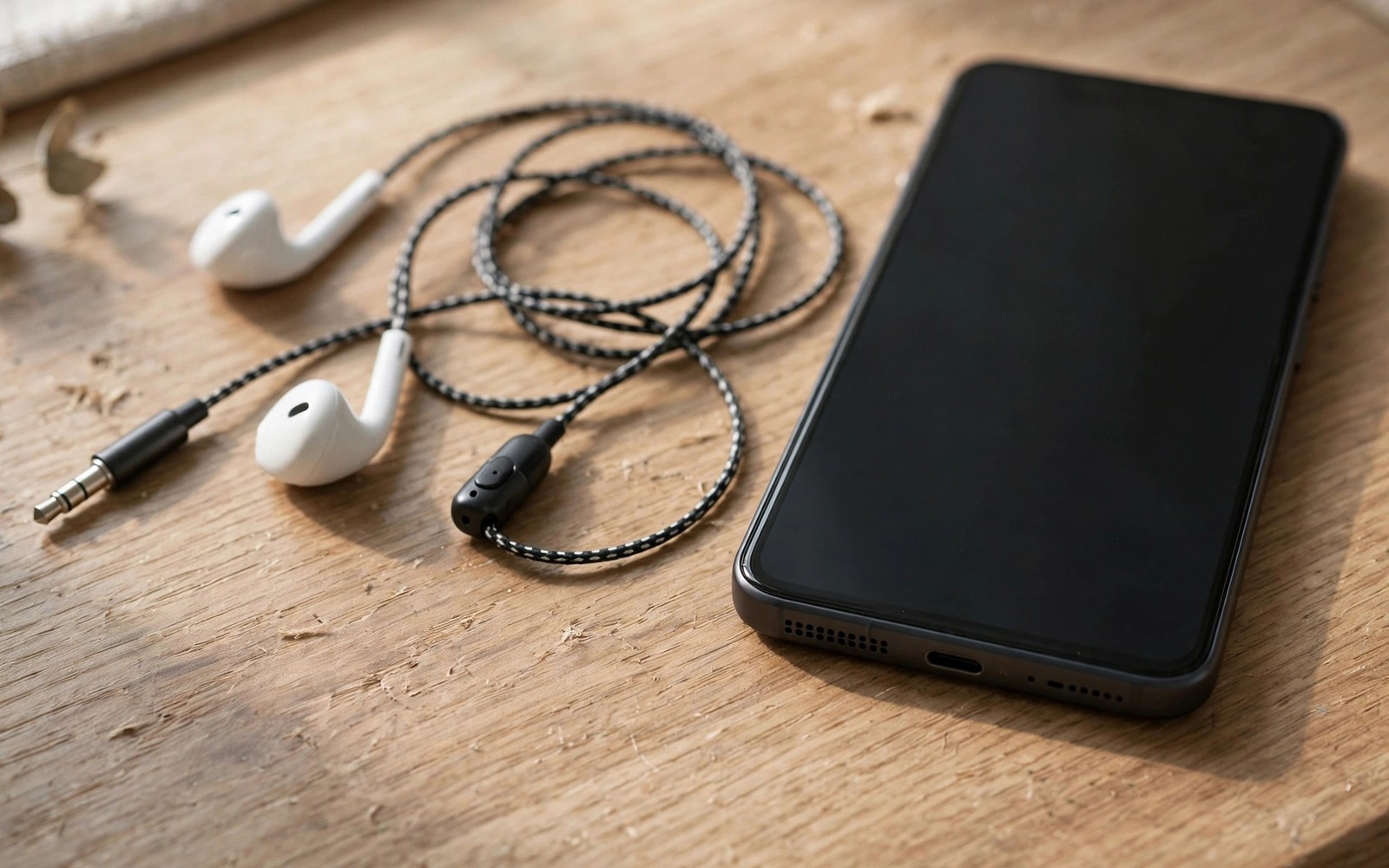
Headphones stuck mode silences your phone speakers completely. The phone believes headphones remain plugged in even though the jack sits empty. Calls go silent. Music plays nowhere. Alarms may still sound but media stays mute. The cause usually sits in the headphone jack or in a Bluetooth state or in a software flag. A sequence of port and settings fixes restores speakers in most cases.
Understand the two headphone paths first. Wired headphones use a physical jack with a detection switch inside. Bluetooth headphones use a software connection state. Either path can stick. A dirty jack can hold its detection switch closed. A Bluetooth device that never disconnected cleanly can hold its audio route. Testing wired and Bluetooth paths separately tells you which one stuck. That separation guides the fix.
Start with the simplest actions. Unplug any headphones fully. Disconnect Bluetooth audio devices. Restart the phone. Many stuck modes clear on restart because the audio system rebuilds its routing table. If sound returns after restart then a software flag was the cause. If sound stays missing then a physical jack fault becomes more likely.
Clean And Test The Headphone Jack
Inspect the jack with a bright light. Lint and dust pack into the jack over months. That debris can press the detection switch and mimic a plugged headphone. Gently remove lint with a wooden toothpick or a plastic pick. Never use a metal pin that can short contacts or scratch the switch. Blow out loose dust with a short air burst. Work gently because the switch mechanism is delicate.
Plug headphones in and out slowly several times after cleaning. Each insertion cycles the detection switch. A stuck switch sometimes frees after a few clean cycles. Play audio through the headphones during one cycle to confirm the jack still works. Then unplug and test speaker audio. If speakers return after cycling then debris or a sticky switch was the cause. Repeat cleaning if the fault returns quickly because remaining debris may still lurk inside.
Test with different headphones if cycling fails. A damaged headphone plug can bend the jack switch. A plug with a bent tip or a swollen sleeve can also leave debris behind. If speakers work after using a different headphone set then retire the damaged set. Also test without any case that covers the jack area. A tight case can press on the jack rim and affect detection on some phones. Test the phone naked for a clean result.
Bluetooth And Audio Routing Fixes
Open Bluetooth settings and disconnect every audio device. Forget any device that shows connected despite being powered off. A phantom Bluetooth connection can steal audio routing silently. The phone sends sound to a device that no longer exists. Speakers stay silent because the system believes the phantom device plays the sound. Forgetting the phantom device restores speaker routing at once.
Toggle Bluetooth off fully and test speaker audio. A full Bluetooth off state forces the audio system to fall back to speakers. If sound returns with Bluetooth off then a Bluetooth device or setting caused the stuck mode. Re-enable Bluetooth and reconnect devices one by one. The device whose reconnection silences speakers again is the culprit. Forget that device and re-pair it cleanly if you still need it.
Check audio output settings where your phone offers them. Some phones show a media output switcher in quick settings or in sound settings. Confirm that the output shows phone speakers rather than a headphone or Bluetooth device. Manually switching output to speakers can override a stuck route. Also check separate app sound settings for apps that route audio independently. A single app stuck on a Bluetooth route does not mean the whole phone is stuck.
Software Resets For Stuck Audio Flags
Restart the phone if jack cleaning and Bluetooth checks fail. A restart rebuilds the audio routing table from scratch. After restart test a ringtone and a music track and a call earpiece separately. Different audio paths can fail independently. A ringtone that works while music stays silent points to a media routing fault rather than a speaker fault. Note which paths work and which fail for diagnosis.
Clear cache for the system audio components only if your phone exposes them safely. Avoid disabling critical system apps. A safer software step is resetting all settings while keeping files. That reset restores audio routing defaults without erasing photos or apps. Reconfigure sound preferences after the reset. Test speakers before reinstalling any audio apps that might reintroduce a routing fault.
Boot into safe mode as a diagnostic step if the fault persists. Safe mode disables third party audio apps. If speakers work in safe mode then an audio app or an equaliser app holds the route. Restart normally and uninstall recent audio tools one by one. Equaliser apps and volume booster apps often interfere with routing. Remove the culprit and test speakers after each removal. For speaker hardware faults that accompany routing faults read how to fix speaker crackling and low volume and for earbud balance faults read seven fixes for earbuds louder on one side.
Water Damage And Hardware Diagnosis
Water in the jack can hold the detection switch closed for days. A phone exposed to rain or a splash may enter stuck mode until the jack dries fully. Place the phone in a dry ventilated spot with the jack facing down. Do not use heat from a hair dryer. Heat can damage seals and components. Allow at least twenty four hours of drying for a wet jack. Test speakers again after full drying. Persistent faults after drying suggest corrosion rather than moisture.
Check for corrosion with a bright light after drying. Green or white deposits on jack contacts signal corrosion. Corrosion can keep the switch closed permanently. Professional cleaning can sometimes restore a corroded jack. A full jack replacement is more reliable for heavy corrosion. Get a quote before authorising repair. Jack replacement costs vary widely by model and by whether the jack sits on a separate board.
Test the speaker itself independently. Play a ringtone at full volume. If the ringtone sounds clear then the speaker hardware works and routing is the fault. If the ringtone sounds distorted or silent while other audio paths work then the speaker may be damaged. A damaged speaker needs hardware repair regardless of routing fixes. That distinction prevents wasted software effort on a hardware fault. Note your test results for the repair shop.
step_1 = clean_jack_gently
step_2 = cycle_headphones
step_3 = disconnect_bluetooth_all
step_4 = restart_phone
# test ringtone music and call paths separately
# never use metal pins inside the jack
The snippet above is an original example written for this guide. It shows generic audio fix notes you can adapt to your own phone. It does not copy code from any outside source.
Follow the order and test speaker audio after each step. Jack cleaning first. Bluetooth disconnection second. Restart third. Hardware diagnosis last. That order finds the common causes before paying for repair.
USB-C audio adapters create a separate stuck route on phones without a headphone jack. A USB-C dongle contains its own audio chip and detection state. A dongle left partially connected or a faulty dongle can hold the audio route after removal. Unplug the dongle fully and restart the phone to clear its route. Test speakers with no adapter attached at all. If speakers return then replace the dongle with a quality adapter. Cheap dongles fail more often and can damage the port with loose connectors.
Accessibility audio settings can also mask a routing fault. Mono audio and left right balance settings change how sound reaches speakers and headphones. Check accessibility audio settings if one speaker channel sounds missing after a routing fix. Reset balance to the centre for normal stereo playback. A balance shifted fully to one side mimics a dead speaker on the other side. That simple setting check saves an unnecessary repair visit for many owners.
Separate volume sliders explain some confusing stuck audio cases. Android keeps media volume and ring volume and call volume apart. A phone can play ringtones loudly while media stays silent because media volume sits at zero. Open volume settings and check every slider individually rather than trusting the single hardware button level. Raise media volume fully and test a music track again. A media slider accidentally set to zero mimics a routing fault perfectly and fixes in seconds once spotted.
Common Mistakes
Many owners clean a jack with a metal pin and short the contacts. A second mistake is assuming a speaker is dead when routing is stuck. A third mistake is forgetting a phantom Bluetooth device that steals audio. A fourth mistake is using heat to dry a wet jack quickly.
A fifth mistake is factory resetting for a dirty jack. A sixth mistake is ignoring a damaged headphone plug that rebends the switch. Each mistake wastes time or creates new damage. Gentle cleaning and routing checks avoid all six.
Frequently Asked Questions
Question: Why do speakers stay silent with no headphones plugged in?
Answer: The phone still believes headphones are connected. Debris in the jack or a phantom Bluetooth route holds that belief. Cleaning and Bluetooth disconnection usually clear the false state.
Question: Can an app cause stuck headphone mode?
Answer: Yes. Audio routing apps and equalisers can hold a route after closing. Safe mode testing reveals app causes. Uninstall the culprit app to restore normal routing.
Question: Should I pour liquid cleaner into the jack?
Answer: No. Liquids can worsen corrosion and damage the switch. Use dry gentle cleaning only. Let a wet jack dry naturally in ventilated air.
Conclusion
Headphones stuck mode usually comes from jack debris or a phantom Bluetooth route or a software flag. Clean the jack gently and cycle headphones and disconnect Bluetooth devices and restart. Test ringtone and music and call paths separately. Your concrete next step is to inspect and clean the jack right now with a wooden pick and then plug headphones in and out three times slowly. Test speaker audio immediately after. If sound returns then you are done. If it stays silent then disconnect all Bluetooth devices and restart before seeking repair. For related audio faults read how to fix speaker crackling and low volume and seven solutions for a microphone not working on calls.

