

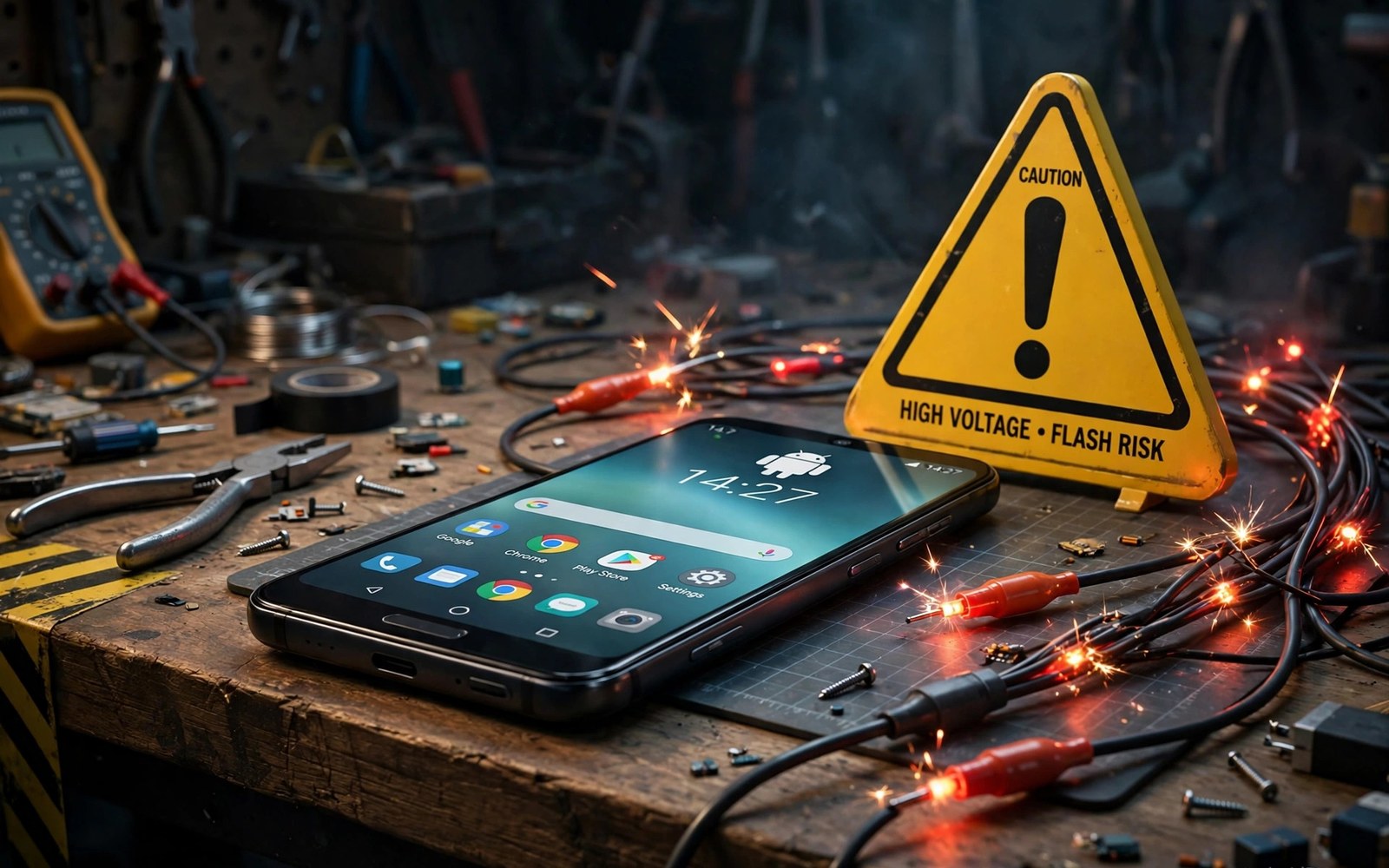
Flashing a custom ROM feels like a fresh start for a tired phone. A new system can bring a newer Android version and a cleaner interface and longer support than the maker ever planned. The danger hides in the steps you skip before the flash begins. One wrong firmware base or one missing backup can leave you with a phone that boots to nothing and a data partition you cannot read.
Most failed flashes do not fail because the ROM is bad. They fail because the phone was not ready for it. The bootloader state and the firmware version and the partition layout all have to match what the ROM expects. A ROM built for one regional firmware can refuse to boot on another regional firmware even when the model name looks identical. A phone with an anti rollback fuse can refuse an older bootloader forever. These details are boring to read and they are the exact details that decide whether the flash works.
Slow down and treat preparation as the real job. Read the ROM notes twice and check the required firmware and download the matching recovery image before you unlock anything. Keep a full backup on a computer and not only on the phone itself. If you want a safer first project then start with removing preinstalled apps that refuse normal uninstall because that teaches you root control without replacing the whole system.
Check the firmware base before you download anything
Every custom ROM is built against a specific vendor base. That base includes the modem and the camera blobs and the display drivers that the ROM itself does not replace. When your phone runs older firmware than the ROM expects the camera may fail or mobile data may drop or the screen may flicker. When your phone runs newer firmware than the ROM expects the installer may abort or the phone may boot loop. The fix is simple and it must happen before the flash. Find the firmware version named in the ROM notes and flash that firmware first with the stock tool for your device.
Model names lie in small ways that matter. A single marketing name can cover several hardware revisions with different modems and different sensors. Check the exact model code in Settings and check the hardware revision if the ROM notes mention one. Check whether your device uses A and B slots because that changes how updates install and how you recover from a bad flash. Write down your current firmware version and your current slot and your bootloader state in a note on your computer so you can return to them later.
Back up everything that a factory reset cannot restore
Unlocking the bootloader wipes user data on most phones. That wipe is not a bug and it is not optional on locked down devices. Photos and chats and app logins and two factor codes can vanish in one command. Back up photos to a computer and export chats where the app allows it and move authenticator accounts to a second device before you start. A backup that lives only on the phone is not a backup during a flash because the wipe can take it too.
Some partitions deserve special care. The persist partition holds calibration data for sensors and radios. The EFS area holds modem identity data on many devices. Damage to either one can break mobile signal or sensors in ways a normal reflash will not fix. Copy those partitions with the recovery tool if your device supports it and store the copies on a computer with a clear label. Test the backup by opening it on the computer. A backup file you never opened is a hope and not a plan.
Understand what you lose besides the stock system
A custom ROM can break things that have nothing to do with speed or looks. Banking apps and payment apps may refuse to run when they detect an unlocked bootloader or a modified system. Streaming apps may drop to standard definition when the Widevine level falls from the top tier to the lower tier. Some camera features that depend on maker software may never return on a community ROM. None of this means a custom ROM is a bad choice. It means the choice has a price and you should know the price before you pay it.
Plan for the apps you cannot lose. Test whether your bank works with a rooted or unlocked device before you commit your daily phone to the change. Keep a second device for payments if your bank is strict. Check whether your work apps require a locked device. If the answer is yes then a custom ROM belongs on a spare phone and not on the phone that pays your bills. That single decision prevents most of the regret that follows a rushed flash.
Flash in the right order and verify each step
A safe flash follows a strict order and never skips a verification step. Boot into the custom recovery and make a full backup of the current system first. Wipe only the partitions the ROM notes name and leave the internal storage wipe for last if you truly need it. Flash the firmware base and then the ROM and then the extras in the order the notes give. Reboot once and wait patiently because the first boot can take many minutes while the system builds its caches.
fastboot flashing unlock
fastboot flash recovery recovery.img
fastboot reboot recovery
adb backup -apk -shared -all -f backup.ab
fastboot getvar current-slot
Attribution: the commands above use the standard shell syntax of the platform toolset and the recovery workflow and they are shown here so you can read every step before you run it on your own device.
Never flash two major changes at once. If you flash a ROM and a kernel and a sound module in one session and the phone fails then you will not know which change broke it. Change one thing and boot and test the basics. Test calls and mobile data and Wi-Fi and the camera before you add the next tweak. That slow habit feels dull and it saves hours of guessing when something goes wrong.
Common mistakes
The most common mistake is flashing with a low battery. A phone that dies during a partition write can corrupt the very slot it was writing to. Charge to at least seventy percent and keep the cable connected during the flash. The second mistake is using a cable or a port that drops connection under load. Use the original cable and a rear port on a desktop or a direct port on a laptop and do not touch the cable until the flash finishes.
Another mistake is dirty flashing over a different ROM without wiping. A dirty flash can work between two builds of the same ROM but it often breaks when you switch ROM families. Read the notes for the exact wipe the maintainer demands. If you do hit a boot loop then stay calm and read about fixing a boot loop without wiping personal files before you reach for the factory reset button. A reset should be the last resort and not the first reflex.
Frequently asked questions
Does flashing a custom ROM void the warranty?
Unlocking the bootloader usually voids the maker warranty on paper even when the law in your region gives you some protection. Some makers allow relocking and some do not. Check the policy for your exact model before you unlock because that decision is hard to undo on some devices.
Can I return to the stock system after a custom ROM?
Yes on most devices if you kept the stock firmware package and the stock recovery image. Flash the full stock package with the maker tool and relock the bootloader only when the stock system boots cleanly. Relocking on a modified system can brick the phone so verify the stock boot first.
Why does my banking app refuse to open after the flash?
Banking apps check the integrity of the device and they distrust unlocked bootloaders and modified systems. Hiding tools exist but banks update their checks often and a method that works today may fail tomorrow. Treat banking access as a risk of the custom ROM life and plan a fallback device.
Build a rollback plan before the first flash
A rollback plan is the document that saves a flash gone wrong. Write down the stock firmware file name and the recovery image version and the exact steps to return to stock. Store those files on a computer and not only on the phone. Test that the stock files open and that their sizes match the published sizes. A rollback plan that you never tested is a guess dressed as a plan. The slot knowledge in understanding A and B partition flashing belongs in that plan because the slot state decides which system the phone boots after a failed flash.
Trust in a ROM maintainer grows from evidence and not from download counts. Read the last month of maintainer notes and look for honest reports about bugs that remain. A maintainer who lists known bugs openly is more trustworthy than one who claims perfection. Check whether the maintainer answers questions about your exact model and whether updates arrive on a steady schedule. A ROM abandoned after two builds leaves you with security patches that age fast. Choose a project with a living maintainer and a clear update rhythm over a flashy project that already feels stale.
Plan the first week after the flash as carefully as the flash itself. Install only the essential apps on day one and test calls and messages and banking access before you restore a full app library. Add root modules one at a time in the second week and test each one for a day. That slow rebuild reveals which module conflicts with the new system while the cause is still obvious. A disciplined module set like the one in systemless modules every root specialist requires keeps the new system stable while you rediscover what the ROM can do.
Keep a flash diary that records every file version and every wipe choice and every result for future reference. A diary entry for a successful flash lists the firmware base and the ROM build and the recovery version used. A diary entry for a failed flash lists the error message and the step where it appeared and the fix that worked. Over time the diary becomes a personal manual that fits your exact phone better than any generic guide. Review the diary before each new flash and update it after each flash so the knowledge compounds instead of fading. A diary kept on a computer survives a phone wipe and stays available when the phone itself cannot help you.
Check the ROM community health before you commit your daily phone to a new build. A healthy community answers questions quickly and publishes security patches on a visible schedule and admits bugs openly. An unhealthy community goes silent for months and leaves users guessing about critical fixes. Community health matters more than feature lists because a ROM lives or dies by its maintainers. A vibrant project with fewer features beats a flashy project with no support when a security issue appears. Judge the community first and the feature list second and your daily phone will thank you for years.
Conclusion
A custom ROM can give an old phone years of extra life and a cleaner daily feel. The reward goes to the owner who prepares firmware and backups and app plans before touching the flash button. The risk falls on the owner who treats the flash as a quick download and learns about wipes and Widevine and banking blocks afterwards.
Your concrete next step is to write a one page flash plan today. List your exact model code and firmware version and the ROM build you want and the backup location on your computer. If any item on that list is blank then fill it before you unlock anything. Readers who want a calmer recovery skill should also study the emergency recovery command that calms boot loop panic so a bad flash becomes a repair job and not a disaster.

