

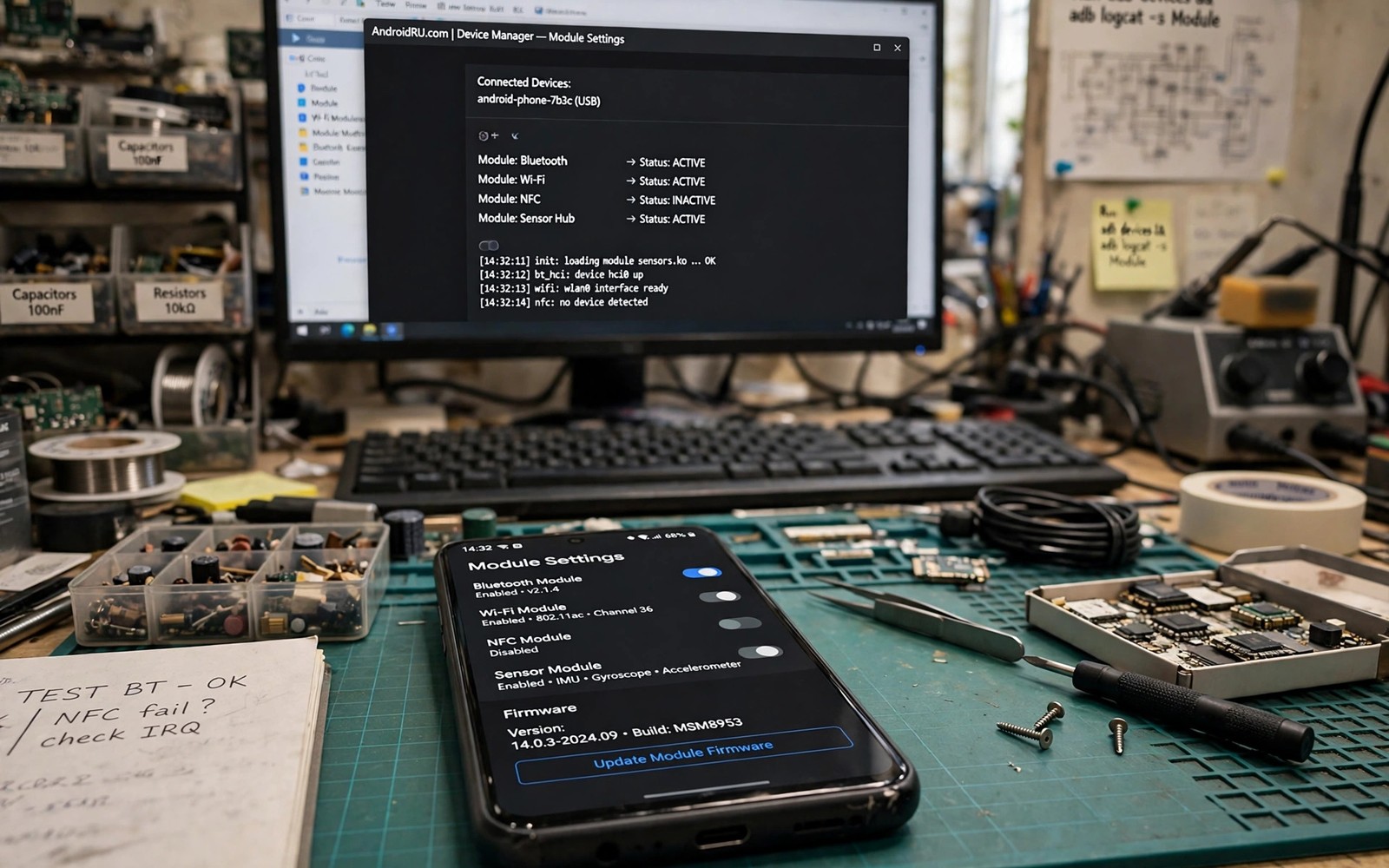
LSPosed lets modules change how apps behave while they run. A module can change a system interface or add a feature to an app or block an annoying behaviour. It does this by hooking code rather than by replacing files. That design makes LSPosed powerful and flexible. It also makes it risky when a module hooks the wrong code or targets too many apps.
The secret to LSPosed is scope. A module should target only the apps it needs to change. A module scoped to every app can slow the phone and break unrelated apps. A module scoped to one app stays fast and easy to remove. Many LSPosed problems come from broad scopes rather than from bad modules. Learn scope first and modules second.
This guide covers the categories that change Android most. It explains what each category does and how to scope it safely. It also covers testing and recovery because a bad hook can crash an app on launch. Install one module at a time and test its target app before adding another. That discipline keeps LSPosed a tool rather than a hazard.
Interface Modules That Reshape The System
Interface modules change system UI behaviour across the phone. They can change the status bar or the notification shade or the lock screen. They can add gestures or change animations. These modules feel dramatic because they touch surfaces you see all day. They also carry risk because a system UI crash can make the phone hard to use.
Scope interface modules to the system UI process only where the module allows it. Do not scope them to every app. Test the system UI after installing by locking and unlocking and pulling down notifications. If the system UI crashes then disable the module and reboot. A module that crashes system UI is not worth keeping even if its feature looks attractive.
Privacy Modules That Control App Behaviour
Privacy modules can block trackers or control permissions beyond system settings. They can stop an app from reading a sensor or from accessing a clipboard. They can spoof a value that an app requests. These modules give fine control that normal settings lack. They also need careful testing because an app may fail when it cannot read data it expects.
Scope a privacy module to the specific apps you want to control. Test each app after enabling the module. If an app crashes on launch then narrow the scope or disable one hook inside the module. Granular app permissions covers permission control in more detail. Privacy gains must not break the apps you need daily.
LSPosed module checklist
1. Install LSPosed through your root manager
2. Pick one module for one clear job
3. Scope it to its target app or system process only
4. Enable the module and reboot
5. Test the target app fully
6. Disable the module at once if the app crashes
The example above was written for this guide as a plain summary of the steps in the sections before it. It uses only the menus and options described above and it needs no extra tool to understand. Follow the steps in order so you can see which change helps most. If one step makes things worse then undo that step alone and keep the rest.
App Enhancement Modules
App enhancement modules add features to a single app. A module can add a download button or a custom theme or a missing setting. These modules are popular because they improve one app without changing the whole system. They break often when the target app updates because the hooked code changes. Expect to update or replace enhancement modules after major app updates.
Scope an enhancement module to its target app only. Never scope it to the whole system. Test the target app feature after installing and after each app update. If the feature stops working then check for a module update before changing other settings. Intercept API calls with LSPosed shows the deeper technique behind many enhancements. A module that targets one app is easy to remove when it breaks.
Ad And Annoyance Blocking Modules
Blocking modules can remove ads inside apps or block popups and sponsored cards. They work by hooking the code that loads ad content. The result can be a much cleaner app experience. The risk is breaking app layout when an ad slot is removed badly. Some apps also detect blocking and refuse content.
Test a blocking module with the apps you use most. Check that content still loads and that buttons still work. Ad blocking inside native apps explains the limits of this approach. If an app breaks then disable blocking for that app rather than forcing it. A clean app that still works beats a clean app that crashes.
Automation And System Hook Modules
Automation modules can trigger actions based on system events. A module can change behaviour when an app opens or when the screen turns on. A module can intercept system calls for a test or for a custom workflow. These modules suit advanced users who understand the code they hook. They suit test devices better than primary phones until the hooks are proven stable.
Keep automation hooks narrow and log their actions when possible. A hook that runs on every app launch can slow the whole phone. A hook that runs only for one app stays fast. Test automation on a spare device first if the hook changes system behaviour. A stable automation saves time daily. An unstable automation creates crashes that are hard to trace.
LSPosed And System Updates
System updates can break LSPosed hooks because system code changes. A module that hooked a system method may miss the new method after an update. Disable LSPosed modules before a major system update. After the update enable modules one by one and test each target. That staged return finds broken modules fast without a system crash.
Check module compatibility with the new Android version before re-enabling. A module author may need weeks to update hooks for a new version. Wait for that update rather than forcing an old module onto new code. A forced old hook can crash system UI on every boot. Patience after an update protects a working phone.
Module Safety Checklist
Before installing any LSPosed module check its author and its recent updates. A module with no update in a year may not support current apps. Check user reports for your device and Android version. A module that works on one brand may fail on another. Read the module scope options before enabling it. A module without scope control is riskier than one with narrow scope.
Keep a written list of enabled modules and their scopes. When a problem appears then disable modules in reverse order of installation. That reverse order often finds the culprit fast. Store the list outside the phone so you can read it even if the phone will not boot normally. A simple list turns a mystery crash into a short debug session.
LSPosed For Developers
Developers can use LSPosed to prototype features before building them into an app. A hook can test a new behaviour without changing app code. That prototype can reveal whether users like the behaviour before investing in a full build. Prototype hooks should stay on test devices and test builds. A prototype hook on a production app can break after an app update and confuse users. Keep prototypes clearly labelled as experiments in your test notes. A prototype that escapes into daily use becomes a support burden.
LSPosed also helps developers debug app behaviour by logging API calls. A logging hook can show what data an app requests and when. That log can reveal unnecessary permission requests or excessive network calls. Use logging hooks on your own apps and test accounts only. Logging another developer app without permission raises privacy issues. Keep logs on the test device and delete them after analysis. Responsible logging improves your own app without invading others privacy. Document what you logged and why so the test remains ethical.
Developers should test LSPosed modules against multiple Android versions. A hook that works on one version may fail on another because system code changes. Test on the oldest and newest versions your app supports. A module that works only on one version needs a version note for users. Clear version notes prevent support requests from users on unsupported versions. A well documented module with version limits is more trustworthy than a module that claims universal support falsely.
Common mistakes
One common mistake is scoping every module to all apps. Broad scope slows the phone and breaks unrelated apps. Scope narrowly and expand only with a reason. Another mistake is installing many modules before testing any of them. A crash then becomes hard to trace. A third mistake is ignoring app updates that break hooks. Update modules after app updates and remove modules that no longer work.
FAQ
Do LSPosed modules need root?
Yes because LSPosed runs as a framework on a rooted device. It needs a root manager and a compatible framework version. Check compatibility with your Android version before installing.
Can LSPosed break my phone?
A bad module can crash an app or the system UI. It rarely bricks a phone because you can disable modules in recovery or safe mode. Learn the disable method for your setup before installing risky modules.
Why did a module stop working after an app update?
App updates change code that modules hook. A hook that targeted old code may miss new code. Wait for a module update or find a replacement module for the new app version.
Conclusion
Install LSPosed today only if your root setup supports it and you have a recovery plan. Pick one module for one app and scope it narrowly. Test the target app fully before adding another module. That disciplined start unlocks LSPosed power without turning your phone into a crash test. Review scopes monthly and remove modules that no longer serve a clear job.
Keep an LSPosed journal for the first month of use. Note each module and its scope and any app that behaved oddly after enabling it. A journal turns a confusing crash into a traceable event. It also helps you help other users with the same device. Share journal findings in community threads when you solve a problem. That sharing habit strengthens the whole LSPosed community and makes future troubleshooting faster for everyone.
Build a personal LSPosed rule for yourself and write it down. The rule might be one module per app and no module without a clear job. A written rule stops impulse installs during late night browsing. It also makes it easier to explain your setup to someone helping you debug. A rule that is written is a rule that is followed. Review the rule yearly and update it as your skills grow. A growing user needs a growing rule set that still keeps the phone safe.

