

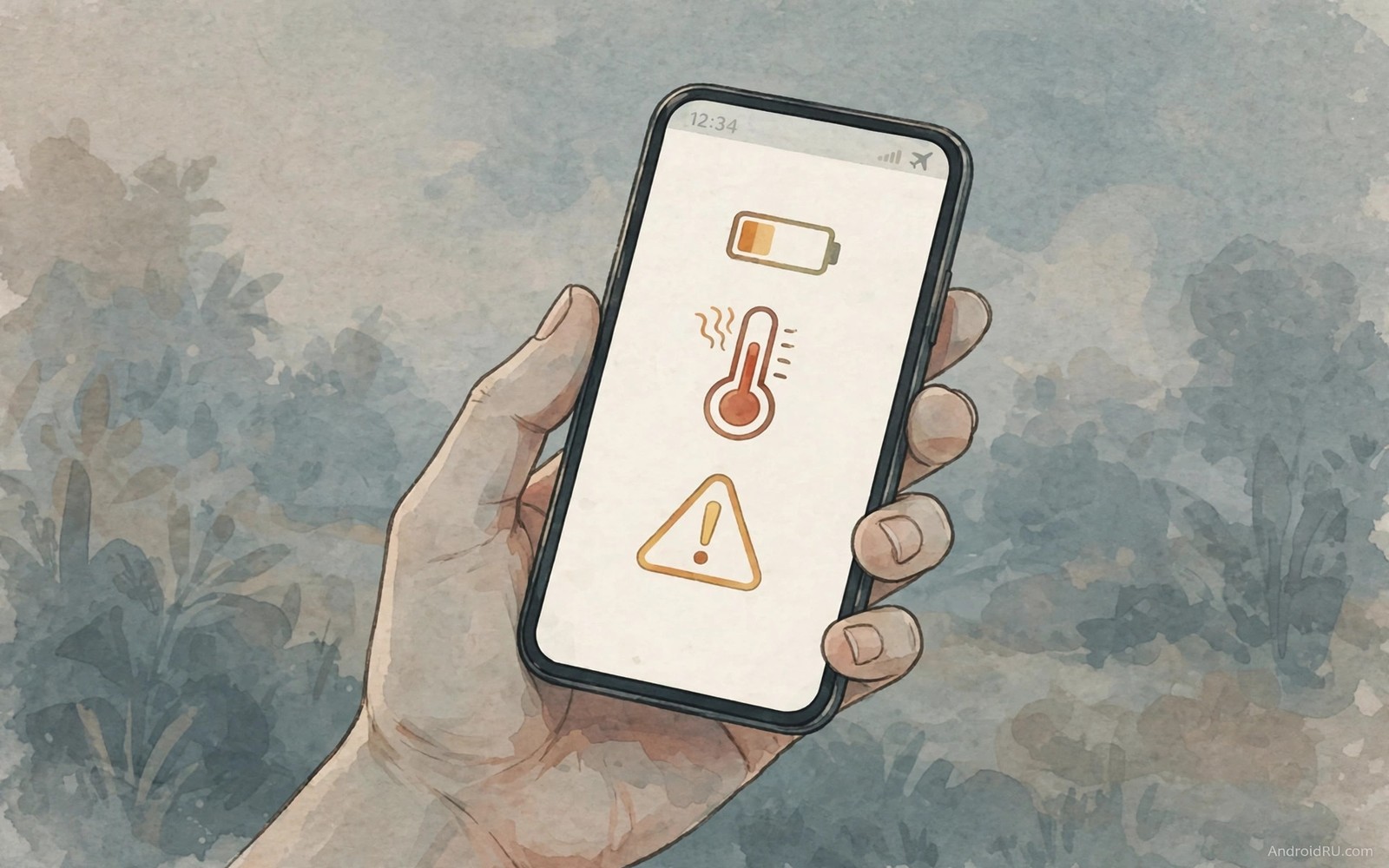
Your phone talks to you before it fails. It sends heat warnings. It reports storage pressure. It flags battery swelling behaviour through sudden shutdowns. Most owners swipe these alerts away and keep scrolling. The alerts return louder. Then the phone dies on a day that mattered.
Three warning signs deserve instant attention. Heat during light use points to a runaway process or a failing cell. Sudden shutdowns above twenty percent point to a degraded battery. Constant storage warnings point to a system choking on its own data. Each sign has a different cure. Treating them all with a restart wastes the warning.
This guide decodes each alert in plain language. You will learn the checks that separate a software glitch from hardware failure. You will learn the safe steps to take today. You will learn when to stop using the phone and seek repair instead of pushing through.
Warning one: heat during light use
A phone warms during gaming and video recording. That warmth is normal. A phone that burns hot while reading messages is not normal. Feel the back panel after ten minutes of light use. Mild warmth near the top is acceptable. Heat that forces you to shift grip is a warning worth investigating the same day.
Open battery settings and check usage by app. A single app using a huge share during idle time is the usual culprit. Force stop that app and watch the temperature for an hour. If heat drops then the app was the cause. If heat stays high with no heavy app then the battery or board may be failing.
Warning two: sudden shutdowns with charge left
A healthy battery drains smoothly from full to empty. A degraded battery drops in cliffs. The phone shows thirty percent and then dies without warning. The phone may refuse to boot until plugged in. The phone may boot and show a far lower percentage than before the shutdown. These cliffs mean the cell can no longer hold voltage under load.
Test the pattern before you judge it. Charge to full and use the phone normally for a day. Note the percentage at each shutdown. Two cliff shutdowns in one week confirm degradation rather than a one-off glitch. Calibrate the meter with one full charge cycle but do not expect calibration to repair a worn cell.
Warning three: storage and system warnings that never clear
Storage warnings appear when free space drops below a safe threshold. The system needs room for updates and caches and temporary files. A phone with almost no free space slows down and crashes apps. Updates fail midway and leave the system in a fragile state. Freeing space is urgent rather than cosmetic.
Open storage settings and sort by size. Video files and offline maps usually dominate. Move large videos to backup and delete offline maps for cities you left months ago. Clear cached data for browsers and social apps. Aim for at least four gigabytes free on a modern phone. The warnings should stop within a day of the cleanup.
Read alerts as a system not as noise
One alert alone may mean little. Two alerts together mean more. Heat plus sudden shutdowns point strongly at battery failure. Storage warnings plus app crashes point at a choking system. Repeated alerts after a software update point at a bad update build. Patterns beat single events when you diagnose a phone.
Keep a simple log for three days. Note the time and the alert and what you were doing. A log turns vague worry into evidence. A repair shop takes a logged pattern seriously. A warranty claim with dates and percentages stands stronger than a story about a hot phone.
Know when to stop and seek repair
Stop using the phone at once if the back panel bulges or the screen lifts from the frame. A swollen battery can damage the screen and in rare cases it can vent. Do not puncture it and do not charge it further. Place the phone on a non-flammable surface and contact a repair service the same day.
Seek repair also when shutdowns persist after a factory reset. A reset rules out software causes. Persistent failure after a reset points at hardware. A battery replacement costs far less than a new phone and restores a device that otherwise works well.
Build a weekly phone health check
A weekly check catches decline before failure. Open battery settings every Sunday evening. Note the top three drains and any unusual entry. Check storage free space in the same session. Check for pending system updates last. Three screens give a full health picture.
Compare each week against the previous week. A new top drain app deserves investigation. A shrinking free space trend deserves cleanup. A pending update deserves installation on Wi-Fi. Trends matter more than single readings. A trend points at causes while a snapshot only shows symptoms.
Write the three numbers in a simple note. Battery top app and free gigabytes and update status fit one line. Four weeks of lines reveal patterns clearly. A repair visit with four weeks of notes gets faster accurate help. Documentation turns vague complaints into evidence.
Act on the check within a day when it flags a problem. Delayed action lets small problems grow. A runaway app drains a week of battery when ignored. A full storage warning blocks an update when ignored. Prompt action keeps weekly checks short and effective.
Protect data before any repair visit
Back up photos and messages before handing a phone to repair. Cloud backup plus a local copy covers most risks. Verify the backup by opening a sample photo on another device. A backup that never gets tested is a hope rather than a safeguard.
Remove sensitive accounts from the phone when the repair needs the device for days. Sign out of banking and email apps before the visit. Keep a list of signed out apps for restoration later. Restoration takes minutes with a list. Without a list it takes frustrated guessing.
Note the phone condition with photos before the visit. Photograph the screen and back panel and edges. Timestamped photos prove pre-existing marks. Repair disputes resolve faster with photographic evidence. Five photos prevent hours of argument.
Ask the repair service about battery disposal and warranty terms. A swollen battery needs safe handling by trained staff. A quality replacement carries a warranty worth reading. Understanding terms before payment prevents surprises after the repair.
Respond calmly to a sudden alert
A sudden phone alert triggers an urge to dismiss it instantly and continue scrolling. Pausing for ten seconds before dismissal changes the outcome completely. Ten seconds allows reading the full alert text rather than just the headline. Full text often reveals whether the alert signals danger or routine maintenance. Calm reading prevents both panic over routine alerts and dismissal of genuine warnings.
Screenshot every warning alert before dismissing it from the notification shade. Screenshots preserve exact wording and timestamps for later diagnosis. A repair technician works faster with exact alert text than with vague descriptions. A warranty claim strengthens with dated screenshots attached. Ten seconds of screenshotting saves hours of later explanation.
Check the simplest explanation first when an alert appears during normal use. Heat alerts after gaming differ completely from heat alerts during idle reading. Context separates benign causes from serious failures immediately. A quick context check prevents unnecessary repair visits for normal behaviour. Context also prevents dangerous dismissal of alerts that appear without any benign cause.
Tell another person when an alert suggests battery swelling or extreme heat. A second person can help move the phone safely and contact repair services. Handling a potentially dangerous battery alone increases risk unnecessarily. Shared awareness turns a solitary emergency into a managed situation. Safety improves whenever another person knows about the problem.
Follow up every serious alert within twenty four hours even when the phone seems normal again. Intermittent faults hide between normal periods and return at worse moments. A follow-up check with battery settings or a repair shop catches intermittent decline early. Early follow-up costs little and prevents failure during important events. Alerts deserve closure rather than forgetfulness.
adb shell dumpsys battery | grep -i health
adb shell dumpsys thermalservice | grep -i temp
adb shell df -h /data
The commands above are a generic illustration for reading battery health and temperature and storage state from a computer. They show the kind of values a technician reviews during diagnosis. Everyday users should use the on-screen battery and storage menus instead.
Notification control helps owners notice alerts instead of swiping every warning away. Accessibility tools make warning text larger and clearer for tired eyes. Back tap gestures give a fast path to flashlight checks during a nighttime alert.
Common mistakes
The classic mistake is dismissing heat as normal summer weather. Ambient heat adds to phone heat but it does not explain a burning phone in an air conditioned room. Compare the phone temperature against a second phone in the same room. A large gap means the hot phone has a real problem.
Another mistake is installing a battery saver app to hide shutdowns. Saver apps cannot repair a worn cell. They throttle the phone and mask the symptom while the cell keeps degrading. Replace the battery instead of hiding behind aggressive throttling.
A third mistake is ignoring storage warnings until an update fails. A failed update can corrupt system files and force a reset. Free space before the update prompt appears. Prevention costs minutes and recovery costs hours.
FAQ
My phone gets hot only while charging. Is that a warning?
Mild warmth while fast charging is normal because charging generates heat. Heat that makes the phone uncomfortable to hold or heat that persists long after unplugging deserves attention. Try a slower charger and a cooler room to separate normal charging heat from a failing cell.
Can a software update cause sudden shutdowns?
A buggy update can drain power fast and trigger shutdowns on a weak battery. A healthy battery usually survives a buggy update with poor life but no cliffs. If shutdowns started right after an update then test for a week and check for a patch before paying for a battery.
How much free storage does a phone really need?
Aim for at least four gigabytes free on a modern phone. The system uses free space for updates and caches and swap-like operations. Phones with less free space slow down and fail updates more often. Large video files are the fastest way to reclaim room.
Conclusion
Open battery settings now and check usage and shutdown history. Feel the back panel after ten minutes of light use. Open storage settings and note your free space. Those three checks take five minutes and they tell you whether your phone is warning you today.
Act on what you find while the fix is still cheap. Free space or stop a runaway app or book a battery replacement. A phone that warns you is a phone giving you a chance. Take that chance before the warning becomes a failure.

