

Security Risks Associated with Installing Third-Party Modded APK Files
A friend sends you a link. The app you want costs money, or a feature sits behind a paywall, and the file in that link promises both for free. It installs in seconds, the icon looks right, and everything seems to work.
A modded APK is an Android package that someone other than the original developer changed, repackaged, and signed with a different key. The change can be small, like removing an ad, or large, like adding code that runs in the background while you use the app. This guide walks through what can go wrong with a changed package, how to spot the warning signs, and what to do instead.
What a changed APK file is and how it differs from the official release
An APK file is the install package for an Android app. It holds the code, the images, the permissions the app requests, and a digital signature that ties the package to the developer who built it. A changed file breaks that chain: someone opens the package, alters the code or the resources, and signs the result with a new key that has nothing to do with the original developer.
The danger is not the feature you can see, it is the code you cannot see. A person who rebuilds an app can add a routine that copies your contacts, shows ads when the screen is off, or waits for a command from a remote server. If you want to understand the check that gets bypassed, read how APK signing and keystore certificates tie a package to its real developer.
| Check | Official store build | Third-party modded file |
|---|---|---|
| Malware screening before install | Screened by the store before listing | No screening at all |
| Signature match with earlier versions | Checked on every update | Signature replaced by the person who changed the file |
| Developer identity | Public account with a history | Unknown, often anonymous |
| Updates | From the original developer | From whoever shares the next file |
| Support when something breaks | Developer support and refunds | No support, no refund path |
| Data handling | Bound by a published privacy policy | Bound by nothing |
Malware hidden inside changed APK files
Is it safe to install modded APK files when the app looks normal? That question has no safe yes, because the most common threats in changed packages are built to look normal. A trojan, spyware, or adware payload hides behind the familiar name and icon of an app you already trust, and it starts working the moment you grant the app its first permissions.
Trojans that run behind a familiar game
A modded game is the classic carrier. You open the game, it plays well, and behind it a trojan quietly runs in the background. Some variants wait for the phone to charge overnight, then connect to a remote server and download a second payload. Others watch for a banking app to open and lay a fake login screen over the real one.
Spyware that reads photos, messages and location
Spyware in a changed package does not need to break anything to hurt you. A photo app that asks for storage access can copy images. A keyboard or utility app with broad permissions can read what you type. A file manager with location access can build a record of where you go each day.
Adware, cryptominers and battery drain
Not every payload steals data. Some simply make money off your phone. Adware in a changed app can push full-screen ads over other apps and open browser pages on its own. A cryptominer uses your processor to mine cryptocurrency for someone else, which shows up as heat, fast battery drain, and a phone that lags during ordinary use.
Signs your phone is serving ads or mining in the background
Watch for ads that appear when no app is open, a battery graph with a sharp drop overnight, and data use that rises even when you are on Wi-Fi at home. Hidden malware in modded apps often shows up first in the battery screen, long before any security scan flags it.
Data theft and privacy loss when a modded app runs with broad permissions
Data theft is the risk that does the most lasting damage, and it is the one users notice last. A changed app that runs with broad permissions can collect contacts, location, stored files, and account tokens, then send them to a server controlled by whoever built the file. That server may sell the data, use it for fraud, or hold it for a later attack.
Permissions a changed app should never need
Read the permission list before you tap install, and read it again after the first launch, because some changed apps request extra permissions only after they are running. A video player does not need your contacts. A photo editor does not need to send SMS messages. A game does not need to read your call log. Broad permissions on a sideloaded app are the single clearest warning sign you will ever get.
Clipboard, shared storage and sensor access
Some of the worst privacy loss comes from permissions that look harmless. Clipboard access lets an app read a password you just copied from your password manager. Shared storage access lets it read files that other apps saved. Microphone and camera access, granted for one feature, can be used at other times if the app is built to do so.
Fake apps, credential theft and payment fraud
Fake builds turn the desire for a free feature into a direct attack on your accounts and your money. They mimic a popular app so closely that the login screen, the logo, and the layout look identical to the real thing.
Fake login screens that harvest passwords and session tokens
A fake banking app is the most dangerous version of this trick. It shows the same login page as your bank, you enter your username and password, and the attacker captures both in real time. A fake social app works the same way, except it often harvests a session token instead of a password, which lets the attacker take over your account without ever knowing your password.
Hidden subscriptions and premium SMS charges
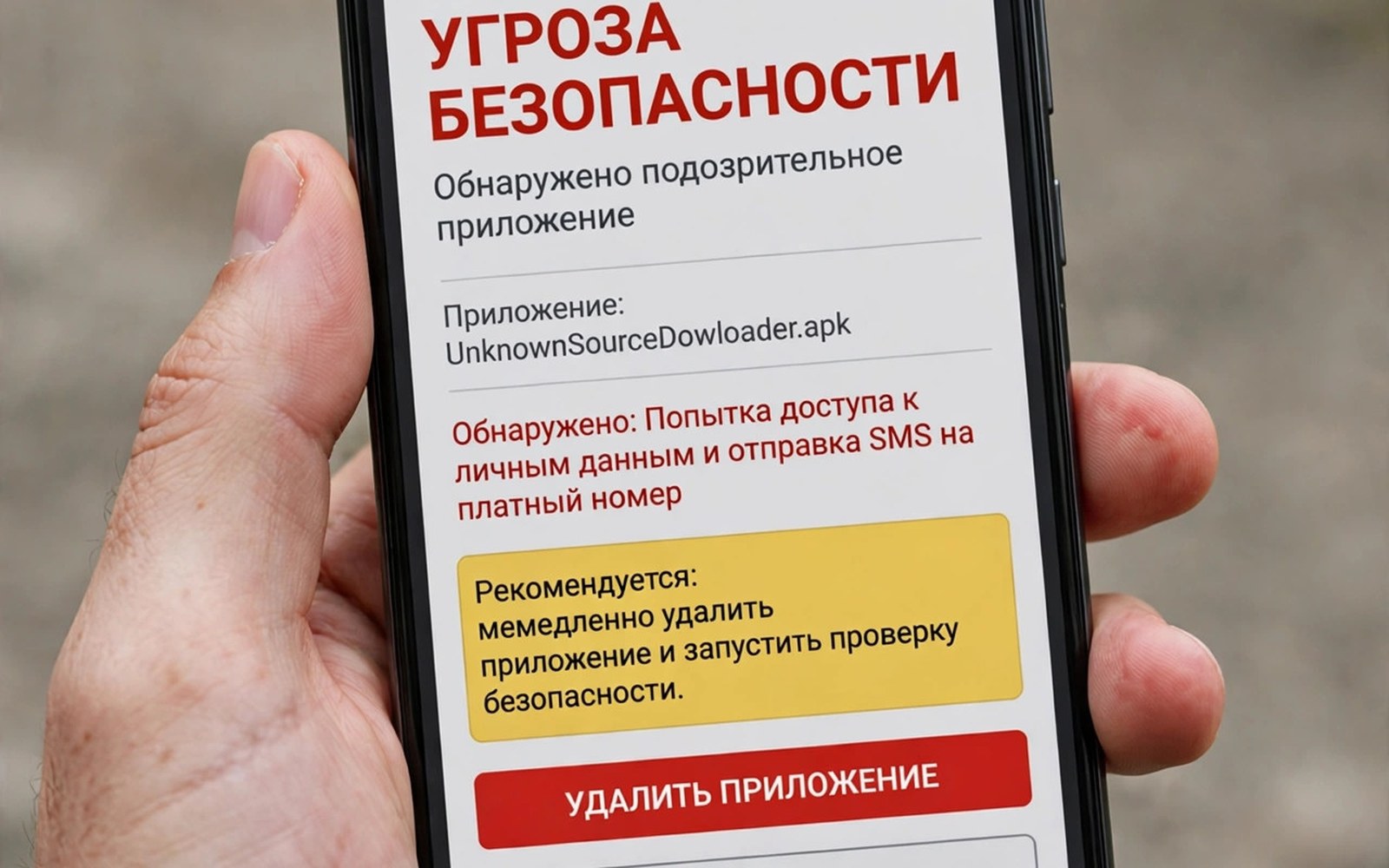
Payment fraud through a changed app can take money without ever asking you to type a card number. Some builds add a hidden subscription that charges every month with no clear notice. Others trigger premium SMS messages that add charges to your phone bill. Others steal card details entered for a purchase inside the app flow and use them elsewhere. Check your bank statements and your phone bill in the days after installing any app from outside a store, and report unknown charges to your bank and your carrier at once.
Modded APK updates and the long-term risk of running changed code
Updates for a changed app create a risk that most users overlook after the first install feels safe. An official app receives updates from its developer through a store, with signature checks that confirm the new version comes from the same source. A changed app receives updates from the person who built the file, or from a third-party site that hosts it. Those updates can contain new malware even when the first version seemed clean.
Turn off auto-updates for unknown sources, export your data first, and switch to the official version before the next update arrives.
How to check an APK file before you install it
How to check APK signature before installing is the skill that separates a careful user from a lucky one. No single check is perfect, and a determined attacker can pass any one test, but a few checks together catch most bad files.
Check the signature and the developer name first
Start with the simplest test: does the package claim to come from the real developer? Compare the developer name on the file page with the name on the official store listing. Android will refuse to install an update over an official app if the signature does not match, which is exactly why a changed file usually asks you to delete the official app first. That request is a warning, not a routine step. To learn what the check is actually doing, read the guide to application signature verification checks and how changed packages try to get around them. For the wider picture of how apps defend themselves at runtime, see in-app security controls and integrity checks.
Scan the file with more than one scanner
Upload the file to a multi-engine scanner before installing it, and pay attention to the results from several engines rather than a single clean verdict. One engine can miss a new variant, but ten engines flagging the same behaviour is a clear answer. Keep your operating system and your security software updated, since an old scanner cannot recognise a new threat.
Use adb to inspect the package signature
If you have a computer and a USB cable, you can inspect the installed package directly. Enable developer options and USB debugging on the phone, connect it, and run adb shell pm list packages | grep -i modded to see whether a suspicious package is present. Then run adb shell dumpsys package com.example.app | grep -i signature, replacing the package name with the real one, to read the signature details. Remove an unknown app with adb uninstall com.example.app when the system settings screen will not let you remove it normally.
Compare the file hash with the official release
A hash is a fingerprint of the file. When a developer publishes a SHA-256 hash for a release, you can compute the hash of the file you downloaded and compare the two. Any difference, even one character, means the file was changed after the developer built it. APK signature verification and hash comparison together catch most tampered packages before they ever run.
Safer alternatives that give you the feature without the risk
Most people install a changed file for one of three reasons: a paid feature, a removed ad, or a region limit. Each of those has a legal path that does not put your data at risk. Ask the original developer for the feature through official channels, because many developers add popular requests in a later update. Look for a free alternative from an official store that already offers the same feature.
Open-source alternatives deserve a closer look too, because they publish their code for anyone to inspect. The trade-off is real: the official path takes more patience and sometimes costs money, while the changed file takes seconds and costs nothing up front, but it can charge you for months in data, accounts, and fraud.
What to do after installing a changed APK
How to remove a virus from a changed APK on Android is a question people usually ask after the damage is done, and the answer starts with staying calm. Honest answers about what was installed, where it came from, and what was typed inside it are what make the cleanup work.
Clean the device step by step
Uninstall the app through Settings, then Apps, then the app name, then Uninstall. Then look for a second app with a similar name or icon that may have installed alongside the main one, and remove that too. Open Settings, then Security, then Device admin apps, and revoke admin rights from anything that should not hold them, before you try to uninstall it. Run a full scan with trusted security software after the uninstall, because the scan may find a hidden component that the main uninstall left behind.
Protect your accounts after the install
Change passwords for every account you used inside the changed app, starting with email and banking, and do it from a different device if you can. Turn on two-factor authentication for important accounts when the service offers it. Check account activity for logins from unknown devices or locations, and sign out of sessions you do not recognise. Change passwords and enable two-factor authentication even if nothing looks wrong yet, because stolen credentials are often used weeks after they are taken, when you have stopped watching.
Frequently asked questions about third-party APK security risks
Can a changed APK steal my banking password?
Yes, and it does not need to be a fake banking app to do it. A changed app with permission to draw over other apps can lay a fake login screen on top of your real banking app and capture what you type. Never type a banking password on a phone that has a changed app installed, and change the password and turn on two-factor authentication if you already did.
Is it safe to install a changed APK if my antivirus says the file is clean?
A clean scan lowers the risk but does not remove it. Antivirus tools recognise known threats, and a new or custom payload may not match any signature yet. Treat a clean scan as one pass in a longer check, alongside the signature, the developer name, the permission list, and the source of the file.
Why does a modded app keep causing problems after I delete it?
A changed app can install a second hidden component during its first run, and that component may survive deletion of the main app. If problems continue after the uninstall, check device admin apps, look for unfamiliar apps, run a full security scan, and consider a factory reset as the last step.
Does updating a modded app make it safer?
No, updating a changed app usually makes it riskier, because each update comes from the same unknown source and can contain a new payload even when the first version seemed safe. The safer move is to replace the changed app with the official version and let the official update channel take over.
Security risks of sideloading APK files: the bottom line
Third-party changed packages carry malware, data theft, and payment fraud risks that an official download does not. They bypass store checks, hide behind familiar names and icons, steal data quietly, survive deletion in some cases, and break after updates in ways you cannot predict. The feature you wanted is real, but so is the price, and the price is usually paid in privacy and money rather than in the app itself.
Do one thing today. Open Settings, then Apps, and look at every app you installed from a file link. For each one, ask whether the official version, a free alternative, or a trial would do the same job. Replace the ones that fail that test, revoke the permissions the rest do not need, and turn on two-factor authentication for your email and banking accounts.

