

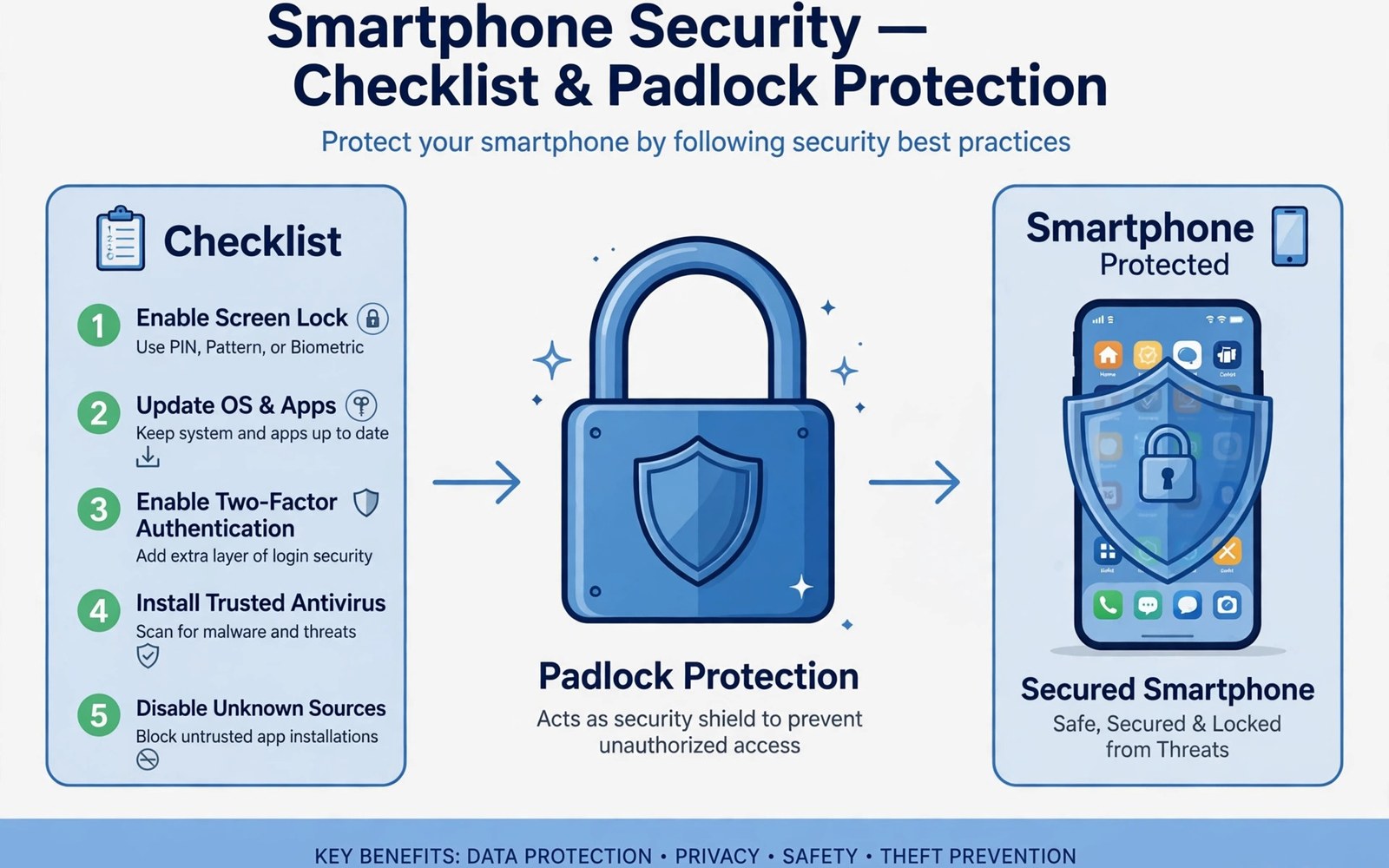
In-app security controls are features inside an app that protect data and detect tampering during use. Those controls include signature checks and root checks and debugger checks and emulator checks. They also include encryption for stored data and certificate checks for network connections. Each control answers a specific threat that the developer expects for the app. A banking app may need stronger controls than a simple note app for obvious reasons. Analysts study controls to judge whether protection matches the sensitivity of the data. A weak control on sensitive data deserves a report to the developer with evidence. A strong control on low risk data may still be fine when it does not harm usability. For the signature layer of this topic see APK signing and keystore certificates.
Security controls work best as layers that support each other rather than as a single wall. A signature check can catch a tampered file at launch time for an app. A root check can warn when the device itself may be compromised by other software. A network check can stop a connection to a fake server during a session. A storage check can confirm that sensitive data stays encrypted on disk. No single layer stops every attack on its own in practice. Together the layers raise the cost for an attacker and protect users longer. Analysts should map each layer before judging the whole protection of an app.
Root And Device Trust Checks
Root checks look for signs that a device has elevated access beyond normal user limits. A rooted device can run code with system privilege that normal apps cannot reach. That privilege can read app data that should stay private on the device. A root check may look for common root binaries on the device file system. It may look for a root management app installed on the device. It may try a command that only succeeds with elevated access during a test. Each method has limits and can produce a false result in some cases. A rooted test device will trigger the check during legitimate testing. Analysts should expect that result and use a test setup that matches the question.
Device trust checks go beyond root detection to judge the whole device state. A check may look for a custom system image that differs from a factory image. It may look for a debugger attached to the app process during a run. It may look for an emulator rather than a real phone during testing. Each check protects against a different form of tampering or analysis. A legitimate tester will trigger several of these checks on a test device. That trigger does not mean the app is broken for normal users. It means the test setup differs from a normal user device in a known way. Analysts should record device state with every control test for clarity.
Integrity And Tamper Checks
Integrity checks confirm that app code and resources have not changed since the developer built them. A check may compare the current signature with an expected signature value stored in code. A check may compare a hash of a code file with an expected hash value. A check may verify that a resource file matches its original content at launch. A mismatch triggers a warning or a safe exit depending on the design of the app. Analysts find these checks by searching for signature and hash calls in decoded code. They trace those calls to the action that follows a mismatch in the app flow. That trace shows whether the check protects a feature or merely logs a warning.
Tamper checks also cover the app environment beyond the app file itself. A check may look for hooking frameworks that change app behaviour at run time. A check may look for a proxy certificate that intercepts network traffic during a session. A check may look for a modified system library that changes app behaviour. Each environmental check has a trade-off with legitimate testing and accessibility tools. A check that blocks all analysis also blocks legitimate security testing by the developer. A check that allows everything fails to protect users from tampering. Analysts should judge a check by its balance rather than by its mere presence in code.
Data Protection Controls
Data protection controls govern how an app stores sensitive information on a device. Encryption at rest protects data when a device is lost or stolen by another person. A strong encryption key should live in a hardware backed store when the device supports it. A weak key stored in plain text in app files defeats encryption in practice. Analysts should check how an app generates and stores encryption keys for sensitive data. They should also check whether sensitive data appears in logs or in cache files on disk. A log file that holds a token can leak that token to any app with storage access. A cache file that holds personal data can leak that data after the app closes.
Network data protection controls govern how an app sends data to a server during use. Transport encryption protects data in transit from interception on a network path. Certificate pinning adds a check that the server certificate matches an expected value. That check stops a connection to a fake server that presents a different certificate. Analysts should test network controls with a proxy on a test device for evidence. They should record whether pinning blocks the proxy and whether plain traffic appears. A network control report should name the host and the data type involved. That detail helps a developer fix a real problem fast without guessing.
Testing Controls Without Breaking Them
Testing controls needs a method that respects their purpose while still gathering evidence. A tester should start with a clean test device and a test build when possible. A tester should trigger each control one at a time with a clear input. A tester should record the control action and the user message shown after the trigger. That record becomes evidence for a report to the developer. A tester should not publish a bypass for a live control before the developer fixes it. That restraint protects users who rely on the control for safety. It also builds trust between testers and developers over time through responsible work.
Testing controls on a production app needs permission from the developer in most cases. A tester without permission risks account bans and legal trouble from testing a live service. A tester with permission can test deeper and share findings openly with the developer. That permission should be written and should state the scope of testing allowed. A written scope protects both the tester and the developer during the work. It also defines which controls are in scope and which are out of scope. Analysts should never assume permission from a public app listing alone. A public listing invites use rather than security testing of controls.
apktool d sample.apk -o sample-out
jadx -d jadx-out sample.apk
 grep -rn "isRooted" jadx-out/sources | head
 grep -rn "getPackageInfo" jadx-out/sources | head
Reporting Control Findings
Reporting a control finding starts with a clear description of the control and its expected behaviour. The report should state the test device and the app version used during testing. It should state the input that triggered the control and the result observed. It should state the impact in terms of user harm or data exposure from the weakness. It should suggest a fix direction without prescribing a full redesign for the developer. A report with those parts helps a developer act fast on a real issue. A report without those parts forces a developer to guess at the problem and the fix.
Severity judgement for a control finding depends on data sensitivity and exploit difficulty. A weak control on a banking app deserves a higher severity than the same weakness on a note app. A weakness that needs a rooted device deserves a lower severity than one that works on any device. A weakness that leaks a token deserves a higher severity than one that leaks a theme choice. Analysts should explain severity reasoning in the report for transparency. That reasoning helps a developer prioritise fixes across many findings in a backlog. It also helps users understand why a fix matters for their safety.
Balancing Security And Usability
Security controls must balance protection with usability for real users of an app every day. A control that blocks legitimate users will be seen as a bug rather than as protection by those users. A control that warns in ambiguous cases gives users a chance to continue with care. A control that exits without explanation frustrates users and drives them to weaker alternatives. Developers should test controls with real users before a wide release of a feature. That testing reveals usability problems that a security review alone might miss during development.
Accessibility tools present a special balance challenge for security controls in an app. A screen reader may use techniques that look like hooking to a simple check in code. A switch access tool may inject input that looks like automation to a simple check. Blocking those tools harms users who depend on them for daily app use. Developers should allowlist known accessibility tools when possible in their checks. Analysts should test controls with accessibility tools enabled and report any false block. That report helps a developer protect users without harming accessibility.
Usability testing for controls should cover different devices and different user setups during a release cycle. Test on a phone with a custom ROM when the app targets technical users in some markets. Test on a phone with developer options enabled when the app targets developers as users. Test on an emulator when the app must run there for testing by partners. Each setup reveals a different false positive risk for a control. Record each setup and its result in test notes for the developer. That record guides tuning without weakening real protection for normal users.
Readers who want a related topic can explore anti-tampering protections at runtime next in this series.
Conclusion
In-app security controls form layers that protect data and detect tampering during app use. They include device trust checks and integrity checks and data protection controls in a balanced design. Analysts map each layer before judging the whole protection of an app for its data type. They test controls with permission and with a clear method on a test device. They report findings with evidence and severity reasoning for the developer. That careful method turns control analysis into useful guidance rather than a list of alarms. For runtime detection that complements these controls see anti-tampering protections at runtime.
The steps above follow the approach described in the official developer documentation for Android applications and in widely used testing guidance for mobile software.

