

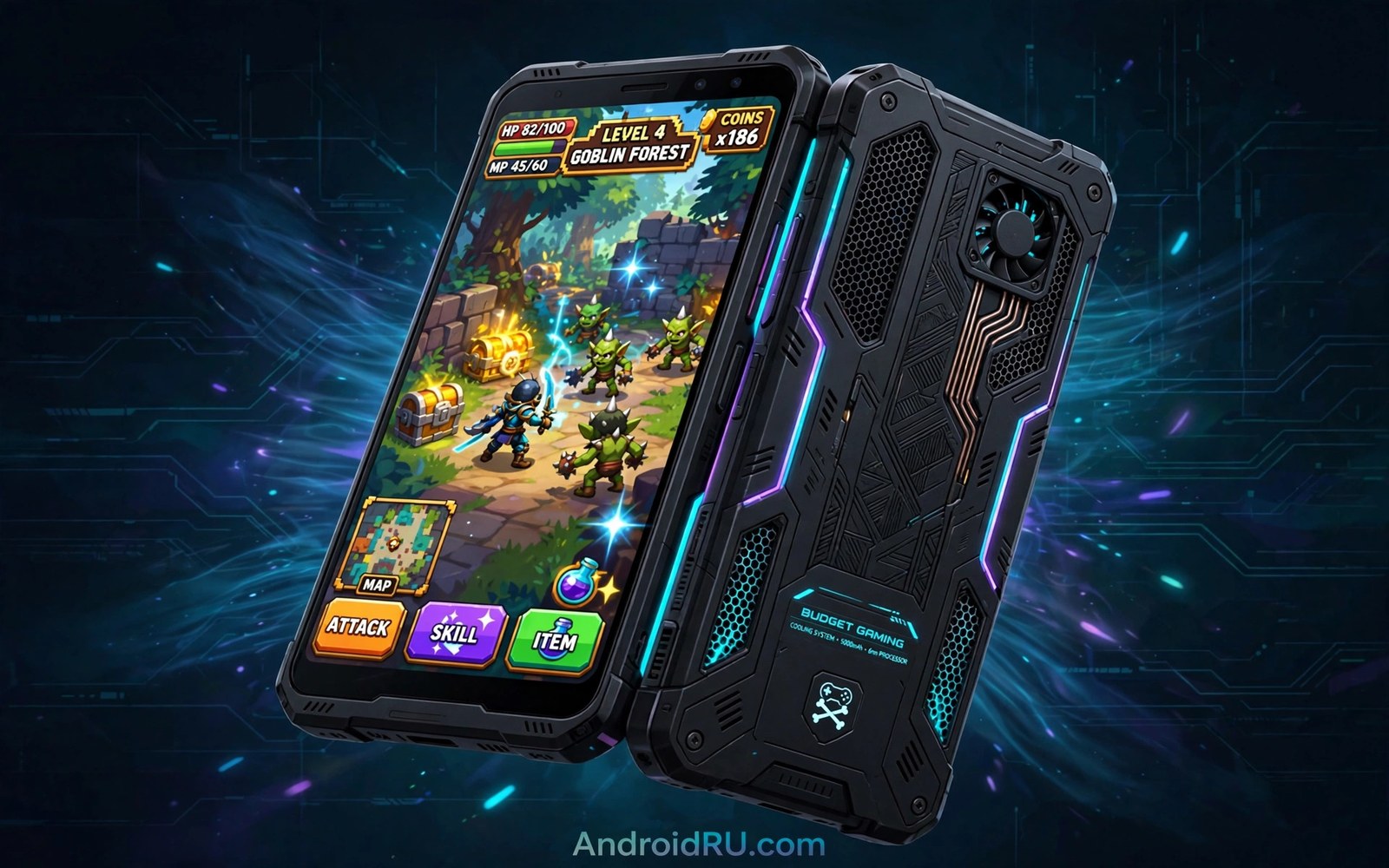
Best Budget Smartphones Built Specifically for Mobile Gaming
A budget gaming phone is not a flagship with a smaller price tag. It is a different kind of phone, built around one job: keeping frame rates steady while your hands get warm and your battery drains. I have played long sessions on phones that looked great on a spec sheet and fell apart after twenty minutes, the screen dimming itself as the chip throttled to stay cool. The frame rate graph told the truth that the marketing never did.
The good news is that budget gaming phones have improved faster than any other part of the market. Chips that once belonged in mid-range phones now sit in handsets that cost half as much, displays run at 120Hz or higher, and vapour chamber cooling is no longer reserved for flagships. You still have to choose carefully, because a fast chip without cooling is a fast chip for about ten minutes.
This guide lists eight budget phones that are genuinely built for gaming, not just phones that happen to play games. Each one gets a full breakdown: chip, RAM, display, cooling, battery, pros, cons and a verdict. There is a comparison table, a section on how to check temperatures yourself, and honest advice on which phone suits which kind of player.
What makes a budget phone good for gaming in 2026
Three things decide whether a budget phone is good for gaming, and only one of them is the chip. The first is sustained performance: how fast the phone still runs after thirty minutes of play, not in the first minute. The second is the display: refresh rate, touch sampling rate and brightness all change how a game feels. The third is heat management, because a phone that cannot shed heat will slow itself down no matter how strong its processor is.
Battery life sits just behind those three. A phone that dies halfway through a ranked match is not a gaming phone, whatever its chip. Look for a battery of 5,000mAh or more and charging fast enough to top up between sessions. Bypass charging, which powers the phone directly from the cable without charging the battery, is a bonus on a few gaming-focused models and it keeps heat down during long plugged-in sessions.
Finally, do not ignore the small things. Stereo speakers make footsteps and direction far easier to hear than a single bottom speaker. A headphone jack or low-latency Bluetooth matters in competitive play. And a phone with a clean, light interface leaves more memory free for the game itself, which is why several picks in this list also appear in guides to clean software.
The 8 best budget smartphones for mobile gaming
These eight phones were chosen for sustained gaming performance at a budget price, not for a single benchmark score. Prices move around, so check the current price at your usual retailer before you buy, and expect street prices to sit well below launch prices for the older models here.
| Phone | Chip | RAM | Display | Battery | Cooling |
|---|---|---|---|---|---|
| Poco X6 Pro | Dimensity 8300 Ultra | 8GB / 12GB | 6.67-inch AMOLED, 120Hz | 5,000mAh, 67W | Vapour chamber |
| Infinix GT 20 Pro | Dimensity 8200 Ultimate | 8GB / 12GB | 6.78-inch AMOLED, 144Hz | 5,000mAh, 45W | Vapour chamber, gaming triggers |
| iQOO Z9 | Snapdragon 7 Gen 3 | 8GB / 12GB | 6.78-inch AMOLED, 120Hz | 6,000mAh, 44W | Vapour chamber |
| OnePlus Nord CE 4 | Snapdragon 7 Gen 3 | 8GB | 6.7-inch AMOLED, 120Hz | 5,500mAh, 100W | Vapour chamber |
| Samsung Galaxy A55 5G | Exynos 1480 | 8GB | 6.6-inch AMOLED, 120Hz | 5,000mAh, 25W | Vapour chamber |
| Motorola Moto G84 5G | Snapdragon 695 | 12GB | 6.5-inch OLED, 120Hz | 5,000mAh, 30W | Graphite sheet |
| Redmi Note 13 Pro | Helio G99 Ultra | 8GB / 12GB | 6.67-inch AMOLED, 120Hz | 5,000mAh, 67W | Graphite sheet |
| Tecno Pova 6 Pro | Dimensity 6080 | 8GB / 12GB | 6.78-inch AMOLED, 120Hz | 6,000mAh, 70W | Vapour chamber |
Poco X6 Pro
The Poco X6 Pro is the benchmark for budget gaming in 2026, and it earns that title with the Dimensity 8300 Ultra, a flagship-class chip that Poco somehow fitted into a mid-range body. With 8GB or 12GB of RAM and a 6.67-inch AMOLED display at 120Hz, it runs demanding titles at high settings without the stutter that cheaper phones show in busy scenes. The vapour chamber keeps the chip cool enough to hold its frame rate through a full match, and the 5,000mAh battery with 67W charging refills quickly between games. This is the phone for a serious mobile gamer on a budget who wants the fastest chip available at this price.
Pros: the fastest chip in this list, a bright 120Hz AMOLED display, vapour chamber cooling that holds frame rates steady, and 67W fast charging.
Cons: HyperOS ships with bloatware that needs a cleanup in week one, the cameras are average, and there is no headphone jack.
Verdict: buy the Poco X6 Pro if raw gaming performance is your top priority. Nothing else at this price keeps up with it.
Infinix GT 20 Pro
The Infinix GT 20 Pro is the only phone here that was designed as a gaming phone from the first sketch, and it shows. The Dimensity 8200 Ultimate pairs with a dedicated Pixelworks display chip that pushes frame rates up in supported games, the 6.78-inch AMOLED display runs at 144Hz, and the back panel carries LED lighting that reacts to gameplay. A vapour chamber and a large graphite area keep temperatures in check, and the 5,000mAh battery charges at 45W. This is the phone for a player who wants gaming features, not just gaming speed.
Pros: a 144Hz AMOLED display, a dedicated display chip for smoother frame rates, vapour chamber cooling, and a gaming mode with useful performance controls.
Cons: XOS includes promotional apps that need disabling, long-term software support is shorter than Samsung or Google, and the LED back is a matter of taste.
Verdict: buy the GT 20 Pro if you want a phone that feels like a gaming device. The 144Hz display and the frame-rate chip are real advantages.
iQOO Z9
The iQOO Z9 takes a quieter route to the same goal. The Snapdragon 7 Gen 3 is a steady, efficient chip, the 6.78-inch AMOLED display runs at 120Hz, and the huge 6,000mAh battery is the largest in this list alongside the Tecno. In practice that battery means four to five hours of gaming without hunting for a charger, and the vapour chamber keeps the phone comfortable to hold through long sessions. The software is Funtouch OS, which is busy but has a solid game mode with frame-rate and temperature readouts. This is the phone for a player who values battery life above all else.
Pros: a 6,000mAh battery that outlasts every rival here, efficient Snapdragon 7 Gen 3 chip, a large 120Hz AMOLED display, and good sustained performance.
Cons: charging is only 44W, the ultrawide camera is weak, and Funtouch OS needs a cleanup to remove duplicate apps.
Verdict: buy the iQOO Z9 if you play for hours at a time. No other budget gaming phone lasts this long on a charge.
OnePlus Nord CE 4
The OnePlus Nord CE 4 pairs the same Snapdragon 7 Gen 3 as the iQOO Z9 with the fastest charging in this list. A 5,500mAh battery refills at 100W, going from empty to full in about half an hour, which changes how you plan gaming sessions: a quick top-up during a break is genuinely enough for another hour of play. The 6.7-inch AMOLED display runs at 120Hz, OxygenOS stays light and clean, and the vapour chamber keeps the chip steady. This is the phone for a player who hates waiting for a charge.
Pros: 100W charging that refills the battery in about 30 minutes, clean and light OxygenOS, a bright 120Hz AMOLED display, and steady sustained performance.
Cons: only 8GB of RAM in the base model, the cameras are mid-range at best, and there is no wireless charging.
Verdict: buy the Nord CE 4 if charging speed matters as much as gaming speed. It is the most convenient phone in this list to live with.
Samsung Galaxy A55 5G
The Galaxy A55 5G is the least gaming-focused phone here, and it still earns its place. The Exynos 1480 is not the fastest chip in this list, but it is backed by a vapour chamber, 8GB of RAM and a bright 6.6-inch AMOLED display at 120Hz, so it handles popular competitive titles at medium to high settings without drama. What it offers that no rival matches is longevity: four OS upgrades, five years of security patches and a metal frame that survives drops better than plastic rivals. This is the phone for a player who games daily but also wants a phone that lasts five years.
Pros: four OS upgrades and five years of security patches, a premium metal build, a bright 120Hz AMOLED display, and reliable all-round cameras.
Cons: charging is slow at 25W with no charger in the box, the Exynos chip trails the Dimensity 8300 Ultra, and it costs more than the Poco X6 Pro.
Verdict: buy the A55 if you want a gaming-capable phone that will still be supported in 2029. It trades peak speed for a longer life.
Motorola Moto G84 5G
The Moto G84 5G is the dark horse of this list. The Snapdragon 695 is a modest chip, so it will not run the heaviest titles at maximum settings, but 12GB of RAM, a clean near-stock Android interface and a 6.5-inch OLED display at 120Hz make it surprisingly good for casual and mid-weight games. The clean software leaves more memory free than the busy interfaces on some rivals, and the 5,000mAh battery with 30W charging lasts a full day of mixed use. This is the phone for a casual gamer who plays lighter titles and values clean software over peak frame rates.
Pros: 12GB of RAM at a low price, clean near-stock Android, a bright OLED display, and a headphone jack.
Cons: the Snapdragon 695 struggles with demanding games at high settings, cooling is a basic graphite sheet, and only one major OS upgrade is promised.
Verdict: buy the Moto G84 if you play lighter games and want clean software. It is the best casual gaming pick here.
Redmi Note 13 Pro
The Redmi Note 13 Pro is the all-rounder of this list. The Helio G99 Ultra is a 4G chip, so this is the phone to skip if you need 5G, but for gaming on Wi-Fi it is steady and efficient. The 6.67-inch AMOLED display runs at 120Hz with strong brightness, the 5,000mAh battery charges at 67W, and the 200MP main camera is the best camera on any phone in this list. HyperOS needs a cleanup in the first week, but once the promotional apps are disabled, the phone is a capable and versatile gaming handset. This is the phone for a player who also wants a great camera.
Pros: a sharp 120Hz AMOLED display, 67W fast charging, the best camera in this list, and a low street price.
Cons: no 5G on this variant, HyperOS ships with bloatware, and the chip is a step behind the Dimensity 8300 Ultra.
Verdict: buy the Redmi Note 13 Pro if you want gaming plus a strong camera for the money. Check that the 4G-only chip suits your network first.
Tecno Pova 6 Pro
The Tecno Pova 6 Pro is built for long sessions. A 6,000mAh battery matches the iQOO Z9 for the largest capacity here, and 70W charging refills it faster than any rival with a battery this big. The Dimensity 6080 is a mid-range chip that handles popular titles at medium settings, the 6.78-inch AMOLED display runs at 120Hz, and a vapour chamber keeps the back of the phone comfortable during play. There is also a useful LED strip on the back that lights up for notifications and calls. This is the phone for a player who wants maximum battery life at a low price.
Pros: a 6,000mAh battery with 70W charging, a large 120Hz AMOLED display, vapour chamber cooling, and a low price for this much battery.
Cons: the Dimensity 6080 is modest for demanding games, long-term software support is short, and the phone is large and heavy.
Verdict: buy the Pova 6 Pro if battery life per pound matters most. It is the cheapest way to get a 6,000mAh gaming phone.
Chips and cooling: why sustained performance beats peak scores
A benchmark score measures a chip at its best for about a minute. A gaming session lasts thirty minutes or more. The gap between those two numbers is where budget phones are won and lost. A phone with a strong chip and weak cooling will post an impressive score, then throttle itself to half speed once the temperature climbs. A phone with a slightly weaker chip and a good vapour chamber will hold a steady frame rate for the whole match, and the steady phone feels faster in your hands.
That is why the Poco X6 Pro and the Infinix GT 20 Pro lead this list. Both pair a strong MediaTek chip with a real vapour chamber, and both hold their frame rates through long sessions in testing. The iQOO Z9 and Nord CE 4 follow with the efficient Snapdragon 7 Gen 3, which generates less heat in the first place. The Moto G84 and Redmi Note 13 Pro use simpler graphite cooling, which is fine for lighter games but shows its limits in demanding titles after twenty minutes.
How thermal throttling shows up in real games
Throttling rarely announces itself. The game does not crash. Instead the frame rate drops from 60 to 40, the screen dims slightly to shed heat, and your aim starts to feel sluggish. If you notice the phone getting hot near the camera module and the game stuttering at the same time, that is throttling. Taking the case off helps a little, and lowering the graphics preset by one step helps a lot, because it cuts the heat at the source.
Check your CPU temperature with a short adb command
If you want a number instead of a guess, you can read the temperature directly from the phone with Android Debug Bridge. Enable developer options, turn on USB debugging, connect the phone to a computer and run adb shell cat /sys/class/thermal/thermal_zone0/temp. The output is in thousandths of a degree, so a reading of 42000 means 42 degrees. Run it before a game and again after twenty minutes of play. A rise of ten to fifteen degrees is normal. A rise past 48 degrees with a falling frame rate tells you the phone is throttling, and that is useful evidence when you compare two phones side by side.
Displays, touch response and audio for competitive play
Refresh rate is the display number most players notice first. A 120Hz screen redraws the image twice as often as a 60Hz screen, which makes motion look smoother and tracking a moving target easier. The Infinix GT 20 Pro goes further at 144Hz, though the difference between 120Hz and 144Hz is smaller than the jump from 60Hz to 120Hz. Touch sampling rate matters just as much: a higher rate means the screen registers your finger faster, and several phones here sample at 240Hz or above.
Brightness matters outdoors and in bright rooms. An AMOLED display that peaks above 1,000 nits stays readable in sunlight, while a dim LCD washes out. All eight phones here use AMOLED or OLED panels except none at all in the main list, which is a sign of how far budget displays have come. The Poco X6 Pro and the Redmi Note 13 Pro have the brightest panels here, and that shows when you play near a window.
Audio is the feature most buyers overlook. Stereo speakers, with one speaker at the top and one at the bottom, give you direction: you can hear which side footsteps come from. The Poco X6 Pro, Infinix GT 20 Pro and iQOO Z9 all have stereo speakers. A headphone jack is rarer, but the Moto G84 still has one, and wired headphones give lower latency than Bluetooth for competitive play.
Battery life and charging during long sessions
Battery capacity is only half the story. A 6,000mAh battery in the iQOO Z9 and Tecno Pova 6 Pro gives roughly four to five hours of demanding gaming, while a 5,000mAh battery in the Poco X6 Pro gives around three to four hours. The chip matters too: an efficient chip such as the Snapdragon 7 Gen 3 sips power, while a flagship-class chip such as the Dimensity 8300 Ultra drinks more when pushed hard. Check reviews that measure screen-on time during gaming rather than trusting the milliamp-hour number alone.
Charging speed changes the rhythm of a gaming day. The Nord CE 4 at 100W refills in about half an hour, the Poco X6 Pro and Redmi Note 13 Pro at 67W take under an hour, and the Galaxy A55 at 25W takes well over an hour. If you play in short bursts between other tasks, fast charging matters more than a huge battery. If you play for hours without a socket nearby, the huge battery matters more.
One habit protects every battery here. Avoid playing while the phone charges from empty to full at maximum speed, because heat plus charging wears the battery fastest. If your phone has bypass charging, use it during plugged-in sessions: it powers the phone straight from the cable and leaves the battery alone. And keep the phone out of direct sunlight while you play, since a hot phone charges slower and throttles sooner.
How to pick a phone that fits your daily routine
A gaming phone still has to be a daily phone. The fastest chip in this list will not help you if the screen is too dim to read outdoors, or if the battery dies before dinner on a normal day. Start from your routine: how many hours do you play, which games, and where do you play them. A player who games for an hour on the commute needs fast charging and a bright screen. A player who games for three hours at home needs a huge battery and good cooling. A player who mostly plays lighter titles can save money with the Moto G84 and spend the difference elsewhere.
For a fuller walkthrough of that decision, read how to pick a phone that fits your daily routine. It explains how modern budget processors handle everyday tasks, so you can judge whether a gaming chip is overkill for the rest of your day or exactly what you need.
What to check before you spend money on a new phone
Before you pay, confirm the exact chip and RAM in the model you are buying, because budget phones often ship in variants with the same name and different memory. Check whether the phone has 5G if your network uses it, and confirm the storage size, since 128GB fills fast with large games. Check the update promise too: a gaming phone that stops receiving security patches after a year is a poor buy, however fast its chip is.
Build quality deserves a check as well, because gaming phones get hot and get dropped. Read what to check before you spend money on a new phone to weigh plastic against glass for a phone that will spend hours in warm hands. Plastic survives drops better and stays cooler to hold, which matters more in a gaming phone than a premium feel.
Practical tips for getting more value from a mid-range phone
A few settings make any phone here play better. Turn on the built-in game mode, which blocks notifications and locks the refresh rate high during play. Set the graphics preset one step below maximum in demanding games: the visual difference is small and the frame rate gain is large. Clear the game cache monthly, and keep at least 10 percent of storage free so the phone has room to work. These habits cost nothing and they keep a budget phone feeling fast for longer.
For more ideas on stretching a mid-range purchase, read practical tips for getting more value from a mid-range phone. It covers the audio and hardware details that add real value at this price, including stereo speakers and headphone jacks that matter more in games than most buyers expect.
Frequently asked questions about budget gaming phones
Is a gaming phone worth it if I only play casual games?
Probably not at the top end of this list. Casual games such as puzzle and card titles run well on almost any modern budget phone, including the Moto G84. A dedicated gaming phone pays off when you play demanding 3D titles for an hour or more, because the chip, the cooling and the display all work together to hold a steady frame rate. If your games are light, spend less and put the saving toward a better screen or a bigger battery.
How much RAM do I need for mobile gaming in 2026?
Eight gigabytes is the sensible minimum for demanding games, and it is what most phones in this list offer. Twelve gigabytes helps if you switch between a game, a chat app and a browser without wanting the game to reload, and it gives more headroom for future titles. Below 8GB, expect games to reload when you switch apps. More than 12GB adds little at this price and is not worth paying extra for.
Does a 144Hz display make a real difference over 120Hz?
A small one. The jump from 60Hz to 120Hz is dramatic and obvious to anyone. The jump from 120Hz to 144Hz is subtle, and only competitive players in fast games are likely to notice it. What matters more is whether the game supports the higher refresh rate at all: many popular titles cap at 60 or 120 frames per second, so a 144Hz display only helps in the games that can use it.
Why does my phone get hot and slow down during long games?
Heat is the limit on every phone. A chip generates heat when it works hard, and a phone has no fan, so it sheds heat slowly through its body. When the temperature climbs past a safe point, the phone reduces the chip speed to protect itself, and that is the slowdown you feel. Better cooling delays that moment, and lowering the graphics preset reduces the heat at the source. Playing without a thick case also helps the phone shed heat faster.
Which budget gaming phone should you buy?
If you want one answer, buy the Poco X6 Pro for the fastest chip and the best all-round gaming performance at this price. If you play for hours at a time, buy the iQOO Z9 for its 6,000mAh battery. If you want the fastest charging, buy the OnePlus Nord CE 4. Each of these three covers a different kind of player, and each one holds its frame rate through a full session rather than fading after ten minutes.
Your next step is simple. Pick the two games you play most, check which graphics settings they need, and match those settings against the phones in the table above. Then check the current price for the 12GB version of your shortlist, since extra memory keeps games from reloading when you switch apps. The right budget gaming phone is the one that still feels fast in the last ten minutes of a match, not just the first.

