

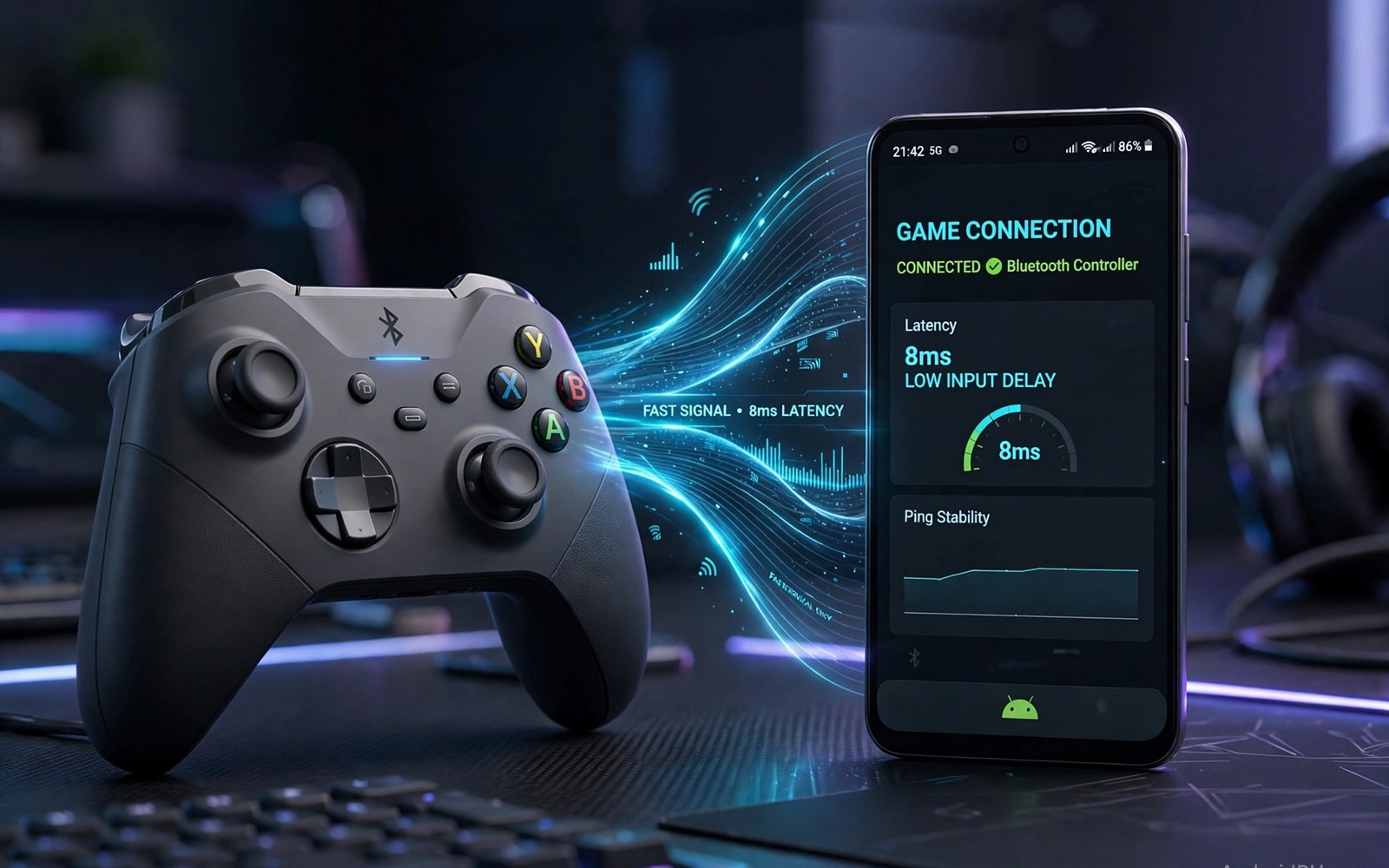
Controller input lag Bluetooth Android frustrates players when actions land a beat late. You press jump and the character jumps after a visible pause. That pause breaks aim and timing in fast games. Most lag comes from fixable sources rather than broken hardware.
Bluetooth adds a small delay by design since inputs travel in wireless packets. Interference and low battery and busy radios add extra delay on top. A phone juggling Wi-Fi downloads and Bluetooth audio suffers most. Finding the biggest delay source matters more than buying a new pad at once.
This article walks through diagnosis and fixes in order of impact. You will test lag simply and then cut it step by step. You will learn when a wired link beats wireless. You will also learn which settings help and which only waste time.
What causes Bluetooth controller lag
Bluetooth controllers send input reports at set intervals called polling rates. A low polling rate means longer gaps between reports. Distance and walls weaken the signal and force retransmits. Each retransmit adds delay that players feel as sluggish controls. Keep the pad close and clear of metal objects for the cleanest link.
Other radios compete for the same airspace on a busy phone. Wi-Fi streaming and Bluetooth headphones share limited radio time. Background downloads can spike latency during play. Close heavy downloads before ranked matches. A quiet radio environment gives the controller link more room to breathe.
Quick tests that reveal the lag source
Test lag in a calm offline game first to remove network delay from the picture. Move the character and watch response timing closely. Repeat the test with the pad very close to the phone. If closeness helps a lot then distance or interference caused the lag. If closeness helps little then polling or phone load may dominate.
Test with Bluetooth audio off to see whether audio steals radio time. Many players notice faster response once earbuds disconnect. Test with Wi-Fi off for offline games as well. Compare each change alone so you know which fix helped. Changing three things at once hides the real cause.
Fixes that cut lag the most
Move closer to the phone and remove objects between pad and phone. Turn off unused Bluetooth devices nearby during play. Restart the pad and the phone Bluetooth stack before important sessions. A fresh link often clears a degraded connection that built up over days. These free steps solve many lag complaints without new gear.
Update pad firmware since makers often improve polling and link stability. Check the companion app for updates on day one. If lag stays high then consider a wired option for competitive play. A comparison of USB-C versus Bluetooth controllers shows when a cable link is worth the trade in freedom.
When lag is not the controller fault
Game frame rate drops can feel exactly like controller lag. A phone throttling under heat delays the whole game loop. Lower graphics settings and cool the phone to test this theory. If smoother frames fix response then heat was the culprit. A cooling accessory helps more than a new pad in that case.
Cloud games add network delay on top of Bluetooth delay. Test a local game first to separate the two delays. If local games feel fine but cloud games lag then network quality dominates. Improve Wi-Fi or use a wired network link for cloud play. Blaming the pad for network lag wastes money and time.
Accessories that pair well with this setup
A wired adapter belongs in the kit of any player fighting Bluetooth lag. Wired links bypass wireless packet delays entirely for ranked sessions. An OTG adapter costs little and works with many standard pads. Keep the adapter with the pad so ranked nights never lack the wired option. That backup link turns a laggy wireless evening into a stable wired session fast.
A phone stand also helps lag testing by holding distance constant between pad and phone. Variable distance confuses lag tests with changing signal strength. A fixed stand position gives repeatable test conditions. Place the phone on the stand and the pad at a marked distance. Repeatable tests reveal true improvements from each fix applied.
Wired OTG setups deserve attention from any player tired of wireless delay. They use a host adapter to link pads directly to phones. Learn the method in wired OTG controller links before buying an adapter. That article covers power limits and adapter choice clearly. A wired trial often settles the lag debate for a specific phone and pad pair.
A weekly routine that keeps everything working
Test lag weekly in the same local game with the same settings. Consistent test conditions reveal gradual degradation early. Note results briefly after each test for comparison. A rising lag trend may signal interference growth or pad wear. Early detection enables fixes before ranked sessions suffer from hidden delay growth.
Clean the Bluetooth pairing list monthly by removing devices no longer used. Old pairings can steal connections or slow reconnection at game time. Keep only active pads and audio devices in the list. A clean list speeds session starts and reduces link confusion. That monthly minute pays off across many gaming evenings each month.
Review audio choices monthly since Bluetooth audio competes with pad links for radio time. Wired audio frees radio time for controller input during ranked play. The audio trade offs are clear in low latency earbuds for players balancing sound and input speed. Monthly review keeps audio habits matched to current competitive goals rather than old defaults.
How this plays out in real life
A ranked shooter player notices shots landing late during evening matches at home. Evening radio traffic from neighbours raises Bluetooth delay noticeably. Moving closer to the phone and turning off Bluetooth earbuds cuts delay at once. Ranked sessions move to wired play on tournament nights for maximum stability. That routine separates casual wireless evenings from serious wired competition cleanly and reliably.
A casual adventure gamer barely notices Bluetooth delay during slow exploration chapters. Story games forgive small input delays that shooters punish harshly. That player keeps wireless freedom for couch comfort without worry. Lag fixes matter only when fast combat sections appear in later chapters. That relaxed approach matches effort to game demands rather than chasing perfect latency everywhere.
A family living room hosts many Bluetooth devices that compete every evening. Speakers and headphones and watches crowd the radio spectrum during play. The gamer turns off unused devices before important matches begin. That simple habit restores pad responsiveness without buying new gear. Household radio hygiene beats hardware upgrades for many lag complaints in busy homes.
A commuter plays offline games on a train with a pad held close to the phone. Short distance keeps the Bluetooth link strong despite train interference. The commuter avoids Bluetooth audio during action sections. That close range habit delivers responsive controls even in crowded carriages. Travel gaming stays enjoyable when distance discipline replaces expensive gear upgrades entirely.
A cloud gamer separates network lag from pad lag with a local game test first. Local games feel responsive while cloud games lag on weak Wi-Fi. That comparison proves network quality dominates the problem. The gamer upgrades home Wi-Fi placement before blaming the pad. That diagnostic discipline saves money and directs fixes to the true cause every time.
A practical check you can run
You can inspect Bluetooth state and input latency clues with a short device check. Pair the pad and run the checks below on a computer linked to the phone. The output lists Bluetooth status and input devices.
adb shell dumpsys bluetooth_manager
adb shell dumpsys input
adb shell cat /proc/net/wireless
The commands above are adapted from public platform documentation for Android developer tools. They are included here as a teaching example for checking device behaviour and not as copied product code.
Common mistakes
A common mistake is buying a new pad before testing distance and interference. Many lag cases vanish when the player moves closer. Test free fixes first and keep receipts for gear. A new pad with the same crowded radio setup will lag just like the old one.
Another mistake is testing lag only in cloud games where network delay hides pad delay. Always test a local offline game first. That baseline tells you whether the pad link itself lags. Fix the pad link before chasing network upgrades for cloud play.
A third mistake is leaving Bluetooth audio connected during competitive play. Audio streams consume radio time and can raise input delay. Use phone speakers or a wired headset for ranked matches. Save Bluetooth audio for casual sessions where a few extra milliseconds matter less.
Frequently asked questions
How much Bluetooth lag is normal for Android controllers?
Normal Bluetooth controller delay sits in a range that most casual players barely notice. Competitive players notice smaller delays in fast shooters. Distance and interference push delay above normal quickly. Keep the pad close and the radio quiet to stay near the normal range.
Does a newer Bluetooth version reduce controller lag?
Newer Bluetooth versions can improve link stability and efficiency. They do not erase delay entirely since packet intervals still apply. Pad firmware and phone load matter as much as version numbers. Test real games rather than trusting version labels alone.
Will a wired controller always beat Bluetooth?
A wired link usually responds faster and stays stable during long sessions. It limits movement and needs a compatible port or adapter. Bluetooth wins for couch play and travel convenience. Choose wired for ranked play and wireless for relaxed sessions.
Conclusion
Bluetooth lag usually yields to simple steps done in the right order. Test locally and move closer and quiet the radios and update firmware. Separate pad lag from frame drops and network lag before spending money. That method finds the true cause fast.
Your next step is a five minute test today. Play a local game with the pad close and Bluetooth audio off. Note response feel before and after each change. If lag persists then try a wired link for your next competitive session.
Plan your first lag fixing week around isolated tests that reveal true causes. Test a local game on day one with the pad close and audio off. Add Bluetooth audio back on day two and note any response change. Test at normal couch distance on day three to judge interference effects. Restart Bluetooth and re-pair on day four for a fresh link baseline. Try a wired link on day five for ranked comparison against wireless results. Note all results briefly after each test for clear comparison. Decide on day six which link suits each game type best. A methodical week replaces lag frustration with evidence based choices for every session type.

