

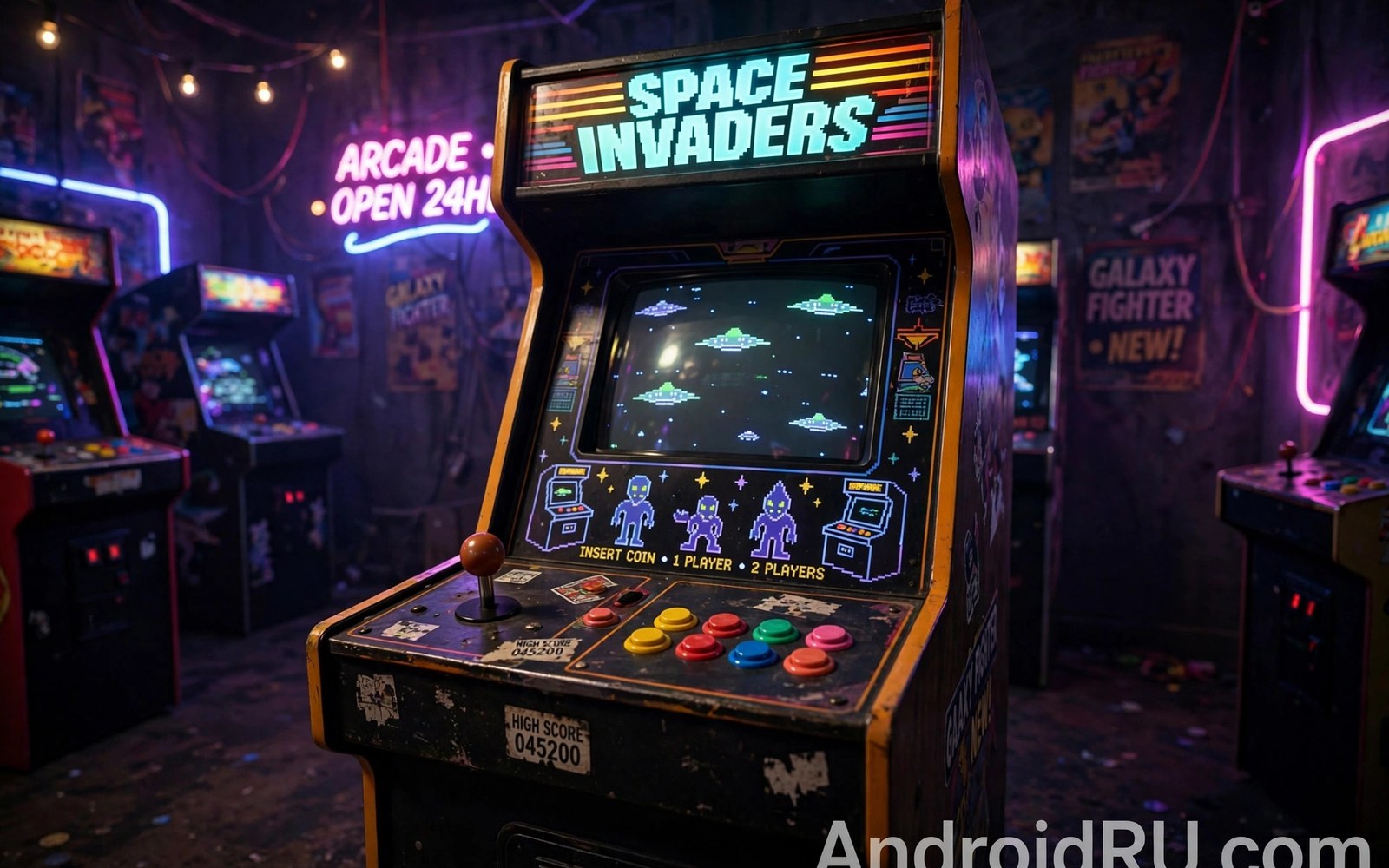
Arcade games were built to grab attention in seconds. They use simple rules and fast action. That energy reaches a phone through retro arcade emulators. The games feel at home in short sessions. This article explains how to set them up well.
Arcade hardware varied a lot between cabinets. One emulator core may cover many games while another covers a small set. That variety confuses beginners at first. The key is matching the game set to the right core version. A matched set runs far more reliably.
Start with a handful of famous titles rather than a huge set. A small set tests controls and speed quickly. A television retro setup makes arcade games shine for guests. Arcade play is social by nature and a big screen suits it.
How arcade emulation differs
Arcade games did not share one standard system. Each cabinet maker built custom hardware. Emulators must copy many different boards. That is why arcade emulators use versioned game sets. A game file built for one version may fail on another version.
Matching versions matters more here than for console systems. Check which game set version your emulator expects. Keep games for that version in a separate folder. Mixing versions causes silent failures and missing games. A clean versioned folder avoids most arcade headaches.
Choosing the right core
Some cores aim for accuracy across many boards. Others aim for speed on weaker phones. Accuracy cores need stronger hardware. Speed cores run more games on modest phones. Pick the core that matches your phone and your game list.
Test the core with three different game types. Try a shooter and a platform game and a puzzle game. Different boards stress the emulator in different ways. A core that passes all three is a safe default. Keep notes on which core suits which game.
Controls for arcade action
Arcade games need a responsive joystick and fast buttons. Touch controls can work for slower puzzle titles. Fast shooters and fighting games need real buttons. A physical controller or arcade stick improves those games hugely. Test a fighting game to feel the difference at once.
Button layout matters for games with many actions. Place the main action buttons under your strongest fingers. Keep less used buttons smaller and out of the way. Test the layout in a real match. Menu tests hide control problems that matches reveal.
Screen layout and orientation
Many arcade games used a vertical screen. A phone in portrait mode suits those games well. Horizontal games suit landscape mode better. Let each game pick its natural orientation when you can. Forcing one orientation for all games wastes screen space.
Bezels and artwork can fill empty space around a vertical game. They look nice but they also shrink the game area. Try the game without bezels first. Add artwork only if the empty space bothers you. Play area size matters more than decoration.
High scores and credits
Arcade games used credits to limit play time. Emulators let you add credits with a button press. That freedom changes how you approach hard games. Use credits to learn a game first. Then challenge yourself with a limited credit run for the real arcade feel.
High score saving varies by game and core. Some games save scores automatically. Others need a small setting change. Check the high score behaviour for your favourite titles. A saved score table adds long term motivation to return.
Fighting games on a phone
Fighting games demand fast inputs and precise timing. Arcade fighting titles were built for arcade sticks and buttons. A phone touch layout struggles with complex combos. A physical controller restores much of the original feel. Test a fighting game with a controller to feel the gap at once. Combos that fail on touch often succeed on buttons. The difference comes from tactile feedback and button travel. Real buttons reward muscle memory in a way glass cannot.
Button layout for fighting games needs careful planning. Place light and heavy attacks under strong fingers. Keep special move buttons reachable without hand strain. Test the layout in training mode before a real match. Training mode reveals layout flaws without match pressure. Adjust button size until combos feel consistent. A consistent layout matters more than a pretty one. Function decides fighting game layouts every time.
Online style competition is not the goal for most retro arcade play. Local matches against friends deliver the arcade spirit best. A second controller enables head to head play on one phone. Television output makes local matches a social event. Keep matches friendly and short for mixed skill groups. Friendly matches keep everyone willing to play again. The arcade spirit lives in shared competition and laughter.
Shooters and high score chasing
Arcade shooters test reaction speed and pattern memory. Touch controls can work for slow shooters with simple movement. Fast bullet heavy shooters need a controller for survival. A stick gives smooth movement across the screen. Touch dragging can feel imprecise during dense bullet patterns. Test a shooter at a difficulty that challenges you fairly. The right input keeps the challenge fair and fun.
High score chasing adds long term goals to arcade play. A saved score table motivates return visits to a favourite game. Learn enemy patterns in short practice sessions. Patterns repeat and mastery grows with repetition. A score goal gives practice a clear purpose. Beat your own best score before you chase global records. Personal records feel satisfying and achievable for everyone.
Credit limits can restore the original arcade tension. Play a run with a fixed number of credits. A limited run forces careful play and smart risk choices. Unlimited credits teach patterns but remove stakes. Mix both styles across sessions for balance. Learn with unlimited credits and perform with limited ones. That mix mirrors how arcade masters trained in the past.
Arcade difficulty settings
Arcade difficulty settings change enemy speed and damage in many games. Harder settings suit experienced players seeking challenge. Easier settings suit newcomers learning patterns calmly. Adjust difficulty to your current skill honestly. A fair difficulty keeps the game fun instead of punishing. Too hard a setting causes early quitting. Too easy a setting causes boredom quickly. The right difficulty sits just beyond comfortable play.
Difficulty settings also affect scoring in some arcade titles. Higher difficulty may award more points per action. Score chasers should note the difficulty used for records. A record set on easy difficulty differs from one on hard. Keep records separated by difficulty for fairness. Personal records gain meaning through consistent settings. Compare like with like for honest progress tracking. Fair comparisons motivate improvement over time.
Change difficulty in small steps rather than large jumps. A single step up tests new skills without overwhelming. A large jump can feel impossible and discouraging. Small steps build skill gradually and visibly. Each step mastered earns confidence for the next. Gradual progression mirrors good game design itself. Patience with difficulty creates lasting mastery. Mastery built slowly lasts longer than rushed progress.
Some arcade games hide difficulty behind dip switch settings. Dip switches mimic physical switches inside cabinets. Emulator menus expose those switches for adjustment. Research a game before changing unfamiliar dip switches. A wrong switch can alter game behaviour unexpectedly. Note original switch positions before changing anything. Notes allow a safe return to default settings. Default settings are always a safe home base.
Common mistakes
The biggest arcade mistake is mixing game set versions. A mixed folder produces missing games and strange errors. Keep each version in its own folder. Label folders with the version number clearly. That habit prevents hours of confusion.
Another mistake is judging a core by one game only. One game may fail while fifty others run perfectly. Test several game types before you switch cores. A broader test gives a fair verdict. Patience pays off with arcade sets.
Do not ignore button responsiveness for fast games. A laggy touch layout ruins a shooter. Test fast games with a physical controller when you can. The difference is often dramatic. Good controls are part of the arcade experience.
A practical example you can try
ls ~/Games/Arcade/ | head -20
# keep arcade sets version matched to the core
# do not mix game sets from different versions
This snippet is an original example written for this article. It shows the idea in a compact form that you can adapt to your own setup and change as you learn what works best on your phone.
Frequently asked questions
Why do some arcade games refuse to load?
Version mismatch is the usual cause. The game file must match the core version you use. Check the expected set version in the core docs. Move mismatched games to a separate folder. A matched set loads far more reliably.
Version mismatch causes most arcade loading failures. The game file set must match the core version exactly. Check the expected set version in the core documentation. Keep matched sets in clearly labelled folders. A matched set loads reliably and saves troubleshooting time.
Can I play vertical arcade games on a phone?
Yes and portrait mode suits them very well. The phone shape matches the original cabinet screen. A handheld game layout also uses portrait mode often. Rotate the phone and enjoy the full height of the game.
Portrait mode matches vertical arcade screens naturally. The phone shape mirrors the original cabinet display. A portrait handheld game shares that natural fit. Rotate the phone and enjoy the full height of the game. Vertical games look best without forced landscape cropping.
Do arcade games need a controller?
Not for slow puzzle games but fast games benefit hugely. A multi system core setup can share one controller layout across systems. Set the controller once and reuse it for arcade titles. Your fingers will thank you during fast matches.
Slow puzzle games play well with touch controls alone. Fast games benefit hugely from physical buttons. A shared core setup reuses one controller layout widely. Set the controller once and enjoy it across arcade titles. Your fingers will thank you during fast matches.
Conclusion
Your concrete next step is to build a small matched arcade set today. Pick one core and five games made for its version. Test each game with controls that suit its speed. Keep the games that run well and note the rest. That small working set is the seed of a great arcade library.
Create a personal arcade top ten list this week. Include games from different genres and speeds. Test each game with the input that suits it best. Keep only the games that stay fun after three sessions. That top ten becomes your instant arcade night menu.

