

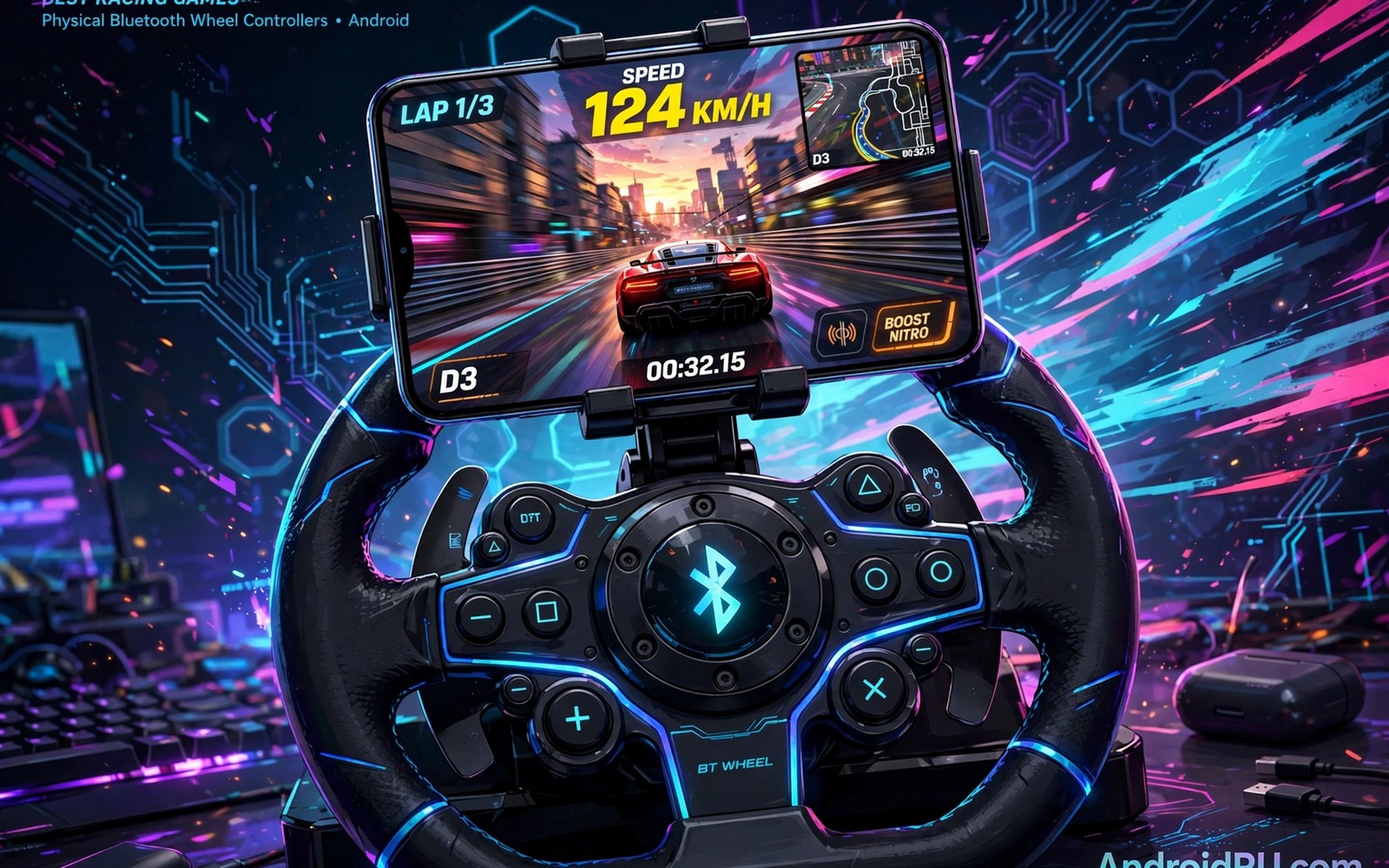
Bluetooth wheel controllers for racing bring console feel to a phone in a surprisingly practical way. A real wheel gives fine steering and pedal control that touch screens cannot match. Force feedback adds road feel that improves lap times and immersion. This guide explains pairing and settings and game support clearly.
Not every racing game supports wheels equally well on Android. Some games offer full pedal and feedback support. Others offer basic steering only with limited options. Checking support before buying a wheel saves money and disappointment. graphic settings in mobile racers
Wheel racing on a phone also needs a stable setup for comfort. A table or lap mount keeps the wheel steady during races. A good phone stand keeps the screen visible at eye level. Small setup choices affect lap times more than wheel price alone.
Wheel racing history began on consoles and PCs before mobile support. Force feedback technology matured through sim racing communities. Mobile wheel support borrows that mature technology. Understanding history explains varying mobile support levels.
Check game support before buying
Look for controller settings inside the game menu before purchase decisions. Full support includes steering and pedals and button mapping options. Partial support may limit pedals to on screen controls only. That limit defeats much of the wheel advantage. Test support with a borrowed controller when possible.
Game updates can change controller support over time in both directions. Check recent player reports for your exact game version. Old guides may describe support that no longer exists. Current testing beats old claims every time. Keep game and controller firmware updated together.
Wheel rotation ranges differ across racing game types significantly. Rally games suit wide rotation for loose surfaces. Formula games suit narrow rotation for fast response. Road games suit medium rotation for versatility. Match rotation to game genre for natural feel.
Pair the wheel correctly on Android
Put the wheel in pairing mode before opening Android Bluetooth settings. Keep the wheel close to the phone during first pairing. Confirm the device name matches your wheel model exactly. Rename the device after pairing if names look confusing. Clear old pairings when connection problems appear repeatedly.
Some wheels need a specific mode for Android versus console use. Check the mode switch or button combination in the wheel manual. Wrong mode causes missing pedals or reversed steering. Mode problems look like game bugs but fix quickly. Always test mode after firmware updates too. drag racing games
Pedal types affect braking precision more than wheel quality sometimes. Load cell brakes measure pressure rather than travel distance. Potentiometer brakes measure travel distance simply. Pressure brakes suit consistent lap times better. Travel brakes suit casual racing adequately.
adb shell settings put secure bluetooth_on 1
adb shell cmd bluetooth_manager list
adb shell dumpsys bluetooth_manager | grep -i controller
The commands above are adapted from public platform documentation for Android Bluetooth and system tools. They are included here as a teaching example for checking controller connections and not as copied game code.
Tune force feedback for lap times
Force feedback should inform your hands without fighting them constantly. Strong feedback tires arms during long races and hides subtle grip loss. Light feedback feels vague on bumpy tracks and fast corners. Start at medium strength and adjust after full races. Comfort over a full race matters more than dramatic effects.
Centring spring strength affects how the wheel returns to straight. Strong centring helps stability on high speed straights. Weak centring helps quick direction changes on tight circuits. Match centring to track type for best results. Save presets per track type when the game allows it.
Button mapping saves time during races with complex controls. Map look back and camera controls to wheel buttons. Map pit controls when endurance races need them. Thoughtful mapping reduces keyboard or screen reaching. Test mappings in practice before ranked races.
Calibrate steering range and pedals
Steering range should match the game car type for natural feel. Road cars suit wide steering ranges with gentle inputs. Race cars suit narrow ranges with fast response. Wrong range makes cars feel twitchy or unresponsive. Calibrate range in game settings and not only in wheel software.
Pedal calibration matters as much as steering calibration for lap times. Set full throttle and full brake points with firm presses during setup. Dead zones should ignore resting foot weight without hiding light inputs. Test pedals in time trial before ranked races. Good pedals give confidence under braking pressure. flight simulators for Android
Wheel stands improve stability for desk and sofa setups. Folding stands suit small spaces and storage needs. Fixed rigs suit dedicated racing rooms best. Stability investment improves lap consistency immediately. Wobbly wheels hurt performance regardless of quality.
Build a comfortable mobile wheel setup
A stable surface matters more than an expensive wheel for phone racing. Clamp the wheel to a desk or sturdy table when possible. Lap mounts work for sofa sessions with careful positioning. Avoid wobbly surfaces that move during hard steering. Stability improves consistency immediately.
Screen placement affects reaction time during wheel races. Place the phone at eye level and close enough to read braking markers. Use a tablet as a larger display when the game supports it. Larger displays help with distant corners and traffic awareness. Comfort and visibility together beat raw wheel specs.
Firmware updates change wheel behaviour occasionally in important ways. Updates may fix dead zones or add game support. Check update notes before installing firmware changes. Test wheels after updates in practice modes. Update awareness prevents surprise race issues.
Test a wheel before you buy one
Borrowing a wheel for a week prevents expensive mismatches. Test your favourite games with the borrowed wheel thoroughly. Check steering and pedals and button support each. Note comfort after hour long sessions honestly. Week long tests reveal issues that store demos hide.
Rental or second hand wheels offer low risk testing options. Second hand markets often list sim racing gear. Test used wheels for dead zones and pedal wear. Worn pedals cause inconsistent braking badly. Inspect before paying for used gear.
Store demos help but rarely replicate home conditions. Store lighting and noise differ from home racing. Short demos hide fatigue and comfort issues. Combine demos with borrowed tests for decisions. Thorough testing justifies wheel investments.
Budget wheels suit casual racers surprisingly well today. Entry wheels offer solid steering and pedal basics. Premium wheels add force detail and build quality. Casual players rarely need premium force detail. Match wheel tier to racing frequency honestly.
Keep improving after the basics
Advanced wheel users create per car presets rather than one global setup. Different cars demand different steering ranges and feedback strengths. Formula cars need narrow ranges and light feedback. Road cars need wide ranges and stronger centring. Preset switching before races takes seconds. Per car presets improve lap times noticeably across varied garages. Organised presets reflect professional sim racing habits on mobile too.
Wheel maintenance preserves precision over years of use. Clean pedal sensors regularly to prevent inconsistent braking. Check wheel clamp tightness before important races. Loose clamps introduce steering play that ruins precision. Firmware updates deserve testing in practice modes first. Maintenance habits protect investments and lap times equally. Neglected wheels develop dead zones that frustrate drivers mysteriously.
Online wheel leagues offer structured competition beyond casual ranked races. Leagues schedule races with consistent rules and tracks. Structured competition builds rivalries and friendships over seasons. League racing teaches race craft under real pressure. Join beginner leagues before advanced competitions. League experience transfers to all racing formats strongly.
Common mistakes
The common mistake is buying a wheel before checking game support. An unsupported wheel becomes an expensive decoration quickly. Verify steering and pedal support in your favourite games first. Borrow or test before purchase whenever possible.
Another mistake is running maximum force feedback from day one. Strong feedback causes fatigue and hides subtle tyre signals. Start medium and increase only when arms stay fresh. Lap times improve with comfort over long sessions.
A further mistake is mounting wheels on unstable surfaces for important races. Wobble destroys steering precision during hard turns. Secure mounts before ranked sessions always. Stability is free performance that many players ignore.
Frequently asked questions
Do Bluetooth wheels add input lag on Android?
Good wheels add only small lag that most players barely notice. Keep the phone close to the wheel and avoid crowded Bluetooth environments. Close unused Bluetooth devices during ranked races. Wired options reduce lag further when supported.
Good wheels add only small lag most players barely notice. Keep phones close to wheels during races. Avoid crowded Bluetooth environments for ranked play. Wired options reduce lag further when supported.
Can I use a console wheel on Android?
Many console wheels work on Android with the correct mode selected. Check wheel specifications for Android or PC compatibility modes. Some features may stay limited on mobile games. Test steering and pedals before long sessions.
Many console wheels work on Android with correct modes. Check specifications for Android or PC compatibility modes. Some features may stay limited on mobile. Test steering and pedals before long sessions.
Is a wheel worth it for casual racing?
A wheel suits players who race several times per week and value immersion. Casual players may prefer touch controls for convenience and portability. Try a borrowed wheel for a week before buying. Enjoyment frequency should justify the cost.
Wheels suit players racing several times weekly with immersion goals. Casual players may prefer touch convenience and portability. Borrow a wheel for a week before buying. Frequency should justify wheel cost.
Conclusion
Bluetooth wheel controllers for racing transform mobile racing when games support them fully. Check support before buying and pair in the correct mode. Tune feedback and pedals for comfort across full races. A stable setup completes the console like feel.
Your next step is practical this week. Check controller settings in your favourite racing game tonight. Borrow a wheel if possible and test one time trial session. Buy only if steering and pedals feel clearly better than touch.
Test wheel support across all your racing games before committing. One supported game does not guarantee others work equally. Broad support justifies investment better than single game use. Patient testing saves money and disappointment.

