

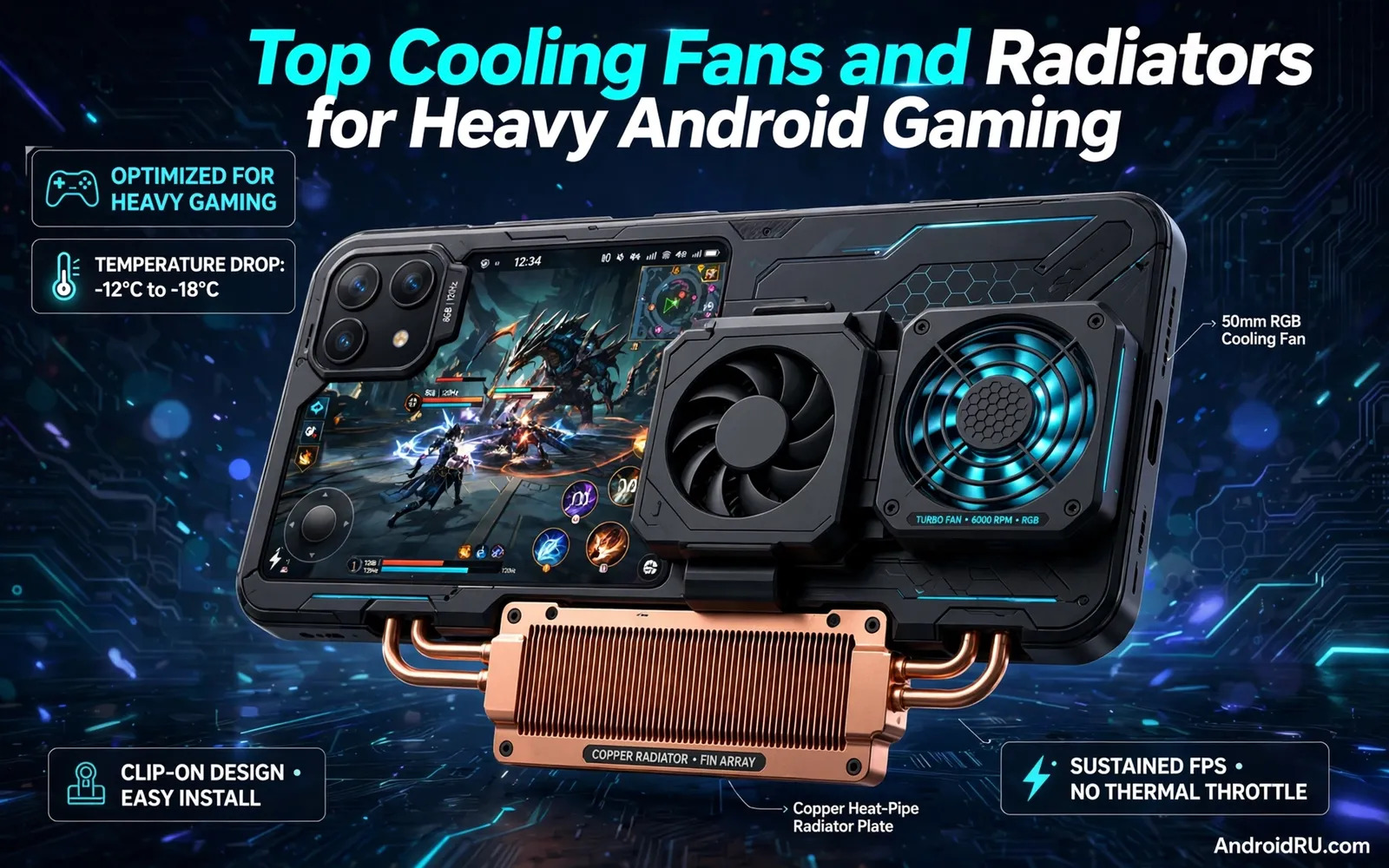
Top Cooling Fans and Radiators for Heavy Android Gaming
Heavy Android gaming pushes a phone far harder than everyday use. Long sessions raise heat inside a slim body. Heat can lower frame rates. Heat can dim a screen. Heat can make a phone feel uncomfortable to hold. A clip-on fan or a radiator plate helps move that heat away.
The right cooler keeps play steady. The wrong cooler adds bulk without real help. This guide explains how these coolers work, compares the best models, and shows how to pick one that fits your phone and your games.
A phone cooler is not magic. It cannot fix a weak chip. It cannot fix a poor network link. It can give a strong phone room to sustain speed. It can delay the point where heat forces a slowdown. It can keep your hands cooler during long matches. Start by checking how your phone behaves today. Note when frame drops begin, note where the phone feels hottest, and note whether a case traps heat. Those notes guide a smarter purchase.
How Clip-On Fans and Radiator Plates Move Heat
A clip-on fan blows air across the back of a phone. Moving air carries heat away from the shell. A radiator plate spreads heat across a wider surface first. A wider surface gives air more area to cool. Some coolers combine both ideas in one unit. A cold plate touches the phone back, and a fan then cools that plate.
The strongest coolers use a semiconductor cold plate, called a TEC or Peltier element. It can drop the plate temperature below room temperature, which pulls heat out of the phone far faster than a fan alone. That power comes with a trade-off: a cold plate can condense moisture in humid rooms, so wipe the plate dry and avoid using a TEC cooler in a steamy bathroom.
Check the contact area before you buy. A small plate on a large phone cools only one spot. Fit matters more than fan speed on paper. A cooler must sit flat against the phone back. A thick case can block contact. A curved back can leave gaps. A magnetic plate can help on some phones. A clamp can help on others.
Map Your Phone’s Hot Zone First
Game genres stress a phone in different ways. Fast shooters push graphics and network together. Strategy games push long sessions with steady load. Racing games push sustained graphics with vibration feedback. Open world games stream large areas continuously. Each genre heats different phone zones.
Feel the phone back after each genre session and map the hot zone with your hand. A cooler plate should cover the zone your genre heats most. A plate that covers only the centre may miss a hot edge zone. A mapped hot zone guides plate placement better than guesswork.
Test Grip Before a Long Session
Shake the phone gently with the cooler attached. Watch for sliding or tilting. A cooler that shifts during play cools unevenly. A stable mount cools the same zone all session long. Test the grip before a long session, not during a ranked match.
The 7 Best Cooling Fans and Radiators for Android Gaming
Here are seven coolers that cover every budget and play style, from a cheap clip fan to a tournament-grade cold plate. Prices change often, so check the current listing before you buy.
1. Black Shark FunCooler 4 Pro: Best Overall TEC Cooler
The FunCooler 4 Pro is the most popular semiconductor cooler in mobile gaming. A TEC cold plate drops surface temperature quickly, a fan clears heat from the plate, and RGB lighting marks it as gaming gear. It clamps firmly to most phones and works with a magnetic ring for MagSafe-style attachment. Pros: strong cooling, wide compatibility, quiet at medium speed. Cons: needs USB-C power, heavy at around 70 grams, condensation risk in humidity. Who it is for: players who want the strongest cooling in a mainstream package.
2. Razer Phone Cooler Chroma: Best Magnetic Cooler
Razer’s cooler uses a magnetic mount with a TEC plate and a quiet fan, plus Chroma RGB that syncs with other Razer gear. It attaches in a second with a magnetic ring and sits flat against the phone. The fan is tuned for low noise, which matters during voice chat. Pros: fast magnetic attach, quiet fan, clean design. Cons: needs a magnetic ring or case, premium price, USB-C power required. Who it is for: players who value fast setup and low noise.
3. Flydigi B6X: Best Value TEC Cooler
The Flydigi B6X brings semiconductor cooling to a mid-range price. A cold plate, a strong fan, and a clamp that fits most phones make it a favourite for budget-conscious players. It cools nearly as well as premium models in real sessions, and its app control lets you tune fan speed. Pros: strong cooling for the price, app control, solid clamp. Cons: fan noise at full speed, adds noticeable weight. Who it is for: players who want TEC cooling without the flagship price.
4. ASUS AeroActive Cooler 7: Best Cooler for ROG Phone Owners
The AeroActive Cooler 7 is built for ROG Phone models, and it shows. It clips to the phone with a powered connection, adds a subwoofer, extra buttons, and a kickstand alongside its fan and TEC plate. No universal cooler integrates this deeply, because it talks directly to the phone’s software. Pros: deep integration, extra buttons and audio, strong cooling. Cons: only fits ROG Phone models, expensive, bulky. Who it is for: ROG Phone owners who want the full accessory system.
5. Memo DL05: Best Budget Clip-On Fan
The Memo DL05 is a simple clip-on fan with a cold plate, and it costs a fraction of the premium models. It clamps to almost any phone, runs from any USB port, and cools noticeably better than no cooler at all. It will not match a FunCooler in a stress test, but for casual sessions it is the best value on this list. Pros: very cheap, universal fit, light. Cons: weaker cooling, louder fan, basic build. Who it is for: casual players and first-time cooler buyers.
6. RedMagic Cooler 5 Pro: Best for RedMagic Phone Owners
Nubia’s RedMagic Cooler 5 Pro pairs with RedMagic phones through a magnetic and clip system, with a TEC plate and RGB lighting. It is tuned for the RedMagic gaming software, so fan curves and temperature readouts integrate with the phone. Universal players can use it too, but RedMagic owners get the most from it. Pros: strong cooling, software integration, good build. Cons: best on RedMagic phones, premium price. Who it is for: RedMagic owners and players who want a matched set.
7. OnePlus 45W Liquid Cooler: Best Liquid Cooling Design
The OnePlus 45W Liquid Cooler takes a different path: a liquid loop moves heat away from the plate instead of relying on a fan alone. It clips to the phone, runs quietly, and handles sustained loads well in testing. Its price sits at the premium end, and its weight is noticeable, but for long sessions it is one of the most comfortable coolers to use. Pros: quiet operation, sustained cooling, distinctive design. Cons: expensive, heavy, limited availability. Who it is for: long-session players who hate fan noise.
Compare the Coolers Side by Side
| Cooler | Cooling type | Mount | Noise | Best for |
|---|---|---|---|---|
| FunCooler 4 Pro | TEC plate + fan | Clamp / magnetic | Medium | Best overall |
| Razer Chroma | TEC plate + fan | Magnetic | Low | Quiet play |
| Flydigi B6X | TEC plate + fan | Clamp | Medium-high | Value |
| AeroActive 7 | Fan + TEC | ROG clip | Medium | ROG Phone |
| Memo DL05 | Fan + cold plate | Clip | Medium | Budget |
| RedMagic 5 Pro | TEC plate + fan | Clip / magnetic | Medium | RedMagic phones |
| OnePlus 45W | Liquid loop | Clip | Low | Long sessions |
Cooling gear works best as one part of a system. Lower screen brightness a little when heat builds. Close heavy apps running behind your game. Use a stable network link to avoid extra radio heat. A good cooler plus calm habits gives long sessions a better chance to stay smooth. Readers choosing a phone around cooling should also read Gaming Phone vs Regular Flagship: Which Should Gamers Buy? before they judge a cooler on its own.
Choosing Power, Noise, and Weight for Long Sessions
Most phone coolers draw power through a cable. A wired supply gives steady fan speed. A battery pack can free you from a wall socket, but it also adds weight and another charge to manage. Noise matters during voice chat. A loud fan can leak into a microphone. A quiet fan may move less air. Balance airflow against noise for your setting. Home play can tolerate more fan sound. Late night play near others needs a quieter unit.
Weight and balance shape comfort over time. A heavy cooler changes how a phone feels in your hands. A top-heavy phone tires your wrists faster. A centred cooler feels more natural. A side-mounted cooler may block a finger rest zone. Hold the full setup for several minutes before you commit. Play a short match with the cooler on. Check grip comfort, button reach, and whether the cable pulls at an angle. Comfort problems grow worse in hour two and hour three.
Cases, Cameras, and Everyday Practicality
Cases and coolers often fight each other. A thick protective case insulates heat. A thin case allows better contact. A magnetic case ring can help a magnetic cooler seat well. Remove a thick case for serious gaming if your cooler needs direct contact. Keep the case for travel and daily use. Swap setups based on the task at hand. Clean the contact plate often, because dust and pocket lint reduce contact quality. A quick wipe keeps cooling consistent from week to week.
Check whether the cooler blocks a camera lens or a charging port before you buy. A cooler that covers the camera is useless for streaming, and one that blocks charging forces you to choose between cooling and power. A clear view of controller options sits inside Top Mobile Game Controllers: Razer Kishi vs Backbone One, and that view helps you plan a full gaming rig around cooling.
Power Cables Deserve the Same Care as the Cooler
A frayed cable can drop power mid-match. A loose plug can cause fan speed swings. A long cable can tangle with controller cables. Route cooler cables away from hand movement zones. Use a cable clip on a desk setup. Use a short cable for lap play. Keep a spare cable for travel tournaments. Label the cooler cable so it does not mix with phone charging cables.
Cooling and Phone Software Settings Together
Cooler choice interacts with phone software settings. A high refresh display adds heat during play. A lower refresh setting can ease thermal load. A performance mode can push chips harder and hotter. A balanced mode can pair well with a modest cooler. Test game settings with the cooler on, then test the same settings with the cooler off. Compare frame stability and hand comfort across both tests. Software plus hardware together decide the final result. A balanced pair beats a strong cooler fighting aggressive settings.
Seasonal heat changes how a cooler performs in real rooms. Summer rooms run warmer than winter rooms. A cooler that feels strong in winter may struggle in summer. Test cooling in the warmest room you play in. Test cooling after the phone charges for a while, because heat from charging stacks with heat from gaming. Track frame smoothness across seasons and keep notes, because seasonal notes help you judge whether an upgrade is truly needed.
Fan Maintenance and Travel Packing
Fan maintenance keeps airflow strong over months. Dust clogs small fan blades quickly. Dust also coats radiator fins and blocks air paths. Clean blades with a dry soft brush. Clean fins with short bursts of dry air. Avoid wet cleaning on fan motors. Avoid poking blades with sharp tools. Check fan bearings for grinding sounds. A grinding fan needs replacement soon. A rattling mount needs tightening or new pads.
Travel with a cooler needs a packing plan. A clip cooler needs a hard pouch to protect blades. A radiator plate needs a sleeve to prevent scratches. A clamp cooler needs padding around its jaws. Pack cables separately from the cooler body. Keep the cooler dry during rain travel. Wipe the contact plate after dusty travel days. Check the mount grip after transport vibrations. For audio pairing during cooled sessions, the notes in Best Gaming Headsets with Low Latency for Mobile Gamers help you pick sound gear that keeps pace with fast play.
Frequently Asked Questions About Phone Coolers
Do phone coolers actually prevent thermal throttling?
They delay it and soften it rather than removing it entirely. A good TEC cooler can hold frame rates steady for much longer than a bare phone, especially in warm rooms. No cooler can make a weak chip fast. Buy a cooler to protect a strong phone’s performance, not to rescue a phone that already struggles.
Can a TEC cooler damage my phone with condensation?
In normal indoor use, no. In very humid rooms, a cold plate can condense moisture. Wipe the plate dry after sessions, avoid using a TEC cooler in a steamy room, and let the phone return to room temperature before casing it. Treat condensation like any other water exposure: dry it promptly.
Will a cooler work with my phone case on?
Usually not well. A thick case blocks contact between the plate and the phone back, which is where the cooling happens. Use a thin case, a magnetic ring case, or remove the case for gaming. Check fit with your exact case before you buy.
Is a cheap clip fan worth it, or should I buy a TEC cooler?
A cheap clip fan is worth it for casual sessions and for testing whether cooling helps your games. If you play ranked matches for hours, a TEC cooler earns its price in steadier frame rates. Start cheap, measure the difference, and upgrade only if your frame data shows the need.
The Bottom Line: Fit First, Airflow Second, Looks Last
Choose fit first. Choose steady airflow second. Choose looks last. A cooler that sits flat on your phone’s hot zone beats a prettier one that tilts. A quiet fan you can use during voice chat beats a loud one that cools slightly more.
Your next step is a hot-zone check today. Play your main game for twenty minutes, feel the phone back, and note where it is hottest. Then shortlist a cooler whose plate covers that zone and test it over a soft surface before your first long session. Competitive players should treat cooling as part of tournament preparation, because a cooler that has survived several long practice sessions gives you confidence that frame rates will hold steady through decisive rounds.

