

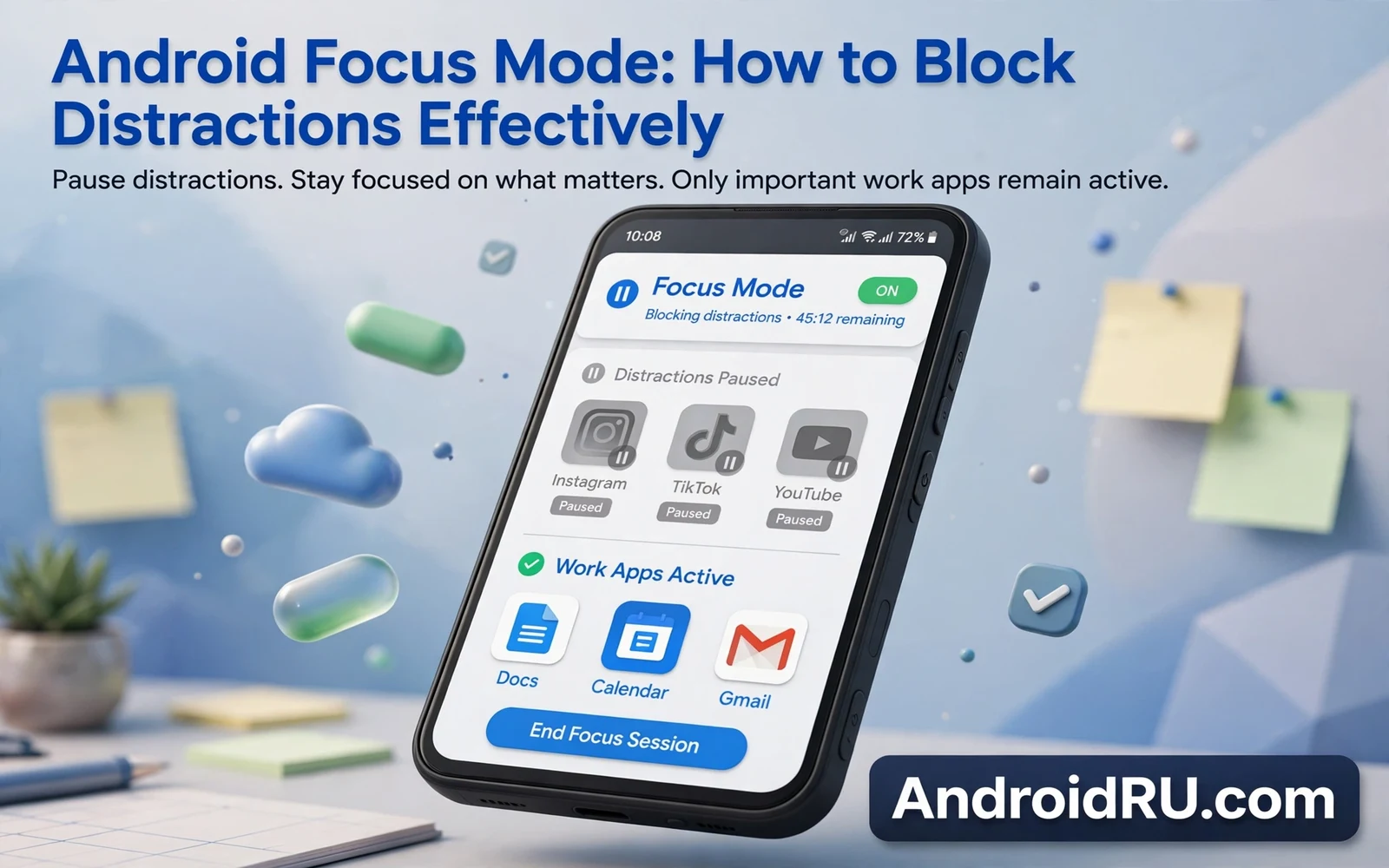
Focus Mode pauses distracting apps and silences their notifications during chosen work periods. The feature belongs to Digital Wellbeing on many Android phones. It lets owners pick apps that pull attention away from work or study or rest. It then blocks those apps until a scheduled break or until Focus Mode ends. This guide explains Android Focus Mode and how to block distractions effectively. It covers setup and schedules and exceptions and habits that make the feature last.
Distraction rarely comes from one single app alone. It comes from a loop of short checks that break focus many times per hour. A social feed check leads to a video check and then to a message check. Each check feels tiny on its own yet the total cost grows across a work session. Focus Mode breaks that loop at the app level rather than relying on willpower alone. A paused app icon reminds the owner of the plan at the exact moment of temptation. That reminder often matters more than the block itself.
Split screen work can stay productive when distracting apps stay paused in the background. Readers who pair focus sessions with multitasking can review how to use Android split screen like a pro for layouts that keep work apps visible and social apps out of reach. A split screen with a notes app and a document app supports deep work well. A split screen with a social app beside a work app defeats the purpose of a focus session. Layout choices and Focus Mode choices should reinforce each other.
How To Set Up Focus Mode
Owners can find Focus Mode inside Digital Wellbeing settings on supported phones. The setup screen lists installed apps and lets owners mark distracting apps for pausing. Social apps and video apps and games usually top that list for most owners. News apps and shopping apps can also earn a place when they trigger frequent checks. Owners should start with a short list rather than pausing half the phone at once. A short list feels manageable and it rarely blocks an urgent task.
- Open Digital Wellbeing settings on the phone
- Open Focus Mode and review the app list
- Mark the apps that most often break focus
- Add a schedule for regular work hours
- Allow a short break period inside long sessions
Schedules turn Focus Mode from a manual chore into an automatic habit. A morning schedule can protect deep work before messages pile up. An evening schedule can protect rest and family time from work apps. A study schedule can protect revision sessions from social feeds. Owners should align schedules with real calendar blocks rather than with ideal plans. A schedule that fights real life gets disabled quickly. A schedule that matches real life survives for months.
Breaks Exceptions And Urgent Messages
Focus Mode includes a break option that unpauses apps for a short period during a long session. A five minute break or a fifteen minute break can refresh attention without abandoning the session. Owners should set break length before starting work so that breaks stay bounded. An unbounded break often stretches into a lost hour. A bounded break feels like a reward rather than a relapse. Owners who need longer breaks should schedule them as separate rest blocks instead.
Notification history tools help owners review what Focus Mode held back during a session. Readers who want that review habit can learn how to view dismissed alerts in Android notification history and check held notifications after each focus block. That review prevents a feeling of missing out that can weaken future sessions. Owners can reply to important messages after the session ends. Owners can ignore low value alerts that no longer matter. The review habit turns Focus Mode into a filter rather than a wall.
Focus Mode And App Limits
App timers complement Focus Mode by capping total daily use for chosen apps. Focus Mode blocks apps during set hours while app timers cap total minutes across the whole day. Together they cover both timing and volume of distraction. An owner might allow thirty minutes of social apps per day outside focus hours. Focus Mode then blocks those apps entirely during work hours. That combination gives structure without demanding total abstinence. Owners who need strict limits can tighten both controls gradually.
Parents and students often use Focus Mode differently from office workers. A student may pause games and video apps during revision blocks. A parent may pause shopping apps during family time. An office worker may pause news apps during meeting blocks. The setup steps stay the same across those cases. Only the app list and the schedule change. Owners should revisit that list monthly because distraction sources shift with new apps and new habits.
Common Focus Mode Mistakes
The most common mistake is pausing too many apps at once and then disabling Focus Mode in frustration. A second mistake is setting a schedule that clashes with real meetings or real family duties. A third mistake is leaving an easy bypass that turns every temptation into a quick settings trip. Owners should keep bypass steps slightly effortful so that impulse checks face friction. Owners should also keep one trusted contact path open for genuine emergencies. A focus system that blocks emergencies feels unsafe and gets abandoned.
Essential system setup choices shape how well Focus Mode works in daily life. The guide on essential system settings to change on new Android phones covers notification and display controls that support calmer sessions. A quiet notification setup reduces the urge to check paused apps. A clear display setup keeps work apps readable without eye strain. Focus Mode works best when the whole phone setup points toward calm rather than toward constant alerts.
Building A Lasting Focus Habit
Focus Mode works best as part of a daily rhythm rather than as a one day experiment. Owners should pair focus blocks with a clear task list for each block. A vague block invites wandering even when apps stay paused. A concrete task list gives the mind a place to return after each distraction urge. Owners should also end each block with a short review of what got done. That review builds confidence in the system and it reveals which apps still need pausing.
Distraction control is a skill that grows with practice and with honest review. Focus Mode supplies the technical block while habits supply the direction. Owners who combine both elements protect deep work without feeling punished by their own phone. The phone remains a powerful tool during focus blocks. It simply stops volunteering entertainment at every quiet moment. That quieter phone serves work and study and rest far better than a phone that demands attention all day.
Focus Mode For Students And Families
Students gain strong value from Focus Mode during revision blocks because social feeds break study rhythm most. A revision block with paused social apps keeps attention on notes and practice questions. Breaks between blocks let students check messages without guilt. That rhythm of work and break mirrors proven study methods. Students should set focus schedules that match class timetables rather than vague intentions. A schedule tied to real classes survives longer than a schedule tied to ideals.
Families can use Focus Mode to protect shared time without banning phones entirely. An evening focus block can pause work apps while keeping calls and messages open. That balance protects dinner conversation while preserving emergency contact. Parents should involve children in choosing paused apps for family time. Shared decisions reduce resistance and build digital habits together. Focus Mode works best as a family agreement rather than as a hidden parental control.
Remote workers face a different distraction mix because work apps themselves can distract. Email and chat apps can interrupt deep work as much as social apps can. A focus block that pauses non urgent chat channels helps deep work while keeping urgent channels open. Workers should define urgent channels before starting a block. That definition prevents anxiety about missed messages. A clear urgent path lets workers relax into deep work.
Measuring Whether Focus Mode Works
Owners should measure Focus Mode success by completed tasks rather than by screen time alone. A day with lower screen time yet unfinished work still fails. A day with focused blocks and finished tasks succeeds even when total screen time stays similar. Owners can keep a simple daily note of focus blocks and tasks finished. That note reveals which schedules help most. Measurement turns Focus Mode from a feeling into evidence.
Weekly review helps owners refine app lists and schedules over time. An app that no longer distracts should leave the paused list. An app that newly distracts should join the paused list promptly. A schedule that clashes with new work hours should shift accordingly. Monthly list reviews keep Focus Mode aligned with changing life. Stale lists either block needed apps or miss new distractions. Fresh lists keep the system honest.
Setbacks deserve a kind response rather than abandonment of the whole system. A day of heavy distraction does not prove Focus Mode useless. It proves that one schedule or one app list needs adjustment. Owners should review what triggered the setback and adjust one variable. Small adjustments compound into a durable system over months. Perfection matters less than persistence in attention habits.
Focus Mode And Sleep Quality
Evening focus blocks can improve sleep quality by reducing stimulating app use before bed. Social feeds and news apps keep minds alert with novel content. Pausing those apps an hour before sleep creates a calmer wind down. Owners can pair evening focus with a charging station outside the bedroom. That physical separation reinforces the digital block. Better sleep then improves next day focus in a virtuous cycle. Focus Mode thus serves rest as much as work.
Morning focus blocks protect the first hour of the day from reactive message checking. Owners who start mornings with planned tasks rather than inbox triage feel calmer. A morning schedule that pauses social apps until after breakfast preserves that calm. Owners can still allow calls from family during morning blocks. That exception keeps safety while blocking distraction. Morning focus habits compound into more intentional days over months.

