

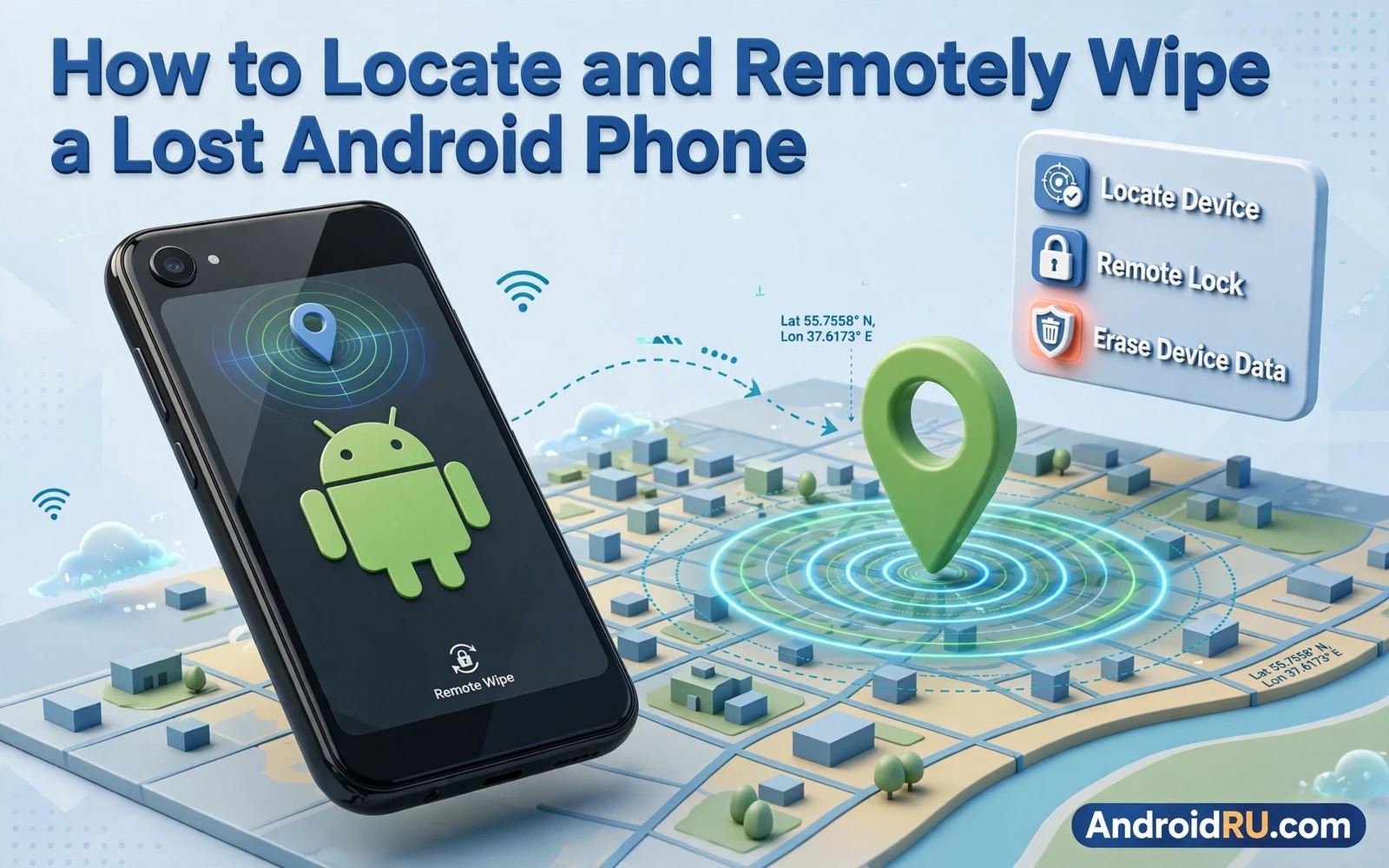
Losing a phone triggers panic because the device holds money and identity and private conversations in a form that fits in a pocket. A calm plan replaces panic with a sequence that protects data first and recovers the device second. The most important steps happen before loss when finder features are enabled and backups are current. The steps after loss then become a checklist you can follow from any computer or borrowed phone. This guide covers both halves so you are ready before loss and effective during it.
Start by confirming today that device finding is enabled while the phone sits safely in your hand. Open device settings and check location and finder options and make sure the phone appears in your account device list. Test location from another device and confirm that the map shows the phone position accurately. Test the ring function while the phone is in another room so you know the sound and the screen message it produces. A feature you have tested feels reliable in a crisis while a feature you merely enabled feels uncertain.
First Minutes After Loss
Retrace your steps mentally before assuming theft because many lost phones sit in a jacket or a car seat or a sofa cushion. Call the phone from another device and listen for a ring or vibration nearby. Ask people around you whether anyone handed in a phone. Check the finder map at once because a phone that is still powered and connected will show a recent position. If the map shows a familiar place then go there promptly with a companion rather than alone. Speed matters in the first minutes because battery and connectivity determine how long tracking remains possible.
Do not chase a moving location into an unfamiliar area alone. A location dot on a map is not proof of who holds the phone and confronting a stranger over a device creates risk that outweighs the value of the hardware. Share the location with a trusted person and consider involving local authorities if the location suggests theft. Safety outranks recovery in every case. A phone can be replaced and data can be restored from backup while a confrontation can cause harm that no device is worth.
Lock The Device Remotely
Remote lock is the first protective action when the phone is not within immediate reach. Locking replaces the lock screen message with a contact number or a return message of your choice. That message helps an honest finder return the phone without exposing your data. Locking also forces authentication before any app can be opened even if the phone was unlocked when it was lost. Act quickly because every minute unlocked is a minute in which data remains accessible to whoever holds the device.
Set a return message that includes a safe contact method without revealing sensitive details. A secondary phone number or an email address works well. Avoid including home address or full name details that a stranger could misuse. Test the lock screen message appearance during your preparation test so you know exactly what a finder will see. A clear polite message increases the chance of return while a blank lock screen gives a finder no path to help you.
Ring Play Sound And Show Location History
The ring function forces the phone to sound at full volume even when silent mode is on. Use it when the map suggests the phone is nearby but hidden under cushions or inside a bag. Play the sound in short bursts and listen carefully between bursts. Location history from your account may show recent places even when live location is unavailable because the phone went offline. Review that history for the last known place and time. That clue often narrows the search to a single venue or vehicle.
Remember that location accuracy varies with surroundings. A dot inside a large building may represent a broad area rather than a precise room. A dot on a road may lag behind a moving phone by minutes. Use location as a guide for searching rather than as absolute proof of a room or a person. Combine map data with your own memory of where you last used the phone. Together they usually point to a small search area that a careful physical check can cover.
Secure Accounts And Suspend Service
Account security runs parallel to device tracking because accounts remain accessible from other devices even while the phone is missing. Change passwords for email and banking from a clean device if you suspect theft rather than simple loss. Review active sessions and revoke the lost phone session where the service offers that control. Contact your carrier to suspend service or block the SIM if the phone will not be recovered quickly. Suspension stops calls and texts on your number while keeping the account itself recoverable later.
Report the loss to the carrier and note any reference details they provide for later follow-up. Ask whether the device identifier can be blocked on the network because blocking reduces the resale value of a stolen phone. Keep records of when you locked the device and when you suspended service because those timestamps help with insurance claims and carrier disputes. Account steps feel bureaucratic during a stressful moment but they close doors that a finder or thief might otherwise use.
When To Wipe The Device
Remote wipe erases user data from the phone and it is irreversible for data that lacks backup. Wipe when recovery looks unlikely and when the phone holds sensitive work or financial data that must not remain accessible. Wipe sooner for a phone lost in a public place with no honest finder contact and later for a phone lost at home where recovery remains plausible. Understand that wiping usually ends location tracking because the device resets and disconnects from your account. That trade-off makes timing important and explains why lock and locate come before wipe.
Before wiping confirm that a recent backup exists because wiping without backup turns a recoverable loss into permanent data loss. The recovery side of that decision depends on backing up and restoring Android data safely and fully before any crisis occurs. After wiping you can still restore that backup to a replacement phone and resume normal life with minimal disruption. A wipe protects privacy at the cost of the device itself and that cost is acceptable when sensitive data is at stake. Choose wipe deliberately rather than as a panic reaction in the first minutes.
After Recovery Or Replacement
If the phone returns after locking then inspect it before trusting it again. Check for unfamiliar apps and changed settings and unknown accounts. Run a permission review and consider a factory reset if anything looks altered because a returned device may have been tampered with during its absence. Change passwords again after recovery if the phone was out of your control for a long time. Caution after recovery costs little and prevents a quiet compromise from persisting.
If the phone does not return then restore your backup to a replacement and re-enable finder protection on the new device at once. Review the broader protection habits that reduce future loss impact and the overview of essential security settings for Android users covers lock strength and updates and backups as one system. Report theft to authorities with device details and carrier records where required. Keep the lost device in your account device list as blocked or removed following carrier guidance so it cannot quietly reappear as a trusted device later.
Prevent The Next Loss
Prevention is less dramatic than recovery but far cheaper. Keep the phone in a consistent pocket or bag compartment so its absence is noticed immediately. Use a distinctive case or a strap that makes the phone harder to slip unnoticed from a pocket. Enable automatic lock after a short idle period so a momentarily forgotten phone locks itself quickly. Keep backups automatic so loss never threatens data even when it threatens hardware. Review finder settings after every system update because updates can occasionally change defaults.
Household preparation helps too because a second device or a trusted family member can run the finder steps while you search physically. Share the recovery plan in plain terms so someone else can lock the phone for you if you cannot reach a computer. Save carrier contact details outside the phone itself. A plan that lives only inside the lost device cannot help when that device disappears. Write the essentials down and keep them where you can reach them without the phone.
Losing a phone also means rethinking sign-in methods on the replacement because credentials that lived only on the lost device may need a fallback while credentials synced through an account return quickly. Set up the replacement with the strongest sign-in method each service offers and store its backup codes somewhere safe before daily use resumes. A calm credential reset on a new phone closes a door that loss may have opened.
Insurance and police reporting follow different timelines from technical steps and both benefit from prompt notes. Record the time of loss and the last known location and the carrier reference while details remain fresh. Keep receipts for the replacement phone and for any service fees because claims often ask for them months later. A short written record made on the day of loss is far more reliable than memory reconstructed during a claim.
Consider an eSIM or a carrier lock feature for your next phone because a physical SIM can be moved to another device quickly after theft. Ask your carrier which protections apply to your plan and enable them before you need them. Small carrier settings rarely feature in loss guides yet they decide whether a thief can receive your verification codes. Prevention at the carrier level complements every finder feature on the device itself.
- Enable finder and location and test ring and lock before loss.
- Call and search nearby places first before assuming theft.
- Lock remotely at once and add a safe return message.
- Suspend service and secure accounts if recovery looks unlikely.
- Wipe only after confirming backup and accepting that tracking ends.
- Inspect any recovered phone and reset it if tampering is possible.

