

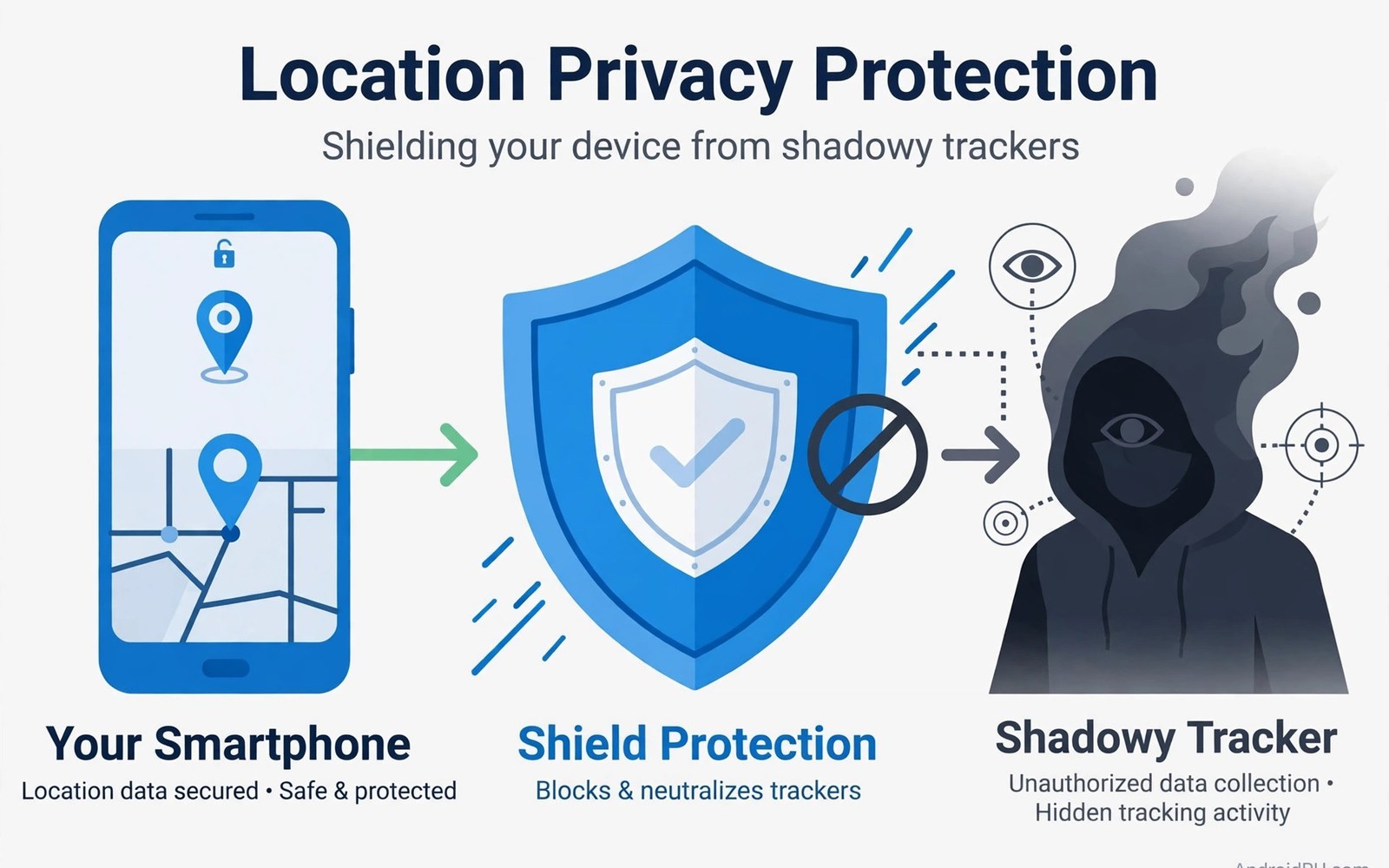
Stalkerware is software that tracks a person without clear consent. It may record location and messages and calls. It may read photos and social activity. It often hides its icon. It often runs in the background for weeks. The person being tracked may not know it exists. This article explains how it works and how to remove it safely. Safety comes first in every step. Removal must not alert a dangerous person or put the victim at more risk.
Stalkerware differs from ordinary spyware in its purpose. Ordinary spyware often targets many users for money. Stalkerware targets one person for control. It may be installed by a partner or a family member with physical access. It may arrive through a link or a fake app. It may use a legitimate parental tool in a harmful way. The technical tricks overlap with spyware. The human risk is higher. A removal plan must consider personal safety alongside technical steps.
How stalkerware gains access
Physical access is the most common install route. Someone holds the phone for a few minutes and installs an app. They may disable security prompts during that time. They may grant permissions quickly. They may hide the app icon after install. The victim later uses the phone normally. The tracker runs silently. Check for apps installed on dates when someone else held your phone. A new app from that date deserves close review.
Remote install is less common but still possible. A link in a message may lead to a download. A fake system update prompt may install a tracker. A shared account may sync a tracker across devices. Check message history for links you did not tap. Check account devices for unknown entries. A device you do not recognise in your account list deserves removal. Change account passwords after you remove unknown devices.
Some stalkerware abuses accessibility service and device admin rights. Accessibility service can read screen content and messages. Device admin rights can block uninstall attempts. Notification access can read incoming messages. Location access all the time can track every movement. A single app with all of those grants is a strong warning. No casual app needs that full set. Review those four grants together for every app. A tracker often needs several of them at once.
Signs that stalkerware may be present
Battery drain and data spikes can signal a tracker. Location tracking uses GPS often. Message reading uses data often. A phone that drains fast with little use deserves a check. A data spike at night deserves a check too. These signs alone do not prove stalkerware. They do justify a permission audit. Check battery and data by app. Look for a tool app with high background use. That pattern fits a tracker well.
Strange behaviour can also signal a tracker. Settings may change without your action. An app may reappear after you delete it. The phone may restart at odd times. A new device may appear in your account list. Someone may know details about your movements that you did not share. That knowledge is a serious warning. Trust your instinct when private details leak to the wrong person. A technical check can confirm or rule out a tracker.
Check the app list in settings for hidden apps. Stalkerware often hides from the launcher. It still appears in settings. Read every app name slowly. Look for generic names like system service or update service. Look for blank icons. Look for apps with no clear purpose. A hidden app with location access is a red flag. Note its name before you act. Do not delete it yet if safety planning comes first. Read the safety section below before removal.
Safety planning before removal
Think about safety before you delete a tracker. Deleting it may alert the person who installed it. That alert could increase danger in some situations. If you feel unsafe then seek help first. Contact a trusted friend or a support service. Use a safe device for that contact if you can. A library computer or a friend phone works well. Do not use the tracked phone to seek help about the tracker. The tracker may read that contact too.
Preserve evidence if you may need it later. Take photos of suspicious apps with another device. Note dates and app names. Save messages that show leaked knowledge. Do not rely on the tracked phone alone for evidence. Copy key details to a safe place. Evidence helps support services and authorities act. It also helps you remember details under stress. Keep evidence outside the tracked phone.
Plan a safe time and place for removal. Choose a time when you are safe and supported. Have a trusted person nearby if possible. Know where you will go after removal. Know how you will contact help if needed. Removal is a technical step. Safety is a human step. The human step comes first. If you are unsure then pause and seek advice before you delete anything.
Remove stalkerware safely
When it is safe to act then enter safe mode. Safe mode blocks third party apps from running. Open settings and find the tracker app. Revoke its device admin rights first. Revoke its accessibility service next. Revoke its location and message access too. Then uninstall it. Check for partner apps in the same session. Remove them as well. Restart in normal mode and test for a day.
After removal change passwords from a safe device. Start with email and cloud accounts. Change social account passwords next. Enable two factor authentication where offered. Review account devices and remove unknown entries. Check location sharing settings in maps and social apps. Turn off sharing with people you do not trust. These steps close the doors that the tracker used. For a general removal order see removing spyware and adware step by step and follow it after safety planning.
- Seek help on a safe device before removal if you feel unsafe.
- Preserve app names and dates with photos from another device.
- Remove admin rights and accessibility service before uninstall.
- Change passwords from a safe device after removal.
- Review location sharing and account devices after cleanup.
Check for other tracking routes
Stalkerware is not the only tracking route. Location sharing in maps can track you without any malware. Shared photo albums can reveal location through metadata. A shared account can sync messages across devices. Check each route after app removal. Turn off location sharing with untrusted people. Review shared albums and shared accounts. Remove unknown devices from every account. A clean phone with open sharing still leaks location.
Check Bluetooth trackers and shared devices too. A small tracker tag in a bag or a car can track location without phone malware. Check bags and cars for unknown tags. Check paired Bluetooth devices in settings. Remove pairings you do not recognise. These physical checks complement app removal. For camera and microphone tracking signs see signs your camera or microphone is monitored and audit sensors as well.
Check for a second phone or tablet signed into the same account. A shared tablet can read messages synced from the phone. A shared computer can read cloud photos. Review all signed in devices in account settings. Sign out unknown devices at once. Change the account password to block re-sign in. This account hygiene stops tracking that survives app removal.
Rebuild privacy after removal
Set a strong screen lock that only you know. Use a PIN or a password that no one else can guess. Turn off unknown installs. Review permissions monthly. Keep the app list small. Each step reduces the chance of a repeat install. Tell trusted people about the new lock habit. Ask them not to install apps on your phone without your clear consent. A clear boundary protects privacy.
Keep security updates turned on. Updates patch flaws that trackers abuse. Check for updates weekly if automatic updates are off. Restart after major updates. A current phone plus tight permissions is hard to track silently. For a broader infection audit see how to know if your phone is infected and complete it monthly. That audit catches new trackers early.
Keep a trusted contact list ready
Keep a trusted contact list outside the tracked phone. Write down two people you can call for help. Write down a support service number from a known source. Keep that list on paper or on a safe device. When stress hits you will not need to search for numbers on a tracked phone. A ready list speeds help and reduces risk. Update the list when contacts change. Share the list only with people you trust fully. A ready list is a small step with a large safety payoff.
Also keep a spare charger and a safe bag for the phone during removal. A charged phone lets you test after cleanup without interruption. A safe bag or a powered off state stops tracking during travel to help. Power off the phone when you travel to a safe place if tracking is a concern. Power off stops most app tracking at once. Turn it back on only in a safe location after removal. These practical steps support the technical steps and they cost nothing.
Watch for tracking after a clean removal
Tracking can return through a new install or a restored backup after a clean removal. Watch account devices for two weeks after cleanup. A new unknown device in that period signals a repeat attempt. Watch location sharing settings as well. A sharing link can be re-enabled by a synced device. Check sharing weekly for a month. Early detection of a return prevents a long second tracking period. If tracking returns then repeat the safe mode removal and change passwords again on a safe device. A second removal with fresh evidence is stronger than the first.
Safety first:
Safe device > Seek help > Preserve evidence > Plan
Remove: Safe mode > Admin off > Accessibility off > Uninstall
After: New passwords on safe device > Devices review > Sharing off
The steps above follow the approach described in the official developer documentation for Android security and app permissions. That guidance stresses least privilege and user control over location and accessibility access. It also stresses safe handling of powerful permissions. Use those controls with a safety plan and not as a rushed delete.
Stalkerware controls a person through a phone. Removal restores control to the rightful owner. Plan safety first and preserve evidence. Remove in safe mode and close account doors after. Rebuild privacy with locks and audits and boundaries. If you feel unsafe at any step then seek help from a trusted person or a support service at once. You deserve a phone that serves you alone.

