

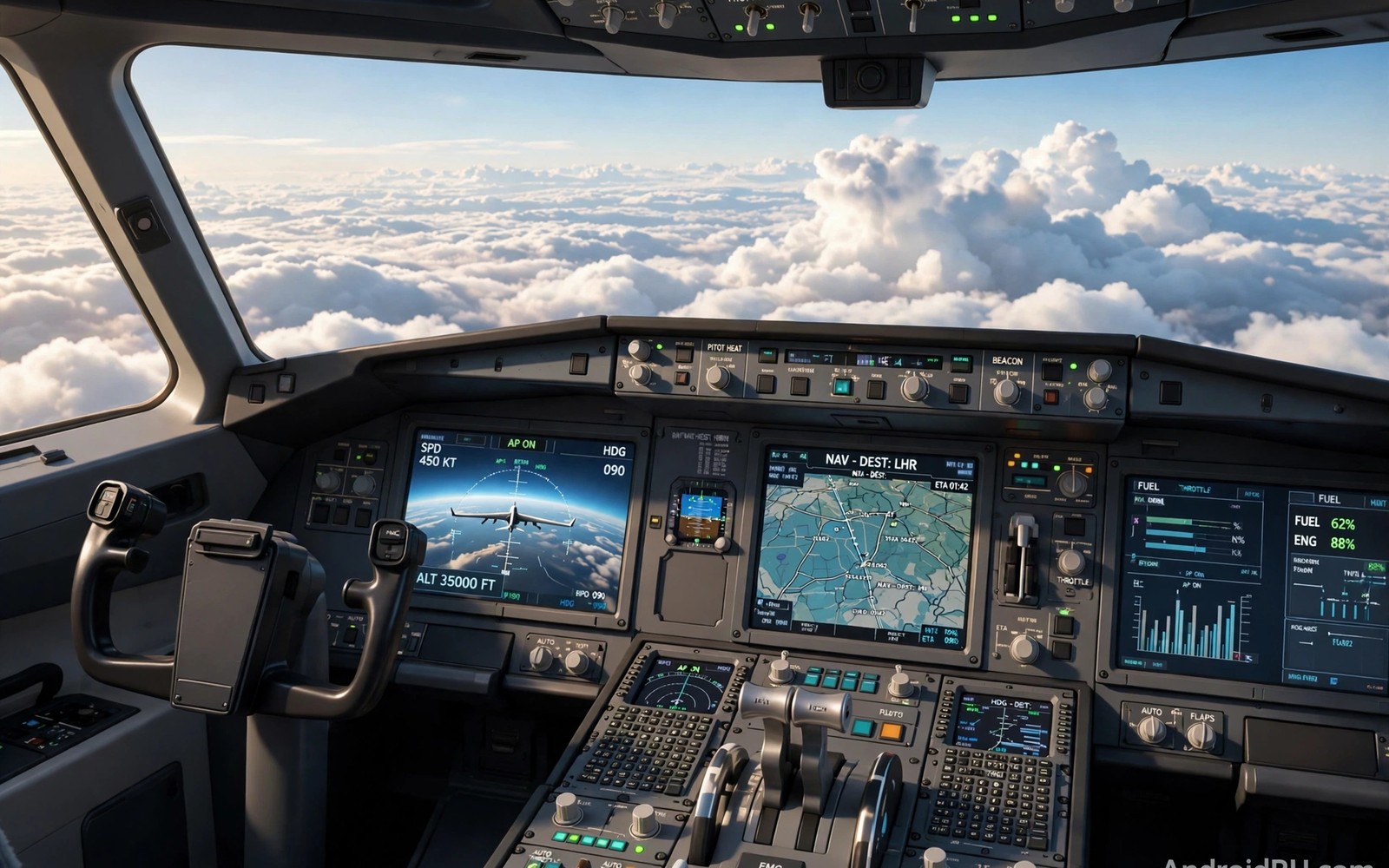
Flight simulators for Android bring cockpits and weather and navigation to your pocket. Landing a plane smoothly feels as rewarding as any race win. Takeoff and cruise and approach each demand different skills. This guide helps you pick a sim that matches your device and ambition.
Mobile flight sims range from relaxed arcade flying to serious procedure training. Arcade sims let you fly quickly with simple controls. Serious sims model flaps and trim and navigation systems deeply. Your patience and interest should guide the choice. futuristic anti-gravity racing
Device performance matters greatly for flight sims with large scenery. Detailed terrain and weather systems tax phones during long flights. A stable frame rate matters most during landing approaches. Choose scenery settings that keep landings smooth above all else.
Aviation history enriches flight simulator enjoyment significantly. Early pilots navigated by landmarks and basic instruments. Modern sims recreate that evolution accessibly. Historical context makes instrument learning feel meaningful rather than tedious.
Start with takeoffs and landings
Takeoff teaches throttle and rotation speed in a clear sequence. Accelerate smoothly down the runway and rotate gently at speed. Climb at a steady angle without yanking the controls. Smooth takeoffs set up calm flights from the start. Rushed takeoffs create problems that follow you airborne.
Landing is the skill that defines flight sim enjoyment for most players. Approach at stable speed and steady descent rate. Flare gently just before touchdown to soften contact. A smooth landing feels wonderful after a long flight. Practice landings alone before full flights with navigation.
Crosswind takeoff techniques differ from landing techniques subtly. Takeoff crosswinds demand aileron into wind initially. Gradual rudder use aligns the plane during climb. Practice crosswind takeoffs after landing skills solidify. Takeoff confidence completes wind training.
Learn basic cockpit instruments
Six core instruments guide flying without outside views in sims. Airspeed and altitude and attitude form the core scan pattern. Heading and vertical speed complete basic awareness. Scan instruments in a steady rhythm during flight. Fixation on one instrument causes drift in others quickly.
Trim controls reduce the need to hold constant pressure on controls. Set trim so the plane holds attitude hands free briefly. Trim changes with speed and flap settings during flight. Learn trim early because it reduces fatigue on long flights. Tired hands make sloppy landings after long cruises. parking simulators
Stall awareness protects sim pilots during slow flight phases. Stalls occur when wings exceed critical angle of attack. Recovery requires lowering nose and adding power promptly. Practice stall recovery at safe altitudes in sims. Stall knowledge prevents approach accidents.
adb shell settings put system accelerometer_rotation 0
adb shell cmd game mode performance com.example.flight
adb shell dumpsys gfxinfo com.example.flight framestats
The commands above are adapted from public platform documentation for Android settings and game performance tools. They are included here as a teaching example for testing flight sim smoothness and not as copied game code.
Understand weather and wind
Wind changes takeoff and landing direction choices completely. Land into the wind whenever runways allow that choice. Crosswinds demand crab angles or wing low techniques. Practice crosswind landings in calm sim conditions first. Gradual wind increases build skill without frustration.
Clouds and visibility affect navigation and approach planning strongly. Low clouds hide runways until late in the approach. Use instrument guidance when visual cues disappear. Weather settings let you practise hard conditions safely. Start clear and add weather difficulty slowly over weeks.
Radio navigation adds realism beyond visual waypoint flying. VOR beacons guide routes across regions without GPS. Learning radio navigation deepens simulator immersion greatly. Start radio navigation after visual navigation feels easy. Layered learning prevents overwhelming beginners.
Navigate with maps and waypoints
Navigation turns random flying into purposeful journeys across regions. Waypoints mark turns and climbs and descents along a route. Follow waypoints in order and check progress often. Getting lost wastes fuel and creates stressful recoveries. Planned routes feel satisfying from takeoff to landing.
Fuel planning matters on longer flights in realistic sims. Check fuel burn and distance before departure every time. Carry reserve fuel for diversions and holding patterns. Running low on fuel turns a fun flight into panic. Professional habits make sim flying calmer and richer. kart racing games
Aircraft weight and balance affect takeoff performance strongly. Heavy aircraft need longer runways and higher speeds. Forward balance improves stability but reduces manoeuvrability. Check weight before departure in realistic sims. Weight awareness is professional pilot habit.
Pick a sim for your phone
Large scenery sims need strong phones and plenty of storage space. Smaller region sims run well on mid range phones. Check scenery size before downloading on limited data plans. Streaming scenery needs stable internet during flight. Downloaded scenery works better for offline travel flying.
Control options vary from touch yokes to tilt flying to external controllers. Touch controls suit short flights and casual exploration. Tilt controls feel natural for gentle turns and climbs. External controllers suit serious sim pilots with desk setups. Test control styles during free flights first.
Night flying introduces lighting and instrument reliance challenges. Runway lights guide approaches when terrain disappears. Cockpit lighting preserves night vision during flight. Night skills build on solid day flying foundations. Practice night flights after day landings feel smooth.
Plan your first cross country flight
Cross country flights combine navigation and fuel and weather skills. Choose a route between two familiar airports first. Check distance and fuel requirements carefully before departure. Familiar endpoints reduce navigation stress during flight.
File a mental flight plan with waypoints and altitudes. Waypoints should mark turns and climb points clearly. Altitudes should respect terrain along the route. Written plans prevent mid flight confusion effectively.
Monitor fuel and position at each waypoint during flight. Early deviations compound into large errors later. Correct small errors promptly rather than ignoring them. Professional monitoring habits make long flights calm.
Prepare a diversion airport option before departure always. Weather or fuel issues may require route changes. Diversion planning removes panic from unexpected situations. Calm pilots always keep options available.
Keep improving after the basics
Advanced sim pilots practise emergency procedures in safe simulator conditions. Engine failures during climb demand immediate airspeed control. Electrical failures demand instrument prioritisation under stress. Simulator emergencies teach calm decision making safely. Real pilots train emergencies repeatedly for good reason. Sim pilots benefit from similar discipline. Emergency practice adds depth beyond routine flights.
Flight planning tools outside games enhance simulator realism for enthusiasts. External charts show airspace and terrain details. Weather tools show winds aloft for route planning. External planning deepens immersion beyond in game maps. Enthusiast tools suit serious sim pilots best. Casual pilots can ignore external tools without penalty. Optional depth is a simulator strength.
Virtual airlines and flying clubs add social structure to flight sims. Clubs organise group flights and shared routes. Group flights teach formation discipline and communication. Social flying motivates regular practice across months. Join clubs after basic flying skills feel solid. Community flying transforms solitary simming into shared adventure.
Common mistakes
The top mistake is yanking controls during landing flare. Harsh inputs cause bounces or hard touchdowns that spoil flights. Flare gently and let the plane settle onto the runway. Patience in the final seconds defines landing quality.
Another mistake is ignoring trim during long flights. Holding constant pressure tires hands and causes altitude drift. Trim often and in small amounts as speed changes. Trimmed flight feels calm and controlled throughout.
A further mistake is flying full routes before mastering landings. Weak landings spoil otherwise excellent flights consistently. Landing mastery should precede long route ambitions. Short pattern practice builds landing confidence efficiently.
Frequently asked questions
Do I need real aviation knowledge to enjoy flight sims?
No arcade flight sims teach basics through tutorials and assists. Serious sims reward gradual learning over months. Start simple and add systems one at a time. Curiosity matters more than prior knowledge for enjoyment.
Arcade flight sims teach basics through tutorials and assists. Serious sims reward gradual learning over months. Start simple and add systems one at a time. Curiosity matters more than prior knowledge.
Can phones run realistic flight simulators well?
Yes modern phones run detailed flight sims with careful settings. Lower scenery detail during landing practice for smoothness. Mid range phones handle regional sims comfortably. Flagship phones handle global scenery better overall.
Modern phones run detailed flight sims with careful settings. Lower scenery detail during landing practice for smoothness. Mid range phones handle regional sims comfortably. Flagship phones handle global scenery better.
How long does a typical sim flight take?
Short flights between nearby airports take fifteen minutes. Longer regional flights can take an hour or more. Save features let you pause long flights across sessions. Choose flight length to match your free time.
Short flights take fifteen minutes between nearby airports. Longer regional flights can take an hour or more. Save features pause long flights across sessions. Choose flight length to match free time.
Conclusion
Flight simulators for Android reward calm control and steady learning. Master takeoffs and landings before complex navigation. Learn instruments and trim early for comfortable flights. Weather skill grows slowly with deliberate practice.
Your next step is simple tonight. Fly ten landing approaches in one sim with clear weather. Focus only on stable speed and gentle flare. Add a light crosswind tomorrow once landings feel smooth.
Fly a short cross country route this weekend using your flight plan. Keep waypoints simple and fuel reserves generous. Success will motivate longer routes gradually. Aviation skill grows one planned flight at a time.

