

Download APK Sketchbook Feature Guide, Key Limitations & Review
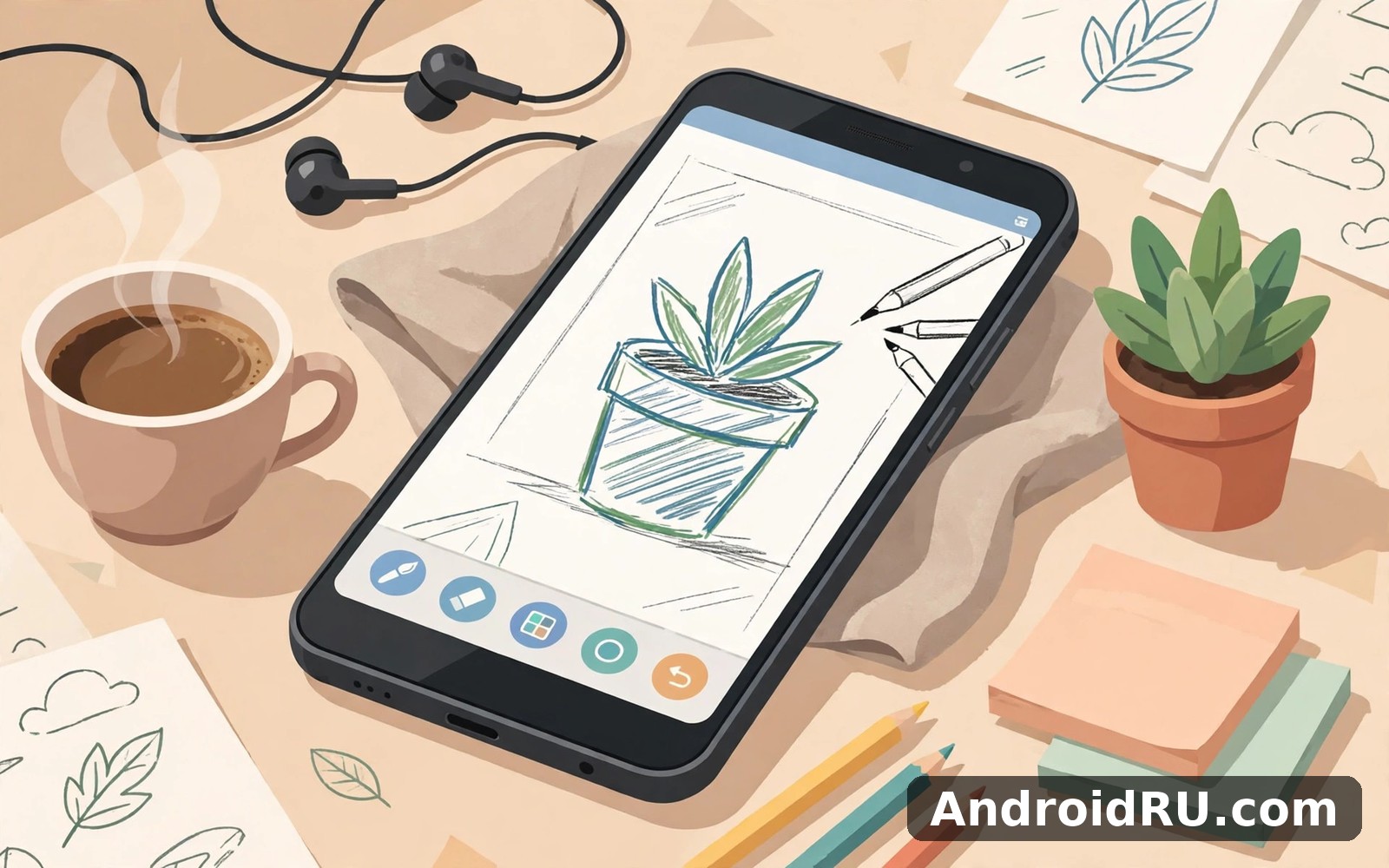
I first tried Sketchbook on a phone with a cheap stylus and very low expectations. I assumed a phone screen would be too small for anything serious. Within ten minutes I had sketched a rough landscape that actually looked like a landscape. The tools stayed out of my way and the canvas felt calm. That calm is rare in creative apps that love to show off every feature at once. You can try Sketchbook on AndroidRU if you want a drawing space that stays quiet.
I am not a professional artist and that matters for this review. I draw for fun and for stress relief and occasionally for a card for a friend. Sketchbook suited that level perfectly without making me feel like an amateur. The app never scolded me for messy lines or odd colour choices. It just gave me tools and let me play. That permission to play is worth more than a hundred advanced features.
Why a clean canvas changes how you draw
A clean canvas changes your mindset before you draw a single line. You focus on the shape in your head instead of hunting through menus. Sketchbook keeps the main tools close and the rest tucked away neatly. I found my favourite brush within minutes and I rarely needed anything else. When I did need a different tool it was two taps away at most. That closeness kept my drawing flow intact.
On a mid-range phone the brush strokes followed my stylus with only a tiny lag. The lag was small enough that I stopped noticing it after a few minutes. I did once draw a line that jumped when my palm touched the screen. I laughed and undid it and carried on without losing the sketch. Palm rejection is never perfect on a phone but here it was good enough for casual work.
Brushes and layers without the learning curve
Brushes cover the basics well from pencil style lines to soft painterly strokes. I use a simple pencil brush for sketches and a soft brush for shading. That pair covers most of what I draw in a normal session. More exotic brushes exist for days when I feel experimental. I tried a textured brush once and it turned a dull sky into something interesting.
Layers sound technical but here they feel friendly and practical. You can sketch on one layer and colour on another without ruining the sketch. I made a mess of colours on a separate layer and simply cleared that layer. The sketch underneath survived completely untouched. That safety net encouraged me to experiment far more boldly.
What you can create in a short session
Short sessions work beautifully because a sketch does not need to be finished in one sitting. You can rough out an idea in ten minutes and return to it tomorrow. I often sketch during a commute and colour later at home. The app remembers your work and you pick up exactly where you left off. That continuity suits a busy life far better than a tool that demands long sittings.
Colour tools are simple to use and surprisingly satisfying on a small screen. You can pick a colour quickly and adjust it without a complex picker. I built a small palette of colours I love and I reuse it often. That palette gives my sketches a consistent feel even when my subjects change. Friends have commented on that consistency and I credit the simple colour tools.
Other drawing apps that complement it
Drawing apps each have a personality and trying a few helps you find yours. If you want a more feature rich painting studio then Infinite Painter is a natural next app to try. It offers deeper brush control for artists who want more power. For a playful sketch feel with a paper like texture then Tayasui Sketches brings a lighter and softer touch. And if you draw ideas and diagrams as well as art then Concepts Sketch Note Draw handles flexible vector style sketching well.
I still open Sketchbook first when I want to draw without thinking. The other apps are excellent but they ask a little more from me. Sketchbook asks almost nothing and gives a calm page in return. That trade suits my casual drawing habit perfectly.
Getting started with your first sketch
Start with a blank canvas and a single brush and do not plan a masterpiece. Draw a simple object from your desk and focus on shapes rather than details. My first sketch was a coffee mug and it looked gloriously wonky. I kept it anyway because it marked the start of a habit. Wonky first sketches are a badge of honour in my view.
Save your work often even though the app handles saving well. I export a copy when a sketch feels finished enough to share. Sharing a sketch with a friend is a lovely way to close a session. The first time I shared one my friend asked if I had drawn it by hand. I said yes with great pride and a little disbelief.
A relaxed way to learn the tools
Learn one tool per session rather than trying to master everything at once. One day focus on brushes and the next day try layers. That slow pace builds real skill without overwhelm. I tried to learn everything on day one and it left me confused. A slower approach the following week worked far better.
Sketchbook speed on a mid-range phone
Performance on my phone stayed smooth for sketches with a modest number of layers. Very large canvases with many layers can slow down on older hardware. I keep my canvas sizes reasonable and I merge layers when a sketch gets busy. That habit keeps the app responsive even on a mid-range device. If your phone is older then smaller canvases will feel much better.
The honest limit is screen size rather than the app itself. Detailed work on a phone screen requires zooming in and out constantly. A tablet transforms the experience completely if you have one. On a phone I stick to looser sketches and quick ideas. That limitation is about hardware and not about the quality of the tools.
What casual artists tend to love
Casual artists tend to love the calm layout and the lack of pressure in this app. They like that a sketch can start in seconds without a project setup ritual. They also like that undo is fast and forgiving when a line goes wrong. A longer term user would likely say the app earns trust by staying stable across many sessions. That stability matters when a sketch means something to you.
A note on drawing with your finger
You do not need a stylus to enjoy this app at all. Finger drawing works well for loose sketches and bold shapes. A stylus helps with fine detail but it is not required. I draw with my finger on busy days and with a stylus when I want precision. Both approaches feel valid here.
One habit that improved my sketches
I sketch the same simple object once a week and compare the results over time. That tiny ritual shows progress that daily drawing hides. My coffee mug sketches have improved visibly over months. That visible growth keeps me drawing even on uninspired days.
A simple example for a sketch setup
Here is a small example setup to copy for your first sketch. It does not describe the internal code of the app. Treat it as a reminder for canvas size and brush choice.
canvas_size: medium
main_brush: pencil
colour_layer: separate
save_after_session: true
Change one setting at a time and test it on a quick sketch. If a brush feels wrong then try another without guilt. The best setup is the one that disappears while you draw.
Sketching on a train and other odd places
Some of my favourite sketches happened in odd places like trains and waiting rooms. Sketchbook travels well because it needs no desk and no special setup. I sketched a fellow passenger once from memory after they left. The result was imperfect but it captured the feeling of that journey. Those imperfect travel sketches are now among my favourites.
Drawing in public felt awkward at first but the phone form factor helped. Nobody stares at a person tapping a phone the way they stare at an easel. That privacy gave me courage to sketch strangers and street scenes. Over time the awkwardness faded and curiosity took its place. I now look for drawing subjects everywhere I go.
Colour choices that changed my sketches
Colour scared me at first because a wrong colour can ruin a decent sketch. Layers removed that fear by letting me test colours safely. I paint colour on a separate layer and hide it if the result looks wrong. That freedom turned colour from a risk into a playground. My sketches gained warmth once I stopped fearing a ruined drawing. A bold colour choice sometimes fails but the sketch underneath always survives.
I also learned to limit my palette to three or four colours per sketch. A limited palette forces creative choices and keeps the result coherent. Too many colours once made my sketches look noisy and unfocused. With fewer colours each choice matters more and the sketch feels calmer. That restraint improved my work more than any new brush did.
Sketching from life versus from imagination
Sketching from life teaches observation in a way imagination alone cannot. I draw objects around me and notice shapes I had ignored for years. A chair is not just a chair once you study its angles and shadows. That attention carries into everyday looking even when I am not drawing. Imagination sketches feel freer but they benefit hugely from that observed detail. I alternate between both approaches to keep my practice balanced.
From imagination I draw creatures and scenes that would never sit still in real life. Those sketches are messier and more joyful than my careful life drawings. Sketchbook handles both styles without forcing a workflow on me. I can switch from a careful study to a wild doodle in seconds. That flexibility is why the app fits so many moods.
My closing thought on Sketchbook
Sketchbook earns its place on my phone by staying calm and reliable and fun. It does not try to turn me into a professional artist overnight. It gives me a clean page and good tools and then it steps aside. That restraint is a design choice I respect more with each session. For casual drawing it is hard to ask for more.
If you want a low pressure place to draw then start with a simple sketch today. Do not aim for perfection and do not compare yourself with online artists. Draw a mug or a tree or a face from memory. You can begin from Click here to download the Sketchbook app and see where a quiet canvas takes you.
If you want to try a similar tool, Click here to download the Infinite Painter app. You can also Click here to download the Tayasui Sketches app when you are ready to compare it with this one.

