

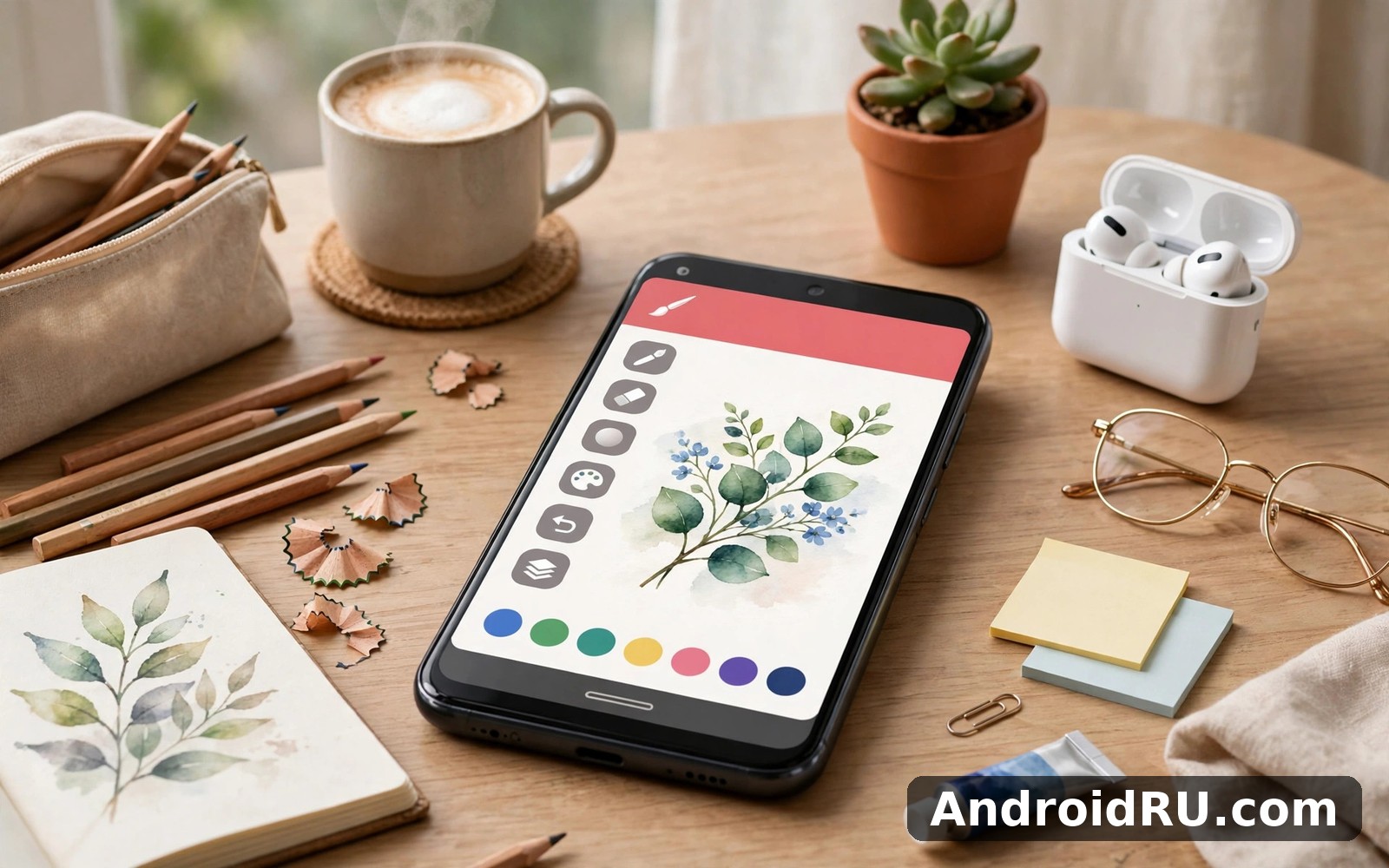
Download APK Infinite Painter Latest Feature Review & User Experience
Infinite Painter first impressed me with how seriously it takes painting on a phone. I expected a toy and found a studio that respects the craft. The brush engine felt responsive from the very first stroke. Colours blended in a way that reminded me of real paint. I spent my first session painting a sunset and I lost track of time completely. You can explore Infinite Painter on AndroidRU if painting matters more to you than simple doodling.
I am not a trained painter but I love colour and texture. This app gave me tools that felt professional without making me feel out of place. I started with basic brushes and slowly discovered more depth. Each discovery felt like finding a new room in a house I thought I knew. That sense of depth kept me returning long after the novelty faded.
Painting that feels closer to real media
Real media painting is about texture and blending and happy accidents. Infinite Painter captures some of that feeling through brush behaviour. A brush stroke can feel dry and scratchy or wet and smooth depending on settings. I played with those settings for an evening and learned what each one did. That play taught me more than reading a manual would have.
Blending colours on canvas is particularly satisfying here. You can drag one colour into another and watch a soft transition form. My sunset painting benefited hugely from that blending. The sky shifted from orange to purple without harsh bands. That smooth gradient made the whole painting feel more finished.
Brush control for painters who want depth
Brush control goes deeper than a simple size slider in this app. You can adjust behaviour in ways that change how a stroke feels. I do not use every control and I do not need to. But knowing deeper control exists gives me room to grow. A beginner can ignore it and a keen painter can explore it for months.
I found a favourite brush for foliage after trying many options. It gave leaves a textured edge that looked natural rather than stamped. That single brush improved my landscape paintings noticeably. Finding a favourite brush feels like finding a favourite pen. You reach for it without thinking and it rarely disappoints.
Layers and composition for larger pieces
Larger pieces need layers to stay manageable and this app handles them well. I paint sky on one layer and foreground on another. That separation lets me adjust the foreground without touching the sky. I once repainted a whole tree line without disturbing clouds I loved. That freedom encourages bigger and bolder compositions.
Composition tools also help when a painting feels unbalanced. You can move a layer slightly and test a new arrangement quickly. I shifted a mountain layer left by a small amount and the painting improved instantly. Small adjustments like that are hard on paper but easy here. Digital painting rewards experimentation in a way paper cannot.
Other painting and drawing apps to compare
Painting apps differ in depth and mood so comparison helps you choose. If you want the calmest sketching experience then Sketchbook is a natural next app to try. It keeps the canvas quiet and the tools simple. For a middle path with good sketch tools then Sketch Pro Draw Create Art balances power and ease nicely. And for a huge brush library with a community feel then ibis Paint X offers a different kind of painting playground.
I keep Infinite Painter for paintings where colour and texture matter most. The other apps serve quicker sketches and simpler ideas. That division mirrors how I use real sketchbooks versus canvases. Each tool has a job and each job deserves the right tool.
Learning the studio at your own pace
Learning a deep app takes patience and a plan helps. I learned one new brush behaviour per week rather than everything at once. That slow pace prevented overwhelm and built real skill. By month two I understood enough to paint confidently. By month three I was teaching a friend a few tricks. Slow learning compounds in creative tools just as it does elsewhere.
Tutorials inside the community can help when you feel stuck on a technique. I watched how other painters built a sky in layers. I copied the approach with my own colours and subject. Copying a technique is not copying a painting. It is learning a method you can apply to your own ideas.
Working on a phone versus a tablet
A tablet transforms this app from good to excellent for detailed painting. The larger canvas lets you see the whole piece while you work on details. On a phone I paint looser pieces and enjoy the portability. Both experiences are valid and both produce work I like. I choose the device based on how much time I have.
Stylus support matters more here than in simpler sketch apps. Fine brush control benefits from pressure sensitivity when available. I use a stylus for detailed work and my finger for broad washes. That combination covers most painting situations well. If you paint often then a stylus is a worthwhile addition.
Infinite Painter speed and its real limits
Performance depends heavily on canvas size and layer count in a painting app. Moderate sizes run smoothly on my mid-range phone. Very large canvases with many layers can lag during complex strokes. I merge layers periodically to keep a painting responsive. That housekeeping habit is part of digital painting life.
The honest limit is that digital painting still differs from real paint in feel. You cannot smell turpentine or feel canvas texture under your hand. What you gain is undo and layers and endless colour. I accept that trade gladly for everyday painting. The convenience outweighs the missing physical sensation for me.
What painters tend to value here
Painters who stay with this app tend to value brush depth and colour blending most. They like that a painting can grow over many sessions without degradation. They also like that experiments cost nothing but time. A longer term user would likely say the app rewards patience with beautiful results. That reward keeps the studio feeling alive month after month.
A note on keeping paintings safe
Export finished paintings regularly even if the app saves reliably. A copy outside the app protects work you care about. I export to my gallery after each major stage. That habit saved a painting once when I changed phones unexpectedly.
One blending habit worth trying
Try blending two colours on a separate layer before committing to the main painting. That test layer shows whether the blend works for your subject. I use this trick for skies and skin tones especially. It prevents regrettable blends on a nearly finished piece.
A simple Infinite Painter example to shape your setup
The block below is only an example starting point for your own setup. It is not a claim about the internal code of the app. Use it as a checklist for canvas and layer choices.
canvas_size: medium
sky_layer: separate
foreground_layer: separate
merge_layers_when_slow: true
Keep canvas sizes moderate on a phone and merge layers when things slow down. If a brush feels wrong then try a simpler one first. The best setup is the one that lets colour flow without interruption.
Painting light and shadow in landscapes
Light transforms a landscape painting more than any other single factor. A morning scene and an evening scene of the same hill look like different places. Infinite Painter let me experiment with light by adjusting colour layers. I painted the same hill twice with different light and compared the results. That comparison taught me how warm and cool colours shift a mood completely.
Shadow deserves equal attention because flat paintings often lack it. I once painted a bright scene that looked washed out and lifeless. Adding soft shadows under trees gave the scene depth instantly. Shadow is not just darkness. It is colour with less light and it carries its own beauty when handled gently.
A painting that took weeks to finish
One painting took me weeks because I returned to it in short sessions. Each session added a small layer of detail or corrected a colour. The slow pace suited my life and the painting improved gradually. Rushing it in one sitting would have produced a flatter result. Patience is a painting tool as real as any brush.
When I finally exported that painting I felt a quiet pride I had not expected. Friends assumed I had painted it in one inspired afternoon. The truth was far less romantic and far more satisfying. It was built from many small sessions and many small decisions. That slow building is how most good work actually happens.
Painting water and reflections
Water is a favourite subject because reflections double the colour in a painting. A lake at sunset holds sky colours upside down in a magical way. Infinite Painter blending helped me capture that soft mirrored effect. I painted the sky first and then dragged colours downward gently. The result looked like water rather than a copy of the sky. That distinction matters and blending made it possible.
Moving water needs a different approach with broken and lively strokes. I used short strokes for a river surface to suggest movement. Still water needs long smooth strokes to suggest calm. Learning that contrast improved my water paintings hugely. A river and a lake now look different in my work rather than generic blue shapes.
Why I keep returning to the same sunset
I have painted the same sunset view many times and each version differs. Light changes daily and my mood changes how I see colour. Returning to one view teaches me more than chasing new subjects constantly. Familiarity frees me to focus on technique rather than composition. That focus has improved my colour mixing more than any new subject could. A familiar view is a patient teacher.
My closing view on Infinite Painter
Infinite Painter earns its place as my serious painting app on Android. It offers depth without demanding expertise on day one. It rewards slow learning and bold colour experiments alike. The app will not teach you to paint on its own. But it gives you a studio that grows with your skill and patience.
If you love colour and texture then give this studio a proper trial. Paint a sky or a landscape and play with blending for an evening. Let yourself make messy first paintings without judgement. You can begin from Click here to download the Infinite Painter app and see what your first sunset looks like.
If you want to try a similar tool, Click here to download the Sketchbook app. You can also Click here to download the Sketch Pro Draw Create Art app when you are ready to compare it with this one.

