

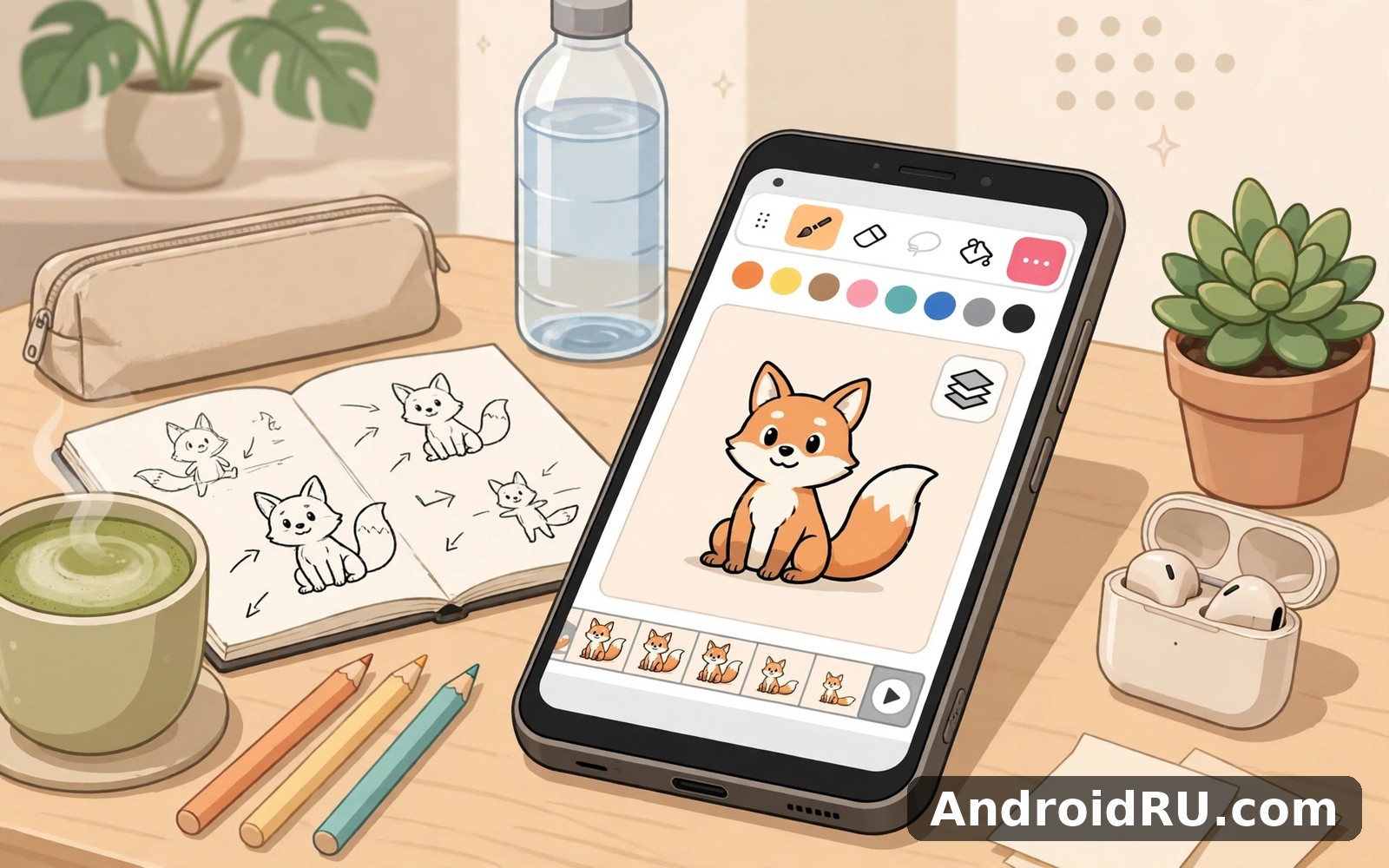
Download APK FlipaClip Draw 2D Animation Device Compatibility, What’s New & Full Review
FlipaClip Draw 2D Animation first delighted me because it made animation feel possible for a beginner. I had always assumed animation needed professional software and training. This app let me draw frames and play them back within minutes. My first animation was a bouncing ball that looked gloriously wobbly. I watched it loop ten times with ridiculous pride. You can try FlipaClip Draw 2D Animation on AndroidRU if animation has ever tempted you.
What hooked me was the flipbook feeling of the whole process. You draw one frame and then the next with a ghost of the previous frame visible. That ghost guide is called onion skinning by animators. It helps you place the next drawing just right. Without it my bouncing ball would have teleported randomly across the screen. With it the ball moved in a believable arc.
How frame by frame animation actually feels
Frame by frame animation feels like drawing with a purpose that stills lack. Each frame is a small step toward movement rather than a finished picture. I draw a frame and then nudge the shape slightly for the next frame. Playing back ten frames creates a movement that feels magical. That magic comes from patience rather than complex technology.
On a mid-range phone the drawing tools stayed responsive across many frames. I worked on a short walk cycle with twenty frames. The app handled frame switching without lag or confusion. I did once delete a frame by accident and I groaned loudly. Undo restored it instantly and I learned to save more often after that scare.
Onion skinning as your best friend
Onion skinning deserves special praise because it makes animation accessible. Seeing previous and next frames faintly guides your hand perfectly. You can judge movement distance at a glance. Too large a jump looks jerky and too small a jump looks frozen. The ghost frames let you find the sweet spot quickly. That visual feedback teaches animation timing intuitively.
Timing itself is a skill that grows with practice rather than theory. I started with slow movements and gradually tried faster ones. A fast run cycle took many attempts before it looked right. Each attempt taught me something about spacing and rhythm. Animation rewards that kind of patient iteration beautifully.
From a bouncing ball to a short story
Progress from a bouncing ball to a short story happens faster than you expect. After the ball I animated a character waving hello. That wave took twelve frames and a whole evening of fiddling. Watching the character wave felt like bringing a drawing to life. I showed it to a friend and she laughed with delight. That reaction made the whole evening worthwhile.
Short stories work best when they stay simple in scope. A character walking across a screen tells a complete story. Adding dialogue or complex scenes too early creates frustration. I keep my animations under thirty seconds for now. That limit forces creative choices that improve the work. Constraints often make art better rather than worse.
Other creative apps that complement animation
Animation sits alongside drawing apps in a natural creative family. If you want a huge brush library for character design then ibis Paint X is a natural next app to try. It helps you design characters with rich detail. For calm freehand sketching then Sketchbook offers a quiet canvas for storyboarding ideas. And for sketching in augmented reality style then AR Drawing Sketch Paint lets you trace and sketch in a playful way.
I use FlipaClip as my animation home and the others for design and storyboards. That division keeps each creative job in its best tool. Animation needs frame tools that drawing apps do not offer. Drawing apps offer brush depth that animation apps do not chase. Together they cover a full creative workflow.
Device compatibility in real life
Device compatibility matters hugely for animation because frames add up quickly. My mid-range phone handled short animations smoothly. Longer animations with many layers need more patience and memory. I keep projects short on my phone and export finished work regularly. That habit prevents a large project from slowing the app.
A stylus helps enormously for consistent character drawing across frames. Finger drawing works for simple shapes and bold characters. I use a stylus for characters and my finger for backgrounds. That combination balances precision and speed well. If you animate often then a stylus is worth considering seriously.
Sound and sharing your animations
Sound adds life to animation even when it stays simple. A short sound effect can turn a silent wave into a greeting. I add sound sparingly because bad sound ruins good animation. A single well chosen effect beats a noisy soundtrack. Silence also works beautifully for some short pieces.
Sharing animations with friends is the best part of finishing a project. I export a short clip and send it to family directly. Their reactions remind me why animation feels magical. A moving drawing surprises people in a way a still image cannot. That surprise is worth every frame of effort.
FlipaClip speed and its real limits
Performance depends on frame count and layer use in any animation app. Short projects run smoothly on most modern phones. Very long projects can strain older hardware noticeably. I split long stories into scenes to keep each project manageable. That scene approach also improves storytelling by forcing clear structure.
The honest limit is that frame animation takes real time no matter the tool. A ten second animation can require hundreds of drawings for smooth motion. That time cost surprises beginners who expect instant results. I accept it as part of the craft rather than a flaw. Animation rewards patience with movement that feels alive.
What new animators tend to love
New animators tend to love onion skinning and instant playback most. They like seeing movement emerge from simple drawings. They also like that a first animation takes minutes rather than days. A longer term user would likely say the app makes animation feel approachable. That approachability opens a craft that once felt closed to beginners.
A note on saving frame by frame
Save your project after every major scene even if autosave works well. A manual save habit protects work you care about. I save after completing each character movement. That habit saved a project once when my phone restarted unexpectedly.
One timing habit worth building
Play back your animation after every ten frames rather than at the end. Early playback catches timing problems while they are easy to fix. Waiting until the end means reworking many frames. Frequent playback keeps animation on track and morale high.
A simple example for an animation project
The block below is only an example starting point for your own project. It is not a claim about the internal code of the app. Use it as a checklist for frames and playback habits.
project_length: short
frames_per_scene: twenty
playback_check_every: ten_frames
save_after_scene: true
Keep projects short and check playback frequently. If timing feels wrong then adjust spacing before adding more frames. The best animation habit is frequent playback and regular saving.
Animating a simple walk cycle
A walk cycle is the classic animation challenge that teaches timing and weight. My first walk looked like a character sliding on ice. The feet did not match the body movement at all. Onion skinning helped me align each footstep gradually. After many frames the walk started to feel grounded. That grounded feeling was a breakthrough I still remember fondly.
Weight in animation comes from how a body rises and falls while moving. A walking character bobs slightly with each step. I learned to add that bob after watching my flat walk repeatedly. That small vertical movement transformed the whole animation. Details like bobbing separate lifeless motion from believable motion. Animation is full of such small revelations.
Storyboarding before animating
Storyboarding before animating saves time and prevents mid project confusion. I sketch key poses on paper before opening the app. Those key poses become anchors for the full animation. Filling frames between anchors feels purposeful rather than random. A storyboard turns a vague idea into a clear plan. That plan keeps a project moving on days when inspiration fades.
Animating with sound in mind
Animating with sound in mind changes how you time movements. A footstep sound should land exactly when a foot touches ground. I learned to time frames to a simple beat I hummed. That beat gave my animations a rhythm they had lacked. Sound aware animation feels more alive even before sound is added. Timing to an internal beat is a skill worth practising early.
Dialogue animation is a bigger challenge that I have only begun to explore. Mouth shapes must match spoken sounds roughly to feel believable. I started with simple open and closed mouth shapes. That simplicity worked for short greetings surprisingly well. Complex dialogue can wait until basic timing feels natural. Small steps keep animation enjoyable rather than overwhelming.
Animation as a gift for friends
Animations make wonderful personal gifts because they move and surprise. I animated a birthday greeting for a friend last year. Her delight at a waving character with her name was priceless. A bought card could never carry that personal movement. Digital animation makes such gifts easy to share instantly. A moving greeting feels like a small miracle to the recipient.
My closing view on FlipaClip
FlipaClip Draw 2D Animation earns its place by making animation genuinely accessible. It suits beginners who want to see drawings move. It suits hobbyists who enjoy short creative projects. It will not replace professional animation studios for feature work. But as a phone animation studio it delivers joy and learning in equal measure.
If animation has ever tempted you then start with a bouncing ball today. Draw ten frames and watch movement emerge from your hand. That moment of magic may hook you for years. You can begin from Click here to download the FlipaClip Draw 2D Animation app and bring a drawing to life.
If you want to try a similar tool, Click here to download the ibis Paint X app. You can also Click here to download the Sketchbook app when you are ready to compare it with this one.

