

Download APK Praktika AI Language Tutor Latest Features, Privacy Considerations & Review
Speaking a language is where most learners stall. Reading feels safe, listening feels manageable, and then a real person asks a question and the words vanish. Praktika AI Language Tutor attacks that exact stall with low-pressure conversation, and that focus is the reason it stands out from flashcard apps. You talk to an AI tutor, you make mistakes to software instead of to a stranger, and you build the habit of answering out loud.
I found Praktika while looking for a simpler option in its category, and I used it for ten minutes before breakfast most days for several weeks. The first lesson felt easy and almost too short. By day three the pace had picked up nicely, and I liked that it did not push a long session on a busy morning. This guide covers the latest features, the privacy side that every language app should be judged on, and an honest review of what it does well and where it falls short.
Think of this as a first-week companion. It shows the main features, the small snags I noticed, and the setup choices that matter. By the end you should know whether the app fits your routine, how much it costs, and what it does with your voice and your data.
What Praktika AI Language Tutor is and how it teaches speaking
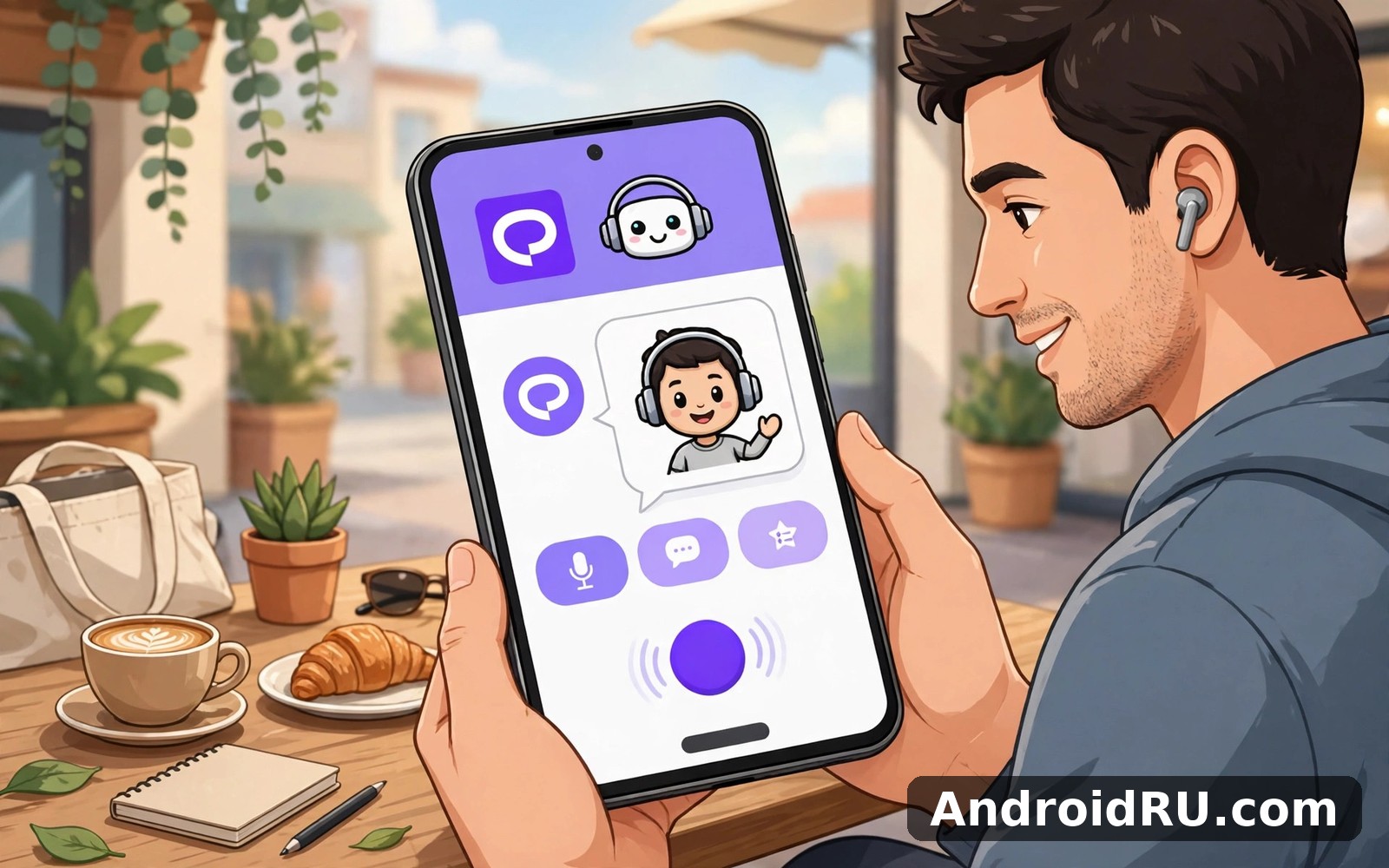
Praktika is a language learning app built around AI tutors that hold spoken conversations with you. Instead of drilling you with word lists, it gives you a tutor with a name, a personality, and a voice, and it asks you to talk. You pick a language and a level, and the tutor guides you through lessons, role-play scenes, and free conversation, correcting your grammar and pronunciation as you go.
The method is simple and it works because speaking is a skill of doing, not of reading about doing. A lesson might ask you to order food, introduce yourself at work, or ask for directions, and the tutor plays the other side of the scene. You answer out loud, the app listens, and it responds in a way that keeps the scene moving. That is closer to real life than tapping the right translation four times in a row.
AI tutors with personalities and why they matter for shy speakers
Each tutor has a distinct personality and a distinct voice, and that choice is more than decoration. A shy learner talks more freely to a friendly tutor than to a stern one, and the app lets you pick the tutor whose style suits you. I practised ordering food in a new language while cooking dinner, and making mistakes to an app felt far less embarrassing than making them to a waiter. That safety is the product, in a real sense, because it is what gets a nervous speaker to speak at all.
Languages, levels, and who the app is built for
Praktika covers widely learned languages including English, Spanish, French, German, Italian, and Portuguese, with the catalogue growing over time, and it places you at a level from beginner to advanced. Beginners get short, guided exchanges with heavy support, while intermediate learners get longer scenes and less hand-holding. The app suits learners who freeze up in real conversation, commuters with ten minutes a day, and people preparing for a trip or a job where they will need to speak. It suits them far better than it suits someone who only wants to read and write, because speaking is the centre of the whole design.
Praktika AI Language Tutor latest features in the current version
The current version of Praktika centres on four things: conversation practice with AI tutors, role-play scenarios, pronunciation feedback, and a personalised study plan that adapts to your level. Around those sit vocabulary drills, grammar tips in context, and daily practice reminders. Recent updates have added new tutors, new role-play scenes, and more languages, and the lesson library now runs to more than a thousand lessons across the supported languages.
One change I noticed in recent versions is that the tutors interrupt less and let you finish a sentence before correcting you. Earlier language apps corrected every small slip at once, which kills the flow of a conversation. Praktika now tends to let the scene run and then picks out the one or two errors that matter most. That is a better way to learn, because it keeps you talking instead of making you afraid of the next correction.
Conversation practice and role-play scenarios that feel real
Role-play is the strongest feature in the app. You can practise a job interview, a hotel check-in, a doctor visit, or a small-talk scene at a party, and the tutor stays in character while nudging you toward the words you need. The scenes use everyday language rather than textbook sentences, so the phrases you learn are ones you would actually say. I used the restaurant scene three times, and each time the tutor took it in a slightly different direction, which kept me from memorising one fixed script.
Pronunciation feedback and how accurate it feels
Pronunciation feedback is the kind of tool you notice only when it is missing. The app listens to your speech, marks words that sound off, and lets you hear the correct version next to your own attempt. It caught my mispronounced vowels more than once, and it was gentle about it. That said, speech recognition has limits. It sometimes accepts a rough pronunciation and sometimes flags a correct one because of background noise, so I treat its judgement as a guide rather than a verdict. Practising in a quiet room gives far better results than practising on a noisy street.
Personalised study plans, vocabulary, and grammar in context
The study plan sets a daily goal, picks lessons at your level, and adjusts as you improve. It is easy to find and easy to ignore if you do not need it yet, and that flexibility suits different kinds of users. Vocabulary drills pull words from the lessons you just finished, so new words arrive tied to a scene you remember instead of as a bare list. Grammar tips appear inside the conversation, at the moment you make the error, which makes them stick far better than a separate grammar chapter would. Grammar in context is the feature I would point to first if someone asked what makes the app different from a flashcard deck.
Praktika AI Language Tutor free and paid options explained
Praktika is free to install with a limited free tier, and the full experience runs on a subscription. The free tier lets you try conversation practice, meet the tutors, and complete a small number of lessons, which is enough to judge whether the speaking method suits you. The paid plan unlocks unlimited lessons, all tutors, all role-play scenarios, and the full study plan. Prices vary by region and by plan length, and longer plans cost less per month, so check the current plan screen inside the app before you commit.
The honest question is whether the subscription is worth it, and the answer depends on how often you speak. A learner who opens the app five days a week and talks for ten minutes each time gets real value from unlimited practice, because speaking volume is the whole point. A learner who opens it once a week will not get the same value, and the free tier or a cheaper flashcard app may serve them better. I suggest using the free tier for a full week before paying, and only subscribing when the app has already become a daily habit.
How to judge the subscription before you pay for Praktika
Before paying, finish the free lessons, try at least two different tutors, and complete one role-play scene from start to finish. If you enjoyed all three, the paid plan will give you more of what you already like. If you found the conversations stiff or the corrections unhelpful, paying will not fix that, and you should try a different app instead. A subscription multiplies the experience you already have, and it does not change its character.
| Option | What you get | Best for |
|---|---|---|
| Free tier | Sample lessons, meeting the tutors, limited conversation practice | Trying the speaking method for a week |
| Monthly plan | Unlimited lessons, all tutors, all role-play scenes | Short-term goals such as a trip or an interview |
| Longer plan | Same full access at a lower monthly cost | Daily learners planning months of practice |
How to set up Praktika AI Language Tutor step by step
The first run matters more than most guides admit. Take it slowly and read each screen instead of tapping through blindly. Ten careful minutes now saves confused taps later, and the choices you make on day one shape the lessons you get for weeks. Install from a trusted source and grant only the permissions you truly need. If a permission seems unrelated to the main job, deny it at first, because you can grant extra permissions later if a feature asks for them.
- Install the app, open it, and pick the language you want to learn and the language you already speak.
- Take the short placement check honestly, and do not guess at answers you do not know, because the level it sets decides the difficulty of your first lessons.
- Choose your AI tutor by listening to two or three voices, and pick the one whose pace and tone feel comfortable rather than the one that sounds most impressive.
- Set a daily goal of ten minutes, and set a reminder for a calm slot in your day, such as after breakfast or before bed.
- Allow microphone access when the app asks, because conversation practice cannot work without it, and test the microphone in a quiet room.
- Complete your first lesson, which is usually a short introduction scene, and read the feedback at the end instead of skipping it.
- Open the settings screen once and review the privacy and notification options before your second session, so the app behaves the way you want from the start.
One settings screen worth opening in Praktika
Most settings in Praktika sit in one settings screen. Open that screen once and read each option slowly. Change only the options that match your daily use, and check the reminder time and the daily goal together in your first week. A reminder that arrives at a busy hour will get ignored and then resented, so move it to a calm slot and the whole habit feels easier.
How Praktika runs on different phones
Most modern Android phones run Praktika without trouble, and on my mid-range test phone it opened quickly and settled into its main screen without fuss. Older phones may feel slower, yet the core tools still work, and if your phone is older, close other apps before you start a session. Screen size matters for detail work in particular, and a larger screen makes reading feedback easier, but a phone screen still works well. Test the app on your own device before you judge its speed, and use Wi-Fi for the first few sessions while lessons and voices load.
Data and privacy considerations for Praktika AI Language Tutor
Language apps handle sensitive material by nature, because your voice is biometric data and your mistakes reveal your level, your interests, and sometimes your plans. Praktika needs your microphone to hear your speech, and it sends audio to its servers so the speech recognition and the AI tutor can respond. That is how the product works, and it is also the reason to read the privacy settings before you settle in.
My privacy habit is simple and it works for most apps. Share the minimum, review the settings once a week later, and turn off sharing options you do not want to use. That short habit catches options you missed on day one. Check the privacy settings during your first week with the app, and look for controls over voice recordings, personalisation, and marketing messages. If the app offers a way to delete your voice history or your account data, learn where that control lives before you need it.
What data Praktika collects and what you can control
The app collects your account details, your learning progress, your lesson history, and the audio you speak into it. It uses that audio to recognise your speech and to generate the tutor’s reply, and it may keep recordings or transcripts to improve its models, depending on the current policy. You can control some of this from the settings screen, such as notifications and some data sharing choices, and you can delete the app and request account deletion if you stop using it. The exact retention rules sit in the privacy policy, and they change over time, so read the current policy inside the app rather than trusting a review written months ago, including this one.
Privacy tips for speaking practice with an AI tutor
Do not share personal details with the tutor that you would not share with a stranger. Use the role-play scenes as written instead of volunteering your real address, workplace, or travel dates, because the tutor does not need real facts to teach you the language. Practise in a private place when you can, keep the app updated so you get the latest privacy fixes, and review the permissions in your phone settings every few months. Voice data deserves a second look in any speaking app, and Praktika is no exception, because a voice recording is far harder to change than a password.
When to be cautious and when to relax about Praktika privacy
Be cautious about what you say aloud and about any optional data sharing you switch on without reading it. Relax about the core exchange itself, because sending speech to a server is the only way a speaking tutor can function, and every app in this category works the same way. The balance is to enjoy the conversation while keeping real personal facts out of it, and to check the settings once a month so a policy or app update has not quietly changed them.
Praktika AI Language Tutor vs Duolingo and other language apps
Praktika is not the only language app on Android, and the comparison shows what it does differently. Duolingo Learn Languages is the best-known alternative, and it teaches through short translation, matching, and listening exercises with a game-like streak system. It is excellent for building vocabulary and daily habit, and its free tier is generous. What it does less well is free speaking, because its speaking exercises are short and scripted, while Praktika lets you hold a real back-and-forth conversation.
Two more names to keep in mind are iTranslate Translator and Translate AI Live Translator for a wider comparison. Both are translators first and teachers second, and they are useful when you need to understand a sign, a menu, or a message right now. Neither one replaces a tutor, because translating a sentence is not the same as learning to say it yourself.
| App | Main strength | Speaking practice | Best for |
|---|---|---|---|
| Praktika AI Language Tutor | Open conversation with AI tutors and role-play | Full spoken scenes with feedback | Learners who freeze up when speaking |
| Duolingo Learn Languages | Game-like daily habit and vocabulary | Short scripted speaking drills | Daily habit and vocabulary building |
| iTranslate Translator | Fast translation and offline packs | Voice translation, not teaching | Travel and instant understanding |
| Translate AI Live Translator | Live translation of speech and text | Live translation, not teaching | Real-time conversation across languages |
Which language app fits your goal
Pick Praktika if your goal is to speak with confidence and you can give it ten minutes of talking a day. Pick Duolingo if your goal is a daily habit and a growing vocabulary, and you want a free tier that goes far. Pick a translator if your goal is to get through a trip this week rather than to learn the language. Many learners use two of these together, with Duolingo for vocabulary in the morning and Praktika for speaking in the evening, and that pairing covers the two halves of learning better than either app alone.
Praktika AI Language Tutor pros and cons after weeks of use
This review section is editorial and positive by design, and it describes how the app feels in real daily use. It does not quote other reviewers and it invents no ratings. After a week with Praktika my routine had settled into a simple pattern. I opened it at roughly the same time each day, I stopped hunting through menus, and that kind of settling in is a good sign for any everyday app.
Pros of Praktika AI Language Tutor
- Real conversation practice that builds speaking confidence, with tutors who stay in character during role-play scenes.
- Low-pressure environment for shy speakers, where mistakes cost nothing and the tutor corrects without judgement.
- Quick sessions that fit a busy day, with ten minutes enough to complete a lesson and feel progress.
- Personalised plan and grammar tips in context, so corrections arrive at the moment you need them.
- Clear layout that stays out of the way, with the main tools easy to find from the first day.
Cons of Praktika AI Language Tutor
- Subscription cost for full access, which only pays off if you practise speaking several days a week.
- Speech recognition can mishear you in noise, and a flagged pronunciation is sometimes right rather than wrong.
- One pronunciation tip repeated itself a little too often in my first week, which shows the feedback can feel templated at times.
- Voice data goes to servers for processing, so privacy-conscious users need to read the policy and the settings with care.
- Advanced learners may find the scenes too easy, because the tutor guides the conversation more than a real person would.
What users like most about Praktika AI Language Tutor
Users like the clear layout and the focus on the main job, and they also like that the app respects short sessions. Those two points appear again and again in positive feedback. People who use Praktika every day often mention its reliability, because the core tools work in the same way from one session to the next, and that predictability builds trust over time. The strongest praise is always about confidence, because learners who could not speak before find they can hold a short conversation after a few weeks.
Who Praktika is for and who should pick a different app
You should install Praktika if you want to practise a new language with an AI tutor on Android, and you should also install it if you like short and focused app sessions. You should pick a different app if you only need the tool once, if you only want to read and write, or if you want a human teacher rather than an AI one. If you only need a translation once, a web search or a translator app may be enough instead. Pair it with real conversations later and it becomes a strong stepping stone, because the app builds the courage to speak and real people build the rest.
Troubleshooting Praktika AI Language Tutor on Android
If Praktika will not open, restart your phone and try again, because a restart fixes many temporary problems on Android phones. If the problem continues, check for an app update, and if the layout looks odd after an update, restart the app once before changing anything, since updates sometimes leave a stale layout behind and a fresh start usually clears it without any settings loss.
If the tutor cannot hear you, check the microphone permission in your phone settings first, and make sure no other app is holding the microphone. Practise in a quiet room and hold the phone at a normal distance, because shouting into the microphone makes recognition worse rather than better. If the app keeps mishearing one word, try saying it more slowly and check the feedback screen to see which sound it flagged, then repeat the word on its own a few times.
If lessons will not load or the tutor replies slowly, check your connection and switch to Wi-Fi if you are on weak mobile data. The tutor needs a server round trip for every reply, so a slow connection shows up as a long pause before the answer. If battery use worries you, keep sessions short and close the app fully at the end of the day, because short daily sessions use far less battery than long background sessions. Over time, clearing old saved items you no longer need keeps the layout fast, and that small habit pays off over many months of use.
Praktika AI Language Tutor frequently asked questions
Is Praktika AI Language Tutor free to use?
The app is free to install with a limited free tier that lets you try the tutors and complete sample lessons. Full access to unlimited lessons, all tutors, and all role-play scenes needs a subscription, and the price depends on your region and the plan length you choose. Try the free tier for a week before paying, and subscribe only when the speaking practice has already become a habit.
Can Praktika really improve my speaking, or is it just a chatbot?
It improves speaking in the same way any conversation partner does, by making you produce sentences out loud under light pressure. The tutor corrects pronunciation and grammar, keeps the scene moving, and gives you new words in context. Speaking out loud every day is the mechanism that matters, and the app works when you use it that way. It cannot replace a human conversation entirely, because a real person surprises you more, but it is a strong stepping stone toward one.
What languages can I learn with Praktika AI Language Tutor?
The app covers widely learned languages including English, Spanish, French, German, Italian, and Portuguese, with more added over time. The catalogue and the lesson depth vary by language, so English and Spanish have the fullest libraries while smaller languages may have fewer scenes. Check the language list inside the app before you subscribe, because the language you want may have a thinner catalogue than the headline list suggests.
Is my voice data safe with Praktika AI Language Tutor?
Your voice is processed on the app’s servers so the tutor can hear you and reply, and recordings or transcripts may be kept under the current privacy policy. You can limit some sharing in the settings, avoid saying personal facts aloud, and request account deletion if you stop using the app. Read the current privacy policy inside the app for the exact retention rules, because they change over time and a review cannot keep up with them.
How much time do I need each day to make progress with Praktika?
Ten minutes a day is enough to make real progress if you spend it speaking rather than tapping through menus. One short conversation a day beats one long session a week, because speaking is a habit of the mouth as much as of the memory. I used the app for ten minutes before breakfast, and by day three the pace had picked up nicely, which is the pattern most learners report.
Overall Praktika is a positive choice for language learners who freeze up in real conversation. It does its main job clearly and it respects your time, and that combination makes it easy to recommend in this review. Start with the core feature and add extra features slowly. Use the app for a short time each day and review your progress weekly. You can pick up Click here to download the Praktika AI Language Tutor app from AndroidRU when you are ready to start.
If you want to try a similar tool, Click here to download the Duolingo Learn Languages app. You can also Click here to download the iTranslate Translator app when you are ready to compare it with this one. Open the app tomorrow morning, talk for ten minutes, and see how it feels to answer out loud.

