

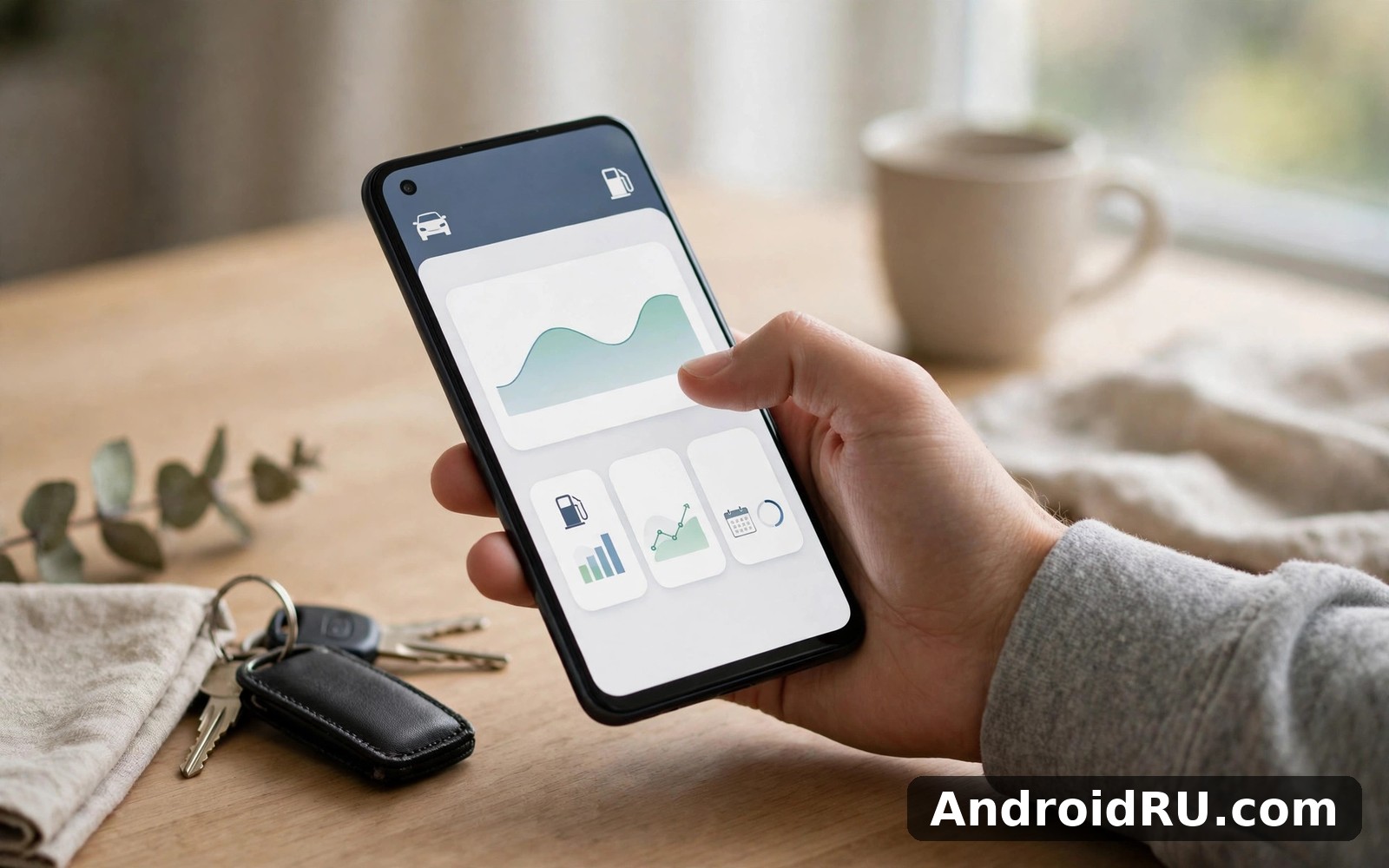
Download APK My Cars Fuel Cost Tracker Pros and Cons, Latest Features & Review
My car budget used to live in a glove box full of faded receipts. I knew fuel cost money, but I had no idea how much each month really took. My Cars Fuel Cost Tracker changed that by giving every fuel stop a quick home. I log a stop in seconds and the app quietly builds a picture over time. That picture turned out to be both reassuring and a little embarrassing, because the numbers showed habits I had never noticed. If your own receipts tell a similar story, this review will help you decide whether a focused fuel diary is the right tool for your driving routine.
This review covers what the app actually tracks, the latest features in the current version, how to log a fuel stop without turning it into homework, and an honest list of pros and cons. I also compare it with Drivvo and Car Scanner ELM OBD2, two apps that cover different parts of car ownership, so you can see where My Cars fits and where it stops. Everything here comes from months of real use: pump-side logging, monthly reviews, a phone change in the middle of a busy period, and a few mistakes that taught me how the averages really work.
What My Cars Fuel Cost Tracker Actually Tracks
At its core, My Cars is a fuel diary. Each entry records a fuel stop: how much fuel went in, what it cost, and what the mileage reading was at the time. From those three facts the app works out the numbers that matter, such as cost per distance, average consumption, and total spend over a month or a year. It does not try to be a garage system, a navigation app, or a repair log. That narrow focus is the whole point, and it is why the app stays fast and simple after months of use.
The log builds its value slowly. One entry tells you almost nothing. Ten entries start to show a pattern. Fifty entries give you a monthly average you can trust, and a full year of entries gives you a transport budget built from your own driving instead of a guess. I check my totals on a Sunday at the start of each month, and that five minute review keeps my transport budget honest. It also catches price rises before they quietly eat the rest of the budget.
Fuel entries, mileage, and cost per distance
A fuel entry takes three numbers: the amount of fuel, the price paid, and the mileage on the dashboard. The app then calculates your cost per kilometre for that stretch of driving, which is the single most useful figure in the whole log. Total spend tells you what left your wallet. Cost per distance tells you how efficiently that money turned into movement, and it is the number that changes when your driving style, your routes, or your tyre pressure changes.
Mileage turns a simple spend total into a story about how you drive. City driving costs more per distance than steady highway driving, and I learned that my short trips to the shops were surprisingly expensive per mile. That knowledge did not stop me driving, but it changed how I grouped errands. I now combine three small trips into one longer loop when I can, and the log shows the saving clearly in the following weeks.
Litres, gallons, and kilometres: setting your units right
Fuel type and unit settings deserve a quick check before your first entry. A wrong unit will skew every average until you notice it, and a mix of litres and gallons in the same log makes the numbers meaningless. I checked mine twice on day one and I have not touched the setting since. That one minute check saved months of confusing figures, and it is the least glamorous step in the whole setup and the most important one.
What the log shows after a month of entries
After a month, the log shows more than a total. It shows which weeks were expensive and why, how your cost per distance moved, and whether a price rise or a change in driving caused a spike. My first month surprised me most because my spending looked uneven week by week. Some weeks were calm and cheap while others spiked for no obvious reason, until the log showed those spikes lined up with extra school runs and weekend trips. I had blamed fuel prices for everything before seeing the real pattern, and knowing the cause made the spikes feel manageable rather than mysterious.
Averages matter more than single expensive weeks. One road trip can spike a month without meaning your normal costs rose, so the app averages help you see past that spike to the underlying pattern. I learned to judge trends over three months rather than one, and that longer view stopped me worrying about every small change in a single week.
My Cars Fuel Cost Tracker Latest Features in the Current Version
The current version of My Cars keeps the same focused idea as the original release, but the tools around the log have grown up. The entry form stays short, the monthly views are clearer, and the charts make it easier to compare one month with the next without digging through statements. Nothing in the update turns the app into a different product. The changes make the same fuel diary quicker to use and easier to read, which is exactly what a daily tool should do.
Long trips tell a different story in the log from short city runs. Highway mileage stretches fuel further and the cost per distance drops nicely, and seeing that drop made a weekend drive feel like good value. It also helped me budget for holidays with real past data, because a guess based on memory would have been far less accurate than an average drawn from my own highway trips.
Monthly charts and yearly totals
The monthly view is where this app earns its keep for most drivers. You can compare one month with the next, see the total litres used, and see the average cost per distance side by side with the month before. Over a year, those monthly views stack into a yearly total that helps you set a realistic transport budget for the next year. I no longer guess that budget from a vague memory of prices. I build it from my own driving history, and it feels solid in a way a guess never did.
Seasonal patterns appear clearly once you have a full year. Winter driving costs more per distance in my log, summer holiday trips create spikes that are easy to explain in hindsight, and the yearly total smooths both into one honest number. Sharing that yearly view with family also helped a household discussion, because we could see total car running costs in one place without argument.
Backup and history that survives a phone change
A fuel diary is only useful if its history survives. The app also survived a phone change in my busiest month, and my history carried over so I did not lose months of careful logging. Losing that history would have felt like losing a diary, because the value sits in the long run of entries rather than in any single week. I now check that my data is backed up before any phone switch, and I treat that check as part of the move rather than an afterthought.
A quick backup check before you switch phones
Before you move to a new phone, open the app on the old phone and confirm that your fuel log backup is current. Check that the latest fuel stop is in the log and that the vehicle details match. Then, after installing the app on the new phone, open the log and confirm the same latest entry and the same monthly total are there before you delete anything from the old device. That two minute check protects a history that took months to build.
How to Log a Fuel Stop in Under a Minute
Fuel logging only works if it takes less time than buying the fuel itself. This app keeps the entry form short and focused on the essentials, so you add the amount and the mileage and you are done before you leave the station. I made it part of my pump routine, like putting the cap back on, and that pairing is why the habit survived past the first enthusiastic week. Evening habits collapsed under work pressure in my busiest month, but pump habits held firm, and that lesson changed how I build all my routines now.
-
Fill up as normal, then note the mileage on the dashboard before you drive away. The dashboard reading is the anchor for every calculation, so take it from the car rather than from memory later.
-
Open the app and start a new fuel entry. Pick the vehicle if you track more than one, then enter the amount of fuel and the total price from the receipt or the pump display.
-
Enter the mileage reading you just noted. Double-check the digits, because a single wrong digit here will distort the cost per distance for that whole stretch.
-
Save the entry and glance at the updated average. If the new average looks wildly different from the last one, re-open the entry and check the numbers before you drive off.
-
Keep the receipt until the next stop. If you later spot a mistake, the receipt lets you fix the entry with the real figures instead of guessing.
Fixing a missed or wrong entry without breaking your averages
Forgetting an entry still happens, and the app handles gaps gracefully. I missed a stop during a rushed morning and added it later from a bank notification. The total corrected itself and my averages stayed honest, because a late entry with the right mileage still lands in the right place in the sequence. A tool that forgives a missed entry is a tool you will keep using, and perfection is not required for useful numbers.
If you enter the wrong amount, fix it as soon as you notice it rather than leaving it to distort the next few averages. Open the entry, correct the fuel amount or the mileage, and save it again. The recalculated averages will settle back to the true pattern within one or two stops, and the monthly total will be right again. The worst option is to add a second made-up entry to cancel the first one, because that creates two wrong records instead of one right one.
Monthly Fuel Cost Reports and Averages That Make Sense
Monthly views are where this app earns its keep for most drivers. You can compare one month with the next without digging through bank statements, and a short review at the start of each month keeps the transport budget honest. I check mine on a Sunday at the start of each month, and that five minute review catches price rises before they quietly eat the whole budget. The habit costs almost nothing and it pays for itself the first time it spots a trend you would have missed.
Real numbers changed how I plan weekend trips and family visits. I can estimate fuel for a route using my own past averages, and that estimate helps me decide whether to drive or take a train. Sometimes driving still wins on convenience and sometimes the train wins on cost. Either way the choice is informed rather than guessed, and that informed feeling is quietly satisfying in a way a vague hunch never is.
Reading a monthly total without panicking over one expensive week
A single expensive week can make a month look bad when the underlying pattern is fine. A holiday drive, a run of school trips, or a week of detours can all lift one month without meaning your normal costs rose. The fix is to read the monthly fuel average next to the total, and to compare the cost per distance rather than the raw spend. If the cost per distance stayed steady while the total rose, you drove more, not less efficiently, and that is a very different story.
A simple three-month average you can trust
Take the last three monthly totals, add them together, and divide by three. That rolling average smooths out holiday spikes and quiet weeks alike, and it gives you a budget figure that survives contact with real life. I judge trends over three months rather than one, and that longer view stopped me worrying about every small change. If the three-month average itself starts climbing month after month, that is the signal worth acting on, whether the cause is prices, routes, or the car itself.
My Cars Fuel Cost Tracker Pros and Cons: An Honest Breakdown
No fuel app is right for every driver, and My Cars is honest about what it is: a focused fuel diary, not a full garage system. That focus is its biggest strength and its clearest limit at the same time. The list below comes from daily use rather than from a feature sheet, and it weighs the things that matter after months of logging against the things you will miss if you want more.
Pros: what this fuel diary does well
-
Fast logging at the pump. An entry takes seconds, so the habit survives busy weeks when longer routines fall apart.
-
Clear monthly totals and averages. You can see what a month really cost without hunting through bank apps or paper receipts.
-
Cost per distance that reveals driving patterns. Short city trips, highway runs, and tyre pressure problems all show up in the numbers.
-
Simple setup with a flat learning curve. A new driver can log a first stop within minutes of installing, with no manual to read first.
-
History that carries over. Your log survives a phone change when the backup is checked, so months of entries are not lost to a new device.
Cons: where this fuel diary falls short
-
Narrow scope. Servicing, insurance, and repairs need another home if you track them seriously, because fuel alone does not show the full cost of owning a car.
-
No live data from the car itself. The log only knows what you type in, so it cannot warn you about engine faults or read sensor values on its own.
-
Averages depend on your discipline. Missed entries and wrong mileage readings distort the figures until you correct them, so the app rewards steady logging.
Who it is for, and who should pick a broader tracker
My Cars suits drivers who want one job done well: knowing what fuel really costs, month by month, without fuss. It fits commuters who fill up weekly, families who want an honest transport budget, and anyone buying a car who wants real fuel figures instead of brochure promises. Budgeting for a new car improved for me with a real fuel history, because I could show a realistic monthly fuel cost instead of a vague guess, and that realism helped a family discussion about car choices.
Drivers who want one record for all costs may prefer a broader tracker instead. If servicing, repairs, insurance, and fuel all need to live in the same place, a wider expense app will serve you better, and you can keep My Cars as the fuel diary beside it. Trying to make one app do everything usually creates clutter you later regret, so a small set of focused tools often beats one bloated one.
My Cars vs Drivvo vs Car Scanner: Which Car App Fits Your Routine
No single car app covers every need, so a small set works best. My Cars handles the fuel diary, Drivvo handles wider ownership costs, and Car Scanner reads live data from the vehicle itself. The table below compares them on the same criteria, so you can see at a glance which job each app is built for and where the gaps sit.
| Criterion | My Cars Fuel Cost Tracker | Drivvo Car Expense Tracker | Car Scanner ELM OBD2 |
|---|---|---|---|
| Main focus | Fuel stops, mileage, and cost per distance | Full ownership costs: fuel, servicing, repairs, insurance | Live readings from the car through an OBD2 adapter |
| Fuel logging | Fast pump-side entries with monthly averages | Fuel entries as part of a wider expense log | Not a fuel diary; consumption readings come from sensors |
| Service and repair records | Not covered; fuel only | Covered, with reminders for servicing and costs per job | Not covered; fault codes and sensor data instead |
| Live vehicle data | None; entries are typed in by hand | None; records are entered by hand | Yes; real-time data straight from the vehicle |
| Best for | Drivers who want a simple, honest fuel diary | Owners who want every car cost in one place | Drivers who want to understand what the car reports |
If you want fuller expense tracking with servicing and repairs then Drivvo Car Expense Tracker is a natural next app to try. It handles the wider ownership costs that fuel alone cannot show. For live readings from your car itself then Car Scanner ELM OBD2 gives you data straight from the vehicle. And if your car screen needs a friendlier face then AutoZen Car Dashboard Launcher reshapes the driving display in a clean way.
When to pair My Cars with a second car app
I kept My Cars as my fuel diary because its focus suits my routine, and the other tools stay in reserve for their special jobs. That division keeps my phone tidy and my data clear. Pair My Cars with Drivvo when you start tracking servicing and repairs seriously, and pair it with Car Scanner when you want to understand a warning light or check live consumption against your logged figures. One app per job beats one app stretched across jobs it was never built for.
Common Fuel Logging Mistakes and How to Fix Them
Most fuel log problems come from small slips rather than from the app itself. A wrong unit, a mistyped mileage reading, or a forgotten entry can each distort the averages for weeks if nobody notices. The good news is that every one of these mistakes is easy to prevent with a short check, and easy to fix once you spot it. The habits below are the ones that kept my own log honest through a busy year.
-
Mixing units in one log. Pick litres or gallons on day one, check the setting twice, and never change it mid-year.
-
Guessing the mileage instead of reading the dashboard. A guessed reading creates a wrong cost per distance for that whole stretch.
-
Skipping entries for small top-ups. Small fills still count, and leaving them out makes the average look better than it really is.
-
Judging one week instead of a trend. A single expensive week says little; a three-month average says far more.
-
Blaming driving for a price rise. Compare mileage alongside cost before you judge a month, because fuel prices swing often and your log will show those swings clearly.
The wrong-unit mistake that skews every average
Tyre pressure also showed up indirectly in my numbers, and it taught me the same lesson as the unit mistake: the log only tells the truth when the inputs are right. A period of low pressure coincided with worse fuel economy per distance, and I had ignored the pressure warning for too long because the car still drove fine. The log gave me a financial reason to check pressures regularly, and that check now happens monthly while my economy has stayed steadier since. Fuel price swings work the same way: do not blame your driving when a price rise lifts your total, because the pair of numbers, cost and mileage together, tells the truth that cost alone cannot.
Frequently Asked Questions About My Cars Fuel Cost Tracker
These are the questions I hear most from drivers who are thinking about starting a fuel log, along with the answers I give from my own use. Each one covers something the main review only touches on, so read them before you log your first stop.
How do I fix a wrong fuel entry in My Cars?
Open the entry in the log, correct the fuel amount or the mileage reading, and save it again. The averages recalculate from the corrected figures, and the monthly total will be right again within one or two stops. Do not add a second entry to cancel the first one, because that leaves two wrong records in the log instead of one right one. If you have the receipt from that stop, use its figures rather than guessing from memory.
Does My Cars Fuel Cost Tracker work offline?
Logging a fuel stop does not need a live connection, because entries are kept on your device and the averages are worked out from the log itself. In my use, I could log at the pump without waiting on a signal, and the entry was there in the monthly view straight away. That matters at rural stations where the signal is weak, and it is one reason the pump-side habit is so easy to keep.
Can I track more than one car in My Cars?
Yes, you can keep a separate log for each vehicle you drive, with its own entries, mileage, and averages. That separation matters, because mixing two cars in one log would blend their very different consumption figures into a meaningless average. Set up each vehicle with its own fuel type and units before the first entry, and pick the right vehicle at the pump each time you fill up.
What happens to my fuel history if I change phones?
Your history carries over when the backup is current, and I kept a full year of entries through a phone change in a busy month. Before you switch, confirm on the old phone that the latest fuel stop is in the log and that the backup is up to date. After installing on the new phone, check that the same latest entry and the same monthly total appear before you wipe the old device. That short check protects a history that took months to build.
Final Verdict: Who Should Keep This Fuel Diary
After many months I trust this app as a simple and honest fuel diary. It asks little at each stop and it gives back a clear monthly story, and it will not manage your whole car life because it does not pretend to. For fuel tracking alone it does its job with admirable focus, and that focus is why it remains on my phone. Drivers who want a clean fuel record, a realistic budget, and numbers they can trust will get real value from it within the first month.
If fuel costs feel vague then start logging your next stop today and give it a month before you judge the averages. That month gave me a picture I now use for trips and budgets alike. You can begin from Click here to download the My Cars Fuel Cost Tracker app and let your next fuel stop start the story. If you want to try a similar tool, Click here to download the Drivvo Car Expense Tracker app. You can also Click here to download the Car Scanner ELM OBD2 app when you are ready to compare it with this one.
Holiday routes test fuel planning because stations can be sparse in rural areas, and my log helped me estimate how far a tank would take me on highway driving. That estimate let me plan stops before the fuel light became urgent, and I filled up earlier than strictly necessary on remote stretches. Price differences along a holiday route also surprised me at first, since motorway stations often charge more than town stations a short detour away. A ten minute detour can save enough for a coffee and a snack, and the log showed that saving clearly after one trip.

