

Download APK VERO Latest Feature Review & Connectivity Options
VERO promises a calmer feed, and that promise shapes how the whole app feels. It is a social network built to share photos, links, music, films, books, and places without heavy ads sitting between you and the people you follow. The feed runs in chronological order, there is no ranking algorithm deciding what you see first, and the focus stays on what your connections actually posted. This guide walks through it in plain language, with the latest features, the ways you can connect, and an honest look at where it shines and where it strains.
I spent two weeks using VERO as my main social app, posting photos, sharing links, and following a mix of photographers, musicians, and friends. The first session felt quiet, almost empty, because there was no endless stream of suggested content pushing me onward. By the second week that quiet felt like the point: I opened the app, saw what my connections had shared, and closed it again without the usual sense of having lost twenty minutes. If you are tired of feeds that feel like slot machines, VERO deserves a serious look.
If you are short on time, here is the short version. VERO is a clean, ad-free social network with a chronological feed, rich post types called collections, and fine control over who sees what. Its strengths are calm design, honest ordering, and good tools for sharing culture. Its weaknesses are a smaller crowd than the big networks, a slower pace of new features, and a subscription question that still confuses new users. Read on for the detail behind that summary.
What VERO Is and Why It Feels Different
VERO, short for True Social, launched in 2015 with a simple pitch: a social network that shows posts in the order they were made, carries no ads, and does not sell your data to advertisers. The app was founded by Ayman Hariri, and it gained wide attention in early 2018 when a wave of users looking for an alternative to the big networks pushed it to the top of the app charts. The surge brought growing pains, including slow servers and a confusing subscription promise, but the core idea survived: your feed belongs to your connections, not to an engagement formula.
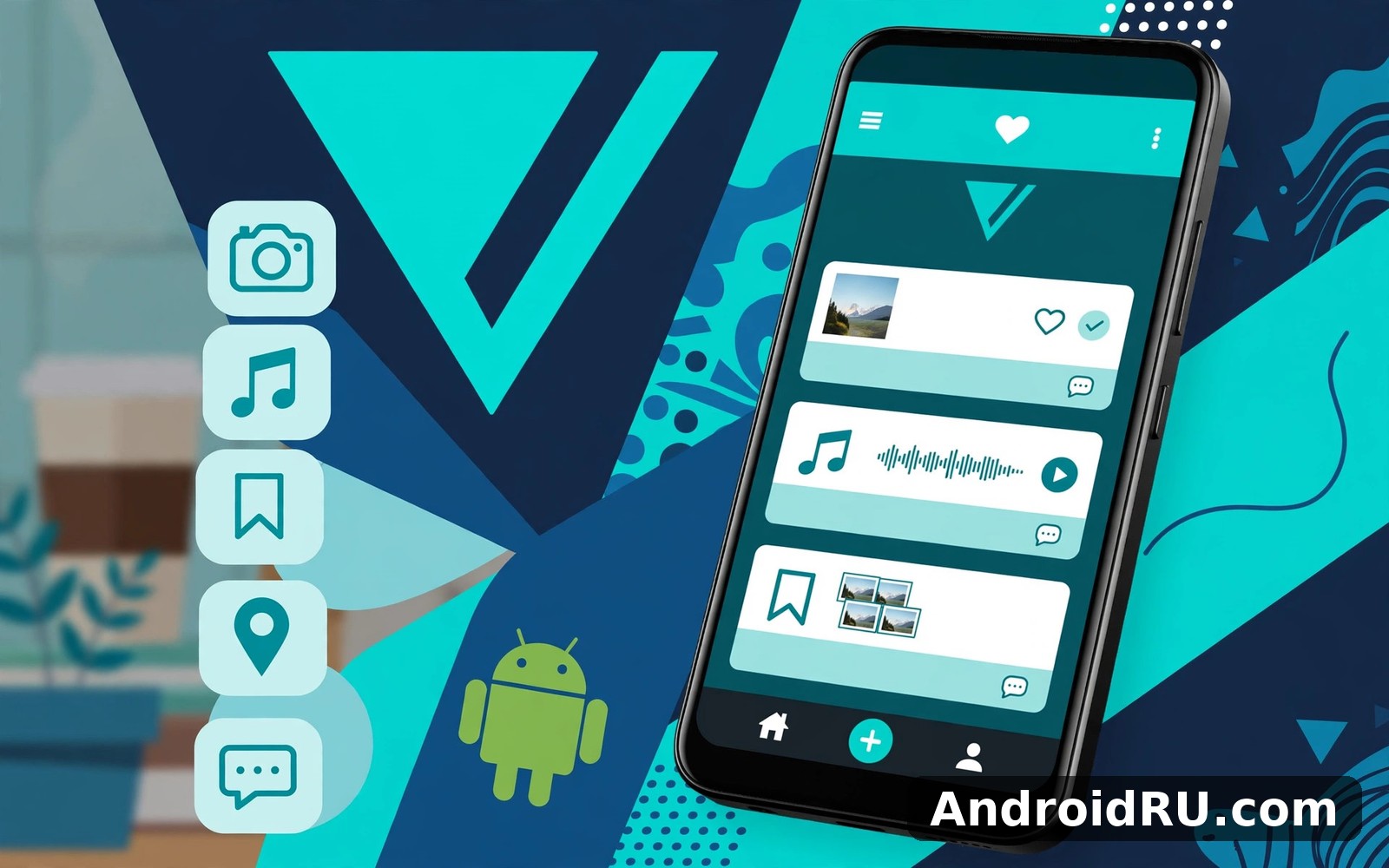
Open VERO today and you see a home feed of posts from people you follow, in reverse chronological order, with no suggested posts wedged between them. Tabs along the top or bottom take you to search, notifications, your collections, and your profile. The design uses a dark, gallery-like style that suits photography, and posts are presented as cards with a clear type label: photo, link, music, movie, book, or place. That clarity is the whole appeal. You always know what you are looking at and why it is in front of you.
How VERO differs from algorithm feeds
On the big networks, an algorithm decides which posts you see, in which order, and how often, based on what keeps you scrolling. VERO does the opposite: it shows everything from your connections, newest first, and nothing else. The trade-off is real. You will never discover a viral post from a stranger unless you go looking for it, but you will also never miss a friend’s photo because the algorithm decided it was not engaging enough. After a week, I found I checked VERO less often but enjoyed it more each time, which is the opposite of my habit on larger networks.
Who VERO is built for
VERO suits photographers, film lovers, music fans, and readers who want to share what they love without turning it into content marketing. It also suits people who are tired of ads and sponsored posts but still want a social feed. It is less suited to people who want a huge audience quickly, because the crowd is smaller and discovery is slower. My advice is to judge VERO by the quality of the people you follow, not by the size of the network: with twenty good connections, the feed feels rich; with two, it feels empty.
VERO Latest Features: What Changed in Recent Updates
Recent VERO updates have focused on stability, sharing, and making the app easier to join, rather than on chasing every trend from larger networks. The app has added smoother media handling, better search, and clearer controls for who sees your posts, while keeping the chronological feed and the ad-free promise intact. If you tried VERO years ago and left during the crowded 2018 surge, the current version feels noticeably calmer and more reliable.
Feed and posting improvements
Posting is now quicker, with a simpler composer that lets you pick a post type first and then add your media or link. Photos load faster, captions are easier to edit after posting, and the feed remembers your place when you return from a post, so you do not lose your scroll position. Search has improved too: you can find people, hashtags, and collections with fewer taps, and the results page shows recent posts alongside popular ones. These are quiet changes, but they remove the small frictions that used to make daily use feel clumsy.
Collections and sharing upgrades
Collections, the folders where VERO groups your shared culture, are easier to manage in recent versions. You can create a collection for a topic, add posts to it over time, and share the whole collection with a connection instead of sending links one by one. Sharing a post outside VERO has improved as well, with a cleaner share sheet that hands a tidy link to any other app you use. The result is that VERO works better as a personal library of things you love, not just as a feed you scroll.
Profile, privacy, and account updates
Profile pages now show your collections, your recent posts, and your connection level at a glance, which makes it easier for a new follower to understand what you share. Privacy controls are clearer: you can see exactly which connection level can view each post, and you can change the level before you publish. Account recovery and login have been simplified too, with clearer steps when you change phones. None of this is glamorous, and all of it matters when you trust an app with your photos and your contacts.
How VERO Works: Feed, Collections, and Sharing
The feature list looks short next to a big network, but each tool does one job well. Here they are in the order you will actually use them, with what each one does and where it falls short.
The chronological home feed
Your chronological home feed shows posts from your connections, newest first, with no ads and no suggested content. Each post carries a type label and the name of the person who shared it, and you can like it, comment on it, or share it onward. Because nothing is ranked, the feed rewards people who post regularly and punishes nobody for posting at a quiet hour. I found this made me post more honestly: a photo I liked was worth sharing even if it would never go viral, because the people who follow me would actually see it.
Collections: photos, links, music, films, books, places
Collections are VERO’s signature idea. Instead of a single stream of mixed posts, you can share by type: a photo collection for your photography, a link collection for articles, a music collection for songs, a film collection for movies and shows, a book collection for reading, and a place collection for restaurants and travel spots. Each type has its own layout, so a film post shows the poster and your rating, while a music post shows the track and lets others listen. A collection-based feed sounds fussy until you use it, and then it feels like the obvious way to organise a social life built around taste.
Connections: close friend, friend, acquaintance
VERO replaces a single follow button with three connection levels: close friend, friend, and acquaintance. When you post, you choose which level can see it, so a personal photo can go to close friends while a film recommendation goes to everyone. This is the most useful privacy idea in the app, and it works because it matches how real friendships work: not everyone gets the same access. Set your levels thoughtfully when you add someone, because changing them later is possible but easy to forget.
Chat and notifications
VERO includes direct chat with your connections, with text, photos, and links, and notifications for likes, comments, and new followers. Notifications are grouped by type, and you can mute a conversation without leaving it. The chat tools are basic compared with a dedicated messenger, and that is fine: they exist to continue a conversation that started on a post, not to replace your main chat app. I kept VERO notifications on for comments and off for likes, which kept the app quiet without missing a real reply.
VERO Connectivity Options: How You Connect and Share
Connectivity is the part of VERO that new users ask about most, because the app sits between a social network and a personal library. There are four ways to connect: creating your account, finding people, linking what you share, and sending posts outside VERO. Each one is simple on its own, and together they decide whether the app feels alive or empty.
Creating an account and signing in
You can create a VERO account with an email address and a password, or with a phone number, and recent versions also offer sign-in through your device account options where available. Pick the method you will still control in a year, because account recovery depends on it. Use a real email address, keep your password in a safe place, and turn on any extra security the app offers. If you change phones, sign in with the same details and your posts and collections come with you.
Finding friends and importing contacts
VERO can scan your contacts to find people you know who already use the app, and it can suggest people based on shared interests and hashtags. Contact syncing is optional, and you can grant it once to find friends and then remove the permission, or skip it entirely and search by name instead. My approach was to sync once, add the people I actually knew, and then turn the permission off. That gave me a real starting feed without handing the app ongoing access to my address book.
Sharing posts outside VERO
Every post on VERO can be shared outside the app through the standard share sheet, which hands a link to any messaging, email, or social app on your phone. A shared link opens a clean view of the post, so a friend without VERO can still see the photo or read the recommendation. This matters more than it sounds: it means your VERO posts are not trapped inside a small network, and a good recommendation can reach anyone. A share sheet link is the bridge between VERO’s quiet feed and the wider internet, and it works without any extra setup.
Connecting VERO with music and media apps
Music posts on VERO can link to the track on the service where you found it, so a follower can listen without guessing which version you meant. The same idea applies to film and book posts, which carry the title, poster or cover, and your rating. You do not need to connect an account for these links to work; you pick the item when you post, and VERO attaches the details. Check the options shown when you create a music or film post, because the available sources can change with app updates.
How VERO handles your data while you connect
VERO’s pitch is that it does not show ads and does not sell your data to advertisers, which is a real difference from the big networks. The app still needs your email, your contacts if you sync them, and your posts to function, so read the privacy policy when you sign up and decide what you are comfortable sharing. Turn off contact syncing after your first import if you do not want ongoing access, and review your connection levels once a month, because the people you added early on may not all belong at the same level now.
VERO vs Tumblr vs Instagram vs Pinterest: A Comparison
VERO does not compete with one app; it competes with a whole shelf of them, and each rival does one thing better. Tumblr is the closest in spirit, a long-running home for art, fandom, and long-form blogging. Instagram is the biggest rival for photo sharing, with a huge audience and an algorithm that decides what you see. Pinterest is the best of the four for saving ideas and planning projects, though it is not a social feed in the same way. The table below lines them up honestly.
| Feature | VERO | Tumblr | ||
|---|---|---|---|---|
| Feed order | Chronological, no algorithm | Chronological option, some ranking | Algorithm ranked by default | Ranked by interest, not time |
| Ads in feed | None | Some promoted posts | Frequent ads and sponsored posts | Frequent promoted pins |
| Main content | Photos, links, music, films, books | Art, blogs, fandom, long posts | Photos, reels, stories | Saved images and idea boards |
| Best for | Sharing taste with close connections | Creative communities and blogging | Reaching a large audience | Collecting ideas and planning |
| Audience size | Smaller, niche crowd | Large, established community | Very large, global | Very large, search-driven |
| Privacy control | Three connection levels per post | Blog privacy and block tools | Close friends list, private account | Secret boards, limited social tools |
| Biggest weakness | Small crowd, slower discovery | Can feel cluttered and dated | Ads and algorithm pressure | Weak conversation and following |
VERO vs Instagram: calm feed or huge audience
Instagram gives you the largest audience of any photo app, and its reels and stories can put your work in front of strangers overnight. The price is an algorithm that decides who sees your posts, frequent ads, and a constant pressure to post in the formats that perform. VERO gives you the opposite: a small audience that actually sees everything you post, no ads, and no pressure to perform. If your goal is reach, Instagram wins. If your goal is a feed you enjoy opening, VERO wins. Many photographers I follow use both, posting their best work to Instagram and their honest daily sharing to VERO.
VERO vs Tumblr: taste, art, and long-form sharing
Tumblr has been home to artists, writers, and fandom communities for well over a decade, and its reblog system makes it easy for a post to travel. VERO is younger, cleaner, and more focused on personal recommendations than on community blogging. If you want to join a creative community and write long posts, Tumblr is the stronger home. If you want a tidy personal library of films, books, and music shared with people you know, VERO fits better. The two apps overlap less than their fans admit, and using both is reasonable.
VERO vs Pinterest: sharing or saving
Pinterest is a tool for saving ideas: you pin images to boards, plan a trip or a room, and search a huge catalogue of other people’s pins. It is not built for conversation, and following someone matters less than the search results. VERO is built for conversation around shared taste: you post a film you loved, a friend replies, and a discussion follows. If you want to plan, use Pinterest. If you want to talk about what you love, use VERO. The two complement each other well, and a Pinterest board can even become a source of posts for your VERO collections.
VERO Pros and Cons: An Honest Balance
VERO is easy to praise and easy to outgrow, and both reactions are fair. Here is the balance as I found it after two weeks of daily use, with the good and the awkward kept side by side.
Pros: what VERO does well
- Ad-free chronological feed: you see every post from your connections in order, with no ads and no algorithm deciding for you.
- Rich post types: photos, links, music, films, books, and places each get a layout that fits, so sharing culture feels natural.
- Fine privacy control: three connection levels let you share a personal photo with close friends and a film tip with everyone.
- Calm, gallery-like design: the dark, tidy layout suits photography and long reading sessions without tiring your eyes.
- Easy sharing outside the app: a clean share sheet sends any post to friends who do not use VERO, so your recommendations are not trapped.
Cons: where VERO strains
- Smaller crowd than the big networks: in some regions and age groups there are few active users, so the feed can feel thin at first.
- Slower discovery of new people: without an algorithm pushing new accounts at you, finding interesting strangers takes deliberate searching.
- Subscription history confuses newcomers: the old promise of free access for early users and later talk of subscriptions still leaves people unsure what they will pay.
- Fewer creator tools: there is no equivalent of reels, stories, or live shopping, so creators who earn from short video will miss those formats.
Who VERO is for
VERO suits people who value taste over reach: photographers, film lovers, music fans, and readers who want to share what they love with people who will actually see it. It fits anyone tired of ads and algorithmic feeds who still wants a social place to post. It suits patient users who will spend a week building a good list of connections. It is less suited to creators chasing a large audience quickly, or to people who want the newest short-video formats, and those users will be happier on Instagram or Tumblr alongside VERO rather than instead of it.
Setting Up VERO: A Practical Walkthrough
Setup takes about fifteen minutes if you do it properly, and the time is worth spending, because a VERO feed is only as good as the connections you start with. Follow these steps in order and you will avoid the most common beginner mistake, which is opening an empty feed and deciding the app is dead.
- Create your account with an email you control: use an address you check, because verification and recovery messages go there.
- Add a profile photo and a short bio: say what you share, such as films, photography, or books, so new followers know what to expect.
- Find ten people to follow before you judge the feed: search by name, browse hashtags for your interests, and import contacts once if you want.
- Set your connection levels as you add people: close friend for the inner circle, friend for regulars, acquaintance for everyone else.
- Make your first three posts in different types: one photo, one film or book, and one link, so your profile shows what VERO can do.
- Create one collection for your main interest: a film collection, a photo collection, or a book collection gives new visitors a reason to follow.
- Tune your notifications: keep comments and new followers on, turn likes off, and check the app once or twice a day instead of living in it.
Common setup mistakes to avoid
The most common mistake is following two people and then declaring the app empty. VERO needs a starting list of at least ten active connections before the feed feels alive, so spend your first day searching, not scrolling. The second mistake is posting everything to everyone: use the connection levels, because a personal photo sent to acquaintances feels wrong and a film tip sent only to close friends reaches nobody. The third mistake is treating VERO like Instagram and waiting for the algorithm to bring you an audience. There is no algorithm, so discovery is your job, through hashtags, collections, and sharing posts outside the app.
Privacy settings worth checking in week one
Open settings and check three things: which connection level sees your posts by default, whether your profile appears in search, and whether contact syncing is still on. Turn off contact syncing after your first import if you do not want ongoing access. Review your connection levels after your first week, because the people you added early on may belong at a different level once you know them better.
What to do if your feed feels empty
Search a hashtag for an interest you love, open the most recent posts, and follow five people whose taste matches yours. Then create a collection for that interest and add three posts to it. Repeat for a second interest the next day. Within a week your feed will have a rhythm of its own, and the empty feeling will be gone. If it is still empty, the issue is usually your region or age group rather than the app, and pairing VERO with Tumblr or Instagram for discovery is the practical answer.
VERO Frequently Asked Questions
These are the questions I asked before keeping VERO installed, answered with what I actually found rather than what the launch pages promised.
Is VERO really free?
VERO launched with a promise that the first million users would get free access for life, and later said the app would move to a subscription model for new users. In practice, most people can create an account and use the core features without paying, but the exact terms have changed over time and vary by region. Check the current terms shown inside the app when you sign up, and do not rely on old articles, including this one, for the final word on price.
What are the latest features in VERO?
Recent updates brought a quicker composer, faster photo loading, better search across people and hashtags, easier collection management, clearer privacy controls, and a cleaner share sheet for sending posts outside the app. The feed remains chronological and ad-free, which is the feature most users care about. Check the version notes on the app page for the build on your phone, because rollout timing varies by region and device.
How do VERO connectivity options work?
Connectivity on VERO works on four levels: you create an account with email or phone, you find people by search or by importing contacts once, you set a connection level of close friend, friend, or acquaintance for each person, and you share posts outside the app through the share sheet. Music, film, and book posts also carry links to the item itself, so followers can listen or look it up. There is no public follower count race and no algorithmic suggestion engine, so connections grow through search and sharing rather than through the feed pushing strangers at you.
Is VERO better than Instagram?
It depends on what you want. VERO is better if you want a calm, ad-free, chronological feed where your connections see everything you post. Instagram is better if you want the largest possible audience, short video formats, and discovery through reels. Many people use both: Instagram for reach and VERO for the circle of people whose taste they actually trust. Neither app is the winner for everyone, and the honest answer is that the two do different jobs.
Can I use VERO without sharing my contacts?
Yes. Contact syncing is optional, and you can skip it entirely and find people by searching names and hashtags instead. If you do sync once to find friends, you can remove the permission afterwards from your phone settings. Your existing connections and posts stay in place when you turn syncing off, so there is no penalty for keeping your address book private.
Final Verdict: Who Should Try VERO
VERO earns its place as a calm, honest social network for people who care about taste more than reach. Its strengths are the chronological feed, the absence of ads, the rich collection types, and the three-level connection system. Its weaknesses are a smaller crowd, slower discovery, and a subscription history that still confuses new users. The recent updates help where it counts: posting is quicker, collections are easier to manage, and sharing outside the app works cleanly.
Try it if you are tired of algorithmic feeds, you love sharing films, books, music, or photography, and you are willing to spend a week building a good list of connections. Skip it if you need a huge audience this month, or if short video is your main format. The test is cheap: create an account, follow ten people whose taste you trust, post in three different collection types, and use it for a week in short sessions. Judge it by whether you enjoy opening it, not by how many followers you gain.
When you are ready to give VERO a proper try, Click here to download the VERO app and start with the free tier before you worry about any subscription. If you want a creative community alongside it, Click here to download the Tumblr app for art and long-form blogging, or Click here to download the Instagram app for the largest photo audience. Whichever you pick, follow people whose taste you trust, post what you genuinely love, and let the feed stay chronological.

