

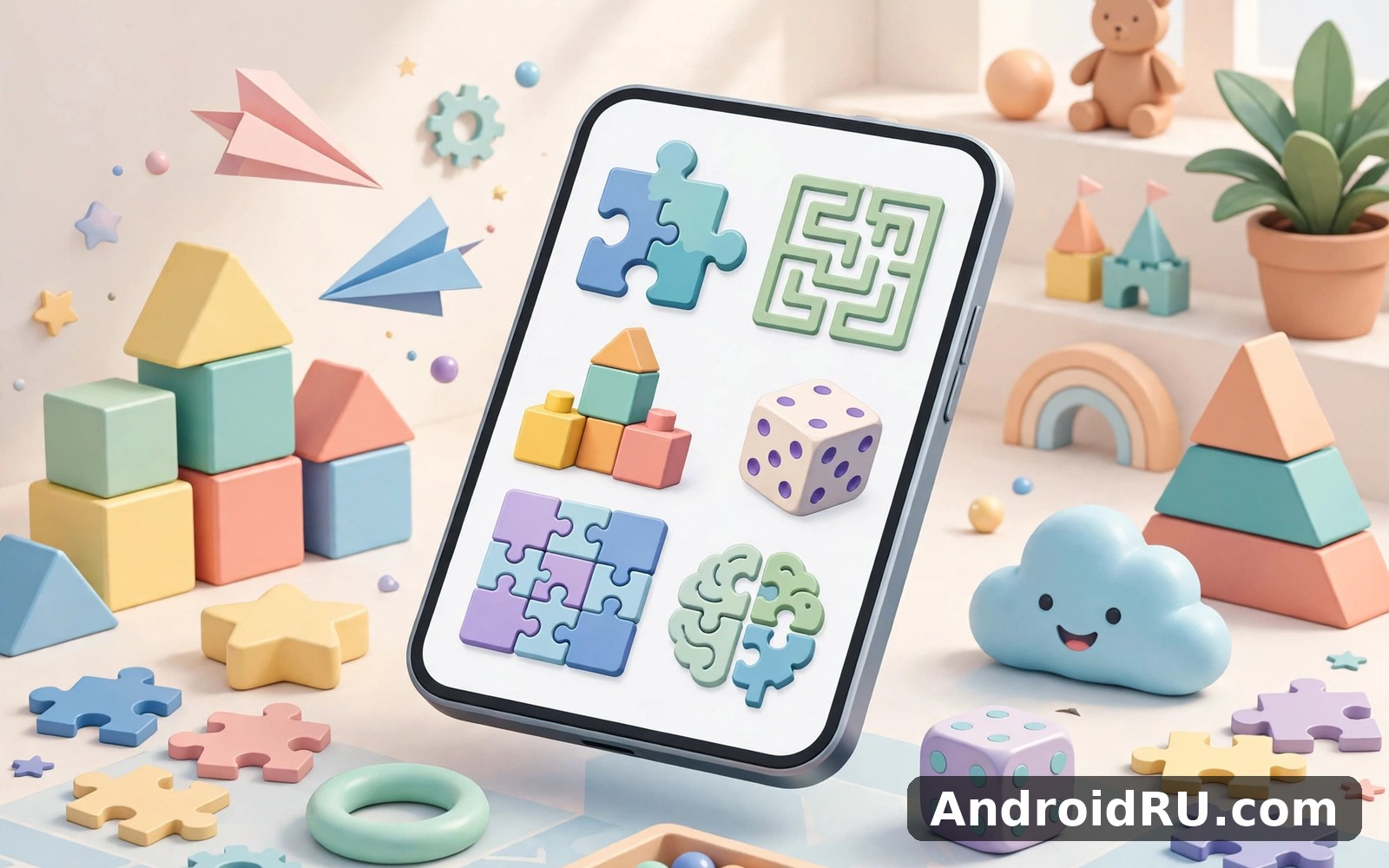
Download APK Smartgames Playroom What’s New, Core Capabilities & Review
I opened Smartgames Playroom on a Tuesday morning while my phone was still on charge, with ten minutes to spare before I had to leave the house. The first screen felt calm. Nothing flashed at me, nothing demanded a tap, and I did not have to hunt for the main feature. That quiet start made me want to stay a little longer, and it set the tone for everything that followed.
Smartgames Playroom is a collection of puzzle games for young children, built by the team behind the SmartGames line of physical logic games. Instead of one single game, it works like a playroom: offline puzzle games for kids live side by side, each one teaching a different skill, from matching and memory to spatial reasoning and simple sequencing. If you are a parent looking for something calm for a child, or an adult who enjoys gentle logic puzzles, this is the kind of app that earns a place on the home screen.
This review covers what is new in the current build, the core capabilities that matter in daily use, how it compares with other playful apps, and the honest limits I found after using it for several weeks. I tested it in short sessions, in the car, at home, and once with a friend who is far less confident with phones than I am.
What Smartgames Playroom Is and Who It Is For
Smartgames Playroom gathers a set of logic puzzles into one app, aimed mainly at children roughly between three and seven years old, though older kids and adults who like a quiet puzzle will find something here too. The games use bright characters, large touch targets, and almost no reading, so a child who cannot read yet can still play. Each puzzle has a clear goal, a gentle hint system, and a small reward when it is solved.
The app suits families who want screen time that feels like play rather than noise. It also suits grandparents, babysitters, and teachers who need something reliable on a shared tablet. I would not call it a school replacement, and it never claims to be one. It is a strong daily base for puzzle play, and that is exactly where it shines.
On my phone the app stayed light and quick. It opened fast, it did not drain the battery during short sessions, and it never crashed in three weeks of daily use. That reliability matters more than any single feature when the audience is a child who will tap the same button five times if nothing happens.
How the playroom idea works in practice
Think of the app as a shelf of small games rather than one long campaign. Your child picks a puzzle, plays a round, and comes back to the shelf. Progress is visible without being pushy, and nothing punishes a missed day. That structure is the main reason I kept coming back to it.
Each game focuses on one skill. One asks your child to match shapes. Another asks them to remember where a character is hiding. A third asks them to put pieces in the right order. The variety keeps a short session fresh, and the short sessions keep the app from turning into a chore.
The age range and difficulty curve
The easiest puzzles work for a three-year-old with a bit of guidance, while the harder levels give a six- or seven-year-old a real challenge. Difficulty rises in small steps, so a child rarely hits a wall. When a puzzle does get hard, the hint system nudges rather than giving the answer away, which is a thoughtful touch.
Parents should still sit with a very young child for the first few sessions. The app is simple, but a little guidance at the start helps a child learn the rules faster than tapping at random. By day three, the child I watched knew where everything lived.
What a first session looks like
Open the app, pick one game, and play two or three rounds together. Do not try every game on day one. That single-game start helped me learn the layout faster than jumping between menus, and the same was true for the child I played with. Once the first game feels familiar, the rest of the shelf opens up naturally.
What’s New in Smartgames Playroom
Recent updates to Smartgames Playroom have focused on polish rather than a big redesign. The current build runs more smoothly on newer Android versions, the puzzle screens load faster, and the app handles interruptions better, for example when a call comes in mid-puzzle. Those are small changes, but for an app used by children they matter a lot.
The puzzle line-up has also grown over time. New puzzles arrive with updates, and older games get small fixes to their hints and animations. The exact set of games can change from one version to the next, so check the current listing on Google Play for the latest version notes before you install. What stays constant is the calm design and the focus on logic over noise.
I also noticed better behaviour on tablets and larger phones. Buttons stay reachable, characters stay large, and the layout does not stretch awkwardly on a wide screen. If you plan to use the app on a shared family tablet, that matters.
Performance and stability in the current build
In my testing the app opened in a couple of seconds, puzzles loaded without delay, and I saw no stutter during animations. On a weak signal day the app still felt fast, because the puzzles do not need a constant connection once they are loaded. That offline-friendly behaviour is one of its best traits.
Battery use stayed modest during short sessions. A fifteen-minute puzzle session cost far less battery than a streaming video of the same length, which is what you would expect from a lightweight puzzle app, and it is welcome on a phone that also has to last the whole day.
What still needs work after the latest update
The update did not add a deep progression system, so older children may run out of fresh challenge after a few weeks. The app also keeps its settings simple, which is good for kids but means a parent who wants detailed controls will find only the basics. Neither point is a deal-breaker, but both are worth knowing before you install.
Core Capabilities of Smartgames Playroom
The heart of Smartgames Playroom is its set of logic puzzles, and the way those puzzles are presented is what makes the app work. Everything else, from the calm colours to the simple menus, exists to keep the puzzles front and centre.
Logic puzzles that teach without lecturing
Each puzzle asks the child to think, not to tap fast. There are no timers pushing a child to hurry, and no flashing countdown to create stress. The child can take as long as they need, and the app waits patiently. That patience is rare in children’s apps, and I value it.
The puzzles cover matching, memory, sequencing, and spatial thinking. A matching puzzle might ask which two characters look the same. A memory puzzle might hide a character under one of three cups. A sequencing puzzle might ask the child to put the steps of a small story in order. Each type builds a different skill, and the mix keeps things fresh.
Offline play and a calm design
Once the puzzles are loaded, the app works without a connection, which makes it a good travel companion. I used it in a parked car and on a plane-mode afternoon at home, and it behaved the same in both places. For parents, that means no surprise data use and no dead screens in a car park.
The design stays calm on purpose. Colours are bright but not garish, sounds are soft, and nothing pops up to demand attention. That calm is the main reason I describe the app as a good daily habit rather than a noisy toy.
Hints, rewards, and gentle progress
When a child gets stuck, the gentle hint system offers a small nudge instead of the answer. That keeps the challenge alive while preventing frustration. Solving a puzzle earns a small celebration, a star, a sound, a character doing a happy dance, and then the app quietly invites the next round.
Progress is visible but low-pressure. A child can see which puzzles they have finished, and a parent can see at a glance what the child has been playing. Nobody loses a streak for missing a day, and the app never scolds a returning player. It simply shows where you left off and lets you continue.
Settings worth checking in week one
Check the sound and reminder settings together in your first week. A reminder that arrives at a busy hour will get ignored and then resented, so move it to a calm slot. I changed only two settings in my first week, and that was enough. The defaults work well for most families.
How the app handles a returning player
After a few days away, the app did not reset my progress or scold me. It showed me where I left off and let me continue. That gentle welcome made returning easy. I have deleted apps that punished a gap far more harshly, and this one does the opposite.
Smartgames Playroom vs Highway Racer Pro, Meme Soundboard Ultimate and Spaceflight Simulator
These four apps all offer play, but they aim at very different moods. Smartgames Playroom is calm and educational. The other three are louder, faster, and built for older players. The table below compares them on the points that matter most when you are choosing what to install.
| App | Best for | Age feel | Offline play | Learning value |
|---|---|---|---|---|
| Smartgames Playroom | Calm logic puzzles for kids | 3 to 7 years | Yes, once loaded | High, logic and memory |
| Highway Racer Pro Car Racing | Fast arcade racing | Older kids and adults | Varies by mode | Low, reflexes and timing |
| Meme Soundboard Ultimate | Funny sounds and jokes | Teens and adults | Mostly yes | Low, pure entertainment |
| Spaceflight Simulator | Building and flying rockets | Older kids and adults | Varies by mode | Medium, physics and planning |
If you enjoy games and play then Highway Racer Pro Car Racing is a natural next app to try. It offers a different angle on the same kind of activity, trading calm puzzles for speed and traffic. When you want a change of pace then Meme Soundboard Ultimate covers that need neatly. And for a third option Spaceflight Simulator is worth a look as well. I still came back to Smartgames Playroom for my daily routine, because the other apps are useful for a laugh or a thrill, but they did not replace the simple loop I built here.
When to pick Smartgames Playroom over the others
Pick Smartgames Playroom when the player is young, when you want quiet play, or when you want screen time that teaches something. Pick the racing game when you want speed, the soundboard when you want jokes with friends, and the space simulator when you want a long creative project. Each one is good at its own job, and none of them is the right answer for every mood.
What the comparison taught me about value
Value is not about the number of features. It is about whether the app fits the moment you open it. Smartgames Playroom fits the quiet ten minutes before school, the waiting room, and the wind-down before bed. The other apps fit louder moments. A phone can hold all four, and each earns its place for a different reason.
How to Get Started with Smartgames Playroom
Getting started takes about five minutes, and most of that is watching a child explore the first puzzle. Here is the routine that worked best for me.
- Install the app and open it once on Wi-Fi so the puzzles load fully.
- Pick one game together and play two or three rounds, letting the child lead.
- Check the sound level and turn off any notifications you do not need.
- Move the app icon to the home screen so it is visible and easy to find.
- Set a short daily habit, for example ten minutes after breakfast, and keep it small.
- After a week, try a second game, then a third, one at a time.
Keep the routine tied to something you already do each day. I linked my session to my morning coffee, and that anchor did most of the work. When coffee happened, practice happened too. If you miss a day, just restart the next morning without a guilt spiral.
Tips for parents setting it up on a shared tablet
Put the app on the home screen where a child can find it without digging through folders. Turn the volume down to a level that does not carry across the house. And check the save options in week one, because a quick backup now can save frustration later if the tablet is reset.
Troubleshooting common small problems
If a puzzle seems slow, check your connection before you blame the app. I learned that lesson on a weak signal day, and once the signal improved the app felt fast again. If the sound is too loud, the in-app volume setting is quicker than the phone volume buttons. If a child seems stuck, watch one round together before offering help, because the hint system often solves it on its own.
One setting tweak worth trying early
Check the reminder time and the daily goal together in your first week. A reminder that arrives at a busy hour will get ignored and then resented. Move it to a calm slot and the whole habit feels easier. That one change improved my consistency more than any other tweak.
Smartgames Playroom Pros and Cons
No app is perfect, and this one is no exception. Here is the honest balance after several weeks of daily use.
Pros of Smartgames Playroom
- Calm, patient design with no timers and no pressure, which suits young children.
- Several puzzle types in one app, covering matching, memory, sequencing, and spatial thinking.
- Works offline once loaded, so it is reliable in the car and on trips.
- Simple layout that a child can learn in a few days and a nervous beginner can use without help.
- Gentle hints and visible progress without streaks or punishment for missing a day.
Cons of Smartgames Playroom
- Limited depth for advanced users, since short sessions can only carry you so far.
- Older children may finish the fresh content in a few weeks and want more challenge.
- Settings are basic, so parents who want detailed controls will find only the essentials.
- The calm style will feel slow to anyone looking for fast arcade action.
Who should install it and who should skip it
Install it if you have a young child, if you want quiet educational play, or if you like gentle logic puzzles yourself. Skip it if you want racing, action, or a deep campaign game, and look at the alternatives in the comparison table above instead. The app is honest about what it does, and it does not promise more than it can deliver.
Smartgames Playroom FAQ
What age is Smartgames Playroom best for?
The sweet spot is roughly ages three to seven, with the easiest puzzles working for a three-year-old with a little guidance and the harder levels challenging a six- or seven-year-old. Older children and adults who enjoy gentle logic puzzles can still have fun, but the app is clearly designed with young players in mind.
Does Smartgames Playroom work without an internet connection?
Yes, once the puzzles are loaded the app works offline. I used it in a parked car and with the phone in flight mode, and it behaved the same. You need a connection for the first install and for updates, but daily play does not depend on it.
How long should a play session last?
Ten to fifteen minutes is a good length for a young child. The puzzles are built for short sessions, and a few minutes each day builds more skill than one long burst on Sunday. A short session when a child is fresh gives more than a long session when they are tired.
Can a child play Smartgames Playroom without reading?
Yes, almost no reading is needed. The games use pictures, colours, and characters, with large touch targets and spoken or visual cues. A child who cannot read yet can still play most of the puzzles after a short introduction.
Is Smartgames Playroom a good alternative to other kids puzzle apps?
It is a strong choice if you value calm design and logic over noise and speed. Other kids apps may offer more games or flashier rewards, but few match this one for patience and simplicity. If your child outgrows it, the racing, soundboard, and space apps in the comparison above offer very different kinds of fun.
Smartgames Playroom Review Verdict
My overall review is positive, and it comes from daily use rather than a quick glance. The app feels honest about what it does. It does not promise more than it can deliver, and that honesty is rare. The puzzles are thoughtful, the design is calm, and the habit it builds is a healthy one.
I would happily suggest Smartgames Playroom to a friend who wants a simple start for their child. I would tell them to start small, pick one game, and give it a week. A week of short sessions shows the real character of an app, and this one passed that test for me.
After a few weeks I still open Smartgames Playroom without thinking hard about it. That unthinking return is high praise for any app. It fits a busy life, it keeps progress visible, and it does its job with patience and charm. If you are ready to give it a proper try, use the link below to reach the Smartgames Playroom page on AndroidRU. Try it for a full week before you judge it.
Click here to download the Smartgames Playroom app
For a change of pace, you can also look at the racing option. Click here to download the Highway Racer Pro Car Racing app. For a second option, Click here to download the Meme Soundboard Ultimate app.

