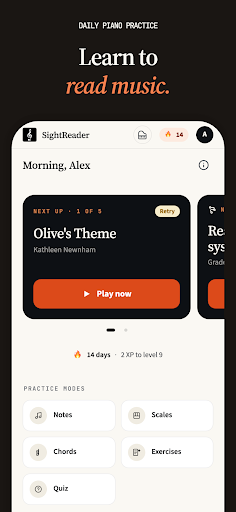
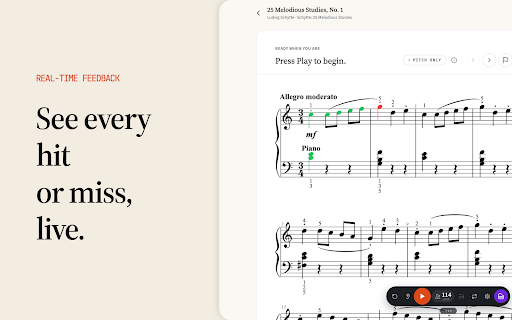
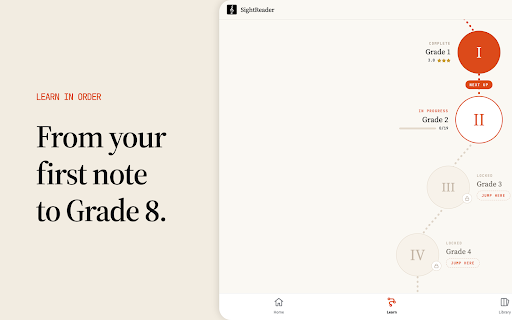
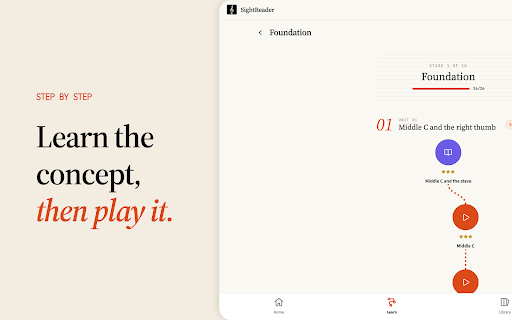
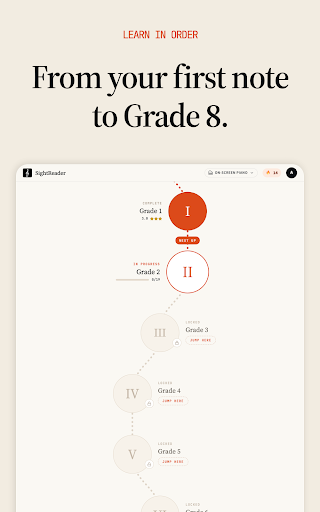
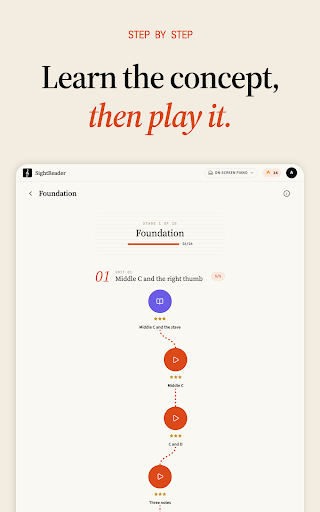
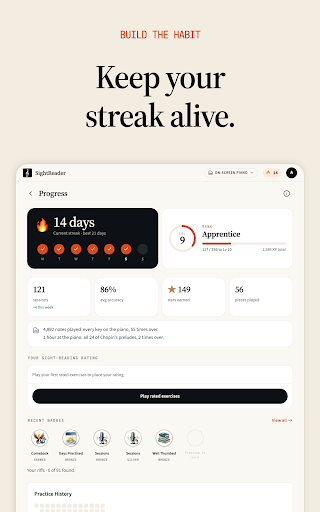
SightReader: Read Piano Music offers a fast, hands‑on way to develop piano sight‑reading skills. By playing directly from the page for just five minutes each day, users can progress from the first middle C up to Grade 8. The app evaluates not only the correct notes but also the timing, thanks to a built‑in metronome and Pitch & Rhythm mode. Download SightReader: Read Piano Music APK Free and start seeing real‑time feedback on every note you play.
## SightReader: Read Piano Music APK Features
Designed for pianists of all levels, the application combines a comprehensive library with detailed performance analysis. Below are the core capabilities that make the learning process both engaging and measurable.
- MIDI connectivity – Connect a MIDI keyboard via USB or Bluetooth; the app handles Bluetooth pairing internally. This lets the software listen to each keystroke as you play.
- On‑screen keyboard option – When a physical keyboard isn’t available, a virtual piano appears on the screen, allowing you to practice with any instrument or even a microphone.
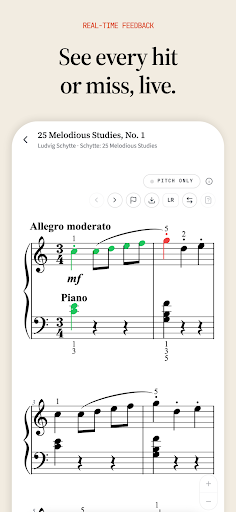
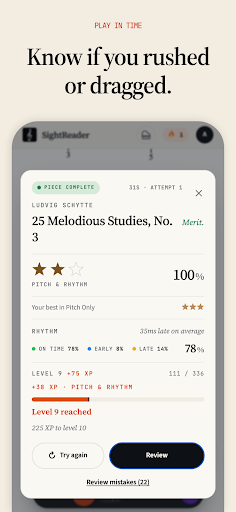
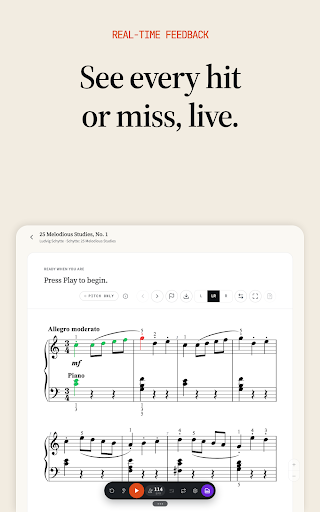
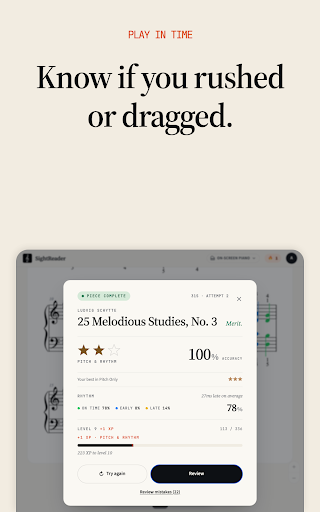
- Real‑time note feedback – Correct notes turn green, incorrect notes turn red, early notes turn blue, and late notes turn yellow, giving instant visual cues about accuracy and timing.
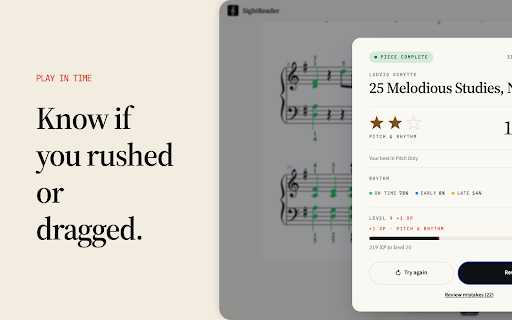
- Pitch & Rhythm mode – Activating the metronome adds a rhythmic layer; each note is judged for pitch and beat placement, and a timing breakdown shows on‑time, early, and late percentages plus the average deviation in milliseconds.
- Bonus XP for full‑piece runs – Completing a piece from start to finish in Pitch & Rhythm awards extra experience points, encouraging continuous practice.
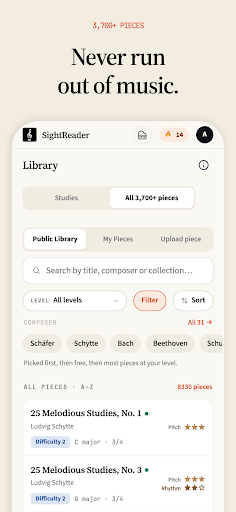
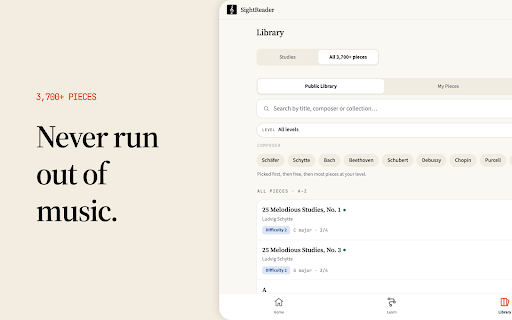
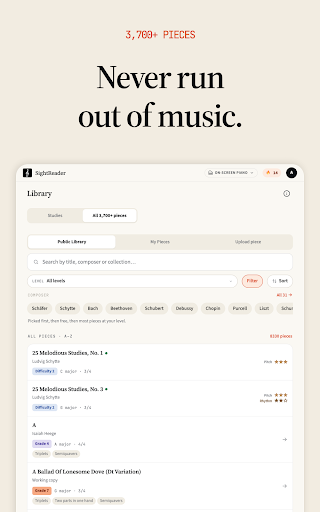
- Four‑century library – Access scores from the Baroque, Classical, Romantic, and Modern eras, featuring composers such as Bach, Mozart, Debussy, and Bartók.
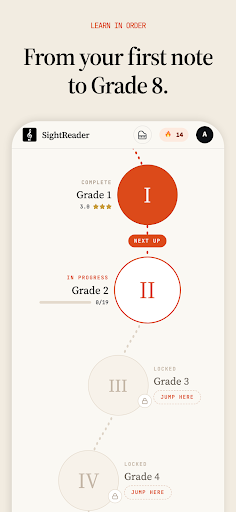
- ABRSM‑aligned exercises – Practice material is organized grade by grade, from Initial through Grade 8, matching the standards of the Associated Board of the Royal Schools of Music.
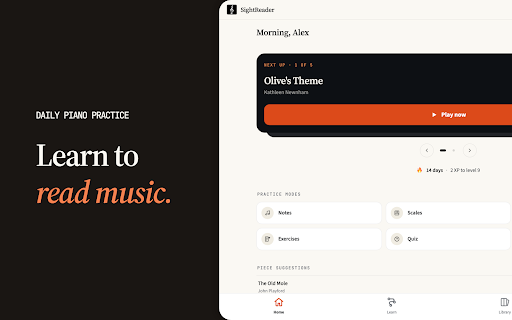
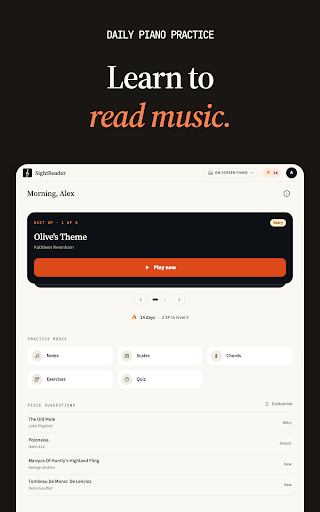
- Note, chord, and scale drills – Every type of scale and chord progression is available for targeted drills, reinforcing fundamental theory.
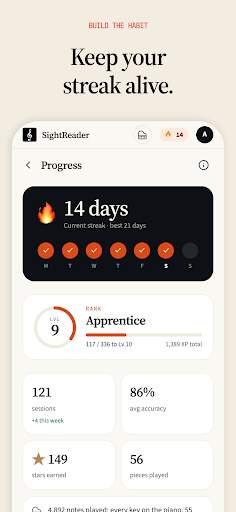
- Progressive level system – Levels guide beginners through first‑time reading to advanced repertoire, with three‑star ratings per piece that convert into XP for leveling up.
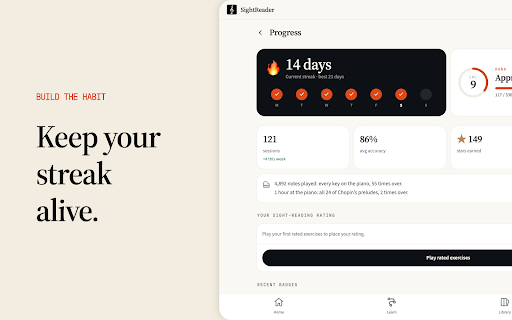
- Practice journal – Each session is logged, detailing which keys, clefs, intervals, and individual notes caused difficulty, so you can focus on weak spots.
- Streak and certificate rewards – Daily practice builds a streak, and finishing a grade unlocks a printable certificate you can share with teachers or display at home.
These features work together to turn short, five‑minute sessions into measurable improvement, whether you are a student, a parent, or a teacher.
Ready to make sight‑reading a daily habit? Install the app now and let the built‑in feedback guide your practice.
## Who Can Benefit from SightReader: Read Piano Music
The program tailors its experience to several user groups, ensuring that each finds value in the same core tool.
- Learners – Short daily exercises provide immediate note‑by‑note feedback, helping build confidence without relying on memorization.
- Parents – The five‑minute game‑like format keeps children engaged, while progress charts and certificates give a clear overview of achievements.
- Teachers – A dedicated dashboard lets educators assign specific ABRSM exercises, monitor student performance, and identify problem areas across the class. Verified teachers receive free access to all features.
Each group benefits from the same underlying technology, whether using the free tier or upgrading to the Pro version.
## Frequently Asked Questions
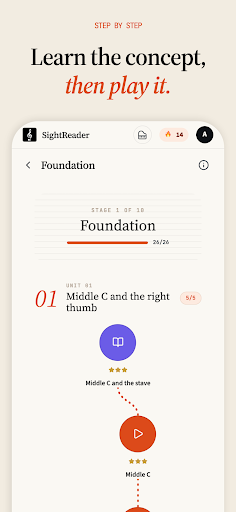
Is SightReader free to use? Yes. The free tier offers unlimited drills and scales, lessons through the end of Grade 1’s first unit, the first five levels of each grade up to Grade 5, and a collection of 54 pieces.
Can I practice without a MIDI keyboard? Absolutely. The app supports microphone input, the on‑screen virtual piano, and any acoustic instrument, allowing you to record results without external hardware.
What does the Pro upgrade include? Pro unlocks the full library of over 3,700 pieces, all ABRSM grades, curated daily practice plans, grade‑specific achievements, the ability to upload personal scores, and offline practice capability.
Start improving your piano sight‑reading today by installing the app and exploring the free lessons.
Experience the convenience of the SightReader APK for Android, the latest version that brings professional‑grade sight‑reading tools to any device. Whether you search for the SightReader free piano practice APK or the SightReader Pro APK, the application delivers a structured, feedback‑rich environment that fits into a busy schedule.
Latest version1.0.15
Content ratingEveryone
Packageapp.sightreader
Downloads500 downloads from AndroidRU
Requires AndroidAndroid 7.0+
Architecturearm64-v8a
Signaturea96587159d6184d5...1effcf
Developer verificationAndroidRU.com Android App Store
Security report0 / 1 flagged
SourceAndroidRU
Version code31
File checked09 Nov 2026 04:04
CategoryEducation
DeveloperBret Cameron
CurrencyUSD
Price$0.00
In-app purchases$5.99 - $57.99 per item
Release dateJul 20, 2026
Contains adsNo
Offers in-app purchasesYes
Safety starts with understanding how developers collect and share your data. Data privacy and security practices may vary based on your use, region, and age. The developer provided this information and may update it over time.


 Download SightReader: Read Piano Music V1.0.15 APK From Android App Store Fast Latest