

꧁꧁ Barbara ꧂
2026-10-12★☆☆☆☆
1/5
2026-10-12★☆☆☆☆
1/5
Short free SEVEN DAY Trial . . . (trials usually are free). Just like all is other apps.

Naoki Otsu
2.28.0 APK Old versions Merged APK · re-signed
Merged APK · re-signed. Discover and download millions of the latest Android apps and games for free at AndroidRU.com. Fast, secure, and always updated with top-rated APKs. Download Vertical Calendar - Planner APK Free, fast, safe, reliable, and daily updated, this application supports ABI: arm64-v8a. AndroidRU.com is the number one Best Google Play Store Alternative in 2027 for Safe APK Downloads. Get the best Premium Android apps & games APKs for free now. All apps and games are unlocked & ad-free. Best download apk latest version from Androidru.com APK downloader
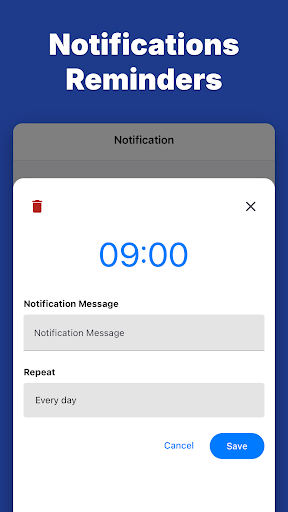
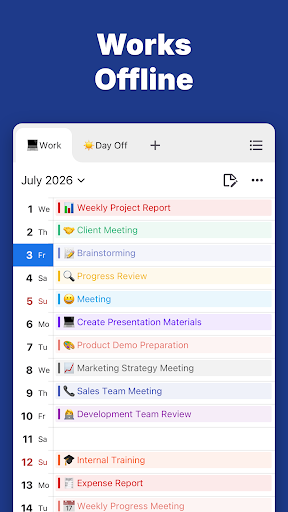
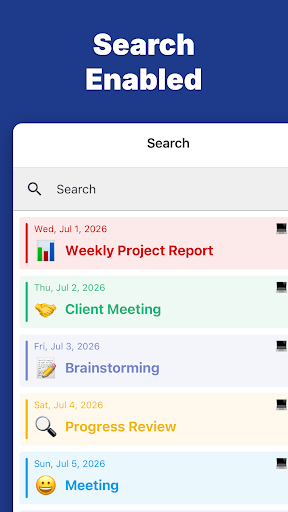
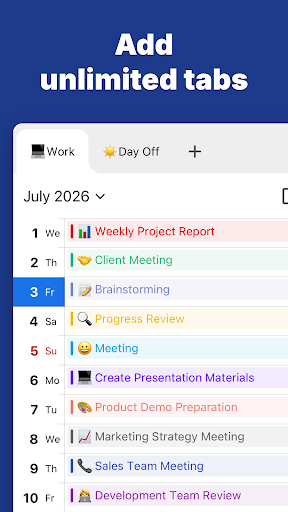
Download Vertical Calendar – Planner APK Free to manage appointments in a vertical monthly calendar with tabs and planning options.
Explore Vertical Calendar – Planner and review the available features before getting started.
Download the file with the button above.
On your Android device, open the file.
If asked, allow "Install unknown apps" for your browser or file manager.
An APK installs directly; no extra installer app is needed.
Converter signature verified. Discover and download millions of the latest Android apps and games for free at AndroidRU.com. Fast, secure, and always updated with top-rated APKs. Download Vertical Calendar - Planner APK Free, fast, safe, reliable, and daily updated, this application supports ABI: arm64-v8a. AndroidRU.com is the number one Best Google Play Store Alternative in 2027 for Safe APK Downloads. Get the best Premium Android apps & games APKs for free now. All apps and games are unlocked & ad-free. Best download apk latest version from Androidru.com APK downloader
The download is 61.9 MB. Keep at least that much free space, plus room for the installed app.
Download the file, then open it on your Android device. If asked, allow "Install unknown apps" for your browser or file manager. An APK installs directly; no extra installer app is needed.
a96587159d6184d5...1effcfCategories: Productivity · Tags: Android, APK, Free Download, Productivity
Version 2.28.0 · 61.9 MB · APK
SHA-256 02e5f9371cb8482319a1c49238dd9bfd56876eb793b182cd87ee97505daba458
Signer a96587159d6184d5a59f2e5a37656587fc9f3de337af454b228bff144c1effcf
Architecture arm64-v8a
Antivirus scan: not run for this file. No scan result is claimed here.
02e5f9371cb8482319a1c49238dd9bfd56876eb793b182cd87ee97505daba458
a96587159d6184d5a59f2e5a37656587fc9f3de337af454b228bff144c1effcf
Swipe to see all screenshots
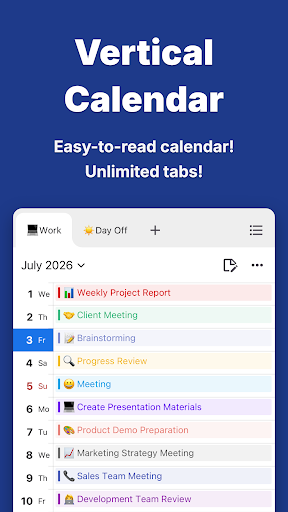
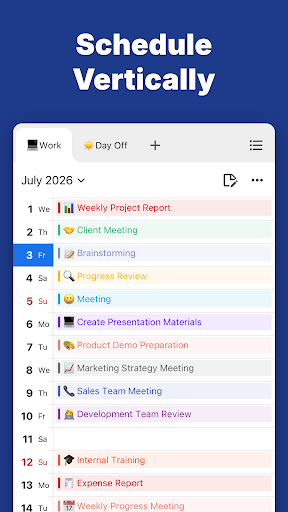
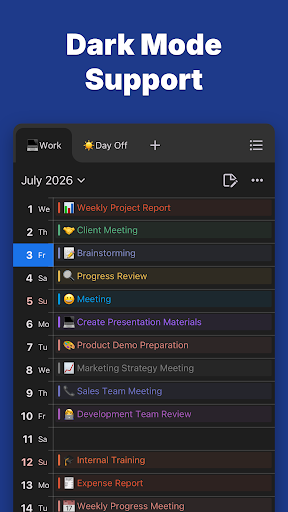
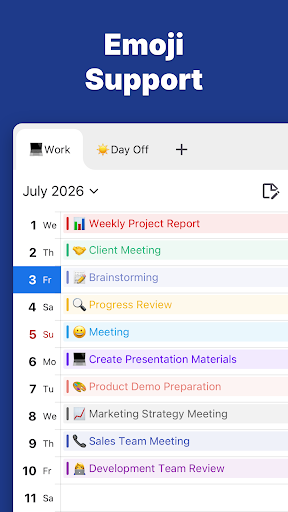
| Size | ||
| Date | ||
| Format |
Safety starts with understanding how developers collect and share your data. Data privacy and security practices may vary based on your use, region, and age. The developer provided this information and may update it over time.
55 ratings
55 ratings on AndroidRU. 3 written reviews on AndroidRU, 6 shown below. Their honest reviews of this app.
Short free SEVEN DAY Trial . . . (trials usually are free). Just like all is other apps.
not Good
Doesn't continuously scroll through months which makes it a bit pointless
Great calendar .very convenient.
Hi..I try reorder my event, but it does not work at all. Hope it can fix asap.
pop up adds in the calender. claims no datavcollection but first thing that pops up is a we share data with vendors.
No reviews match this filter.

Meta Platforms, Inc.
14.0.0.6.149 · APK · Updated Nov 07, 20264.7 ★ · 146,887 ratings · 5,000,000 downloads · 43.5 MB
TeamViewer
15.83.285 · APK · Updated Nov 06, 20264.4 ★ · 164,674 ratings · 50,000,000 downloads · 15.5 MB
Shree Ganesha Labs
3.48 · APK · Updated Nov 05, 20264.6 ★ · 1,723,594 ratings · 100,000,000 downloads · 18.0 MB
AT&T Services, Inc.
2026.10.2 · APK · Updated Nov 05, 20264.5 ★ · 450,025 ratings · 100,000,000 downloads · 128.2 MB
Schnell Energy Equipments Private Limited
4.0.2 · APK · Updated Nov 05, 20264.2 ★ · 38 ratings · 5,000 downloads · 15.9 MB
My Vehicle Info
6.6 · APK · Updated Nov 05, 20264.0 ★ · 2,388 ratings · 100,000 downloads · 9.3 MB