

Download APK Tango Best-Fit Use Cases, What’s New & Full Review
Tango has been around long enough that most people have heard of it, yet few people can say exactly what it is good for today. I first installed it years ago when it was mainly a video calling app, and when I opened it again recently I found something quite different: a live streaming platform where broadcasters sing, chat, play games with viewers, and earn gifts, with one-to-one video chat still sitting alongside it. That mix is the reason this review exists, because Tango works well for some people and falls flat for others, and the difference comes down to what you actually want from it.
This review covers the use cases where Tango fits best, what changed in recent versions, the real features inside the app, and an honest look at the trade-offs. I tested the Android app over several sessions on a mid-range phone, joined live rooms, tried the random video chat, checked the coin and gift system, and looked at the settings that control privacy and spending. What follows is what I found, including the parts that annoyed me.
If you enjoy Tango then Weibo is a natural next app to try and it offers a different angle on the same kind of activity. When you want a change of pace then Snapchat covers that need neatly. And for a third option Buffer is worth a look as well. I still came back to Tango for my daily routine because the live rooms and the quick video chats suited the way I like to spend short breaks.
What Tango live stream video chat is in 2026
Tango today is two apps in one shell. On one side it is a live streaming community: hosts go live, viewers watch, send virtual gifts, and climb leaderboards. On the other side it is a social video chat app: you can start a one-to-one video call, send text and voice messages, and meet strangers through random matching. The app is published by TangoMe and the Android version runs on phones and tablets with a free install, with optional in-app purchases for coins and premium perks.
The home screen makes the split obvious. A feed of live broadcasts sits front and centre, with categories such as music, chat, gaming, and talent shows. A separate tab holds your chats and calls, and another holds your profile, wallet, and level. New users get a short onboarding that asks for interests and language, which shapes the rooms the app suggests first. That first screen matters, because the quality of your first week depends heavily on the rooms the algorithm shows you.
How live streaming works on Tango
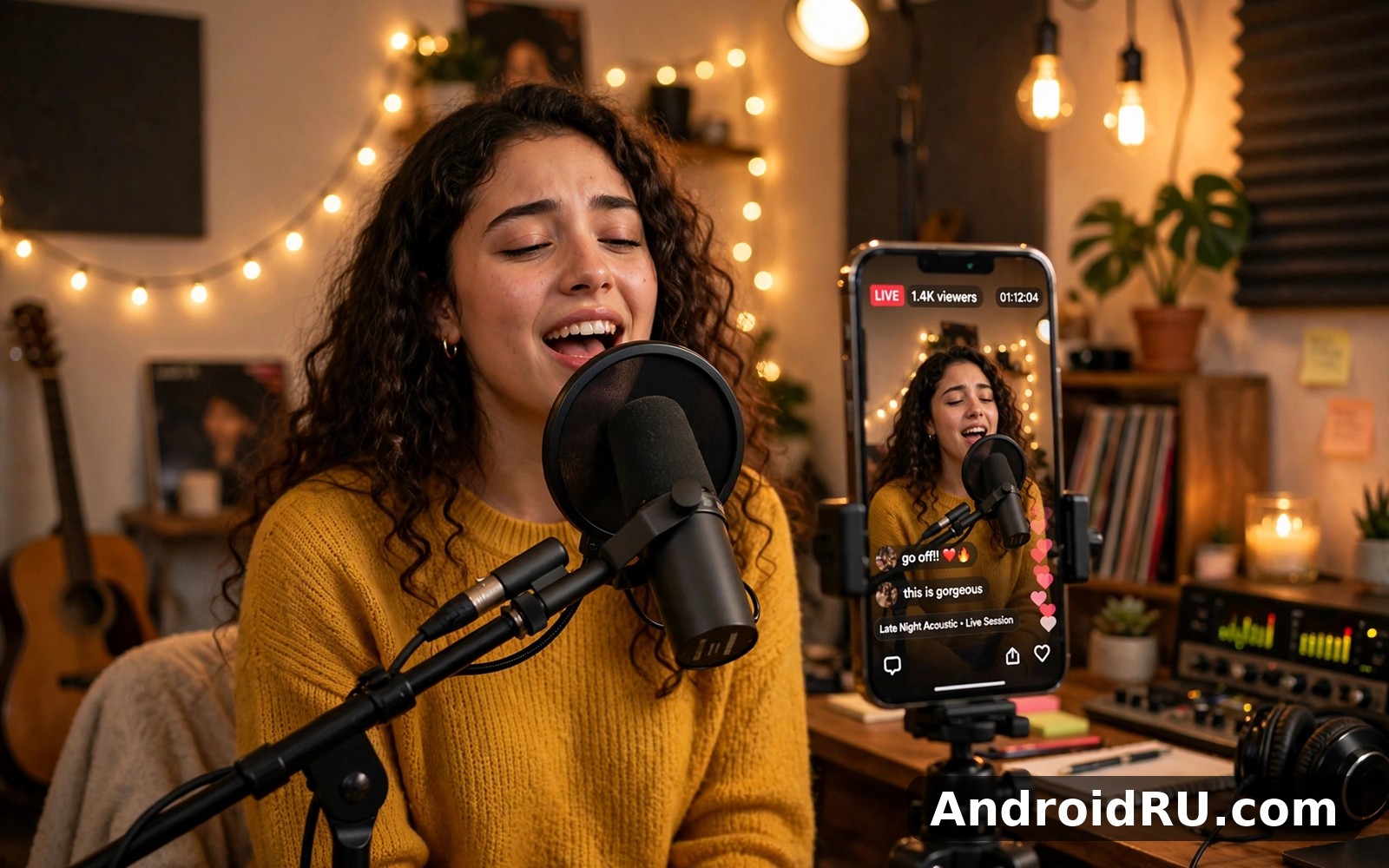
Going live takes a few taps once your account is verified, and viewers can join without following you first. Hosts talk to the chat, take song requests, run small games, and react to gifts that appear on screen as animations. The room shows a viewer count, a gift total, and a chat feed that moves fast in popular rooms. I joined a music room with about 400 viewers and the host was reading chat messages between songs, which gave the session a radio-show feel that a recorded video cannot copy.
How one-to-one video chat works on Tango
Video chat is the older half of Tango and it still works the way long-time users remember: pick a contact, tap the camera icon, and the call starts in a couple of seconds on a decent connection. Calls support filters, beauty effects, and switching between front and rear cameras. Random video matching pairs you with strangers by language and region, and you can skip to the next person with one tap. The trade-off is clear here: random matching is fun for a few minutes and tiring for much longer, because the quality of each match is pure luck.
Video call quality on a mid-range phone
On my test phone over home Wi-Fi, one-to-one calls held a steady picture with only brief softening when I moved between rooms. On mobile data the app dropped the resolution sooner than a dedicated calling app would, and audio stayed ahead of video by a small margin during the worst dips. If you plan long calls, Wi-Fi is the better choice, and the app lets you lower video quality in settings when the connection is weak.
Tango best-fit use cases and who gets the most from it
Tango fits best when you want live, unscripted company rather than polished content. The app rewards people who like dropping into a room, saying hello in chat, and staying for ten minutes. It fits less well when you want long private calls with people you already know, because most dedicated calling apps handle that job with fewer distractions and lower data use.
Use case 1: watching live hosts and joining the chat
This is the strongest use case in the current app. Music rooms, talk rooms, and talent showcases give you something to watch without choosing a video first, and the chat makes you part of the room instead of a silent viewer. I found the best rooms by sorting for hosts who answered chat regularly rather than those with the highest viewer counts, because a host who reads messages turns a broadcast into a conversation.
Use case 2: meeting new people through random video chat
Random matching suits curious users who enjoy short, low-stakes conversations with strangers around the world. Language filters help a lot here, and setting your region and interests before you start improves the matches noticeably. That said, expect a mixed bag: some matches are friendly and chatty, others end after five seconds, and a few will try to push you toward other platforms, so keep your guard up and never share personal details.
Use case 3: broadcasting as a host and building an audience
Hosting suits people who enjoy performing, talking, or playing games on camera and who can keep a steady schedule. Tango gives hosts a level system, fan badges, and gift income, and regular hosts build a small community that returns each evening. The catch is that growth is slow at first: new hosts stream to a handful of viewers, and the rooms that grow are the ones where the host greets people by name and keeps a routine.
Use case 4: keeping in touch with friends by video
Tango still handles friend-to-friend video calls, voice messages, and photo sharing in one place, which suits people who already have friends on the platform. The call quality is good enough for everyday chats, and the built-in filters add a playful touch. If your friends are not on Tango, though, there is little reason to move your calls here, because you would be asking them to install an app full of live rooms just to answer your call.
When Tango is the wrong pick
Tango is the wrong pick when you need a quiet, private messenger, a work meeting tool, or a way to call family members who dislike busy interfaces. The home feed is loud by design, gift prompts appear often, and the app assumes you want to discover strangers. For those jobs, a plain calling or messaging app will feel calmer and cheaper on data.
What is new in Tango recent updates
Recent Tango updates have pushed the app further toward live entertainment and away from its old identity as a pure calling app. The live feed gained better category filters and a cleaner room layout, so finding a music room or a chat room takes less scrolling than it used to. Host tools improved as well, with clearer gift totals during a stream and simpler controls for muting disruptive viewers.
On the video chat side, the app added more beauty filters and effects, plus quicker matching for random chats. The profile and level screens were redesigned so your progress, fans, and earnings are easier to read at a glance. Performance updates reduced the lag I used to notice when switching between a live room and a chat, and the app now handles background audio better when a call is interrupted by a notification.
One change worth knowing about is the way coins and gifts are presented: the wallet screen now shows your balance and recent gift history more clearly, which makes it easier to see what you actually spent. I consider that a genuine improvement, because the old layout buried the numbers. Check the current version notes on the listing before you install, because feature names and gift prices shift between releases.
Tango gifts, coins, and levels explained
Coins are the currency you buy with real money, and gifts are what you send to hosts using those coins. A small gift costs a few coins, a large animated gift costs far more, and hosts convert the gifts they receive into earnings. Levels rise as you watch, send gifts, and host, and higher levels bring badges and profile frames. The system is optional: you can watch rooms for free and never spend a coin, but the app will remind you about coins often, so set a budget before you start sending gifts.
Tango privacy and safety controls to check first
Before your first random chat, open the privacy settings and decide who can call you, who can message you, and whether strangers can find your profile. Block and report controls sit inside each chat and each live room, and they work quickly once you use them. I suggest new users spend five minutes in settings before their first broadcast or random match, because the defaults lean toward openness rather than privacy.
Two settings I change on every fresh install
First, I limit incoming calls and messages to people I follow, which cuts the random requests sharply. Second, I turn off most push notifications except direct messages, because the app otherwise pings you about live rooms all evening. Those two changes make the app far calmer without losing anything that matters.
Tango features that matter in daily use
The feature list looks long on the listing, but only a handful shape daily use. Live streaming with real-time chat is the core. One-to-one video and voice calls are the second pillar. Random video matching is the third. Around those sit text messaging, voice messages, photo and sticker sharing, filters and effects, a friends and followers system, and the coin and gift economy that funds the hosts.
- Live rooms with real-time chat let you watch hosts sing, talk, or play games and join the conversation as it happens, which is the part of Tango I returned to most often.
- Random video matching pairs you with strangers by language and region, with a one-tap skip when a match does not click.
- Video and voice calls cover private chats with friends, with filters, beauty effects, and camera switching built in.
- Gifts, coins, and levels give hosts income and give viewers a way to support a room, with badges and frames marking progress.
- Follow, fans, and notifications help you keep track of hosts you like so their next live session reaches you in time.
Tango filters, effects, and stickers
Filters and beauty effects are easy to reach during a call or a broadcast, and they run smoothly on a mid-range phone without turning the picture into plastic. Stickers and animated gifts add colour to chat, though the gift animations can cover the video in busy rooms. The effects are a matter of taste: a light filter improves a dim room, while the strongest beauty setting looks artificial on most faces.
Tango on low-end phones and slow connections
Tango is a heavy app. It uses more storage and more data than a plain calling app, and live video is the reason. On a phone with limited storage, clear the cache weekly from the app settings, and on a slow connection, drop the video quality before you join a room rather than after the picture starts freezing. The app stayed stable during my tests, with one crash in about two weeks of regular use, which is acceptable but not spotless.
Tango vs Azar vs Snapchat video chat comparison
Comparing Tango with two apps people often consider next to it shows where each one earns its place. Azar leans harder into random video matching with strangers, Snapchat leans into private chats with friends plus short video stories, and Tango sits between them with live rooms as its main draw. None of the three is the best at everything, and the right choice depends on whether you want an audience, a stranger, or a friend on the other end.
| Feature | Tango | Azar | Snapchat |
|---|---|---|---|
| Main draw | Live rooms and hosts | Random video matching | Private chats and stories |
| One-to-one video calls | Yes, with filters | Yes, after matching | Yes, with lenses |
| Live broadcasting | Yes, core feature | Limited live features | No public live rooms |
| Gift and coin system | Yes, central to hosts | Yes, gems and gifts | No gift economy |
| Meeting strangers | Yes, random chat | Yes, main purpose | Only via added friends |
| Best for | Live entertainment fans | Random chat fans | Friends and daily snaps |
| Privacy lean | Open by default | Open by default | Friends-first by default |
The table makes the verdict simple. Pick Tango when live rooms and hosts are the point. Pick Azar when random one-to-one matching is the point. Pick Snapchat when your friends are the point and strangers are not. I keep Tango for evenings when I want to watch a room, and I use a plain calling app for everything else.
How Tango compares on cost
Tango is free to install and free to watch, and the money enters through coins. A casual viewer can spend nothing for months, while a heavy gift sender can spend a surprising amount in one evening without noticing, because gifts are priced in coins rather than cash. Azar works the same way with gems, and Snapchat charges for its optional subscription instead of gifts. If you dislike coin systems, Tango will test your patience, because gift prompts are part of the room experience.
Tango pros and cons from real use
After several weeks of use, the balance is clear. Tango does live entertainment well, and it does it with a community that is genuinely active in the evenings. The same design choices that make it lively also make it noisy, and the coin system is always one tap away. Here is the honest split.
Pros of Tango
- Live rooms are active around the clock, with music, talk, and talent hosts who actually interact with chat.
- One-to-one video calls are quick to start and hold up well on Wi-Fi, with filters that work without fuss.
- Random matching is genuinely fast, and language filters improve the results a lot.
- Hosting tools are simple enough for a first-time broadcaster to go live in minutes.
- The app runs steadily on a mid-range phone and recovers well after a dropped connection.
Cons of Tango
- Gift and coin prompts appear constantly, and it is easy to spend more than planned in a busy room.
- Random matches vary wildly in quality, and some strangers behave badly before you can skip them.
- The home feed is busy and loud, which makes the app a poor fit for quiet private calling.
- Live video uses a lot of data, so long sessions on mobile data will eat a plan quickly.
- Privacy defaults lean open, so new users must change settings themselves to cut stranger contact.
Who Tango is for
Tango is for people who enjoy live company: viewers who like music rooms and chat rooms, hosts who like performing for a small crowd, and social users who enjoy meeting strangers by video. It is also a fair pick for anyone whose friends already use it for video calls. It is not for people who want a calm private messenger, a work tool, or an app their children can use unsupervised, because the open rooms and the gift system need an adult eye on them.
Tango setup guide and tips that actually help
Setting Tango up well takes about ten minutes, and most of that time belongs in the settings screens rather than the sign-up flow. Create your account with a phone number or an existing social login, pick a display name that does not reveal your real name, and upload a profile photo you are comfortable showing to strangers. Then set your language and region, because those two choices shape every random match the app offers you.
- Open settings and set who can call and message you, choosing followers only if you want a quieter inbox.
- Turn off live-room notifications except for hosts you follow, so your evenings stay yours.
- Try three different live rooms for ten minutes each before you decide what you like, because the first room is rarely the best one.
- Test a one-to-one call on Wi-Fi first, check the picture and sound, and only then try calls on mobile data.
- Set a monthly coin budget of zero until you know how the gift system feels, and only buy coins after a week of free use.
- Learn the block and report buttons now, not later, so a bad match costs you one tap instead of a ruined evening.
Fixing common Tango problems
When a live room freezes, leave and rejoin rather than waiting, because a stale connection rarely recovers on its own. When calls drop on mobile data, lower the video quality in settings and move closer to a window or outdoors if you can. When the app feels slow, clear the cache from settings and restart the phone, which fixed the only sluggish spell I saw. When notifications overwhelm you, cut them in the system settings rather than inside the app, because the system switch is harder for the app to work around.
What to do when a stranger behaves badly
Skip or end the chat at once, block the account from the profile menu, and report it with the reason that fits best. Do not reply, do not argue, and never share your number, address, or social accounts to prove anything. If the same person returns on a new account, tighten your matching filters and take a break from random chat for the day.
Tango frequently asked questions
Is Tango free to use?
Yes, installing Tango and watching live rooms costs nothing, and one-to-one calls with friends are free as well. The paid part is coins, which you buy only if you want to send gifts to hosts or buy premium perks. I watched rooms for a week without spending anything and never hit a wall, though the app reminded me about coins often.
Is Tango safe for meeting strangers?
Tango is as safe as the settings you choose and the habits you keep. Use a display name that is not your real name, keep calls and messages limited to people you follow, block and report bad behaviour at once, and never share personal details with a stranger. Parents should know that the app is built for adults and that live rooms are open, so it is not a good pick for unsupervised younger users.
Can you earn money as a Tango host?
Yes, hosts earn from the gifts viewers send, and regular hosts with a loyal room can build a real income over time. The amounts depend on audience size, consistency, and how generous the viewers are, so a new host should expect small earnings at first. Treat it as a side income that grows with a schedule, not as a quick payout.
Why does Tango use so much data?
Live video is the reason: a live room streams video continuously, and gifts, chat, and effects add to the load. Watching on Wi-Fi keeps the cost down, and lowering video quality in settings helps on mobile data. I found that an hour in a live room used far more data than an hour of one-to-one calling, so plan your sessions around Wi-Fi when you can.
Does Tango work on older Android phones?
Tango runs on most modern Android phones, but older devices with little free space will feel the weight of the app. Keep at least a few hundred megabytes free, clear the cache weekly, and close other heavy apps before a live session. If the app stutters on your phone, the lighter path is to watch rooms rather than host them, because hosting asks more of the camera and the processor.
Tango final verdict by use case
Tango earns its place as a live entertainment app with a real community behind it. For viewers who like music rooms and chat rooms, it is an easy recommendation. For hosts who enjoy performing and can keep a schedule, it is a fair platform with a working gift economy. For random video chat fans, it is a solid second option behind apps that focus only on matching. For private calling with friends and family, it is usable but not the best tool for the job, because the busy feed and the coin prompts get in the way.
My advice is simple: try it free for a week, watch rooms on Wi-Fi, change the privacy settings on day one, and spend nothing until you know which rooms you actually return to. If after that week you have a host you look forward to and a room that feels like a regular haunt, Tango has earned its space on your phone. If you only opened it for private calls, delete it and keep a plain calling app instead. When you are ready, Click here to download the Tango app. A similar app is worth a quick look too. Click here to download the Weibo app. For a second option, Click here to download the Snapchat app.

