

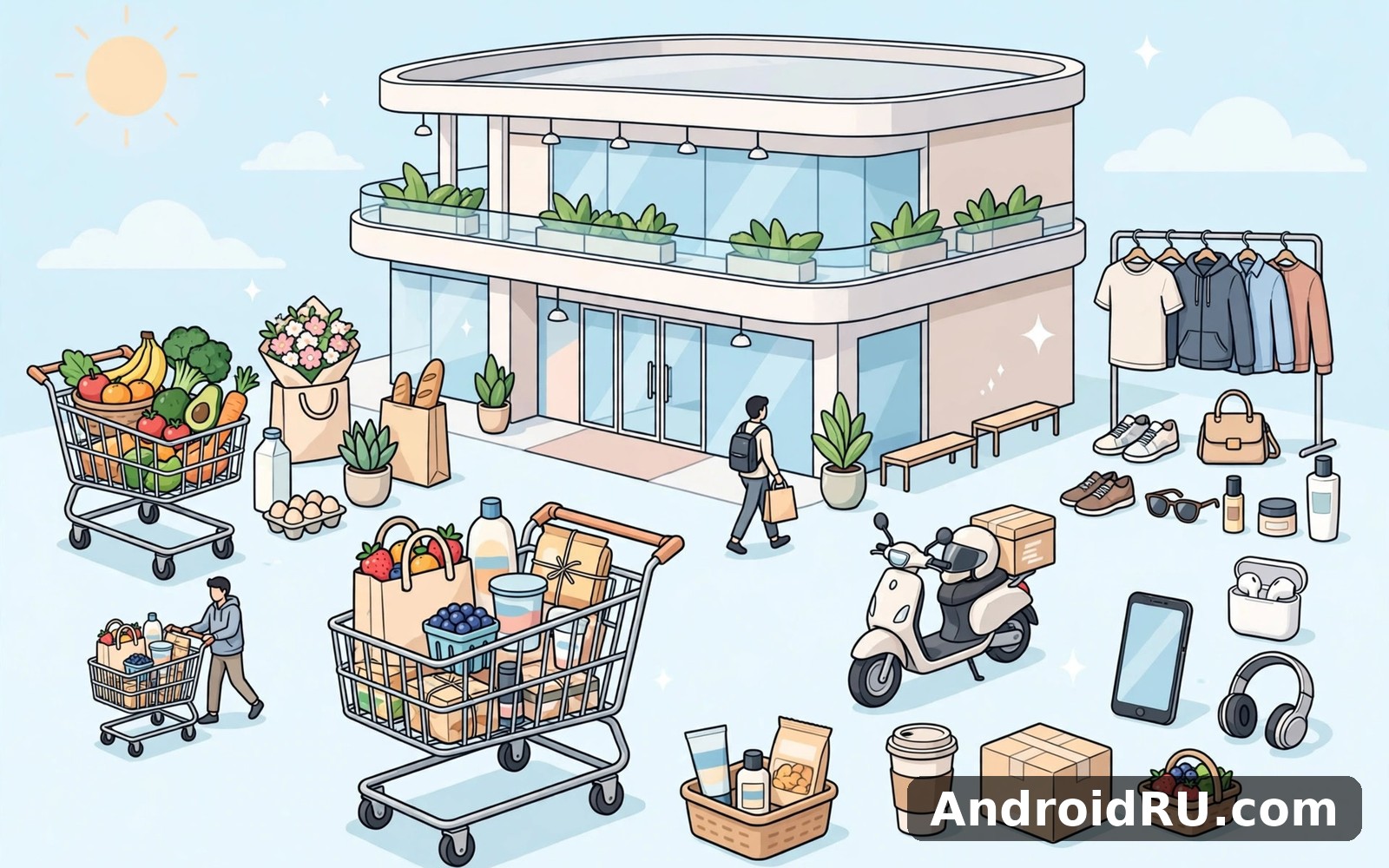
Download APK My Shopping Mall Latest Feature Review & Account Recovery
On a rainy weekend I finally gave My Shopping Mall a proper try. I had no deadline and no rush, so I explored slowly, one floor at a time, and I liked how the main tools stayed easy to find. By Sunday evening the place felt familiar rather than new, which is a good sign for a game built around short daily visits. It is a mall management game: you open shops, hire staff, keep customers happy, and grow a small building into a busy shopping centre.
What kept me coming back was not a single big feature. It was the rhythm. A short session in the morning, a few upgrades after lunch, and a quick check before bed. The game respects that kind of schedule. It never demanded an hour of my attention, and it never punished me for a day away. That balance is rare in management games, and it is the main reason this one stayed on my phone after the first week.
This review covers what the game actually does in its current version, which features are worth your time first, how the coin and gem economy works, how it runs on different Android phones, how it compares with similar shop games, and what to do if you ever lose your account.
What My Shopping Mall Is and How the Daily Loop Works
My Shopping Mall puts you in charge of a shopping centre that starts small: a handful of shops, a few visitors, and a tight budget. Your job is to pick the right mix of shops, place them where shoppers will find them, hire enough staff to keep queues short, and reinvest the earnings into new floors and better facilities. Customers walk in, browse, buy, and leave with a mood rating that tells you how the visit went. A happy crowd spends more and comes back sooner.
The loop is simple on purpose. You earn coins from sales, spend coins on new shops and upgrades, and watch foot traffic grow. As your mall levels up, new shop types become available, from a basic clothes shop and a snack bar to a toy shop, a bookshop, and a cinema. Each shop has its own upgrade path, and each upgrade raises its earning rate and the number of customers it can serve at once.
The core loop in plain terms
Open the game, collect the coins your shops earned while you were away, check which shops have waiting customers, spend a few minutes upgrading the busiest ones, and start one or two longer upgrades before you close the app. That is the whole loop, and it works because every action has a visible result. A new shop opens its doors the same day. An upgraded shop shows a higher earning rate right away. You never wonder whether something you did mattered.
What you manage on each floor
Each floor holds a limited number of shop slots, so placement is a real decision rather than decoration. Popular shops near the entrance pull in foot traffic that smaller shops deeper inside then benefit from. Facilities like benches, plants, and restrooms raise the comfort rating of a floor, which keeps shoppers inside longer.
Your first ten minutes in the game
The opening tutorial walks you through building your first clothes shop, hiring your first cashier, and opening the doors. It takes about ten minutes and it never asks you to spend real money.
Daily goals and streaks that shape your routine
A short list of daily goals sits on the main screen: serve a set number of customers, open or upgrade a shop, and collect a certain amount of coins. Finishing them pays a bonus in coins and sometimes gems.
My Shopping Mall Latest Features Worth Your First Week
The current version of the game is a friendlier place than the early releases were. The biggest change is how much of the useful information now sits on the main screen: earnings per shop, customer mood, and staff status are visible without opening three menus. The developers have also added themed shops and seasonal events that give long-term players a reason to return beyond the next upgrade.
New shop types and themed floors
Recent updates added themed shops that fit the mall idea well: a pet shop, a bakery, a sports shop, and a toy shop with its own decoration set. Themed floors let you group matching shops together, and a floor with a clear theme earns a small comfort bonus.
Staff hiring and training
Staff are the quiet backbone of the game. Each shop needs a cashier, and larger shops benefit from extra helpers who speed up service. Newer versions let you train staff to raise their speed and their service rating, which cuts queue times during busy periods.
Seasonal events and limited-time shops
Seasonal events arrive every few weeks and add a limited-time shop or a themed decoration set that you can earn by serving customers during the event window. The rewards are cosmetic or a small coin bonus, and missing an event costs you nothing permanent.
Cloud save and cross-device progress
Cloud save is the feature that matters most if you ever change phones, and it now works through your Google Play Games sign-in. Once your account is linked, your mall, your coins, and your opened floors are stored against that account rather than only on the device. I tested this by signing in on a second phone, and the mall appeared with everything intact.
Coins, Gems, and the In-Game Economy Explained
The game runs on two currencies, and knowing which one to protect saves a lot of frustration. Coins are the everyday currency: shops earn them, upgrades cost them, and you will never run short if you play daily. Gems are the scarce currency: you earn a few from goals and events, and they buy instant upgrades, extra shop slots, and special decorations. The game offers gem packs for real money, but nothing in normal play requires them.
| Currency or item | How you earn it | What it is best spent on |
|---|---|---|
| Coins | Shop sales, daily goals, event rewards | New shops, upgrades, staff training |
| Gems | Goals, level rewards, events, optional purchase | Extra shop slots and instant upgrades |
| Daily reward chest | Opening the game once per day | Bonus coins, occasional gems, boosters |
| Customer tips | Happy shoppers leaving high-rated shops | Small coin top-ups that add up over a week |
| Event tokens | Serving customers during seasonal events | Limited-time shops and themed decorations |
| Booster items | Goals and event rewards | Short earning boosts during busy sessions |
That table is the whole economy in one place. Coins flow in steadily and flow out through upgrades. Gems trickle in slowly and should be saved for things coins cannot buy. Boosters and event tokens are bonuses, not requirements, and the game plays fine without chasing them.
How to earn coins without spending real money
The fastest free coin source is a balanced floor: popular shops near the entrance, enough staff to keep queues short, and regular collection before the storage cap fills. I collect earnings every time I open the game and spend coins on upgrades for the busiest shop rather than spreading small upgrades across quiet ones.
When gems are worth it and when they are not
Gems are worth spending on an extra shop slot when your floor is full and a new shop type is waiting, because a new shop earns coins every day from then on. They are a poor spend on speeding up a single upgrade by a few minutes, since the same upgrade finishes for free if you simply wait.
Building a Mall That Earns While You Are Away
Offline earnings are where the game quietly rewards regular players. Shops keep earning while the app is closed, up to a storage cap that grows as you upgrade.
Upgrades are the other lever. A shop at level one earns a little; the same shop at level five earns several times more and serves more customers at once. I upgrade one shop at a time and pick the shop with the longest queue, since a queue is a clear sign of demand you are not meeting.
Layout mistakes that cost you customers
The most common mistake is filling every slot with the same type of shop. Five clothes shops compete with each other for the same shoppers, while a mix of food, clothes, toys, and entertainment keeps different visitors happy. The second mistake is forgetting facilities: a floor with no benches or restrooms loses comfort rating, and shoppers leave sooner.
Shoppers enter at the ground floor and spread upward, so the shops closest to the entrance get the most foot traffic. I place my highest-earning shops there and put quieter or newer shops deeper inside, where they still get visitors carried past by the popular ones.
My Shopping Mall on Android: Size, Versions, and Performance
The game is a light install, usually well under a few hundred megabytes including its cached data, and it runs on a wide range of Android phones. I played it on a mid-range phone from a few years ago and on a newer one, and both handled it without stutter. The graphics are simple and colourful rather than heavy, which is why the game stays smooth even during busy scenes with many shoppers on screen.
It needs an internet connection for cloud save, events, and purchases, but the core mall loop works offline for short stretches, with earnings syncing when you reconnect. Battery use is light for a game: a fifteen-minute session costs far less than a round of a heavy 3D title. If the game ever feels slow, close background apps and check your connection first, because on a weak signal the game pauses while it waits for the server, which looks like a freeze but is not one.
My Shopping Mall Compared With Similar Shop Games
No mall game exists in a vacuum, and the two closest alternatives on AndroidRU cover the same itch from different angles. Fashion Nova Trendy Shopping is a natural next app to try if fashion and outfit choices matter more to you than running a whole building. My Mini Mart covers that need neatly when you want a smaller shop to run instead of a multi-floor mall. My Sticker Shop Cozy Game is worth a look as well if you want something calmer and more decorative after a long day of managing queues.
| Feature | My Shopping Mall | Fashion Nova Trendy Shopping | My Mini Mart |
|---|---|---|---|
| Core activity | Run a multi-floor mall | Style outfits and shop fashion | Run a single small mart |
| Session length | 5 to 15 minutes | 5 to 10 minutes | 5 to 15 minutes |
| Staff management | Yes, hire and train | Light or none | Yes, small team |
| Offline earnings | Yes, up to a cap | Limited | Yes, up to a cap |
| Best for | Players who like planning | Fashion fans | Players who like a small shop |
| Learning curve | Gentle, tutorial covers it | Very gentle | Gentle |
The table shows why I keep returning to My Shopping Mall: it is the only one of the three where layout, staffing, and floor planning all matter at once. The other two are good games in their own right, and I still open them when I want a change of pace. But when I want a game that rewards a little planning each day, the mall is the one I open first.
Account Recovery in My Shopping Mall: Getting Your Progress Back
Losing a mall you built over weeks hurts, and it usually happens in one of three ways: a new phone, an accidental uninstall, or a sign-in that points at the wrong account. The good news is that most progress loss is recoverable, because the game ties your save to your Google Play Games account. The bad news is that recovery only works if that link was set up before the loss, so the best time to check it is today, while your mall is safe.
Recover with your Google Play Games account
This is the recovery path that works most often. If you linked your Google Play Games account before you lost access, installing the game on the new device and signing in with the same Google account should bring your mall back during the first launch. The game reads the cloud save attached to that account and offers to load it. Accept that prompt and wait for the sync to finish before tapping anything else.
Steps to restore your mall on a new phone
- Install My Shopping Mall on the new phone and open it once so it creates a fresh local profile.
- Open the settings menu, tap the Google Play Games sign-in button, and sign in with the same Google account you used on the old phone.
- When the game asks whether to load your cloud save, confirm it and let the sync finish completely.
- Check your coin balance, your floor count, and your newest shop. If all three match your old mall, the restore worked.
- If the game loads a fresh mall instead, sign out, double-check the Google account, and sign in again before playing further.
Recover with a linked email or social account
Some versions of the game also offer a second link option, such as an email address or a social account, inside the settings menu under the account section. If you linked one of those, use it the same way: sign in with the same address or account on the new device and confirm the cloud save when asked.
What to do when recovery fails
When neither sign-in restores your mall, the next step is the support channel inside the game settings, usually labelled Help, Support, or Contact Us. Write from the email address tied to your purchase history if you ever bought gems, because receipts help support find your account. Describe the old device, the approximate date you last played, your mall level, and your player ID if you can find it in the settings screen.
Pros, Cons, and Who This Mall Game Is For
A fair review gives both sides their due. My Shopping Mall earns its place through calm design and steady progress, and it strains in the same place most casual management games do: depth for players who want a harder challenge.
What works well
- Daily goals that respect short sessions: the goal list gives each visit a shape without demanding an hour of play, so the game fits a busy day.
- Offline earnings up to a cap mean a morning and evening check-in produce real progress, and the cap encourages regular visits without punishing a missed day.
- Cloud save through Google Play Games keeps your mall safe across phones, and the restore flow is simple when the account link is set up in advance.
- Shop variety and themed floors give you real layout decisions, so two malls built by two players can look and earn differently.
- The tutorial and the calm interface suit beginners, including players who are not confident with phones, because the main tools stay visible and the menus stay shallow.
Where it falls short
- Advanced players will run out of new systems after a few weeks, since the loop stays the same even as the mall grows taller.
- Gem income is slow without purchases, so extra shop slots take patience or real money, and the wait can feel long in the middle game.
- Seasonal events repeat similar tasks, and players who dislike timed events may find them easy to ignore but also easy to forget.
Who it is for
This game fits players who enjoy a little planning each day and want visible progress without pressure. It fits commuters, parents with ten spare minutes, and anyone who likes simulation games but dislikes timers that punish a missed day. It is less suited to players who want a hard economic challenge, competitive play, or a story to follow.
Verdict by use case
If you want a calm daily management game, keep it installed and link your account today. If you want a fashion game first and a mall second, try Fashion Nova Trendy Shopping alongside it. If you want the smallest possible shop to run, My Mini Mart is the better fit.
Frequently Asked Questions About My Shopping Mall
What happens to my mall if I switch to a new phone?
Your mall follows your Google Play Games account, not the phone. Link the account in the settings menu before you switch, then sign in with the same Google account on the new phone and confirm the cloud save when the game offers it. If you switch without linking first, the mall stays on the old phone and cannot be moved.
How do I recover my account if I forgot which Google account I used?
Check the Google Play Games app on your old phone, which shows the signed-in account, or look through your email for a purchase receipt from the game, which names the account. Try each candidate account by signing in and watching for the cloud save prompt. If none of them offers a save, contact support from the settings menu with your player ID and the approximate date of your last session.
Can I play My Shopping Mall without spending real money?
Yes. Coins cover every shop, upgrade, and staff cost in normal play, and gems arrive slowly through goals, level rewards, and events. Real money only buys gems faster or buys cosmetic items. I played for weeks without spending anything and never hit a wall that required a purchase, though extra shop slots took longer to earn.
Why did my offline earnings stop growing?
Offline earnings stop at the storage cap, which grows when you upgrade your shops and your mall level. Collect your earnings regularly, upgrade the shops that fill the cap fastest, and check whether a storage upgrade is available. If earnings stop even after collecting, check your connection, because the game needs to sync before it can credit a new offline period.
What to Try Today
Open the game, link your Google Play Games account in the settings menu, and collect your earnings. Then upgrade the shop with the longest queue, place one popular shop near the entrance if you have a free slot, and finish two daily goals before you close the app. Those four actions take about ten minutes and they set up the next week of progress.
When you are ready to give it a proper try, Click here to download the My Shopping Mall app. Give it a full week of short sessions before you judge it, and if you want a change of pace afterwards, Click here to download the Fashion Nova Trendy Shopping app or Click here to download the My Mini Mart app. A week of steady visits shows the real character of a mall game better than any single long session.

