

Download APK Chemistry Lab Latest Features, Network Performance & Review
My first session with Chemistry Lab happened on a bus ride home. The connection kept dropping and coming back, and the app handled those gaps better than I expected. I finished what I started without losing my place, and that first impression shaped the whole month that followed.
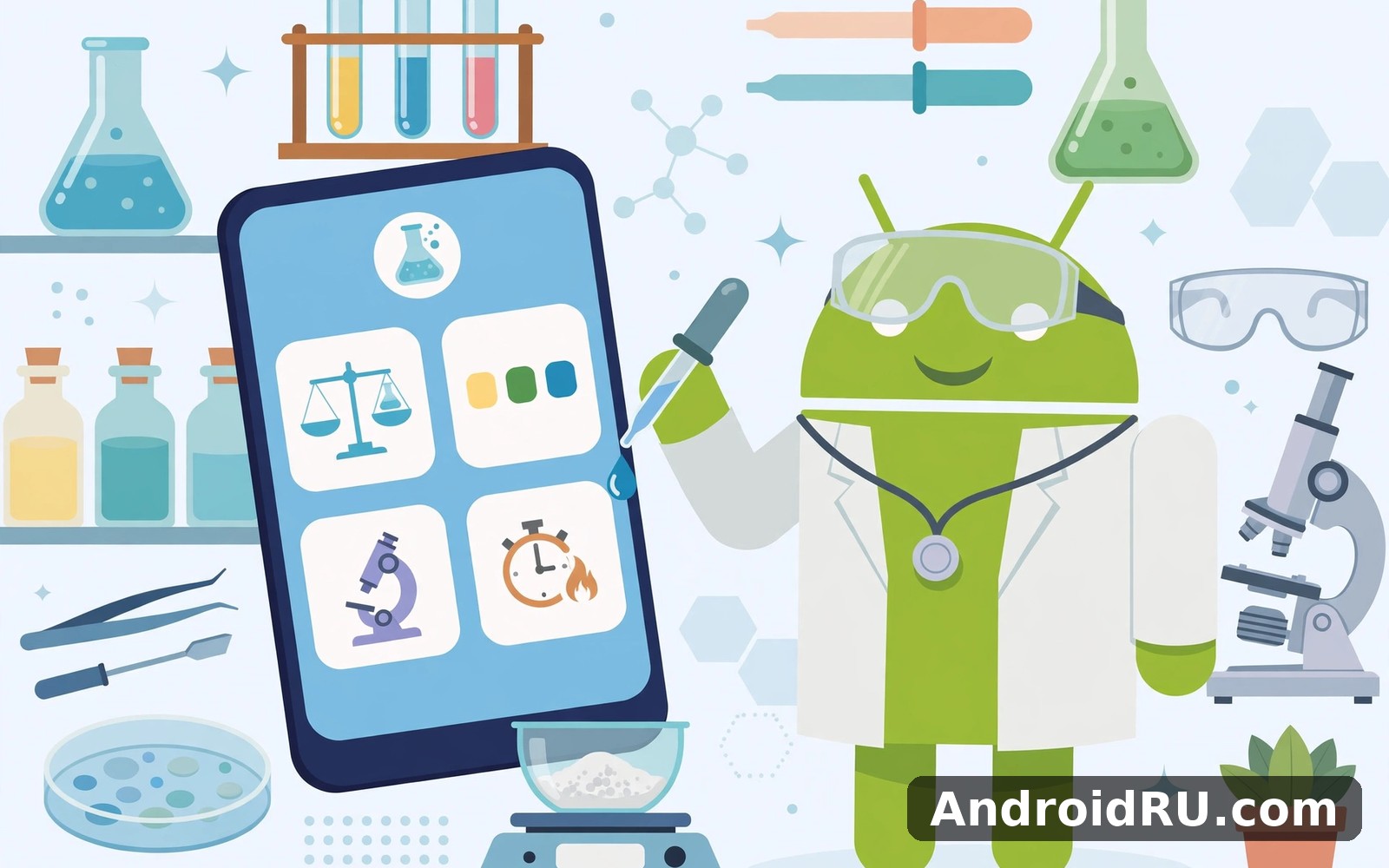
Chemistry Lab is a virtual chemistry lab for Android: a place to mix chemicals, watch reactions, and learn how compounds behave, without real glassware or real risk. In this review I cover the latest features, how the app performs on weak networks, and where it still falls short, so you can decide if it deserves a spot on your home screen.
The short version is simple. It is a calm, steady learning tool that works well in short sessions and survives bad connections. It will not replace a school lab, and advanced users will outgrow it. For daily practice, though, it is one of the more reliable science apps I have kept installed.
What Chemistry Lab Actually Does on Android
Chemistry Lab gives you a bench full of virtual chemicals and equipment. You pick reagents, combine them, and watch what happens, with explanations for the reaction you just saw. Nothing can spill, nothing can burn, and a failed experiment costs you seconds rather than a ruined afternoon.
A virtual bench, not a textbook
The app teaches by letting you do things. Instead of reading a paragraph about acids and bases, you mix an acid with a base and watch the indicator change colour. That kind of hands-on moment sticks in memory far better than a definition. I found myself remembering reactions I had only ever read about before, because I had seen them happen on screen.
The pace is unhurried. There is no timer pushing you, no score chasing you, and no penalty for a wrong guess. You can repeat an experiment as many times as you like until the pattern clicks. That low-pressure design is exactly why it works as a daily habit rather than a one-time novelty.
Who the app is built for
The main audience is students and curious beginners. If you are revising chemistry for school, the app covers the classic reactions and the core ideas behind them in a form you can play with. If you are an adult who never quite understood chemistry at school, it offers a second chance without embarrassment.
Teachers can use it as a demonstration tool too. Showing a reaction on a phone screen is not the same as a live demo, but it is far better than a static diagram when a real lab is not available. Parents helping with homework will also find it useful, because the explanations stay plain and short.
Core tools on the main screen
The main screen keeps the essentials within reach: the chemical shelf, the workspace where reactions happen, and a short description of whatever you just mixed. I changed only two settings in my first week, because the defaults already made sense. The layout rewards a quick visit just as much as a long session.
Chemistry Lab Latest Features Worth Knowing
The current version of the app focuses on the core job and does it well. It does not try to do everything at once. The features below are the ones I actually used in my first month, and each of them earns its place.
Experiment library with guided reactions
The experiment library is the heart of the app. Each entry walks you through a known reaction step by step: what to mix, what to watch for, and why the result looks the way it does. I worked through one new experiment each day, and by day seven I had a clear routine that I still follow.
Guided reactions matter because a virtual lab without guidance is just a toy box. The guidance turns random mixing into learning. You start to predict outcomes before they happen, which is the point where chemistry starts to feel like a skill rather than a set of facts.
Reaction viewer that shows what changed
After a reaction, the viewer shows the result in plain terms: new substances formed, colour changes, gas released, temperature shifts. It does not hide behind symbols alone. Seeing the change described in words, next to the visual result, helped me connect the equation to the event.
How the experiment library is organised
Experiments are grouped by topic, so you can follow one thread at a time instead of jumping around. I started with acids and bases, then moved to salts, then to gases. That order felt natural, and each group built on the one before it.
Safety notes built into every experiment
Every experiment carries short safety notes, even though nothing in the app can hurt you. The notes explain what would be dangerous with the real chemicals, which turns the simulation into a lesson about lab safety as well. That is a thoughtful touch, and it is one of the reasons I would trust this app with a younger student.
Custom experiments and personal notes
Once you know your way around, you can run your own combinations outside the guided list. The app lets you try mixes the library does not cover, and you can keep short notes on what you found. I used the notes to record which mixes surprised me, and reading them back a week later was a useful revision session on its own.
Network Performance on Weak and Offline Connections
Network performance is where Chemistry Lab quietly shines. My bus ride test was not planned: the connection dropped three times in twenty minutes, and the app never froze, never lost my progress, and never forced me to start over. A steady app earns trust over time, and this one earned mine on day one.
Most of the content lives on the device once you have it, so the app does not need a constant connection to work. That makes it a good fit for commutes, school Wi-Fi with dead spots, and rural connections that come and go. I used it on a slower connection one evening and it still worked without fuss.
What still needs a connection
A first install and any new content packs need a connection, and that is normal. Day-to-day practice does not. If you open the app with no signal at all, the experiments you already have keep working. That offline-friendly design is the single most practical feature for anyone who does not live on fast Wi-Fi.
| Connection | What works | What to expect |
|---|---|---|
| No signal | Saved experiments, notes, practice | Full use of what is already on the device |
| Weak 2G or 3G | Normal sessions, small syncs | Occasional pauses, no lost progress |
| Wi-Fi | Everything, including new content | Fastest experience for downloads |
On battery and data, the app is light. Sessions are mostly text, simple graphics, and short animations, so a twenty-minute session barely moves the battery meter. I never saw it appear near the top of my battery usage list, even on days I used it twice.
Setting Up Chemistry Lab in the First Week
Setup is short and it does not ask for much up front. You pick the basics and you can change them later. I started with the defaults and adjusted one setting at a time, which kept things simple.
Day one: defaults first
Open the app, look through the main screen, and run one guided experiment from start to finish. Do not change any settings yet. The defaults work well for most people, and you will learn more from one finished experiment than from ten minutes of adjusting options.
- Open the experiment library and pick a short guided reaction.
- Follow the steps, read the result screen, and note what surprised you.
- Close the app and come back the next day at the same time.
Day three: reminders and goals
By day three you will know whether the app fits your routine. That is the moment to set a reminder and a daily goal. Check the reminder time and the daily goal together, because a reminder that arrives at a busy hour will get ignored and then resented. Move it to a calm slot and the whole habit feels easier.
Two settings to check first
First, check the reminder time. Second, check the daily goal. Those two settings did more for my consistency than any other tweak. Keep notifications minimal: I kept morning reminders and switched off the rest, which made the app feel helpful rather than noisy.
Chemistry Lab Pros and Cons After a Month
After a month of near-daily use, the picture is clear. The app is consistent, calm, and honest about what it does. It has real limits, and they are worth knowing before you commit to it.
Pros:
- Reliable on weak connections: Sessions survive dropouts and offline use without losing progress.
- Calm, focused design: It does one job well instead of stuffing the screen with extras.
- Safe learning: Guided experiments and safety notes make it suitable for students and beginners.
- Short sessions that stick: A few minutes a day built a clearer picture than one long burst on Sunday.
Cons:
- Limited depth for advanced users: Short sessions can only carry you so far before you need longer material elsewhere.
- Simple visuals: The graphics are clear but plain, and anyone expecting a game-like spectacle will be disappointed.
- No real lab replacement: It teaches ideas well, but it cannot teach hands-on lab technique.
That balance between encouragement and pressure feels well judged. I never felt punished for missing a day, and the app welcomed me back without scolding me or resetting my progress. It simply showed me where I left off and let me continue.
Chemistry Lab vs Unreal Chemist Chemistry Lab and The Playground
No app exists in isolation, and the closest alternatives each have their own character. Here is how the three compare on the things that matter for daily use.
| Feature | Chemistry Lab | Unreal Chemist Chemistry Lab | The Playground |
|---|---|---|---|
| Guided experiments | Yes, topic by topic | Yes, with more depth | Free play focused |
| Works on weak connections | Very steady | Steady | Steady |
| Best for | Daily short practice | Deeper study sessions | Open exploration |
| Learning curve | Gentle | Moderate | Gentle |
Unreal Chemist Chemistry Lab for deeper study
If you enjoy everyday tasks on Android then Unreal Chemist Chemistry Lab is a natural next app to try. It offers a different angle on the same kind of activity, with more depth for users who have outgrown the beginner loop. I still came back to Chemistry Lab for my daily routine, but Unreal Chemist is the better pick when you want a longer, harder session.
The Playground for open exploration
When you want a change of pace then The Playground covers that need neatly. It is looser and more playful, with less structure and more room to mess around. That freedom is fun, but it teaches less per minute than a guided experiment. I use it on weekends and keep Chemistry Lab for weekdays.
Video Downloader Plus Reels as a third option
And for a third option Video Downloader Plus Reels is worth a look as well. It sits in a different corner of the same habit: saving short videos to watch and learn from later. It does not replace a lab app, but it rounds out a phone that you use for learning in small moments.
Frequently Asked Questions About Chemistry Lab
What can you actually do in Chemistry Lab?
You can run guided experiments, mix chemicals freely, read explanations of the reactions, and keep notes on what you find. The app covers classic school chemistry topics such as acids and bases, salts, and gases, and it lets you repeat any experiment as often as you like.
Does Chemistry Lab work without internet?
Yes, for the content already on your device. Once experiments are saved, you can run them with no signal at all. A connection is only needed for the first install and for fetching new content packs.
Is Chemistry Lab suitable for school students?
Yes. The explanations stay plain, the safety notes are built in, and the guided format matches how school topics are ordered. It works well as revision support, though it cannot replace hands-on lab practice with real equipment.
How much storage and battery does it use?
Very little of either. Sessions are mostly text and simple graphics, so storage stays modest and a twenty-minute session barely affects the battery. I never saw it near the top of my battery usage list, even on days I used it twice.
Final Verdict: Who Should Keep Chemistry Lab Installed
Chemistry Lab is a strong daily base rather than a complete school. If you are a student, a curious beginner, or someone rebuilding chemistry knowledge in short sessions, it is an easy recommendation. The virtual chemistry experiments are clear, the app survives bad connections, and the habit it builds is genuinely sustainable.
If you are already advanced, treat it as a warm-up tool and pair it with deeper material. And if you want to try a similar tool, Click here to download the Unreal Chemist Chemistry Lab app. You can also Click here to download the The Playground app when you are ready to compare it with this one. When you are ready to give it a proper try then Click here to download the Chemistry Lab app. Try it for a full week before you judge it, because a week of short sessions shows the real character of an app.

