

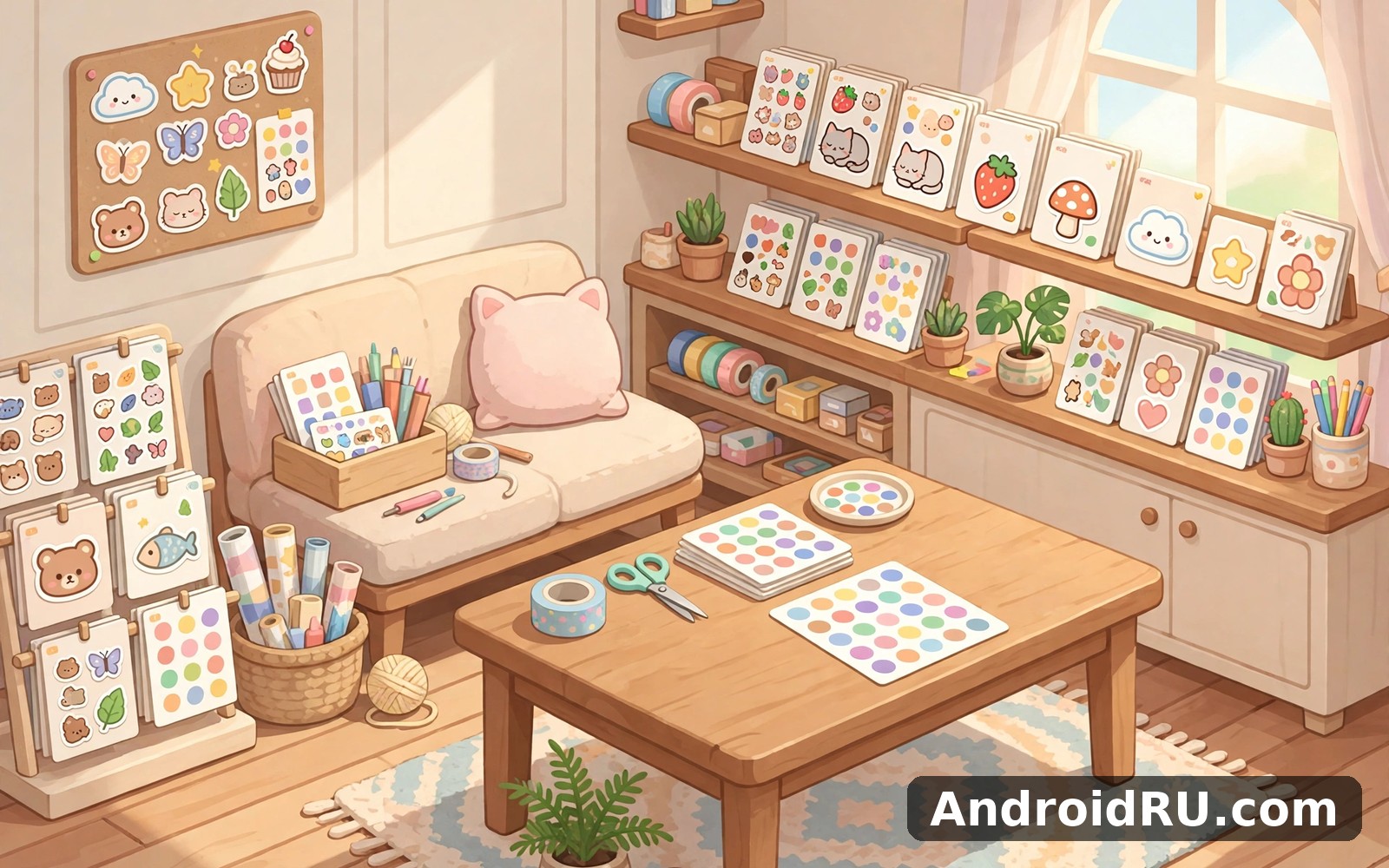
Download APK My Sticker Shop Cozy Game Latest Updates, Performance Insights & App Review
I opened this sticker shop game on a Tuesday morning while my phone was still on charge, with about ten minutes before I had to leave the house. The first screen felt calm, the main job was obvious, and I did not have to hunt through menus to find something to do. That gentle start mattered, because a relaxing game should feel relaxing from the first tap, not after a tutorial that drags on.
My Sticker Shop Cozy Game is a cozy shop-management game built around one simple loop: design stickers, put them on sale, serve the customers who wander in, and spend the coins you earn on decorating a small shop of your own. Sessions last a few minutes, nothing punishes you for closing the app, and the whole thing is tuned for people who want a quiet break rather than a race. If that sounds like your kind of evening wind-down, this review walks through how it actually plays, what the latest updates changed, and where it still falls short.
Over two weeks I played in short bursts: while the kettle boiled, in a parked car, and for twenty minutes most evenings. I tracked which parts stayed fun, which parts started to repeat, and how the game behaved on a mid-range Android phone. What follows is that record, plus a fair comparison with similar cozy titles, practical setup tips, and honest answers to the questions I had before I kept it installed.
What My Sticker Shop Cozy Game is and how a day in the shop works
At its heart, this is a management game with a crafting twist. You run a tiny shop that sells stickers you design yourself. Customers walk in with a wish in mind, browse the shelves, and buy the designs that match their taste. Each sale earns coins and a little reputation, and reputation brings in more visitors with stranger requests. The loop is easy to learn in one sitting and forgiving enough that a mistake costs you a few coins, never a whole afternoon of progress.
A typical visit goes like this: you check which sticker sheets are running low, print a fresh batch from the designs you have made, arrange them on the display, and then serve whoever arrives. Some customers want a cute animal sticker, others want something bold for a laptop lid, and a few ask for a seasonal design you may not have made yet. Fulfilling a request feels good in a small, concrete way, and the game marks it with a soft chime rather than a fanfare.
Between customers you decorate. The shop starts plain — bare walls, one shelf, a counter — and grows into something personal as you buy plants, rugs, lamps, wall art, and new display stands. Decoration is not just cosmetic either: a nicer shop draws visitors who spend more, so the time you spend arranging furniture pays off in the till. That link between decorating and earning keeps both halves of the game relevant instead of letting one become a side show.
Designing stickers that customers actually want
The design tool is the part I returned to most. You pick a shape, a base colour, a character or motif, and a few decorative touches, then name the result and add it to your catalogue. Early designs are simple — a smiling cat, a star, a slice of cake — but as you earn coins you open new shapes, foil finishes, and glitter effects that let a design stand out on the shelf. I found that themed sets sold better than random one-offs: a set of four picnic stickers, for example, moved faster than four unrelated designs.
Customer taste changes with the in-game day and with the season the game is running. One week everyone wanted pastel animals; the next, bold fruit designs were the thing. Watching the little thought bubbles above customers tells you what to print next, and that feedback loop is the closest the game comes to a puzzle. It never gets hard in a stressful way, but it does reward paying attention instead of printing the same sheet forever.
Serving customers without the rush
There is no timer breathing down your neck while you serve. Customers wait patiently, browse at their own pace, and leave happy if you have what they want. If you do not, they shrug and wander out, and the only cost is a missed sale. That patience is the defining choice of the whole game: it trades the adrenaline of a time-management game for a slower rhythm, and for the audience it is made for, that trade is the right one.
Regulars start to appear after a few days. A regular remembers what they liked, asks for it by name, and pays a little extra when you have it ready. Keeping a regular happy became my favourite small goal, because it turned a faceless crowd into a handful of familiar faces. One regular, a kid who only ever wanted dinosaur stickers, made me laugh every time he showed up with the same hopeful look.
A small habit that kept my shop tidy
My routine settled into a pattern: open the game, restock the two best-selling sheets first, check the request board for anything new, then spend whatever coins were left on one decoration. The whole pass took about four minutes, and it kept the shop earning even on days when I only opened it once. Tying the visit to my morning coffee helped — the coffee was the reminder, and the game never needed a push notification to get me back.
Latest updates, new sticker sets and performance insights
Recent updates to the game have focused on content rather than on reworking the core loop, which is a sensible choice for a title whose players value stability. New sticker packs arrive with the seasons — spring flowers, summer fruit, autumn leaves, winter snowflakes — and each pack adds a handful of shapes and finishes rather than a whole new system to learn. A recent update also added more shelf types, so a shop that has been running for a month can look genuinely different from a fresh one.
Performance on my mid-range phone stayed steady across the two weeks. Loading took a few seconds on a cold start and under two on a warm one. I saw no crashes, and the frame rate stayed smooth while customers moved around the shop. Battery use was modest for a game with this much animation: a twenty-minute evening session cost roughly the same as twenty minutes of scrolling through a social feed, and the phone never felt warm afterwards.
Storage stayed reasonable too. The game itself is light, and the extra sticker packs download in small pieces as you open them rather than all at once. If your phone is short on space, that matters: you can enjoy the game without clearing out photos first. I would still check free space before a big seasonal update, since those are the moments when the download size jumps a little.
What the seasonal sticker packs add
Each seasonal pack brings about a dozen new motifs, two or three finishes, and a matching set of shop decorations. The summer pack, for instance, added citrus and ice-cream designs alongside striped awnings and a lemonade stand for the counter. None of it is required to progress, and the game never locks the main loop behind a seasonal item, which keeps the experience fair for someone who starts in the middle of a season.
The packs also refresh the request board. During a seasonal event, customers ask for themed designs more often, and fulfilling those requests pays a small bonus. It is a gentle nudge to try the new designs rather than a demand, and players who ignore the event entirely still earn at their normal pace. That balance — new things to try, no penalty for skipping them — is exactly what a cozy game should do.
Performance on older phones and small screens
On an older handset the game still runs, but you will notice longer loading times and slightly softer animations when the shop is full of visitors. Turning the particle effects down in the settings menu helps a lot, and the game remembers the setting, so you only do it once. Text stays readable on small screens, though the design tool is more comfortable on a larger display — on a compact phone I did my careful designing on the couch and my quick restocking on the move.
This sticker game vs similar cozy shop games
A review is only useful if you know what else is out there, so I spent time with three neighbouring titles and compared them on the things that matter for a relaxing game: the core loop, the pace, the decoration depth, and how the game treats your time. The table below sums up what I found, and the paragraphs after it give each side its due.
| Game | Core loop | Pace and pressure | Decoration depth | Best for |
|---|---|---|---|---|
| This sticker game | Design stickers, sell them, decorate the shop | No timers, patient customers | Strong: shelves, furniture, seasonal themes | Creative players who like short calm sessions |
| Game Live | Live-stream style tasks and audience goals | Livelier, more goals per session | Moderate: studio and avatar focus | Players who want busier goals and social flavour |
| Home Garden Lulu Cozy Games | Garden and home decorating tasks | Gentle, task-based, no fail states | Strong: rooms and garden spaces | Players who prefer home and garden themes |
| My Mini Mart | Stock shelves and serve shoppers in a small mart | Brisker, more juggling during rushes | Moderate: store layout and upgrades | Players who enjoy light time pressure |
Pros of this sticker game: the design tool is genuinely creative rather than a reskin of a generic shop; customers are patient, so the game never creates stress; decoration feeds back into earnings, which keeps both halves meaningful; and short visits still feel productive, so it fits into real days. Cons: the loop can feel repetitive after a month if you do not chase seasonal goals; advanced players may want deeper management systems; and the design tool, while charming, has fewer drawing options than a dedicated art app.
Game Live brings a different energy: it is livelier, with audience goals that give each session a clearer target, and its social flavour suits players who find pure shopkeeping too quiet. Its trade-off is pace — it asks more of your attention per minute, and it is less suited to a two-minute break. Home Garden Lulu Cozy Games sits closer to this sticker game in mood, with gentle tasks and generous decoration, but its theme is home and garden rather than crafting, so the creative payoff is arranging rooms instead of designing products. My Mini Mart is the briskest of the four: stocking shelves during a rush is satisfying if you like light pressure, but it is the least relaxing of the group and the one most likely to feel like work after a long day.
Verdict by use case: pick this sticker game if you want a creative, calm daily ritual and you like making things. Pick Game Live if you want busier goals and a social spark. Pick Home Garden Lulu if decorating rooms and gardens appeals more than designing products. Pick My Mini Mart if you enjoy a little hustle with your shopkeeping. None of them is the best choice for everyone, and that is fine — the right pick depends on the mood you want the game to create.
If you enjoy games and play then Game Live is a natural next app to try. It offers a different angle on the same kind of activity. When you want a change of pace then Home Garden Lulu Cozy Games covers that need neatly. And for a third option My Mini Mart is worth a look as well. I still came back to the sticker game for my daily routine, because the simple loop I built here suited me best.
How to start, set up and play well in the first week
Start by playing the opening day without changing any settings. The game teaches the loop in about five minutes: print a sheet, put it on a shelf, serve a customer, collect the coins. Resist the urge to spend your first coins on decoration — a second shelf earns its cost back far faster than a plant does, and early income is what opens the design options that make the game fun.
On day two, try the design tool properly. Make one themed set of four stickers instead of four unrelated designs, put the set on the same shelf, and watch which one sells first. That single experiment teaches you more about customer taste than any guide can. Then check the request board once a day: it lists the designs customers are asking for, and fulfilling three requests in a row pays a small bonus that adds up across a week.
By day four, set your own rhythm. I settled on one longer evening visit for designing and decorating, plus one or two quick visits during the day for restocking and serving regulars. The game never demands more than that, and playing this way kept it feeling like a treat rather than a task. If you miss a day, nothing bad happens — the shop simply waits, and your regulars are still there when you return.
Settings worth changing on day one
Open the settings menu once and make three choices: turn the music down to a level that suits your room, set the notification to a single gentle daily reminder (or off entirely if you prefer), and lower particle effects if your phone is older. Those three tweaks take two minutes and shape every session that follows. I also turned on the option that keeps the shop view zoomed out, because seeing the whole room at once made restocking faster.
Check the sound settings again after a few days. The default chime is pleasant, but if you play in public places you may want effects on and music off, or everything silent with vibration only. There is no wrong combination here — the point is to make the game fit the places where you actually play it, not the other way round.
- Install the game and play the opening day without changing settings, so you learn the core loop as designed.
- Spend your first coins on a second shelf, not on decoration, because shelf space earns money faster early on.
- Design one themed set of four stickers and watch which design sells first to learn customer taste.
- Check the request board once a day and fulfil three requests in a row for the bonus payout.
- Set a gentle daily reminder at a calm hour and turn off any other notifications you do not need.
- Decorate only after your income is steady, and buy one piece at a time so you can see what each change adds.
Performance, battery, storage and common problems
The most common complaint about cozy games is that they slow down as the shop fills up, so I watched for that specifically. On my phone the game stayed smooth with a full shop, and the only slowdown I saw came after a long session with many visitors on screen at once — and even then it was a brief dip, not a freeze. Restarting the game cleared it, and it never cost me progress, because the game saves after almost every action.
If the game ever feels sluggish, try three things in order: close other apps running in the background, lower particle effects in settings, and restart the game. If a sticker design does not save, check that you gave it a name — unnamed designs are the usual cause, and the game does not always make that obvious. If an update does not appear, check your free storage first; a full phone is the most common reason an update stalls, and freeing a little space usually fixes it on the next try.
Battery and storage deserve an honest note. Any game you open daily will use some battery, and this one is average for its genre — lighter than a 3D game, heavier than a reading app. Playing on Wi-Fi for updates, keeping the screen brightness reasonable, and closing the game fully when you are done will keep the cost small. Clearing the cache once a month also helps, and it does not delete your shop or your designs.
What to do when progress seems stuck
Progress in this game is gentle by design, so a flat day usually means your shelves are full of designs nobody wants right now, not that the game is broken. Check the thought bubbles, retire the slowest seller, and print something the request board is asking for. If coins still feel slow, spend an evening on decoration: a better-looking shop draws visitors who spend more, and that lift is often enough to break the plateau.
If you truly feel stuck, take a day away. I did, and coming back with fresh eyes showed me that I had been printing the same pastel animals for a week while customers had moved on to bold fruit. The game rewards attention more than grinding, and a short break is often the fastest fix of all.
Who this cozy shop game suits best
This game suits people who want a creative daily ritual that asks for minutes, not hours. It suits players who like making things — choosing colours, naming designs, arranging a room — more than players who want a challenge to beat. It suits anyone who plays in short gaps: on a commute, during a lunch break, or for twenty quiet minutes before bed. Parents playing alongside a child will find it gentle enough to share, and the design tool is simple enough for a younger player to enjoy with a little help.
It suits less well the player who wants deep management systems, long upgrade chains, or a competitive edge. If your idea of fun is optimising a supply chain or climbing a leaderboard, the calm loop here will feel thin after a week. That is not a flaw in the game; it is a mismatch of taste, and the comparison table above should help you spot it before you invest a month.
The honest summary after two weeks is warm but measured. The game does its main job with care, respects a normal daily routine, and never demands constant attention to be enjoyable. It will not suit every person, and no game does, but for its intended audience it delivers a smooth and pleasant experience that is easy to return to.
Frequently asked questions about My Sticker Shop Cozy Game
Is My Sticker Shop Cozy Game good for short daily sessions?
Yes. Most visits take three to five minutes: restock a shelf, serve a few customers, check the request board. Longer evening sessions are for designing and decorating, and nothing in the game requires a long sitting to progress.
Do I need to pay to enjoy the game?
No. The core loop — designing, selling, decorating — is fully playable without paying. Optional purchases exist, mostly for extra sticker packs and decoration sets, but the game never locks progress behind them, and patient play opens new designs steadily.
Does the game work offline?
The main shop loop works without a connection once the game has loaded, which makes it a good companion for commutes and waiting rooms. Seasonal packs and updates need a connection to arrive, so check for them when you are on Wi-Fi.
Why are my stickers not selling?
Usually the designs on the shelf do not match what customers want that day. Watch the thought bubbles, check the request board, retire the slowest seller, and print a themed set that matches current taste. A nicer shop also helps, since decorated shops attract visitors who spend more.
A calm way to try it and decide for yourself
Give the game a full week rather than a rushed hour. Use it for real moments — a coffee break, a commute, a quiet evening — and notice when you reach for it without thinking and when you avoid it. Those two signals tell you almost everything, and they are worth more than any review chart. If the calm loop fits your days, keep it on your home screen; if it does not, remove it without guilt and try one of the neighbours from the comparison above.
For the next step, have a look at Click here to download the My Sticker Shop Cozy Game app and see how the game presents itself. Read it with your own needs in mind, then try a week of real use before you decide. If you want to compare first, Click here to download the Game Live app. You can also Click here to download the Home Garden Lulu Cozy Games app when you are ready to weigh the alternatives side by side.

