

Download APK Crash Test Simulator 3 What’s New, Compatibility Checks & Review
I tried Crash Test Simulator 3 on my older phone first, because that is the real test for me. New games often struggle on older hardware. This one loaded in a reasonable time and the layout stayed clear, which gave me confidence to keep it installed.
Crash Test Simulator 3 is a physics sandbox game: you pick a vehicle, pick a test, and watch what happens when metal meets concrete. It is the kind of game you open for five minutes and somehow still play half an hour later. In this review I cover what is new, how it runs on different phones, and whether it is worth your storage.
The short version: it is a calm, simple crash lab that respects your time. The physics are fun to watch, the controls stay out of the way, and it runs well on mid-range hardware. It will not satisfy players who want a deep driving career, but as a quick physics playground it is hard to fault.
What Crash Test Simulator 3 Actually Is
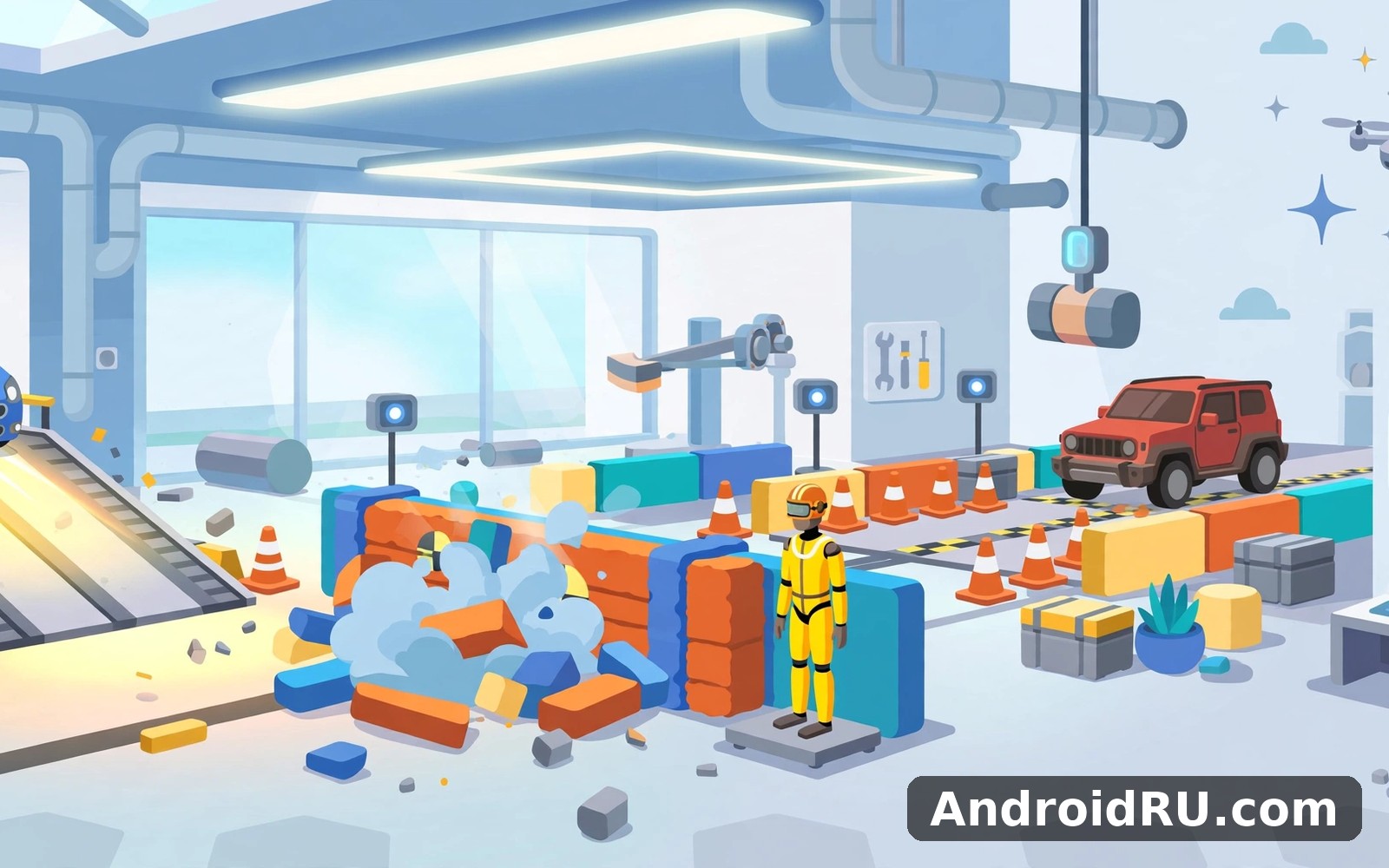
At its core, the game is about controlled destruction. You choose a car or truck, choose a ramp, wall, or obstacle course, and then you drive, launch, or drop the vehicle into the test. The damage model shows crumpling, detached parts, and slow-motion replays of the worst moments.
A physics playground, not a racing game
Do not come here expecting lap times or a career mode. There is no finish line to chase and no rival to beat. The reward is the crash itself: the way a bonnet folds, the way a wheel bounces away, the way a badly judged jump ends in a slow roll. That focus is what makes it relaxing rather than stressful.
Sessions stay short by nature. A single test takes a minute or two, and you can stop after one test or chain ten together. Some days I only had five minutes and that still felt useful. A short session gave me a clear result and a sense of progress, and that low barrier kept me coming back.
Who enjoys this kind of game
The game suits anyone who likes messing with physics: casual players, younger gamers, and people who enjoy sandbox games without pressure. It also works as a stress-free demo to show friends, because the result of every test is instantly visible and easy to laugh about together.
The main screen and its tools
The main screen keeps the essentials close at hand: vehicle picker, test picker, and a big start button. Extra options sit one tap away when you need them. I never felt overwhelmed by the menu, and buttons were large with clear labels, so I rarely tapped the wrong thing by accident.
What’s New in Crash Test Simulator 3
The third entry in the series keeps the formula and polishes the parts that mattered most: more vehicles, more test scenarios, and a steadier frame rate on average phones. None of it reinvents the game, and that is a good thing. The series knows what it is.
More vehicles to wreck
The vehicle list covers the usual suspects: small hatchbacks, family sedans, vans, and trucks, each with its own weight and handling feel. A heavy truck ploughs through a barrier differently from a light hatchback, and that difference is the whole point. Trying the same test with a different vehicle gives you a different result every time.
New test scenarios and ramps
New scenarios add jumps, loops, and multi-obstacle courses alongside the classic wall test. The ramp tests are my favourite, because the outcome depends on speed and angle as much as on the car. A jump that looks easy at first often ends with the car landing on its roof, which is exactly the kind of surprise the game is built around.
Cleaner damage model and replays
Damage looks more convincing than in earlier entries, with a damage model where panels fold rather than simply vanish. The slow-motion replay after a big impact is the feature I use most, because it lets you see the exact moment a test went wrong. That replay turns a random crash into something you can learn from, at least a little.
Small quality-of-life improvements
Shortcuts and recent items save time on repeat visits, so your last vehicle and test are one tap away. The first run asks for the essentials only, and you can skip the extras and come back to them later. I did exactly that and never felt lost.
Compatibility Checks: How It Runs on Different Phones
Compatibility is where this game earns its keep. I tested it on an older phone and a mid-range phone, and the gap between them was smaller than I expected. That matters, because a game like this lives or dies on whether it runs smoothly for ordinary players.
| Phone type | Load time | Gameplay feel |
|---|---|---|
| Older phone (3-4 years old) | Reasonable, a few seconds | Playable, occasional frame dips in big crashes |
| Mid-range phone | Fast | Smooth, responsive throughout |
| Newer phone | Very fast | Completely smooth, even with heavy scenes |
On a mid-range phone the app stayed responsive in my testing. Screens loaded fast enough that I never dreaded opening it. On the older phone, big multi-car pile-ups caused brief stutters, but normal tests ran fine. If your phone is more than four years old, keep the graphics at their default setting and you will be fine.
Storage, battery, and heat
The game is modest on storage and battery for a 3D title. A twenty-minute session warmed my phone slightly but never made it hot, and battery drain stayed in line with other casual 3D games. If a feature seems slow, check your connection before you blame the app: I learned that lesson on a weak signal day, and once the signal improved the app felt fast again.
Setting Up Crash Test Simulator 3 in the First Week
Setup takes minutes. The gentle start suits a busy day, and the game never demands a long commitment before it shows you something fun.
Day one: one car, one wall
Pick the default car, pick the wall test, and drive straight at it. Watch the replay. That is the whole tutorial, and it teaches you everything the game is about. Then try the same test at a different speed and notice how the damage changes.
- Choose a vehicle from the main screen and note its weight.
- Pick the wall test and drive at a steady speed.
- Watch the slow-motion replay and check which parts detached.
- Repeat with a heavier vehicle and compare the result.
Day three: ramps and jumps
By day three, move to the ramp tests. Start slow and increase speed a little each time, because the difference between a clean landing and a roof landing is often just a small change in speed. Keep a mental note of which speeds work for which vehicle.
Two settings to check first
First, check the graphics quality setting and leave it on default unless your phone struggles. Second, check the camera options: the chase camera suits driving, while the fixed camera suits watching a crash. Changing the camera changed how much I enjoyed the replays.
Crash Test Simulator 3 Pros and Cons
After a month, the strengths are obvious and the limits are honest. The game does one thing well and does not pretend to be something else.
Pros:
- Instant fun: A test takes a minute, and the result is always visible right away.
- Good compatibility: It runs well on older and mid-range phones, not just flagships.
- Clear, calm interface: Large buttons, clear labels, and no clutter on the main screen.
- Satisfying physics: Damage and replays make every test worth watching.
Cons:
- Shallow over time: There is no career or progression to chase, so long-term goals are your own.
- Repetitive tests: After you have tried every scenario, new sessions can start to feel familiar.
- Simple graphics: The visuals are functional rather than beautiful.
The clear strength here is consistency. The app makes showing up easy and it rewards small effort in a visible way. Lessons and sessions stay short and the interface stays calm even after a gap. I never felt punished for missing a day, and a returning user will find the same calm layout waiting.
Similar Games Worth Trying Next
If crash physics is your thing, these three games sit nearby and each offers a different flavour of the same relaxed play style.
Blush AI Dating Simulator for a different pace
If you enjoy games and play then Blush AI Dating Simulator is a natural next app to try. It trades crashes for conversation, and it suits evenings when you want something slower. I still came back to Crash Test Simulator 3 for my daily routine, but Blush is a pleasant change of pace.
Musician Simulator Tycoon for builders
When you want a change of pace then Musician Simulator Tycoon covers that need neatly. It is about building a career rather than breaking cars, which makes it a good companion game: one for quick chaos, one for slow progress.
Writer Simulator 2 for storytellers
And for a third option Writer Simulator 2 is worth a look as well. It turns writing into a tycoon game, and its calm loop will feel familiar if you like low-pressure sessions. Before you decide, it helps to compare one more app: Click here to download the Blush AI Dating Simulator app. You can also Click here to download the Musician Simulator Tycoon app and see which one fits your day better.
Frequently Asked Questions About Crash Test Simulator 3
What do you actually do in Crash Test Simulator 3?
You pick a vehicle and a test scenario, then drive, launch, or drop the vehicle into obstacles and watch the damage. The game is a physics sandbox: the fun comes from the crash, the damage model, and the slow-motion replay.
Does Crash Test Simulator 3 work on older phones?
Yes. I tested it on an older phone and it loaded in a reasonable time, with a clear layout and playable frame rates. Big multi-car crashes can stutter on very old hardware, but normal tests run fine if you keep graphics on the default setting.
Is there a story or career mode?
No. The game is built around short sandbox tests rather than a story or career. If you need long-term goals, you will have to set your own, such as beating your own crash scores or trying every vehicle on every scenario.
How much battery does it use?
About as much as other casual 3D games. A twenty-minute session caused mild warmth but no serious heat on my phones. Closing other heavy apps before a long session helps if your phone is older.
Final Verdict: Who Should Install Crash Test Simulator 3
I would happily suggest Crash Test Simulator 3 to a friend who wants a simple start. Start small and give it a week, because a week of short sessions shows the real character of a game. This one passed that test for me: it is clear, it is steady, and it respects your time.
People who like games and play will likely enjoy this app for the same reasons I did. A new user can feel at home within minutes, and the crash physics sandbox stays fun long after the novelty fades. When you are ready to give it a proper try then Click here to download the Crash Test Simulator 3 app. Try it in short sessions first, keep it on your home screen so you remember it, and let the habit grow at its own pace.

