

Download APK Twitch Latest Updates, First Impressions & App Review
Twitch is the home of live streaming. Gamers play, musicians perform, cooks teach, and talk-show hosts chat with thousands of viewers at once. The Android app puts that whole world in your pocket: watch a tournament on the train, chat in a streamer’s channel from the sofa, or check a clip a friend sent you.
I used the app daily for several weeks, both as a viewer and as someone testing its creator tools. This review covers the latest updates, what the app feels like on first use, the subscription and Bits economy, and the honest limits of watching live video on a phone.
What Twitch is and how watching actually works
Twitch organises live video into channels. Each channel belongs to a streamer, and each stream has a live chat running beside it. You follow channels you like, and the app notifies you when they go live. Categories cover games, esports, music, cooking, art and “just chatting”, so you can browse by interest instead of by name.
Watching is free. You can open any public stream, read chat, and follow the channel without paying. Money enters through subscriptions, Bits and ads. Subscribing supports a streamer and removes ads on their channel; Bits are virtual cheers you buy and spend in chat. None of it is needed to watch.
Twitch latest updates on the Android app
The mobile app has gained several creator and viewer tools recently. Stories let streamers post short updates that expire, so followers see news between streams. The clip editor on mobile makes it easier to cut a 30-second highlight and share it. Guest Star lets streamers bring guests into a stream from their own phones, which has made talk formats and interviews far more common.
Discovery has improved too. The home feed now mixes followed channels with recommended streams based on what you watch, and category pages show live channels sorted by viewer count. A new “For You” style rail surfaces smaller streamers, which helps new creators get found. Search covers channels, categories and clips in one box.
Chat keeps getting small upgrades: pinned messages from moderators, clearer badges, and better filtering for spam. The app also added a portrait viewing mode that keeps chat visible beside the video, which suits one-handed watching on the move.
Twitch Stories, clips and Guest Star explained
Stories appear at the top of the following tab and last 24 hours, like elsewhere on the internet. Clips are short excerpts anyone can create from a live stream or a past broadcast, and they are the main way moments travel beyond Twitch. Guest Star turns a stream into a video call with up to several guests, and the host controls who appears on screen.
Twitch mobile portrait mode and chat improvements
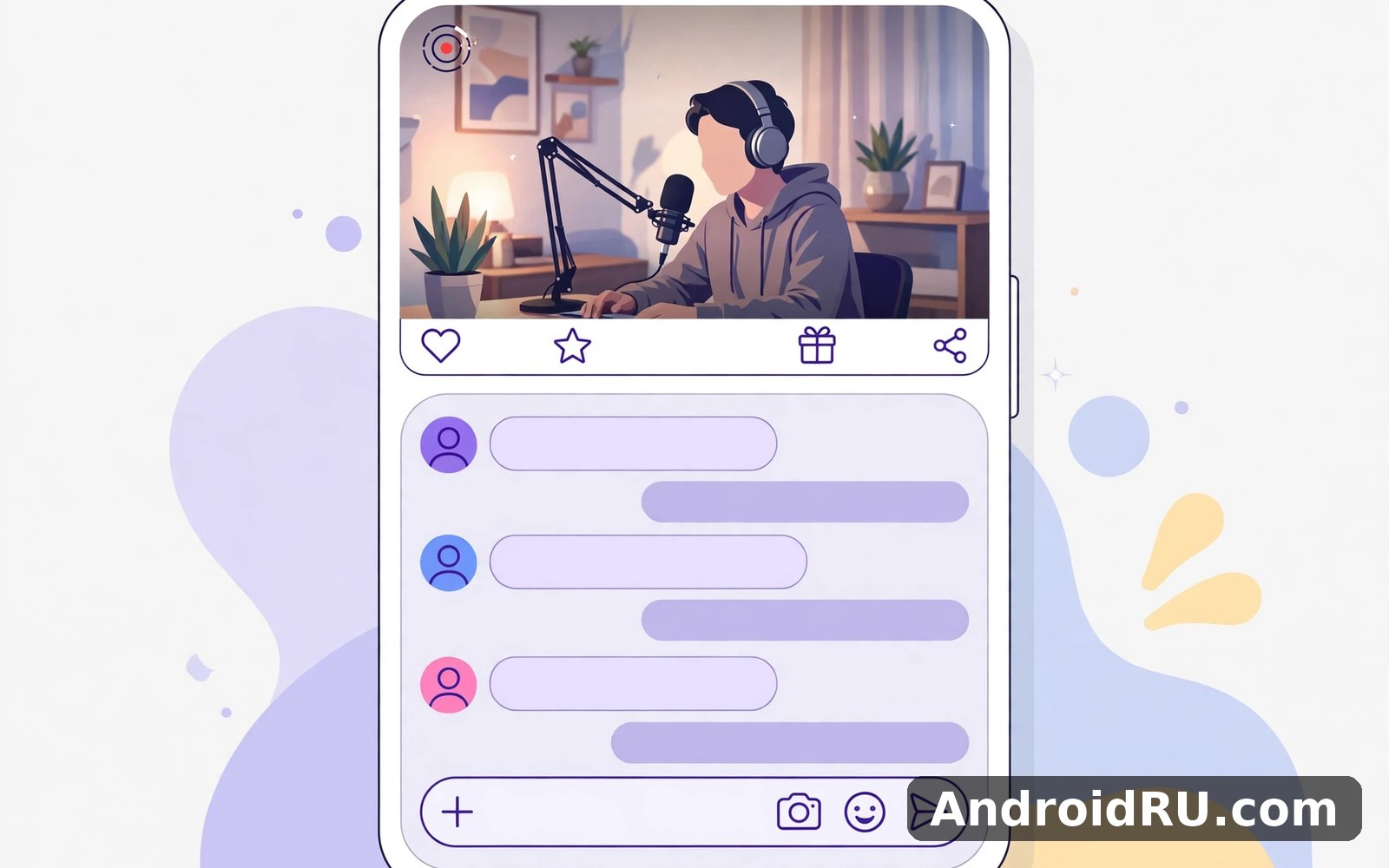
Portrait mode stacks the video above the chat so you can read messages without turning the phone. Landscape mode hides chat behind a swipe and gives the video the full screen. If chat moves too fast, slow mode and follower-only chat are set by the streamer, not by you, so busy channels will always feel busy.
Twitch VODs, clips and watching past broadcasts
Missing a live stream is not the end of it. Most streamers keep past broadcasts as VODs, which you can watch like any video, skipping through quiet stretches. Clips are the short highlights other viewers cut from those broadcasts, and they are the fastest way to judge whether a channel is worth following. A channel with a healthy clip library usually has an active community behind it.
The viewing habits that work best are simple. Use Prime Gaming for your one free monthly subscription on the channel you watch most, spend Bits only on moments that genuinely deserve a cheer, and treat Turbo as a decision for heavy viewers rather than a default purchase. Watch a channel’s VODs for a week before subscribing, since a good live show and a good archive are not always the same thing.
How to find small Twitch streamers worth following
Open a category page and scroll past the top channels. Look for streams with dozens of viewers rather than thousands: the chat is readable and the streamer answers questions. Follow three or four small channels for a week and keep the ones whose community feels welcoming.
Twitch subscriptions, Bits and Turbo: what costs money
Subscriptions come in three tiers in the US: Tier 1 at $4.99, Tier 2 at $9.99 and Tier 3 at $24.99 a month, with prices varying by region. Each tier gives ad-free viewing on that channel, a subscriber badge and custom emotes; higher tiers add more emote slots. A free subscription comes with Amazon Prime through Prime Gaming, and it works on one channel a month.
Bits are the tipping currency. You buy them in packs and spend them as cheers in chat, with animated effects at higher amounts. Turbo is the site-wide ad-free option at around $11.99 a month in the US, and it adds extra emotes and a custom chat colour. Check current prices in the app, since regional pricing changes often.
| Option | Monthly cost (US, approx.) | What you get |
|---|---|---|
| Channel sub Tier 1 | $4.99 | Ad-free on that channel, badge, emotes |
| Channel sub Tier 3 | $24.99 | More emotes, bigger badge |
| Prime Gaming sub | Included with Amazon Prime | One free Tier 1 sub a month |
| Bits | Sold in packs | Cheers and animated chat effects |
| Turbo | Around $11.99 | Ad-free everywhere, extra emotes |
Twitch first impressions: the good and the confusing
First launch is friendly: the home screen shows live channels immediately, and you can watch without an account. Signing in adds follows, notifications and chat. The layout is simple at the top level, with Following, Browse and Search as the main tabs, and your followed channels at the top.
The confusing part is chat culture. Each channel has its own emotes, in-jokes and rules, and a busy chat can move faster than you can read. Give yourself a week before judging a channel: the first stream is often noise, and the second shows whether the community is welcoming. Moderators enforce the rules, and bans are real.
Twitch pros and cons after weeks of daily use
The app’s strength is the live experience itself. Watching a tournament with thousands of people reacting in real time is something recorded video cannot copy. The mobile app is stable, the video quality adapts well to changing connections, and the clip tools make sharing moments easy.
| Area | Pros | Cons |
|---|---|---|
| Live video | Real-time interaction, huge choice | Quality depends on your connection |
| Chat | Emotes, badges, lively communities | Fast chats are hard to follow |
| Discovery | Categories, clips, recommendations | Big channels dominate the top |
| Cost | Watching is free | Ads are frequent without a sub or Turbo |
| Creator tools | Clips, Stories, Guest Star on mobile | Full streaming still needs a PC or console |
The weak spots are familiar. Ads interrupt free viewing often, especially on popular channels. Data use is heavy: an hour of HD video can eat a gigabyte or more, so Wi-Fi matters. Battery drain is real during long streams. And the sheer size of Twitch means quality varies wildly from channel to channel.
Who Twitch is best for, and who should skip it
Twitch suits gamers, esports fans, and anyone who enjoys live conversation around a shared interest. It suits people who like discovering small creators. It is a poor fit if you prefer short edited videos, since live streams demand time. If you enjoy Twitch then Bigo Live is a natural next app to try. When you want a change of pace then Likee covers that need neatly. And for a third option Zalo is worth a look as well.
How much data does Twitch use per hour
Expect roughly a gigabyte per hour at 1080p, and far less at 480p or on audio-only mode. Use Wi-Fi for long sessions, drop the quality to 720p on mobile data, and switch to audio-only when you only need the commentary. The app shows quality options under the video settings gear.
Twitch account security and privacy settings
Turn on two-factor authentication before you do anything else, since Twitch accounts are valuable targets. Review your authorised apps and connections in settings, and revoke anything you no longer use. Your stream key, if you ever stream, should be treated like a password: reset it if you suspect it leaked.
Privacy controls cover who can whisper you, who can see your activity, and whether your channel appears in recommendations. Chat filters let you block specific words and hide messages from strangers. These settings take five minutes and save real headaches.
Twitch frequently asked questions
Is Twitch free to watch on Android?
Yes, watching public streams is free. You need an account to chat, follow and subscribe. Subscriptions, Bits and Turbo are optional extras that support streamers or remove ads.
How do I watch Twitch without ads?
Subscribe to a channel, use a Prime Gaming subscription, or pay for Turbo. Ad-blockers are against the terms of service and unreliable on the mobile app. The honest route is a subscription to the channels you watch most.
Can I stream from the Twitch Android app?
Yes, the app supports mobile streaming from your camera, which suits IRL streams and casual broadcasts. Serious gaming streams still need a PC or console with capture software, since the phone app cannot capture another device’s gameplay.
What are Twitch Drops and how do they work?
Drops are in-game rewards linked to watching specific streams. Link your game account to Twitch, watch a participating stream for the required time, and claim the reward from your Drops inventory. The streamer will usually show a Drops enabled tag.
Why is Twitch chat moving so fast?
Popular channels attract thousands of viewers, and chat reflects that. Try smaller channels, use chat filters, or watch in landscape with chat hidden. Slow mode and follower-only mode are set by the streamer, not by viewers.
Final verdict on Twitch for Android viewers
Twitch on Android does its job well. Streams start fast, video adapts to your connection, and the chat culture is the real product. The costs are honest: your time, your data, and the ads if you watch free. Set up two-factor authentication, pick a few small channels to follow, and let the app earn its place over a week.
Open it tonight during a live event and see whether the chat hooks you. When you are ready to give it a proper try then use the link below. Click here to download the Twitch app. A similar app is worth a quick look too. Click here to download the Bigo Live app. For a second option, Click here to download the Likee app.

