

Download APK Truth Social Latest Features, Post-Update Checks & Review
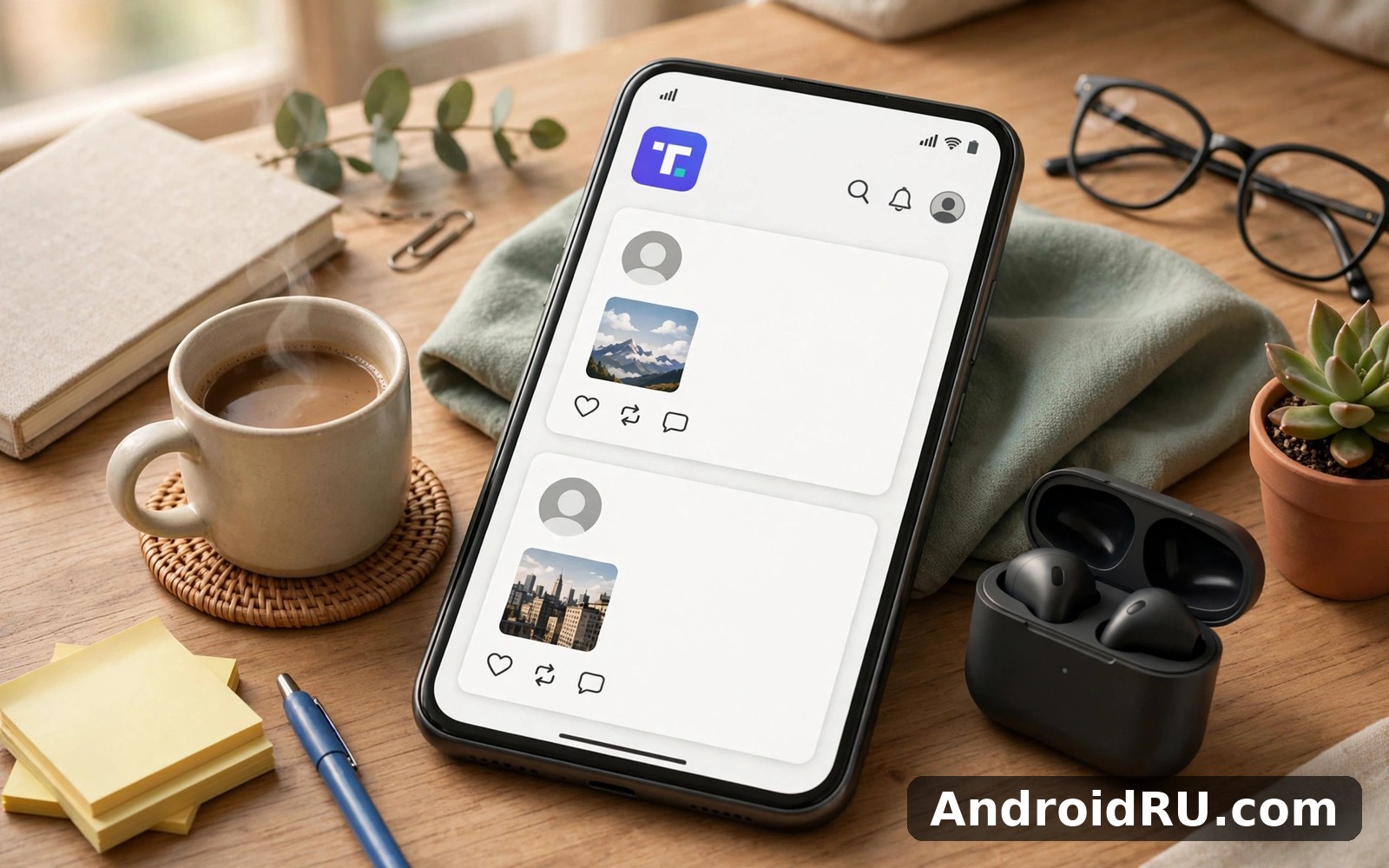
My first session on Truth Social lasted about ten minutes, and that was enough to understand what the app is trying to be. The home screen is plain, the posts are short, and the accounts at the top of my feed were the ones I had chosen to follow. Nothing jumped out at me, nothing autoplayed over the text, and I did not have to learn a new gesture language to read a post. It felt closer to the early days of short-form social apps than to the crowded, video-first feeds that dominate phones now.
This guide covers what the app actually does today: Truths, ReTruths and replies, the two feeds, Groups, Truth+, verification, and the checks worth running after an app update. It is written for two kinds of reader. If you are thinking about joining, you will get an honest picture of the strengths and the limits. If you already use the app, the post-update checklist near the end will help you catch the small things an update can quietly change.
What Truth Social is and who it is built for
Truth Social launched in February 2022 from Trump Media & Technology Group, built around one idea: a short-post network where people could share views without the moderation approach of the larger platforms. Posts are called Truths, reposts are called ReTruths, and the experience is organised around following accounts rather than around an algorithmic stream of strangers. The app is available on Android and iPhone, and there is a web version at truthsocial.com for desktop reading and posting.
The audience is easy to describe. The app suits people who want a feed made of accounts they picked themselves, readers who follow political commentators, journalists and public figures, and anyone who prefers short text posts with photos and links over endless short video. Public figures use it as a direct channel to supporters, which gives the network a steady supply of original posts rather than recycled clips from elsewhere.
It is less suited to people looking for a broad, neutral town square, or to creators whose work depends on video discovery. Truth Social has video, but video is not the engine of the app, and the discovery tools are thinner than those on X or TikTok. That is a trade-off the app makes openly: a calmer, narrower feed in exchange for less reach outside your own circle.
Truths, ReTruths and replies: how posting actually works
A Truth is a short post of up to 500 characters, and that limit shapes everything about the app. You cannot write an essay in one post, so people write one idea per Truth and link out for the rest. You can attach photos, a short video, a link with a preview card, or a poll, and you can tag other accounts with the @ symbol. The composer is simple: tap the plus button, type, attach, post. There is no thread builder and no long-form editor, which keeps posting fast and the feed readable.
How long is a Truth and what can you attach?
The 500-character limit applies to the text of a Truth, and attachments do not count against it. Photos can be added from your camera roll, and the app supports more than one image per post, so a short photo set works well for events and screenshots. Video uploads are capped in length, and the exact limit depends on your account type, so check the composer before recording something long. Links get a preview card with a title and an image, which makes a Truth with a link look more finished than a bare URL pasted into the text.
Posting your first Truth, step by step
- Open the app and tap the plus button at the bottom of the screen to open the composer.
- Type your post, keeping it under 500 characters, and add a photo or link if one makes the point clearer.
- Check who can reply by tapping the reply setting under the composer, and change it if you want a quieter thread.
- Tap the post button, then open your profile to confirm the Truth appears at the top of your posts.
- Watch the notifications tab for replies for the first hour, and reply to at least one comment to start a conversation.
Following feed vs For You feed on Truth Social
The two feeds are the most important thing to understand about daily use, because they give you two different apps depending on which tab you open. The Following feed is your feed: accounts you chose, in reverse chronological order, with nothing inserted that you did not ask for. The For You feed is the app’s feed: suggested Truths, trending topics, and accounts the system thinks you might like, mixed in with posts from people you follow.
The For You feed
The For You feed mixes suggested Truths with trending topics and recommended accounts. It is the place to find new voices, and it is also the place where the app shows you what is getting attention across the network. Trending topics appear at the top, and tapping one shows the Truths attached to it, which is the fastest way to follow a breaking story on the platform. One honest note: the suggestions reflect what you already engage with, so the For You feed narrows over time if you only tap one kind of post. Tap a wider mix of topics for a week and the suggestions widen with you.
Groups on Truth Social: smaller rooms inside the app
Groups are the feature I underestimated. A Group is a smaller community inside Truth Social, built around one topic, one place, or one shared interest, with its own feed and its own members. Group posts appear in the Group feed rather than the main feed, which keeps a niche conversation from flooding your home timeline. Members can post Truths, share photos, run polls, and reply to each other, and the Group admin sets the rules and approves new members where the Group is private.
Truth+: what the paid tier adds
Truth+ pricing and what you get
Inside the app, the Truth+ screen lists the current price, the billing period, and the features included, and you subscribe through your phone’s app billing system, which means you can cancel from your phone’s subscription settings at any time. The checkmark is the most visible perk: subscribers get a verification badge on their profile, which marks the account as a paying subscriber rather than as a notable public figure. The edit feature is the most practical one, because a typo in a Truth no longer means deleting the post and losing the replies. Longer video uploads matter if you post clips rather than text. None of these perks changes the core feed: a free account and a Truth+ account see the same Following feed, the same Groups, and the same Truths.
Verification on Truth Social: badges and how to apply
Verification on Truth Social means a checkmark next to your name, and there are two routes to it. The first is the traditional route: the platform verifies accounts that are notable, authentic, and active, which covers public figures, journalists, organisations, and government accounts. The second route is Truth+, where subscribers receive a checkmark as part of the paid tier. The two badges look similar, and that similarity causes confusion, so it is worth knowing which kind of checkmark you are looking at.
Post-update checks: what to verify after a Truth Social app update
App updates are where small problems start. An update can reset a setting, move a menu, change how a feed behaves, or break a feature that worked yesterday, and the fastest way to catch those changes is a short checklist run the first time you open the app after an update. This section is the checklist I run, and it takes about five minutes.
A five-minute checklist after every update
- Open the app and confirm the home feed loads and shows posts from accounts you follow.
- Check the Following and For You tabs both work, and note which one opens by default.
- Open Settings, then Notifications, and confirm only the alerts you want are switched on.
- Check media autoplay and data saver settings, and set them to match your data plan.
- Post a short test Truth or open the composer to confirm posting still works, then delete the test post if you do not want to keep it.
- Open one Group you belong to and confirm the Group feed loads and your membership is intact.
- Check your profile page, including your bio, photo, and verification badge if you have one.
- Pros: the Following feed is chronological and fully under your control, so a session has a natural end.
- Pros: posting is fast and simple, with a 500-character limit that keeps the feed readable.
- Pros: Groups give you smaller, topic-focused conversations that the main feed cannot offer.
- Pros: the app respects short sessions and does not push you to stay longer than you need to.
- Cons: the audience is smaller and narrower than X, so discovery outside one community is limited.
- Cons: the For You feed can feel repetitive if you only engage with one kind of post.
- Cons: some features, including longer video and post editing, sit behind the Truth+ subscription.
Clearing the cache after an update
On Android, open Settings, then Apps, then Truth Social, then Storage, and tap Clear cache. Do not tap Clear data, because that signs you out and removes your saved settings. After clearing the cache, open the app again and give the feed a few seconds to reload. If the problem is still there after a cache clear and a restart, the issue is more likely on the server side, and waiting a day for a fix is often the fastest route.
Truth Social vs GETTR vs Parler vs X: honest comparison
| Feature | Truth Social | GETTR | Parler | X |
|---|---|---|---|---|
| Post length | 500 characters per Truth | 777 characters per post | 1,000 characters per post | 280 characters, longer with paid tier |
| Repost name | ReTruth | Repost | Echo | Repost |
| Main feed | Following and For You tabs | Chronological home feed | Chronological feed | For You and Following tabs |
| Groups or communities | Groups with admins | Communities and live chat | Groups and forums | Communities and Spaces |
| Paid tier | Truth+ subscription | GETTR VIP | Parler subscription | X paid tiers |
| Verification | Notable accounts and Truth+ badge | Verified badge for notable accounts | Verified badge for notable accounts | Paid and notable checkmarks |
| Video and live | Short video, streaming extras in Truth+ | Live video and long posts | Video posts and live streams | Video, live Spaces, long posts |
| Audience size | Smaller, US-focused | Smaller, international | Smaller, rebuilt after relaunch | Largest of the four by far |
If you enjoy this kind of app, GETTR is a natural next app to try, because its longer posts and live video give you a different flavour of the same idea. People who like this app often enjoy Parler for a slightly different flavour, with its longer character limit and forum-style Groups. For a change of pace in the same area, X is worth a look, because it remains the largest conversation of the four and the place where news breaks first.
Pros and cons of Truth Social in daily use
Truth Social FAQ and final verdict
Is Truth Social free to use?
Yes, the core app is free. You can create an account, post Truths, follow accounts, join Groups, and read both feeds without paying. Truth+ is an optional subscription that adds a verification badge, post editing, longer video uploads, and extra streaming content. The free tier is a complete app on its own, not a trial, and you can use it for months without ever seeing a paywall for a basic feature.
How do I get verified on Truth Social?
There are two routes. Notable accounts can apply through the verification option in profile settings, providing identification and proof of a public profile, and the platform reviews the application. Truth+ subscribers receive a checkmark as part of the subscription. The two badges serve different purposes, so a checkmark alone does not tell you whether an account is a public figure or a paying subscriber. Check the profile before you trust a claim.
Does Truth Social work on Android and iPhone?
Yes, the app is available for Android and iPhone, and there is a web version for desktop use. Your account, follows, and Groups sync across all three, so you can read on your phone and post from your computer. After an app update, run the five-minute checklist in this guide to confirm your settings and feeds survived the update intact.
My verdict is a simple one. Truth Social is a focused network that does its main job well: short posts, a chronological feed you control, and Groups for smaller conversations. It is the right choice if you want a calmer feed built around accounts you chose, and if the public figures you follow post here first. It is the wrong choice as your only network if you need broad discovery, long-form writing, or a large international audience, and in that case it works better as a second app alongside X. Start with the free tier, follow thirty accounts you actually read, join two Groups, and give it one week of short sessions. A week of real use will tell you more than any review, including this one.
You can Click here to download the Truth Social app when you are ready to start. If you want to try a similar tool, Click here to download the GETTR app. You can also Click here to download the Parler app when you are ready to compare it with this one.

