

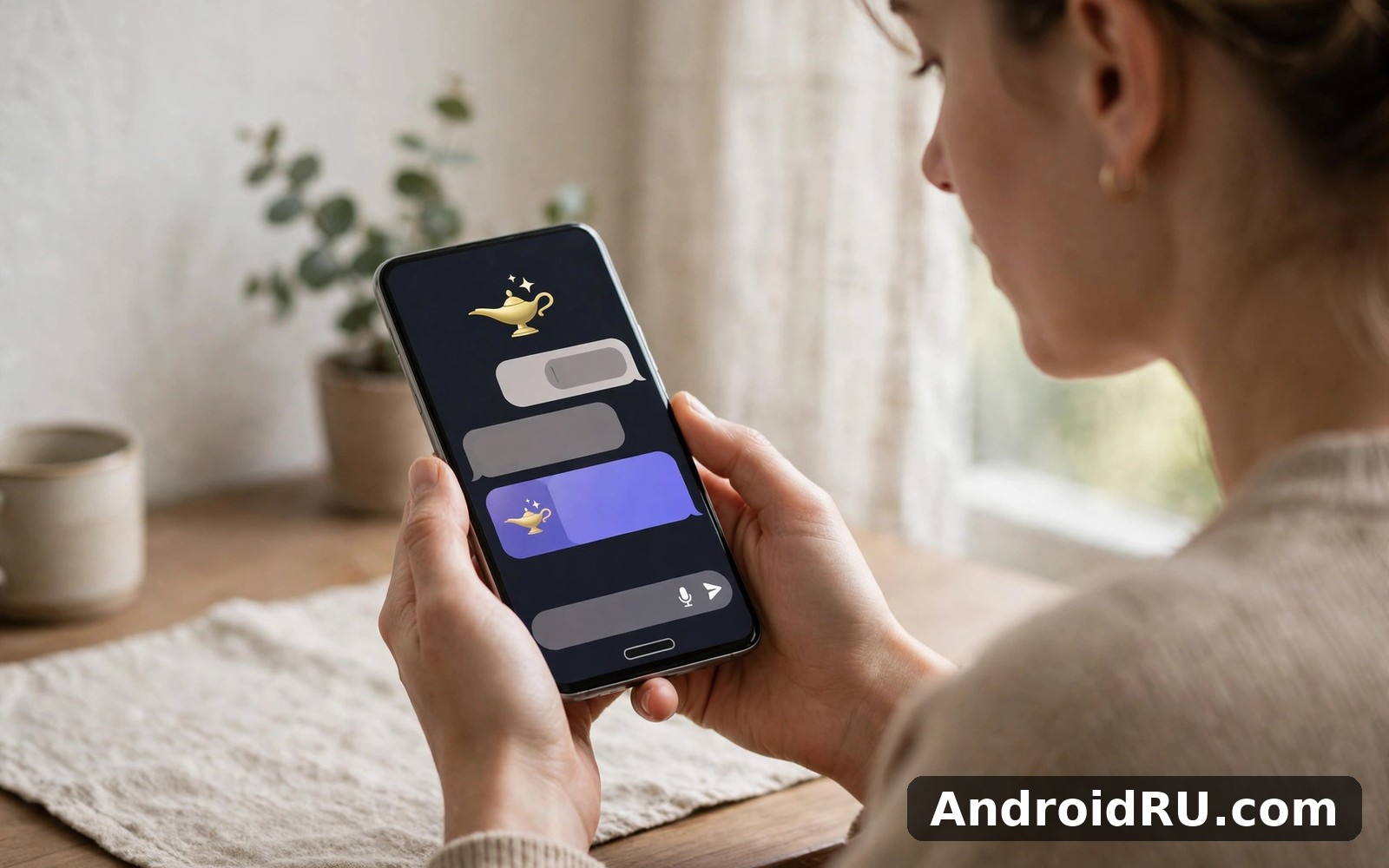
Download APK Chatbot AI Assistant Genie Latest Features, Startup Experience & Review
I met Genie while trying to explain a technical topic to a friend. The app gave me a simple analogy in seconds, my friend finally understood, and I looked far smarter than I felt. That small moment is a good summary of what this app is for: not grand research projects or long documents, but quick, plain-language help in the middle of an ordinary day.
This guide looks at the app in everyday terms rather than in marketing language. You will learn what it does, how the first run feels, what the latest features change, and how it stacks up against the other chatbot apps people actually compare it with. The focus stays on real use: the quality of the answers, the way follow-up questions work, and the moments where you should double-check what it tells you.
If you ask questions all day, brainstorm ideas for work or study, or want a patient explainer for topics you never quite got around to learning, this review is written for you. If you need a specialist writing tool, a coding partner, or a character role-play app, you will also learn here whether Genie fits or whether one of its rivals is the better pick.
What Chatbot AI Assistant Genie actually is
Genie is an AI chatbot assistant for Android, built around a single conversation window. You type a question the way you would ask a helpful colleague, and the reply comes back in plain language, usually without jargon. There is no maze of menus to learn before the first useful answer, and that is a deliberate choice: the conversation is the product, and everything else sits quietly around it.
The app handles four everyday jobs. It chats, so you can ask a question and get an answer. It explains, so a dense topic can be broken into smaller parts or restated more simply. It brainstorms, so a vague idea can turn into a list of angles to explore. And it remembers the thread of a conversation, so a follow-up question like “and what about the second one” still makes sense without you repeating the whole context. None of these jobs is exotic on its own, but together they cover most of what people actually ask a chatbot to do in a day.
It suits curious people who ask questions all day long. Workers use it to draft a message or untangle a work problem, students use it to re-explain a lesson in simpler words, and hobbyists use it to plan a project or learn a new skill in small bites. If you enjoy learning in short sessions rather than long study blocks, the format fits well, because a two-minute chat often replaces a twenty-minute web search.
How a chat with Genie differs from a web search
A search gives you ten links and leaves the reading to you. A chat with Genie gives you one answer, shaped to the question you actually asked, and lets you push back: “make it shorter”, “explain it like I am twelve”, “give me three more examples”. That back-and-forth is the real difference, and it is also the reason you should treat the answers as a starting point rather than a final authority. A search shows you sources; a chatbot shows you confidence, and confidence in tone does not guarantee accuracy in fact.
The startup experience: first run and first settings
My first run took only a few minutes, because I ignored every optional screen and went straight to the chat box. The app still worked fine with the defaults in place, and later I changed one setting at a time and watched what changed. That order matters: finish one small task first, and the rest of the app feels far less mysterious afterwards.
The opening screens ask for the basics and little else, and the chat window appears quickly. There is no long account setup standing between you and the first question, which is exactly how a first run should feel. A good first prompt is a real question you care about, not a test phrase, because a real question shows you the app’s style, its depth, and its limits all at once.
The first five minutes, step by step
- Open the app and move past the welcome screens without changing anything you do not understand yet.
- Type a question you genuinely want answered, in your own words, and read the whole reply before you judge it.
- Ask one follow-up question that builds on the answer, such as asking for a simpler version or a concrete example.
- Try a second kind of task, like asking for five ideas for a project or a plan for a small piece of work.
- Open the settings screen once, read the options slowly, and change only the one that matches how you actually use the app.
After those five minutes you will know more about Genie than any feature list can tell you. You will know whether the answers feel useful, whether the tone suits you, and whether the follow-ups hold together. If the style clicks, keep going. If it feels shallow on your topic, that is useful information too, and it is better to learn it on day one than on day thirty.
A first prompt that shows what Genie can do
Ask it to explain something you partly understand, then ask it to explain the same thing in half the words, then ask for an example from everyday life. That chain of three prompts tests explanation, brevity and examples in one go, and it mirrors how you will actually use the app. If all three answers feel solid, the app will serve you well. If the third answer starts to wobble, you have found its edge early.
Settings worth changing on day one
Most settings sit on one screen, which makes a review easy. The ones worth your attention are answer length, the look and feel of the chat, and anything about saved chats or history. A shorter default answer suits quick questions between tasks, while a longer one suits study sessions where you want the detail. Change one setting at a time and test the result before you change another, because that method makes it easy to undo a change you do not like. Keep a note of the settings that work well for you, since an update can occasionally move things around.
Chatting, explaining and brainstorming in practice
Daily use settled into quick questions between tasks, and that rhythm is where Genie earns its place. A two-minute chat often replaced a twenty-minute search, and the time saving is the quiet benefit nobody advertises. The app handled follow-up questions gracefully in my testing, keeping the thread of the conversation without confusion, which makes longer chats feel coherent rather than like a series of disconnected guesses.
The explanations are the strongest part of the experience. Ask for a topic to be broken down, and you get parts you can follow one at a time. Ask for a simpler version when the first answer feels dense, and the second attempt usually lands better. That control over complexity is genuinely useful, especially for students and for anyone learning a topic outside their own field.
Follow-up questions and conversation memory
The thread memory is what separates a chatbot from a search box. You can ask a question, get an answer, and then say “what about the cheaper option” or “give me the second idea in more detail” without restating the whole conversation. In practice follow-up questions that build on earlier answers work well for short and medium chats, though very long threads can drift, and starting a fresh chat for a new topic keeps the answers sharper. I made a habit of starting a new chat whenever the subject changed, and the quality of the replies stayed noticeably higher.
Brainstorming when you are stuck
Brainstorming is where Genie is most fun and most useful at the same time. A stuck project usually needs fresh directions more than perfect wording, and the app is good at offering options: five angles for an essay, ten names for a small business, three ways to structure a presentation. The ideas are rarely perfect, but they are rarely useless either, and picking the best two out of ten is a fast way out of a blank page. The trick is to treat the list as raw material, not as a finished plan, and to add your own judgement before anything goes into real work.
When to double-check an answer
Check every answer before it matters. Dates, prices, medical details, legal facts, and anything you will hand to a teacher or a client deserve a second look against a reliable source, because AI assistants can state a wrong detail with total confidence. A quick habit helps: if the answer will leave your phone and reach another person, verify the key facts first. If it is a rough idea or a first draft, a lighter check is enough.
Latest features in the Genie chat window
The recent changes to Genie are practical ones, centred on the chat itself rather than on new screens. The conversation view is cleaner, with readable text that stays legible at small sizes, and the history is easier to return to, so a chat from yesterday picks up where it stopped without any fuss. That continuity makes short sessions feel productive rather than fragmented, which matters for an app you open in two-minute gaps.
Another welcome change is how the app handles longer answers. Replies are structured more clearly, with short sections you can scan instead of one solid block of text, and it is easier to ask for a shorter or simpler version of the same answer. The app also copes better with a missed day: nothing is reset harshly, and you return to the same chats and the same settings. Forgiving design keeps habits alive through real life, and this app understands that.
That said, the depth is still hidden behind the simple surface. Some options only reveal themselves after a week of use, and a new user could easily miss them. A slow exploration, one new corner per week, works better than a single long tour on day one.
Genie vs Grok vs ChatOn vs Polybuzz: a fair comparison
No chatbot app lives alone on a phone, and the honest way to choose is to compare the ones people actually weigh against each other. Grok is the sharp, fast-talking rival with a strong personality and live information strengths. ChatOn AI Chat Bot Assistant is the polished all-rounder, built to cover writing, chat and everyday assistance in one place. Polybuzz Chat with AI Friends takes a different road entirely, built around chatting with AI characters rather than getting straight answers to questions.
Genie sits between them: calmer and simpler than Grok, less broad than ChatOn, and far more focused on answers than Polybuzz. That middle position is either its strength or its weakness, depending on what you want. If you want one friendly window for questions and ideas, Genie fits. If you want personality and edge, Grok pulls ahead. If you want the widest toolset, ChatOn has more to offer. If you want company and character chat, Polybuzz is the only one of the four built for that.
| What you compare | Chatbot AI Assistant Genie | Grok | ChatOn | Polybuzz |
|---|---|---|---|---|
| Main job | Questions, explanations and brainstorming | Fast answers with a strong personality | Writing, chat and everyday assistance | Chatting with AI characters |
| First-run feel | Quick, minimal setup, chat in minutes | Quick, but the tone takes getting used to | Polished, more options to learn | Fun at once, built around choosing a character |
| Follow-up questions | Good thread memory in one chat | Strong, keeps context well | Good, with writing tools alongside | Built for long role-play threads |
| Best for | Everyday explanations and ideas | Current topics and bold takes | All-round writing and assistance | Character chat and entertainment |
| Watch out for | Simple surface hides some depth | Style can overwhelm a plain question | Breadth can feel busy at first | Not built for factual answers |
| Who should pick it | Curious general users and students | People who like a sharper voice | People who want many tools in one app | People who want AI company, not answers |
The table makes the choice simpler than a feature list ever could. There is no single winner here, because the four apps aim at different moods. Genie wins on calm simplicity, Grok wins on personality and speed, ChatOn wins on breadth, and Polybuzz wins on character chat. Pick the one that matches the job you do most often, and keep a second one installed for the days when the job changes.
Pros, cons and who Genie suits best
After longer use, my opinion of Genie moved in a positive direction. Features I ignored at first became useful once I understood the rhythm, and the app rewards patience more than most of its rivals do. By the second week I had a clear sense of what it does best, and I used it for that job and ignored the rest without guilt. Focused use beats trying to master everything at once.
What works well
- Plain-language explanations with follow-up control make it easy to ask for a simpler version, a shorter version, or a concrete example when the first answer feels dense.
- Conversation memory keeps follow-up questions coherent, so longer chats feel like one discussion rather than a string of separate guesses.
- Brainstorming turns a vague idea into a list of angles quickly, which is genuinely useful when a project feels stuck.
- The startup experience is fast and forgiving, with a chat window in minutes and settings you can adjust one at a time.
Where it falls short
- Answers should be checked before they matter for work or study, because a confident tone does not guarantee accuracy in fact.
- Some depth hides behind the simple surface, so new users can miss useful options until they have used the app for a week or more.
- It is a general assistant, not a specialist, so heavy writing, coding, or research work will eventually need a more focused tool.
Who Genie is for
Genie fits curious general users, students who want topics re-explained in simpler words, and workers who need quick drafts, ideas, or a second opinion between tasks. It also fits anyone who likes a calm, plain chat window without a wall of extra tools. Friends who tried it after my recommendation found the same easy start, and nobody asked me for a tutorial, which tells you more than a feature list can.
Who should look elsewhere
If you want long character role-play, Polybuzz is built for that in a way Genie is not. If you want the widest set of writing and productivity tools, ChatOn covers more ground. And if you need answers you can rely on without checking, no general chatbot is the right tool yet, so treat any of them as a starting point and verify the facts that matter.
Frequently asked questions about Chatbot AI Assistant Genie
Is Genie free to use, or does it need a paid plan?
The core chat works without paying, and that is enough for everyday questions, explanations and brainstorming. Some apps in this category offer extra features or higher limits on a paid plan, so check the current plan details on the app’s official listing before you decide whether you need more than the free tier. If your use is a few short chats a day, the free experience is likely to cover it.
Does Genie remember my earlier chats?
Yes, within limits. It keeps the thread of a conversation so follow-up questions make sense, and your recent chats stay available to return to. Very long threads can drift over time, so starting a fresh chat for a new topic keeps the answers sharper. Check the app’s history and privacy settings if you want to manage what is kept.
Can I trust Genie’s answers for school or work?
Trust them as a first draft, not as a final source. Genie is good at explaining ideas and structuring a piece of work, but facts, dates, figures and quotations should be checked against a reliable source before you submit or share them. That rule applies to every general chatbot, not just this one, and it is the habit that keeps an AI assistant useful instead of risky.
How is Genie different from ChatOn and Grok?
Genie is the calmer, simpler option of the three, built around one friendly chat window for questions and ideas. ChatOn covers a broader set of writing and assistance tools in one app, while Grok brings a sharper personality and a stronger focus on current topics. If you want plain answers with the least fuss, Genie fits. If you want breadth or edge, the other two have more to offer in those directions.
A fair verdict by use case
For everyday questions and ideas, Genie is fast, friendly and easy to live with, and it earned a permanent spot in my daily toolkit. For students who need a patient explainer, it is one of the simplest options to pick up and keep using. For writers and workers who need a brainstorming partner between tasks, it is a solid second brain for rough ideas, as long as the final wording stays yours.
Try it with a question you actually care about. A real question reveals more than any demo ever could, and if the style clicks, you have a useful new habit. When you are ready you can find Click here to download the Chatbot AI Assistant Genie app and check the details there before you install.
If you want to try a similar tool, Click here to download the Grok app. You can also Click here to download the ChatOn AI Chat Bot Assistant app when you are ready to compare it with this one.
The lasting impression after a month with Genie is a modest one, and that is a compliment. It does not try to be everything, it does not demand a long setup, and it does not punish a missed day. It waits quietly, answers plainly, and helps you think. For a tool you open in the gaps of a busy day, that is exactly the right shape.

